Java File Viewer 電腦版
vaibhav singhal
用GameLoop模拟器在電腦上玩Java File Viewer
Java File Viewer 電腦版
來自發行商 vaibhav singhal 的 Java File Viewer 能夠在安卓系統上運行。
現在,您可以在電腦上使用 GameLoop 模擬器流暢地玩 Java File Viewer。
在 GameLoop 遊戲庫或搜索結果中下載。 不需要再暢玩遊戲時盯著電池電量或被令人懊惱的來電打斷。
只需在電腦大屏幕上免費下載暢玩Java File Viewer 電腦版!
Java File Viewer 簡介
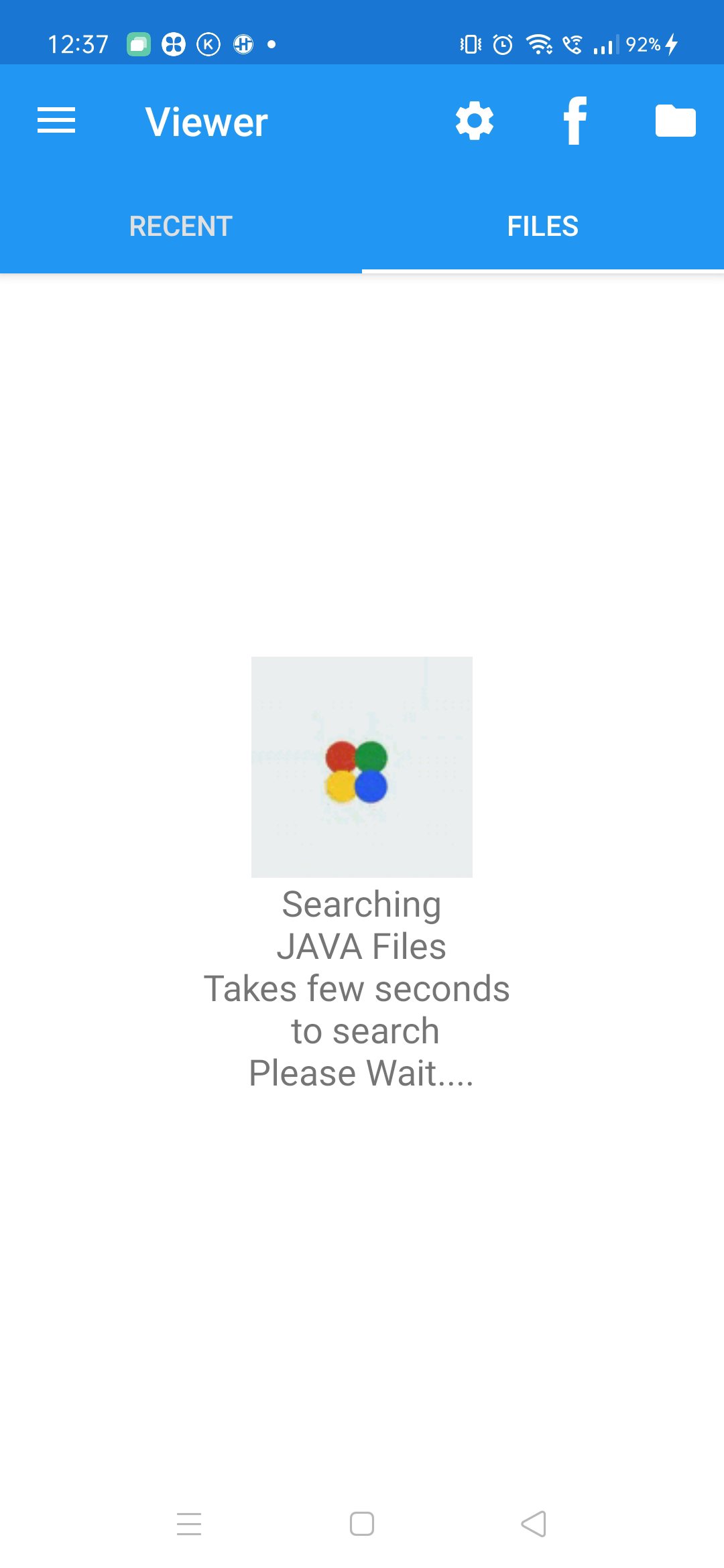
Show/Hide line number, change background of Java files. Preview Java files in Dark/Light theme.
Any one can easily convert preview Java files into mobile device & convert to PNG/JPG/WEBP & PDF format.
It is very easy to install and user friendly. In mobile device with android version 10 & lower app automatically search & list files of desired file extension from mobile device.
In mobile device with Android 11 & above use the add files button to select Java file.
User can open Converted PDF Java files directly from Application.
User can also share converted PNG/WEBP/JPG & PDF document through email, save to google drive & through other ways.
Languages supported by application:
English
Korean
預覽

標籤
效率提升訊息
開發商
vaibhav singhal
最新版本
12.9
更新時間
2025-02-24
類別
效率提升
同時可用
Google Play
更多
如何在電腦上用 GameLoop 玩 Java File Viewer
1. 從官網下載GameLoop,然後運行exe文件安裝GameLoop
2. 打開GameLoop,搜索“Java File Viewer”,在搜索結果中找到Java File Viewer,點擊“安裝”
3. 享受在 GameLoop 上玩 Java File Viewer 的樂趣
Minimum requirements
OS
Windows 8.1 64-bit or Windows 10 64-bit
GPU
GTX 1050
CPU
i3-8300
Memory
8GB RAM
Storage
1GB available space
Recommended requirements
OS
Windows 8.1 64-bit or Windows 10 64-bit
GPU
GTX 1050
CPU
i3-9320
Memory
16GB RAM
Storage
1GB available space