
ID Card Scanner : ID Scanner 電腦版
Zeehik IT Zon
用GameLoop模拟器在電腦上玩ID Card Scanner : ID Scanner
ID Card Scanner : ID Scanner 電腦版
來自發行商 Zeehik IT Zon 的 ID Card Scanner : ID Scanner 能夠在安卓系統上運行。
現在,您可以在電腦上使用 GameLoop 模擬器流暢地玩 ID Card Scanner : ID Scanner。
在 GameLoop 遊戲庫或搜索結果中下載。 不需要再暢玩遊戲時盯著電池電量或被令人懊惱的來電打斷。
只需在電腦大屏幕上免費下載暢玩ID Card Scanner : ID Scanner 電腦版!
ID Card Scanner : ID Scanner 簡介
ID Card Scanner App – Passport Scanner & PDF Scanner
Turn your smartphone into a high-performance ID scanner, license scanner, and PDF converter with the all-in-one ID Card Scanner App – Passport Scanner & PDF Scanner. This powerful app helps you scan ID cards, driver’s licenses, passports, business cards, documents, and convert images to PDF or text quickly and easily.
Whether you need to scan and save ID cards, perform age verification with a bar ID scanner, or digitize contacts using a business card scanner like SamCard, this app gives you a full suite of tools to manage your documents right from your pocket. With just one tap, scan, enhance, convert, and store your important documents securely in PDF or JPEG format.
🔍 All-in-One ID Scanner & PDF Tool
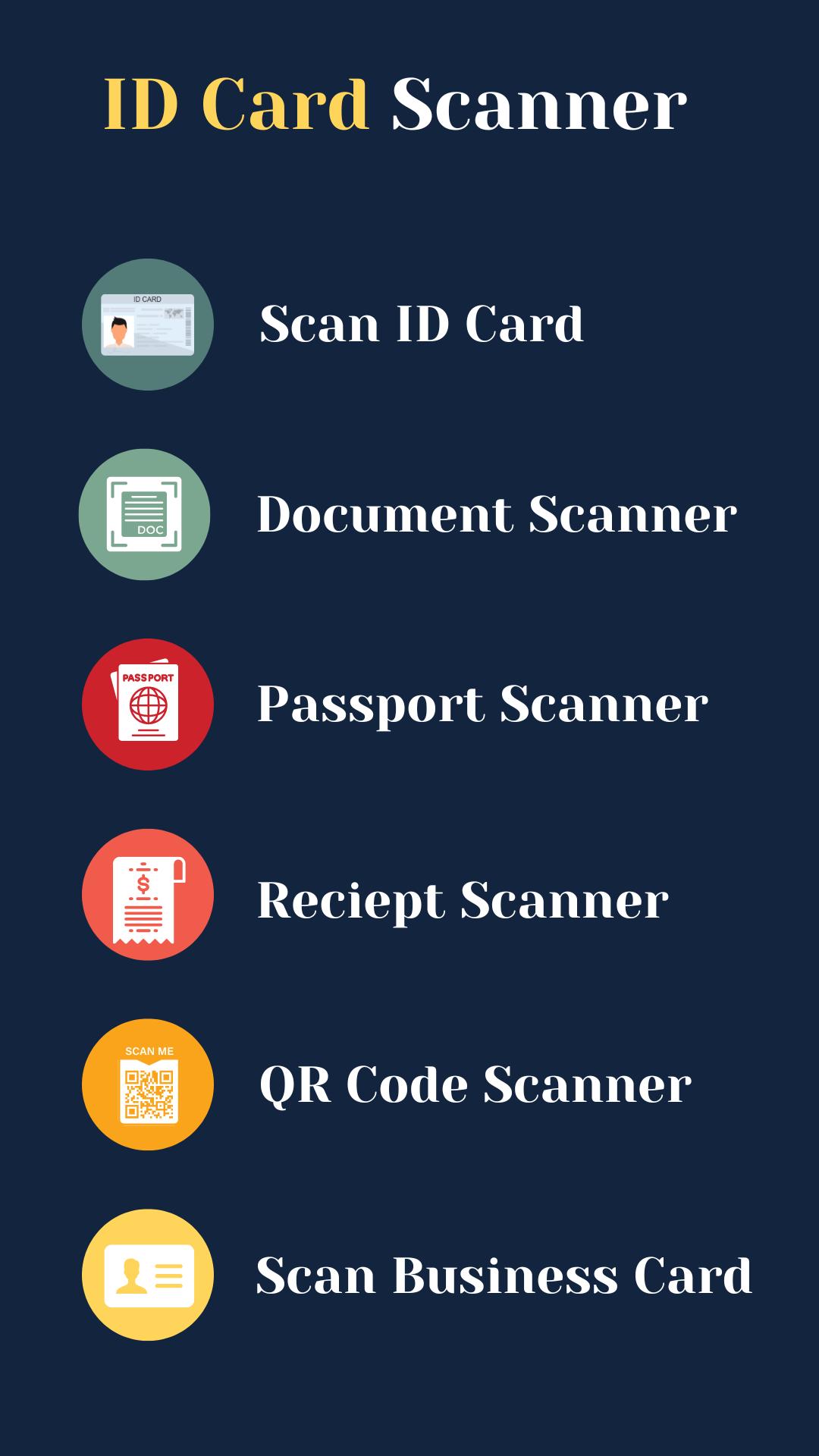
The ID card scanner app is designed to provide fast and accurate scanning of a variety of identity and business documents. Use the app as a:
Drivers license scanner
License scanner for ID verification
Scan ID app to manage and store identity records
Business card scanner to digitize contacts quickly
Passport scanner for travel and record-keeping
Image to text converter for fast OCR scanning
ID scanner PDF tool to convert scanned images into high-quality PDF files
ID barcode scanner for fast barcode and QR code detection
📲 Easy Document Scanning and Management
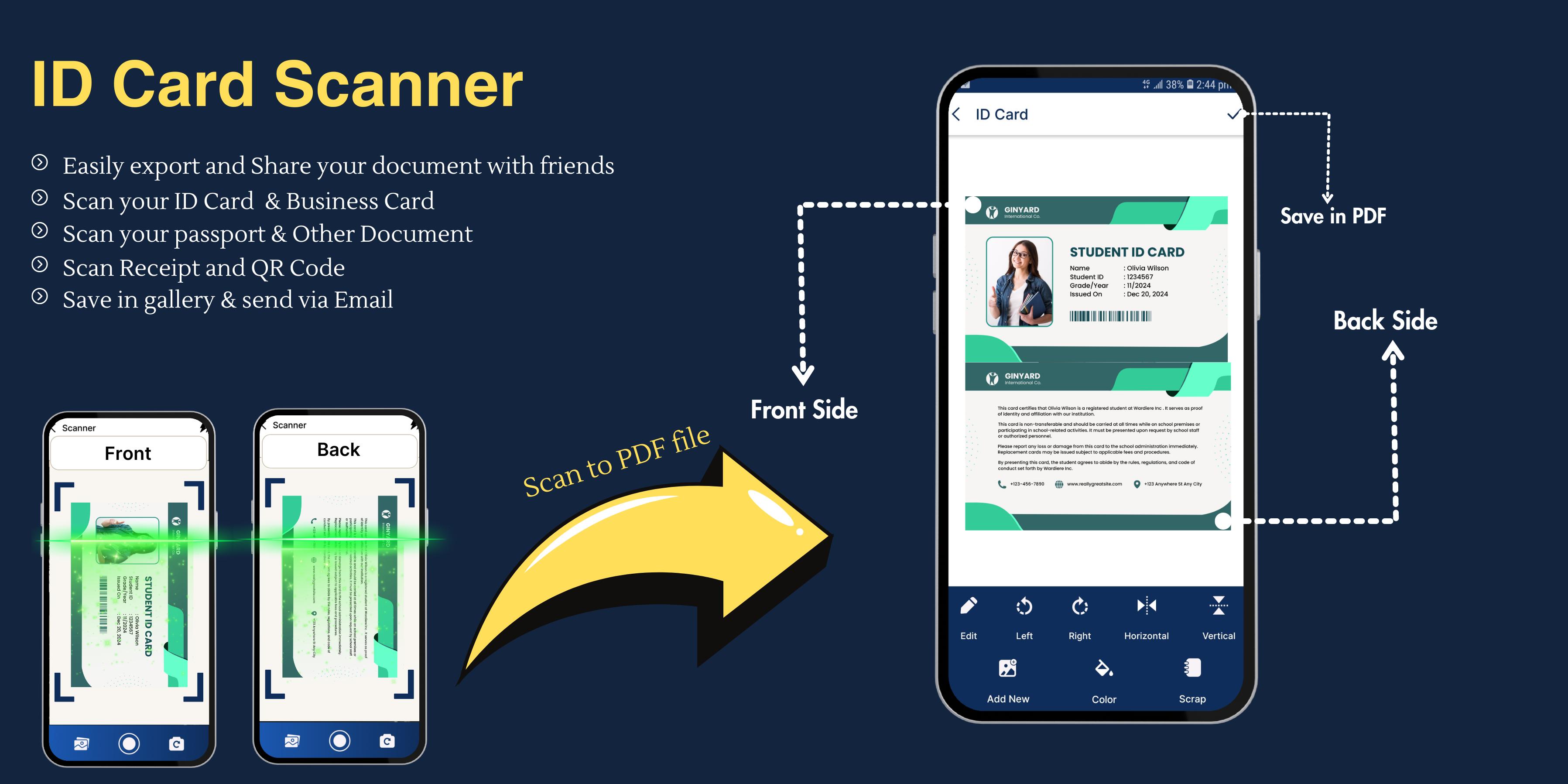
Using your phone’s camera, the ID Scanner App captures sharp images of your documents, IDs, passports, and business cards. With intelligent cropping and image correction features, every scan comes out clean, clear, and professional. You can choose between PDF or JPEG format, and even enable password protection for sensitive files.
The app also functions as a ScanID tool to scan and store visitor or employee ID cards, making it ideal for businesses, events, and institutions. With built-in OCR (Optical Character Recognition), the Image to Text Converter lets you extract editable text from your scans for easy editing, searching, and sharing.
✨ Top Features of ID Card Scanner & Passport Scanner
📄 Scan to PDF: Convert documents, business cards, IDs, and licenses into professional PDFs
🔎 OCR – Image to Text Converter: Extract text from images for editing and copying
🔒 Secure Storage: Protect your PDF documents with passwords
⚙️ Auto Crop & Enhance: Automatic image correction for better readability
🗂️ Smart File Management: Organize, search, and share your scans easily
🆓 ID Scanner Free: Enjoy powerful scanning features with no cost and no watermarks
📷 Multi-Page Scanning: Scan multiple pages into one PDF
🔗 Share Instantly: Share scanned files via email, messaging, or cloud storage
🛠️ Use Cases
Use the license scanner to digitize and manage your driver’s licenses.
Perform age checks at clubs, events, or bars with the bar ID scanner.
Digitize passports for secure travel record storage with the passport scanner.
Scan and convert text from ID cards, receipts, notes, or printed documents using the image to text converter.
Instantly save and organize business contacts with the business card scanner, similar to SamCard.
Scan barcodes and QR codes with the ID barcode scanner for quick data access.
Keep all your identity-related records in one place with the ID scanner app.
📁 Supported Document Types
The ID Card Scanner App – PDF Scanner can scan and manage a wide variety of documents, including:
Driver licenses
National ID cards
Passports
Business cards
Student ID cards
Certificates
Invoices & receipts
Bills and notes
Text documents
Barcodes and QR codes
Simply open the app, choose your scan type, use the camera to capture the image, and let the app do the rest.
📦 Download Now: Scanning Smarter
Download the ID Card Scanner App – Passport Scanner & scan id today and take advantage of the fastest, easiest, and most reliable way to scan IDs, convert to PDF, and digitize documents on Android.
預覽
標籤
效率提升訊息
開發商
Zeehik IT Zon
最新版本
1.3.3
更新時間
2025-09-23
類別
效率提升
同時可用
Google Play
更多
如何在電腦上用 GameLoop 玩 ID Card Scanner : ID Scanner
1. 從官網下載GameLoop,然後運行exe文件安裝GameLoop
2. 打開GameLoop,搜索“ID Card Scanner : ID Scanner”,在搜索結果中找到ID Card Scanner : ID Scanner,點擊“安裝”
3. 享受在 GameLoop 上玩 ID Card Scanner : ID Scanner 的樂趣
Minimum requirements
OS
Windows 8.1 64-bit or Windows 10 64-bit
GPU
GTX 1050
CPU
i3-8300
Memory
8GB RAM
Storage
1GB available space
Recommended requirements
OS
Windows 8.1 64-bit or Windows 10 64-bit
GPU
GTX 1050
CPU
i3-9320
Memory
16GB RAM
Storage
1GB available space