
Farsi keyboard: Persian Typing 電腦版
mydroid
用GameLoop模拟器在電腦上玩Farsi keyboard: Persian Typing
Farsi keyboard: Persian Typing 電腦版
來自發行商 mydroid 的 Farsi keyboard: Persian Typing 能夠在安卓系統上運行。
現在,您可以在電腦上使用 GameLoop 模擬器流暢地玩 Farsi keyboard: Persian Typing。
在 GameLoop 遊戲庫或搜索結果中下載。 不需要再暢玩遊戲時盯著電池電量或被令人懊惱的來電打斷。
只需在電腦大屏幕上免費下載暢玩Farsi keyboard: Persian Typing 電腦版!
Farsi keyboard: Persian Typing 簡介
Are you looking for an easy way to enjoy a smooth Persian typing keyboard on your phone?
Type comfortably with Farsi Keyboard, a smart Farsi keyboard app designed for smooth and effortless Persian typing. farsi keyboard app seamlessly combines an easy-to-use Farsi and English keyboard, instant translation, voice input, colorful themes, smart typing, and quotes features in one place. Whether you are looking for a reliable Farsi keyboard for Android or want to switch languages instantly with one tap, Farsi keyboard app makes your everyday communication simple, comfortable, and stylish.
Here are some key features of the Farsi Keyboard app
Persian Typing Enjoy accurate Persian typing with full Persian character support.
Farsi & English Keyboard Switch languages instantly with one tap.
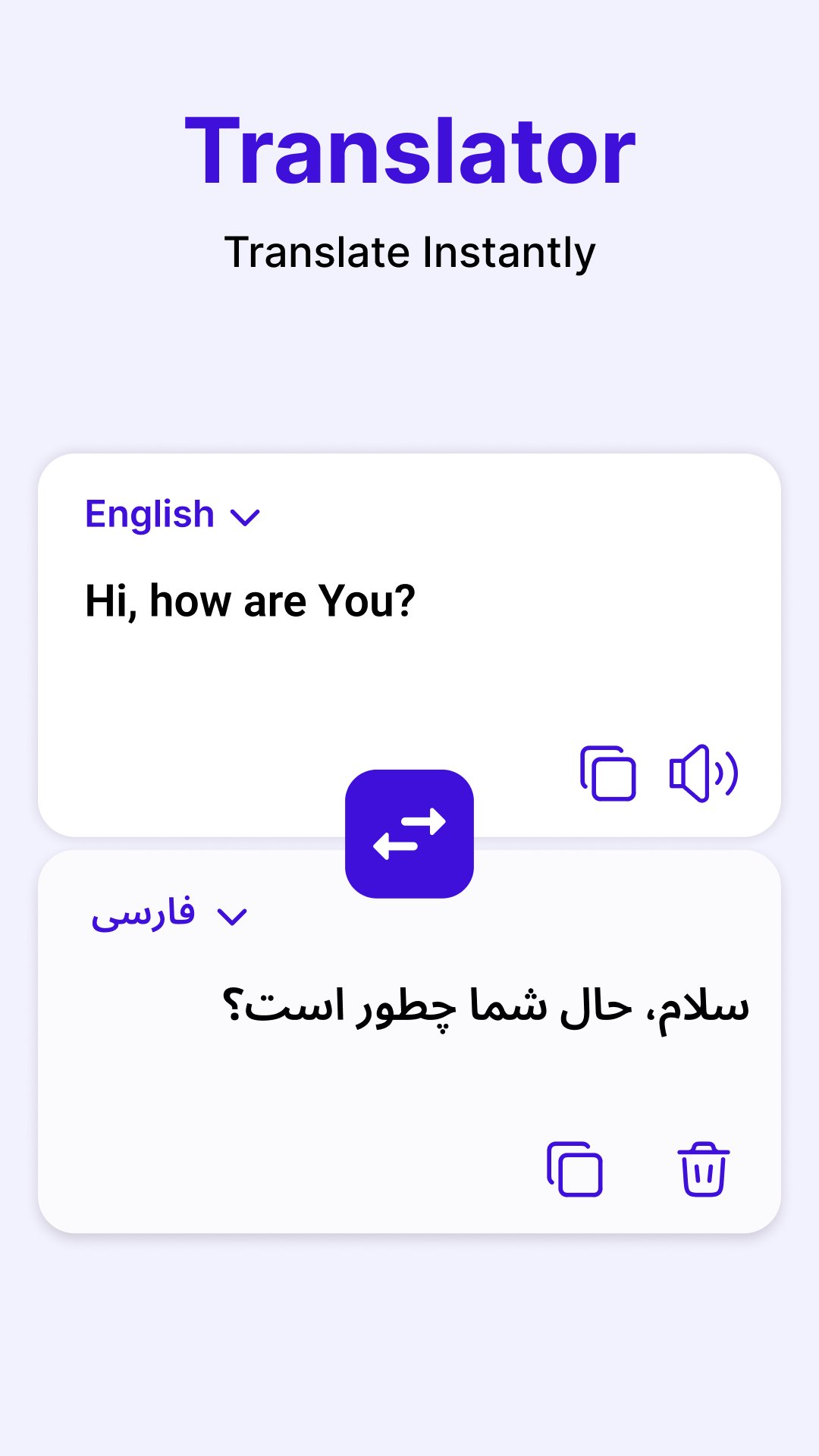
Translator Translate text using the Farsi to English translation keyboard.
Voice Typing Dictate messages with the Farsi voice keyboard and speech to text.
Themes & Wallpapers Personalize your color keyboard with stylish designs.
English to Persian Convert English text into Persian with transliteration with persian keyboard app.
Smart Typing Use auto-completion, auto-correct, and swipe typing.
Fun Emojis Express yourself with emojis on the Farsi keyboard app.
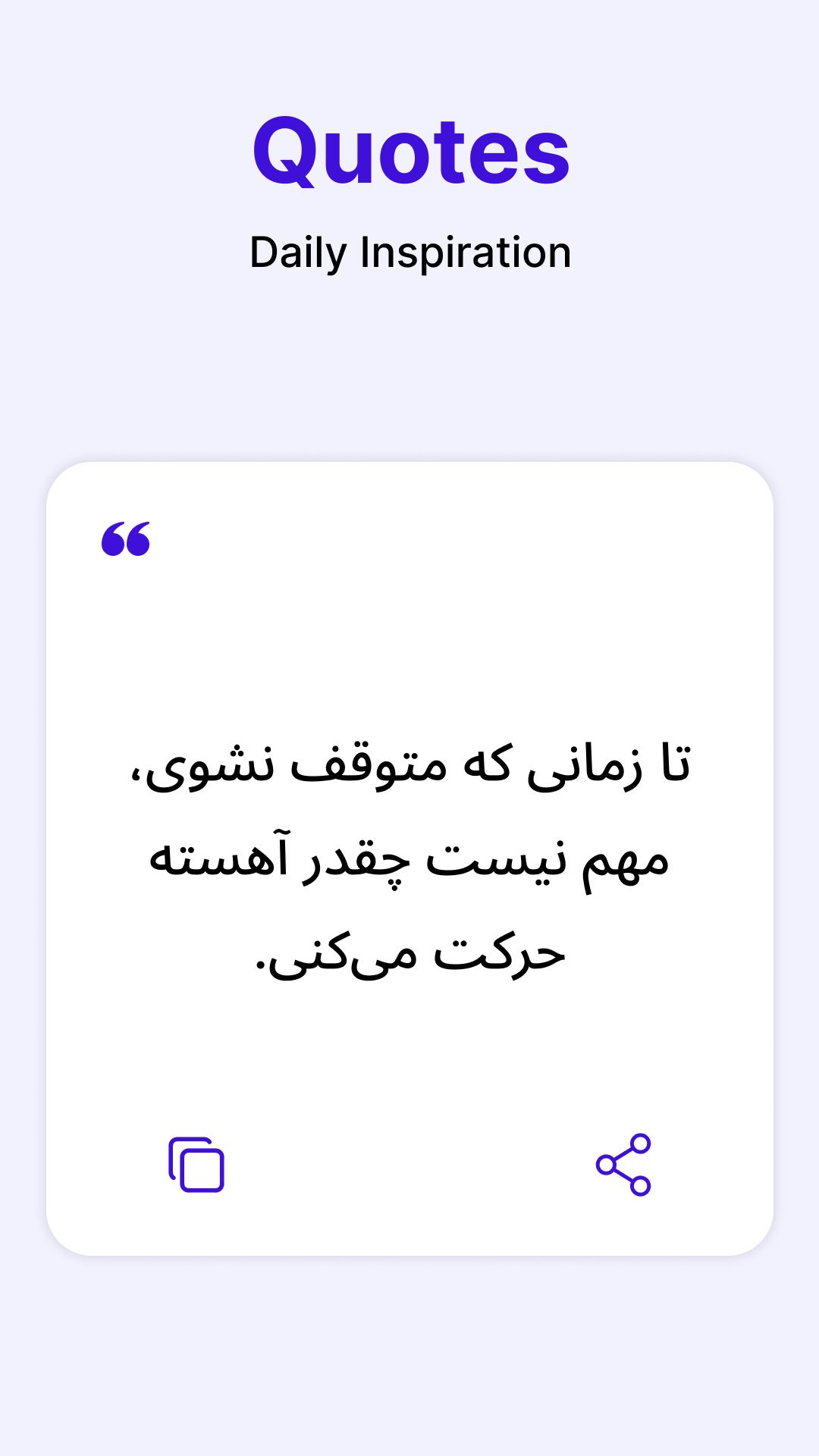
Quotes & Tutorial Read Persian quotes and learn farsi keyboard features with ease.
Comfortable Persian Typing
The Farsi keyboard provides a responsive Farsi keypad for messages, emails, notes, and social media.The Farsi type keyboard supports Persian letters, symbols, and punctuation, making everyday Persian typing smooth and natural.
Translate, Speak & Personalize
Use the Farsi to English translation keyboard to translate while typing, or dictate text with the Farsi voice keyboard and speech to text. Customize your color keyboard with themes, wallpapers, and fonts to match your style.
How to Use the Farsi Keyboard App
Open the Farsi Keyboard app.
Enable the keyboard in your phone settings.
Select Farsi Keyboard as your default keyboard.
Switch between the Farsi & English keyboard anytime.
Enjoy Persian typing, translation, voice input, and personalized themes.
預覽
標籤
效率提升訊息
開發商
mydroid
最新版本
1.4.6
更新時間
2026-10-07
類別
效率提升
同時可用
Google Play
更多
如何在電腦上用 GameLoop 玩 Farsi keyboard: Persian Typing
1. 從官網下載GameLoop,然後運行exe文件安裝GameLoop
2. 打開GameLoop,搜索“Farsi keyboard: Persian Typing”,在搜索結果中找到Farsi keyboard: Persian Typing,點擊“安裝”
3. 享受在 GameLoop 上玩 Farsi keyboard: Persian Typing 的樂趣
Minimum requirements
OS
Windows 8.1 64-bit or Windows 10 64-bit
GPU
GTX 1050
CPU
i3-8300
Memory
8GB RAM
Storage
1GB available space
Recommended requirements
OS
Windows 8.1 64-bit or Windows 10 64-bit
GPU
GTX 1050
CPU
i3-9320
Memory
16GB RAM
Storage
1GB available space