
Easy Sync & Share Calendar 電腦版
4Team Corporation
用GameLoop模拟器在電腦上玩Easy Sync & Share Calendar
Easy Sync & Share Calendar 電腦版
來自發行商 4Team Corporation 的 Easy Sync & Share Calendar 能夠在安卓系統上運行。
現在,您可以在電腦上使用 GameLoop 模擬器流暢地玩 Easy Sync & Share Calendar。
在 GameLoop 遊戲庫或搜索結果中下載。 不需要再暢玩遊戲時盯著電池電量或被令人懊惱的來電打斷。
只需在電腦大屏幕上免費下載暢玩Easy Sync & Share Calendar 電腦版!
Easy Sync & Share Calendar 簡介
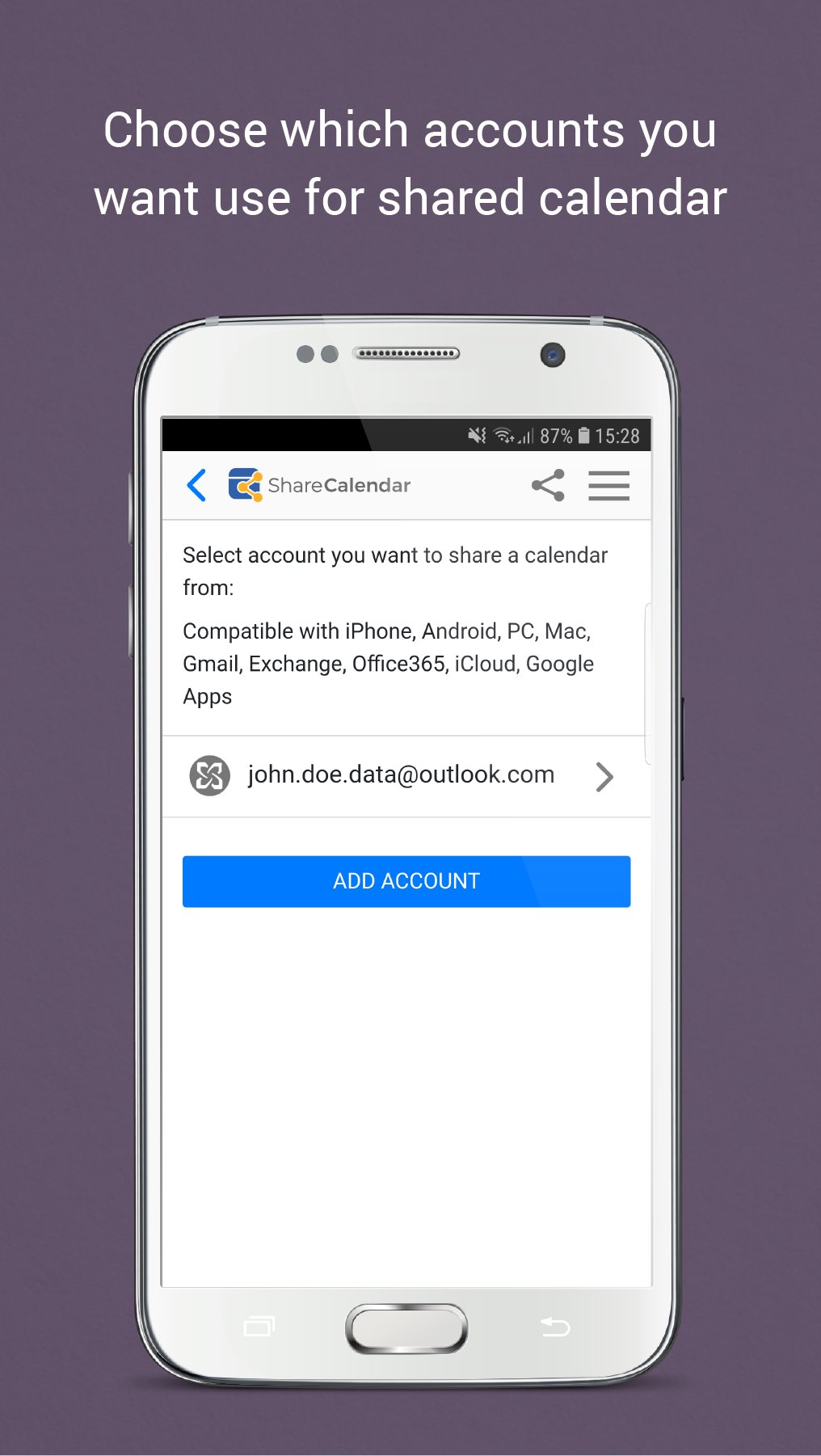
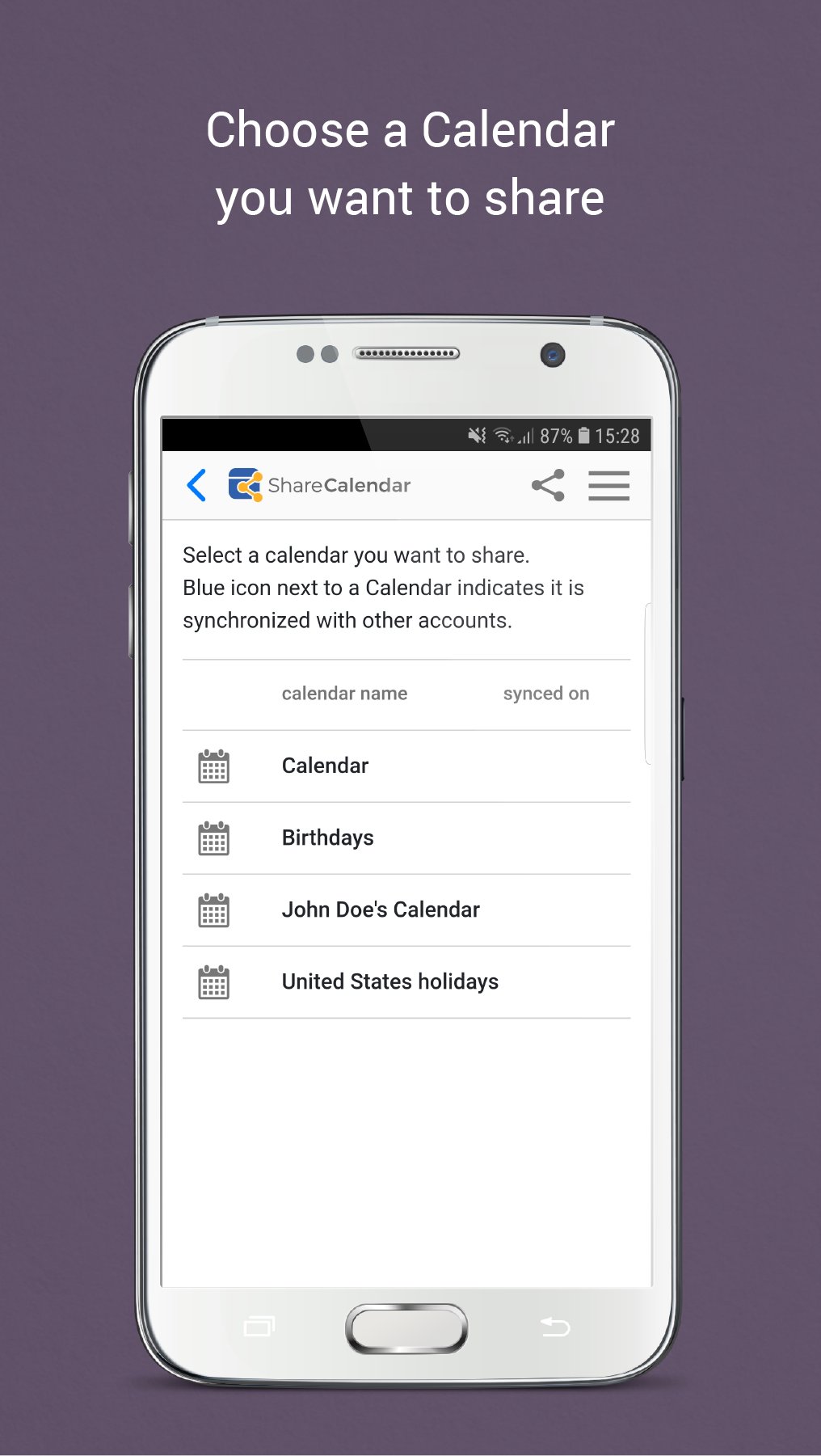
Only with Share Calendar you can share and edit calendar events with people on different platforms (Google, iCloud, Office 365, Microsoft and Outlook, or any other account supported by SyncGene service) and keep everyone in sync and organized. Share Calendar is a great app for shared family, business calendar and shifts, sharing diaries, meetings, events or create shared agenda.
SHARE YOUR CALENDAR WITH A PERSON ON ANY PLATFORM
• Share Calendar from Android or any other device or account to any source (E.g from Google to iCloud, from Google to Outlook, from Google to Microsoft Exchange, from Android to iPhone, etc.)
• No need to enter the same information on multiple devices or services
VIEW AND MANAGE THE ACCEPTED SHARED CALENDAR ON ANY SOURCE
• Accept the shared calendar on your Android device without signing up with another account (e.g. you can accept the shared Calendar in Google calendar if a person shared the Calendar from iCloud or any other account)
• See and manage the Calendars that other people have shared with you (view, edit, create new events, appointments, etc.)
• Accepting the calendar, only choose what account you want to use to view or manage the shared Calendar
SHARED CALENDAR SYNCHRONIZATION
• The Sharing functionality not only allows transferring the events, but it will also synchronize any changes (changes of the date/time, added or removed events, appointments, birthdays, etc.)
• Sync your web calendar apps, calendar accounts between devices automatically
CREATE A SHAREABLE PUBLIC LINK
• Send the link to others using any method you want, like messaging app or SMS
• The Shareable link gives “View only” rights to your Calendar
CONFIGURE PERMISSIONS FOR PEOPLE OF SHARED CALENDAR
• The Sharing Calendar functionality allows setting different sharing privileges for every person individually
• Prevent your private events from sharing with other people, e.g. when sharing your business calendar with a team
• Share calendar with “View only” and “Free/Busy only” rights using the Free version of app
• Upgrade to the Premium version to share calendar with “Owner”, “Edit” permissions
USE ONE CALENDAR ON MULTIPLE ACCOUNTS
• The Sharing Calendar functionality allows using your default Calendar and sharing it with anyone
• You do not need to create a separate calendar for sharing
Share Calendar for Android devices is great for one view calendar, to have hub calendar, great organizer for shared family calendar, shared team calendars, shared business calendar, shifts and more.
Privacy Policy: http://www.syncgene.com/privacy-policy
Safe, secure and reliable: all your data is backed up to your service and can be easily restored. We never keep your shared and synchronized information. Our app is hosted on the Microsoft Azure – the most trusted cloud service.
Our free 5 Star Live Chat and Email support will help you.
If you are not satisfied with the service, you can cancel your subscription at any time without commitment.
預覽
標籤
效率提升訊息
開發商
4Team Corporation
最新版本
1.10.5
更新時間
2025-08-08
類別
效率提升
同時可用
Google Play
更多
如何在電腦上用 GameLoop 玩 Easy Sync & Share Calendar
1. 從官網下載GameLoop,然後運行exe文件安裝GameLoop
2. 打開GameLoop,搜索“Easy Sync & Share Calendar”,在搜索結果中找到Easy Sync & Share Calendar,點擊“安裝”
3. 享受在 GameLoop 上玩 Easy Sync & Share Calendar 的樂趣
Minimum requirements
OS
Windows 8.1 64-bit or Windows 10 64-bit
GPU
GTX 1050
CPU
i3-8300
Memory
8GB RAM
Storage
1GB available space
Recommended requirements
OS
Windows 8.1 64-bit or Windows 10 64-bit
GPU
GTX 1050
CPU
i3-9320
Memory
16GB RAM
Storage
1GB available space