
Easy CAD Dimensions 電腦版
Hookshy
用GameLoop模拟器在電腦上玩Easy CAD Dimensions
Easy CAD Dimensions 電腦版
來自發行商 Hookshy 的 Easy CAD Dimensions 能夠在安卓系統上運行。
現在,您可以在電腦上使用 GameLoop 模擬器流暢地玩 Easy CAD Dimensions。
在 GameLoop 遊戲庫或搜索結果中下載。 不需要再暢玩遊戲時盯著電池電量或被令人懊惱的來電打斷。
只需在電腦大屏幕上免費下載暢玩Easy CAD Dimensions 電腦版!
Easy CAD Dimensions 簡介
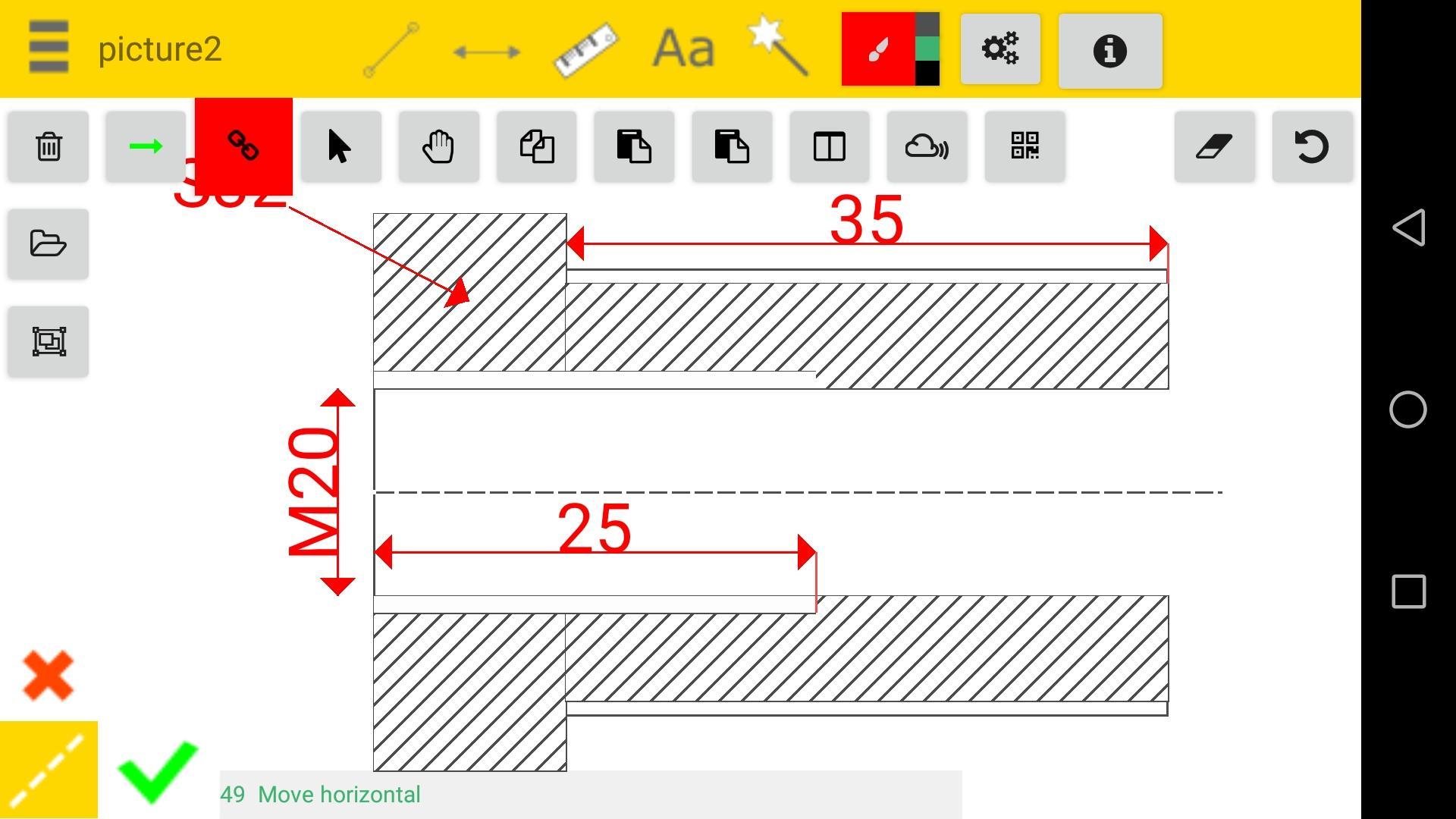
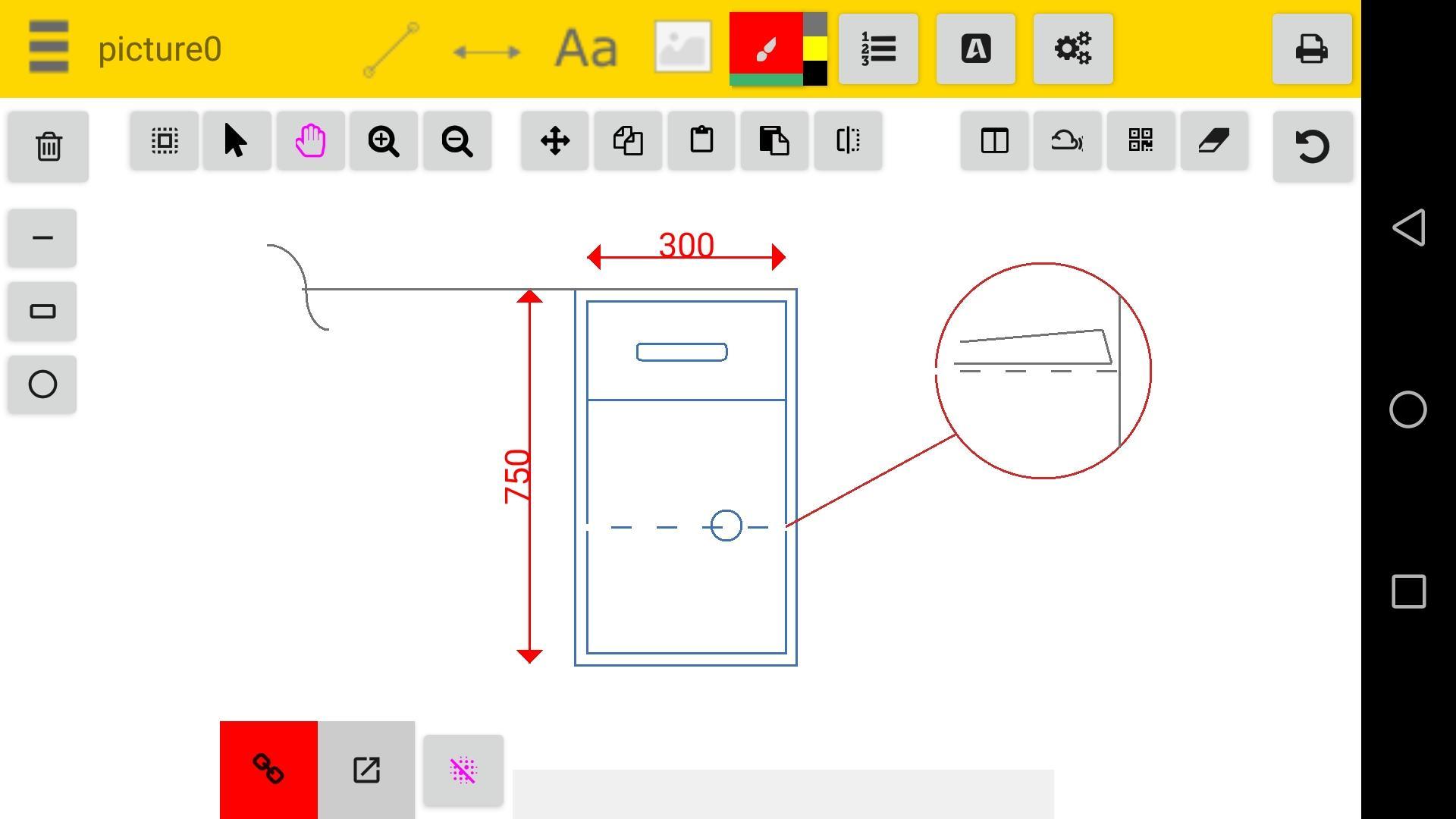
With this app you can take pictures and then add dimensions, and fasten the manufacture process, keep record of parts or machine dimension without keeping the original part.
App publish a jpg or pdf file and draws into it using canvas fuctions .
Designed for technicians, engineers and for those having problems sending explanatory to workers the app is an cad program that will help build nice revisions useful when a pc is not availlable. Use camera to add a picture objects on site.
Add annotations like linear dimensions , texts, ballons, or hashes.
Measure and calibrate objects
You have some tools that help you with the design:
- snap to points
- ortho
- copy and paste objects
-pan
-zoom
-stretch
- plot your work to pdf
You can edit or view your work offline , each sketch is saved on sd-card in the folder .
We constantly improve this product and we hope you have good experience over android market. If you have any problems running this app please email us and we will respond as soon as possible.
We recommend using this app when a pc is not available.
Thank you
Hookshy Team
預覽
標籤
效率提升訊息
開發商
Hookshy
最新版本
127 Dynamic Update
更新時間
2022-09-12
類別
效率提升
同時可用
Google Play
更多
如何在電腦上用 GameLoop 玩 Easy CAD Dimensions
1. 從官網下載GameLoop,然後運行exe文件安裝GameLoop
2. 打開GameLoop,搜索“Easy CAD Dimensions”,在搜索結果中找到Easy CAD Dimensions,點擊“安裝”
3. 享受在 GameLoop 上玩 Easy CAD Dimensions 的樂趣
Minimum requirements
OS
Windows 8.1 64-bit or Windows 10 64-bit
GPU
GTX 1050
CPU
i3-8300
Memory
8GB RAM
Storage
1GB available space
Recommended requirements
OS
Windows 8.1 64-bit or Windows 10 64-bit
GPU
GTX 1050
CPU
i3-9320
Memory
16GB RAM
Storage
1GB available space