Document Reader: Read All File 電腦版
Tools & Utilities Apps
用GameLoop模拟器在電腦上玩Document Reader: Read All File
Document Reader: Read All File 電腦版
來自發行商 Tools & Utilities Apps 的 Document Reader: Read All File 能夠在安卓系統上運行。
現在,您可以在電腦上使用 GameLoop 模擬器流暢地玩 Document Reader: Read All File。
在 GameLoop 遊戲庫或搜索結果中下載。 不需要再暢玩遊戲時盯著電池電量或被令人懊惱的來電打斷。
只需在電腦大屏幕上免費下載暢玩Document Reader: Read All File 電腦版!
Document Reader: Read All File 簡介
Unlock all your documents in one place with Document Reader: Read All File – your all-in-one file reader for managing and viewing Word docs, PDF files, Excel spreadsheets, PPT presentations, and TXT files. Whether you're handling office work, reviewing a PDF, or reading critical Word documents, this powerful document reader ensures smooth, quick access to every file type. View any PDF, scan through Excel data, read Word files, or open your PPT slides – everything is possible with one app.
Key Features:
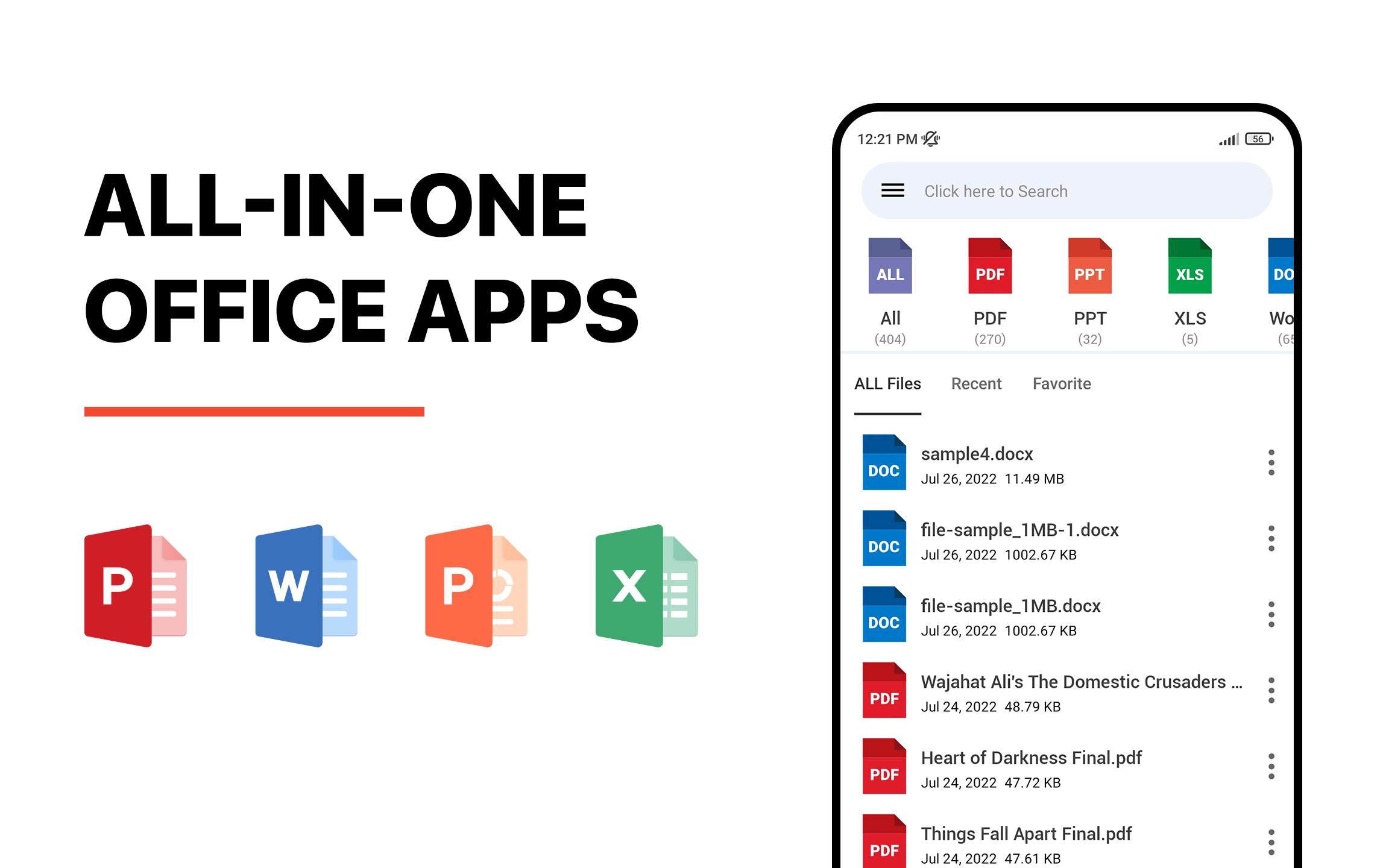
• Read All File Types: Easily access and view PDF files, Word documents, Excel sheets (XLS, XLSX), PPT slides, and TXT notes.
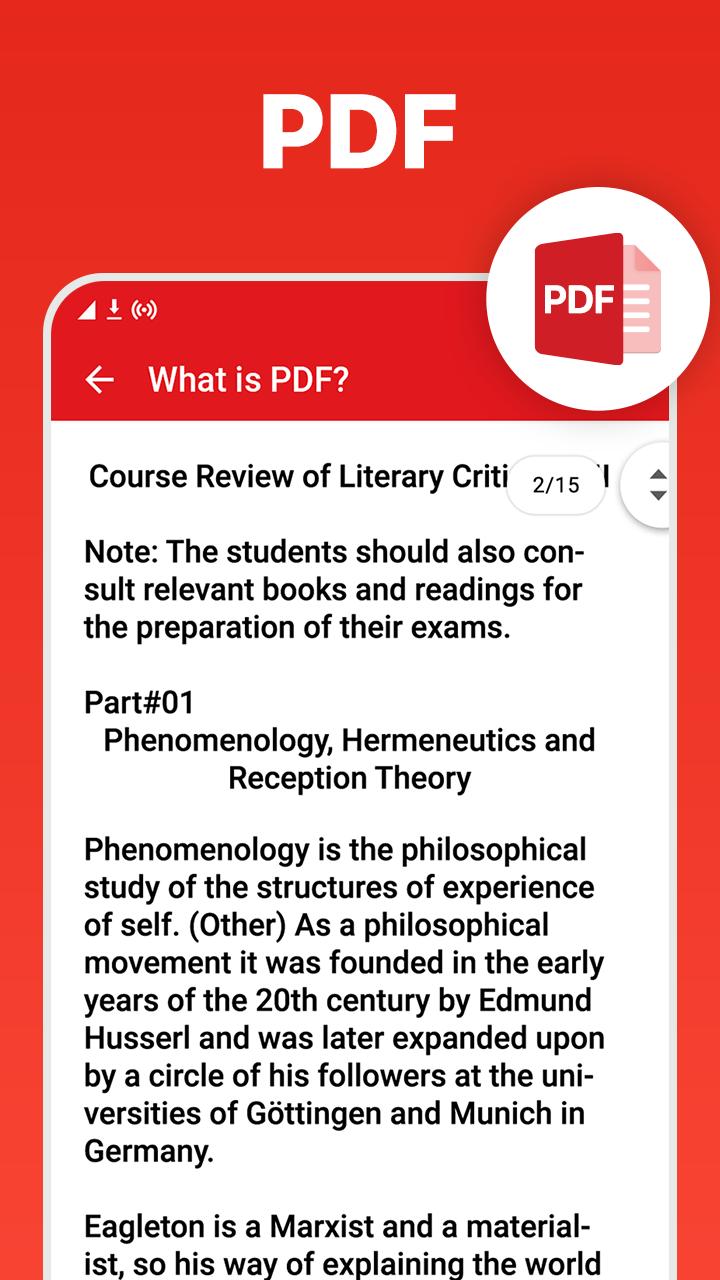
• PDF Reader & PDF Editor: Open any PDF file with our smooth PDF reader. Scroll, zoom, and view your PDF in vertical or horizontal layout. Use light PDF editor tools for basic edits. Handle every PDF easily.
• Word Docs Viewer: Seamlessly open DOC and DOCX files. View every Word document or docs file with clarity, no matter how complex. Ideal for all your important Word content.
• Excel Viewer: Open and analyze Excel spreadsheets. This XLSX viewer handles large and detailed Excel files, including financial reports and data-heavy sheets.
• PPT Slide Viewer: View your PPT presentations clearly. Great for slideshows, educational content, or business reports.
• TXT Reader: Instantly read TXT files. Ideal for plain notes, code, and essential text-based content.
• Office File Organizer: Access all office files from one app. Manage your Word docs, PDF files, Excel sheets, and PPT files without switching apps.
• Simple & Fast Interface: Clean, easy-to-use design for efficient file navigation and reading experience.
• Portable Document Viewer: View and read your documents anywhere, anytime – perfect for office, school, or on the go.
Whether you're working with a long Word doc, editing a simple PDF file, or scanning Excel spreadsheets, Document Reader: Read All File gives you fast, organized, and reliable access to all your essential files. No more switching between multiple apps—everything you need is in one place.
Why choose Document Reader: Read All File?
• All-in-one file reader for every format – Word, PDF, Excel, PPT, TXT
• Handles every Word file and supports all Word formats
• Advanced PDF viewer with editing features
• Reliable Excel file and spreadsheet viewer
• Easy PPT and TXT file access for professionals and students
• Great for managing important documents on the go
• Your complete file organizer and office viewer
Experience the ultimate solution for viewing and managing documents on your device. Whether it’s business files, school assignments, financial spreadsheets, or essential PDFs—Document Reader: Read All File is built to handle every doc format with ease and precision.
Download now and simplify your document management. Handle any PDF, open all Word docs, and work with Excel sheets or presentations in seconds. Your go-to app for reading, managing, and organizing all your office files. Your ideas and suggestions are invaluable to us. Contact us at support@toolsutilitiesapps.com.
預覽
標籤
效率提升訊息
開發商
Tools & Utilities Apps
最新版本
4.1
更新時間
2025-08-21
類別
效率提升
同時可用
Google Play
更多
如何在電腦上用 GameLoop 玩 Document Reader: Read All File
1. 從官網下載GameLoop,然後運行exe文件安裝GameLoop
2. 打開GameLoop,搜索“Document Reader: Read All File”,在搜索結果中找到Document Reader: Read All File,點擊“安裝”
3. 享受在 GameLoop 上玩 Document Reader: Read All File 的樂趣
Minimum requirements
OS
Windows 8.1 64-bit or Windows 10 64-bit
GPU
GTX 1050
CPU
i3-8300
Memory
8GB RAM
Storage
1GB available space
Recommended requirements
OS
Windows 8.1 64-bit or Windows 10 64-bit
GPU
GTX 1050
CPU
i3-9320
Memory
16GB RAM
Storage
1GB available space