
Document Scanner - PDF, OCR 電腦版
Wazeem
用GameLoop模拟器在電腦上玩Document Scanner - PDF, OCR
Document Scanner - PDF, OCR 電腦版
來自發行商 Wazeem 的 Document Scanner - PDF, OCR 能夠在安卓系統上運行。
現在,您可以在電腦上使用 GameLoop 模擬器流暢地玩 Document Scanner - PDF, OCR。
在 GameLoop 遊戲庫或搜索結果中下載。 不需要再暢玩遊戲時盯著電池電量或被令人懊惱的來電打斷。
只需在電腦大屏幕上免費下載暢玩Document Scanner - PDF, OCR 電腦版!
Document Scanner - PDF, OCR 簡介
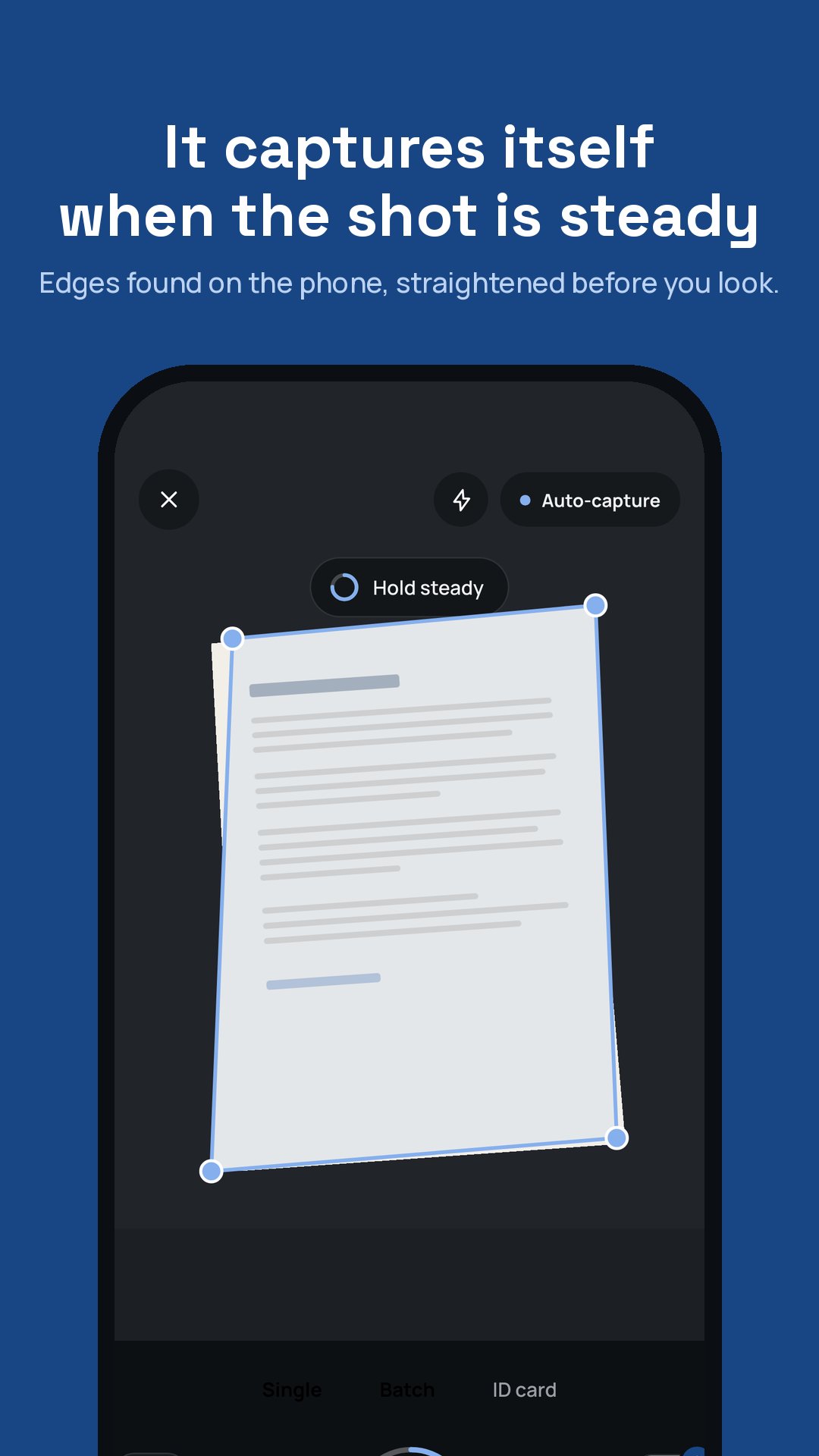
Document Scanner turns a phone photo into a page that looks printed: paper white, ink black, shadows and creases gone. Point the camera at a page and it captures on its own the moment the shot is steady, finds the edges, straightens the page and cleans it. Every step runs on the phone.
SCAN
- Automatic capture when the page is in frame and still
- Edge detection trained on real photographs of real paperwork
- Batch mode for multi-page documents, and an ID card mode that puts both sides on one page
- Import photos you already took
CLEAN
- A cleaner trained on the printed original, so text comes out at its true weight, never smeared or fattened
- Shadows, hotspots, colour casts and paper texture removed; stamps, signatures and highlighter kept
- Auto, original, colour, black-and-white and greyscale filters, with brightness and contrast adjustments that never overwrite the page
ORGANISE
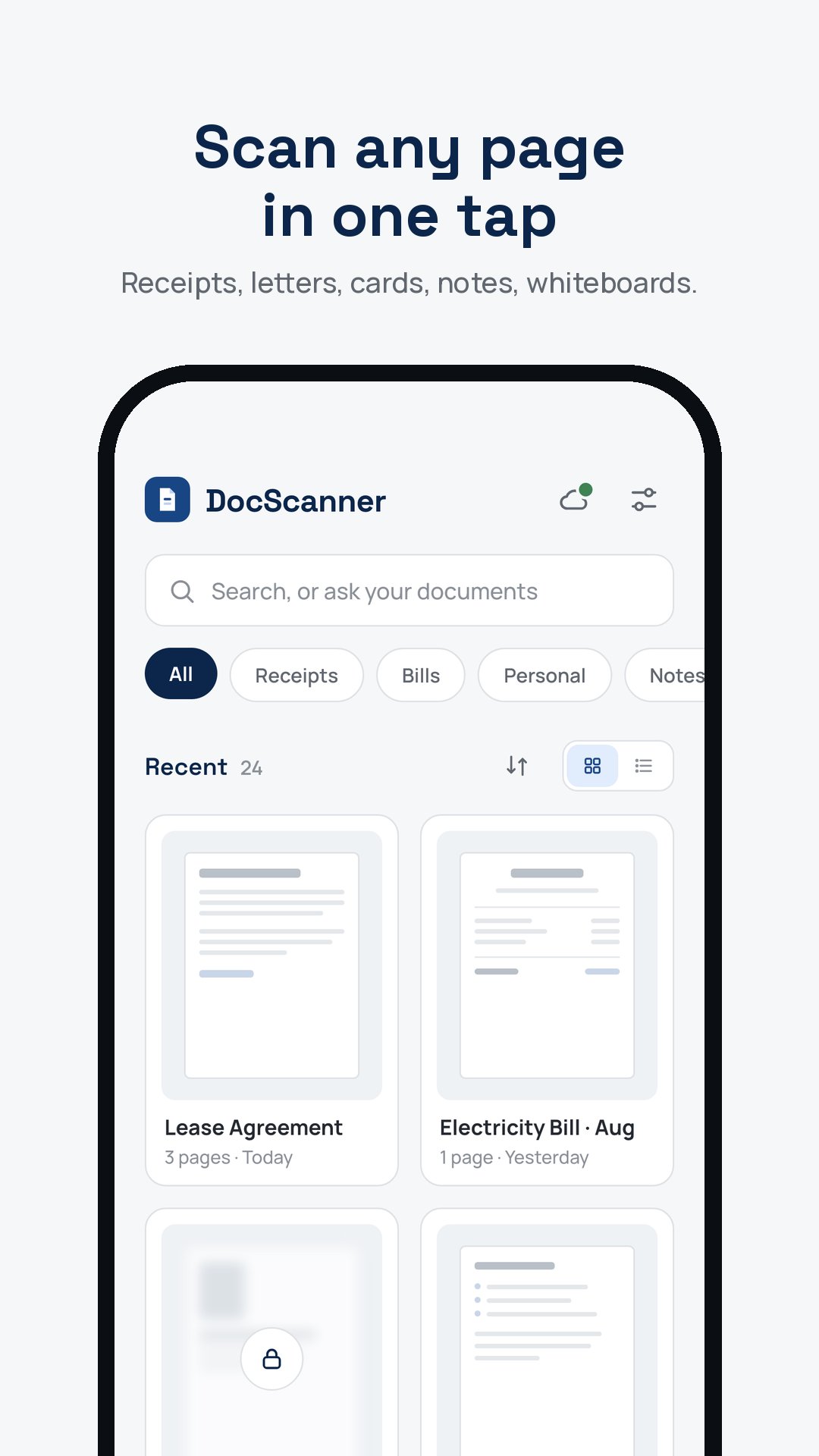
- A library with folders, categories and page reordering
- Full-text search across every scan
- Lock any document behind your fingerprint, face or PIN
- Recently deleted keeps documents for thirty days
SHARE
- PDF with your choice of page size, margins and quality, or JPEG
- Share to any app, or save to your phone
ASSIST
Ask a document what it says, when it ends, how much is due, and get an answer that cites the page it came from. Pull a table out of a page into a spreadsheet. Set a reminder from any date Assist finds, such as a notice period or a due date. Assist sends the text of the pages you ask about to Document Scanner's own service and keeps nothing; ten actions a month are included.
PRIVACY
Scanning, cleaning, search and text recognition happen on your phone. Nothing is uploaded unless you share a document or use Assist, and Assist sends only the pages you ask about. Signing in is optional: a Google or Apple account is asked for only to keep a purchase across phones.
Premium is an auto-renewing subscription, monthly or annual; Remove ads is a one-time purchase. Terms of Use: https://wazeem.com/apps/document-scanner/terms/
Privacy Policy: https://wazeem.com/apps/document-scanner/privacy/
預覽
標籤
效率提升訊息
開發商
Wazeem
最新版本
7.2.0
更新時間
2026-09-16
類別
效率提升
同時可用
Google Play
更多
如何在電腦上用 GameLoop 玩 Document Scanner - PDF, OCR
1. 從官網下載GameLoop,然後運行exe文件安裝GameLoop
2. 打開GameLoop,搜索“Document Scanner - PDF, OCR”,在搜索結果中找到Document Scanner - PDF, OCR,點擊“安裝”
3. 享受在 GameLoop 上玩 Document Scanner - PDF, OCR 的樂趣
Minimum requirements
OS
Windows 8.1 64-bit or Windows 10 64-bit
GPU
GTX 1050
CPU
i3-8300
Memory
8GB RAM
Storage
1GB available space
Recommended requirements
OS
Windows 8.1 64-bit or Windows 10 64-bit
GPU
GTX 1050
CPU
i3-9320
Memory
16GB RAM
Storage
1GB available space