SMS Backup, Print & Restore 電腦版
GilApps
用GameLoop模拟器在電腦上玩SMS Backup, Print & Restore
SMS Backup, Print & Restore 電腦版
來自發行商 GilApps 的 SMS Backup, Print & Restore 能夠在安卓系統上運行。
現在,您可以在電腦上使用 GameLoop 模擬器流暢地玩 SMS Backup, Print & Restore。
在 GameLoop 遊戲庫或搜索結果中下載。 不需要再暢玩遊戲時盯著電池電量或被令人懊惱的來電打斷。
只需在電腦大屏幕上免費下載暢玩SMS Backup, Print & Restore 電腦版!
SMS Backup, Print & Restore 簡介
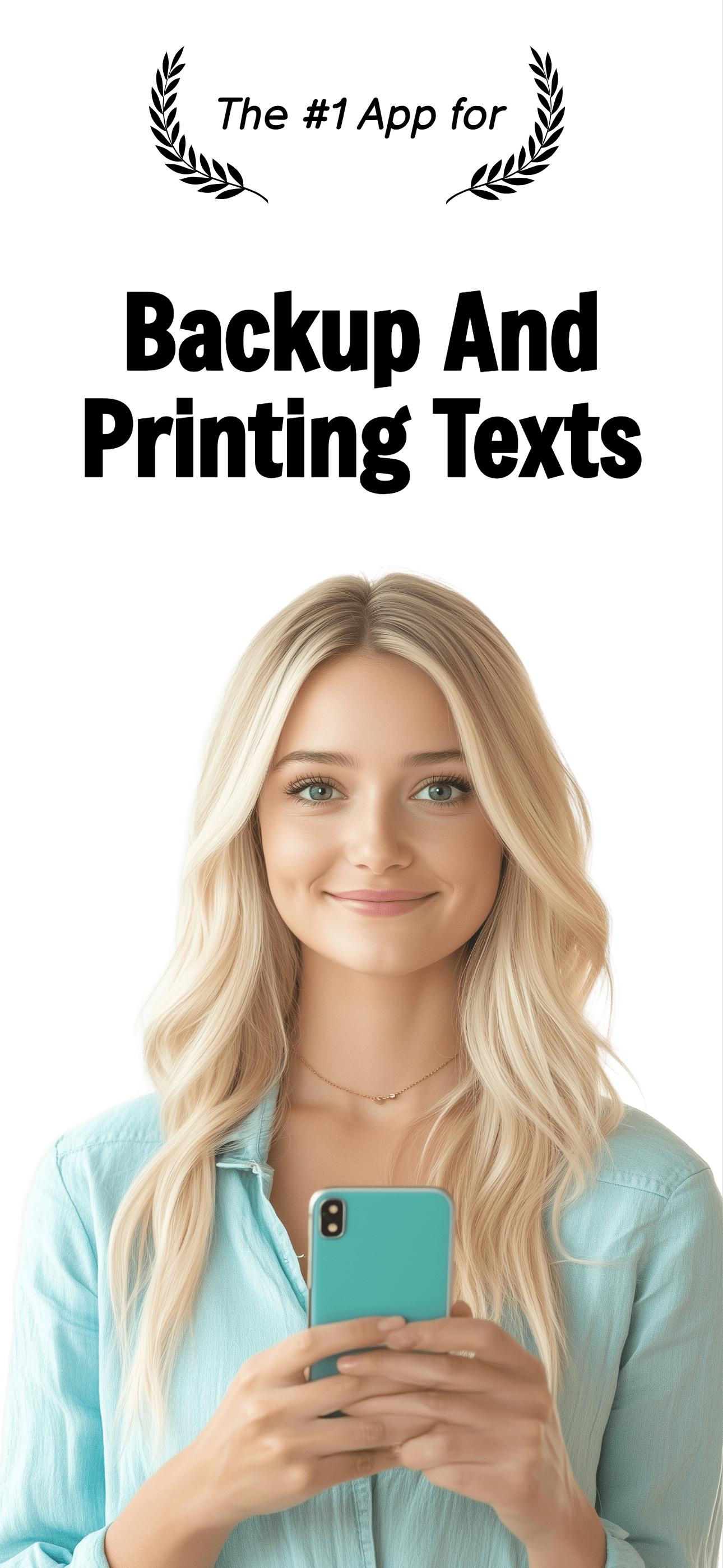
Backup, Convert, Exports your SMS/MMS text messages to PDF, WORD, EXCEL, CSV, JPG, HTML, or TXT and then restore them to your device, print, or share them
A MUST-HAVE FOR EVERY SMARTPHONE!!!
Previously called "SMS Share 2"
With "SMS Backup, Print & Restore" you can create backups of your SMS, MMS, and RCS logs and then share it using Email, Facebook, Twitter, Whatsapp, and every other sharing method your phone provides. then you can use the files for storing in your PC or backup to the cloud. later you can use these files to restore your messages or print them
So, What can you do with "SMS Backup, Print & Restore":
✉️ Backup & Restore your messages - just send your messages to your email or leave the files on your device - you can restore all the messages on the same device or another device.
✉️ Automatic Scheduled Backup to the cloud Upload you chats to Google Drive, Dropbox or OneDrive
✉️ Print your SMS and MMS Backups! - Perfect for court or for archiving impotent messages with loved ones. Print directly from your phone or share the backup to your email, open it on the desktop, and print.
Special Features:
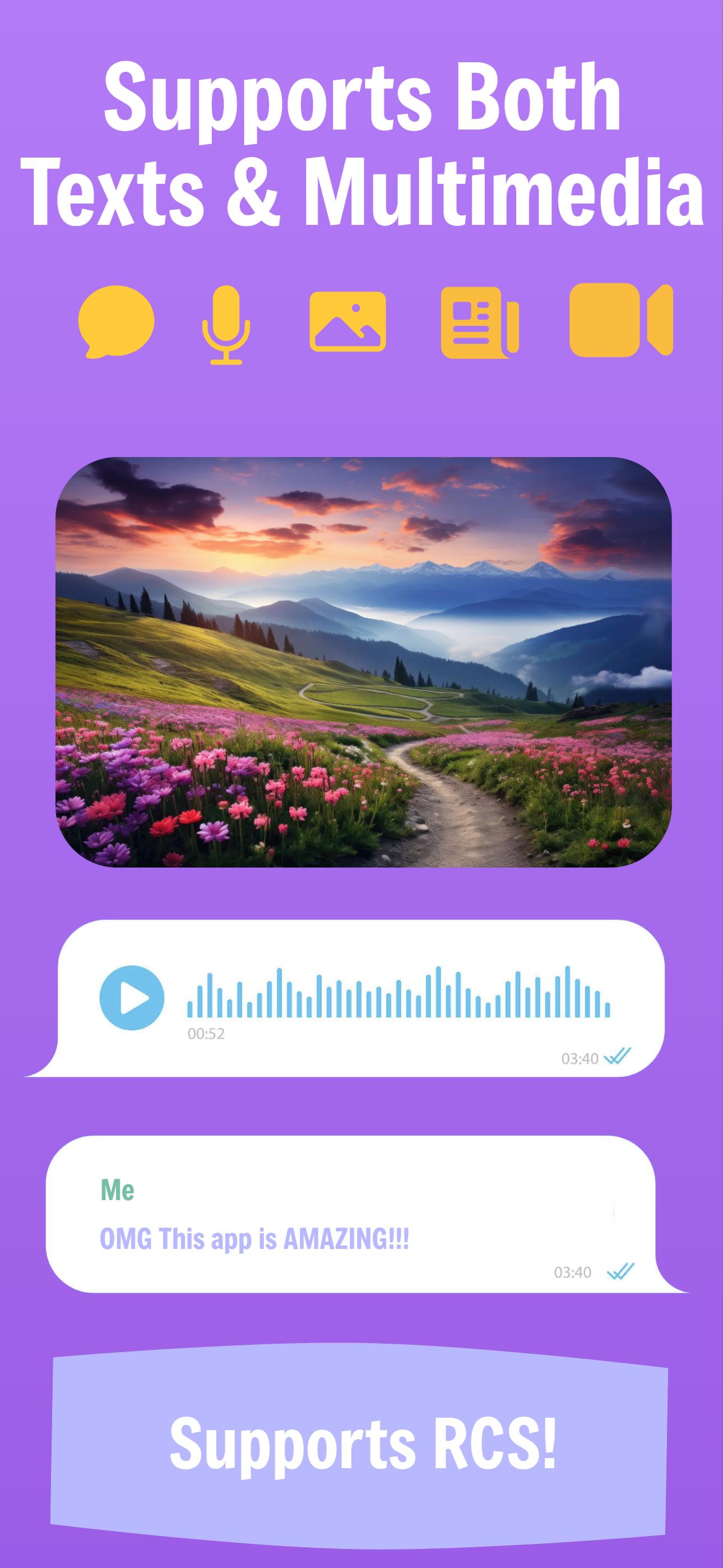
⭐ Backup and restore both text and multimedia messages
⭐ Supports RCS and "Advanced Messaging" (Not on all devices)
⭐ Supports Emojis.
⭐ Previews PDF and TXT files
⭐ Supports contacts sharing - vCard, xCard, jCard, and hCard
⭐ Supports calendar events sharing - vCal (Events, Todos, Journal)
Trial/Pro Versions
"SMS Backup & Restore", even though it performs a simple task, is a major project to develop and maintain. Because there are so many devices and so many different apps for texting, it requires constant attention, development, and improvements. in order to keep it moving, there is a symbolic fee for unlocking all the features.
The free version allows you to share 6 messages each time and includes ads. It is a bit more complex but it actually allows the full functionality, especially for shorter conversions. If you upgrade to pro, you can send all the messages in one go.
Personal note from the developer:
I'm very grateful to know that the app is serving many of you in important cases like getting justice or saving important messages from your families. I do the best I can to remember this and improve the app as much as I can with the intention to help in needed times and not just to treat it as a business. If you are in urgent need of the app, yet can not afford it at the moment, please contact me.
Converting And Exporting SMS - Formats:
"SMS Backup, Print & Restore" will convert your SMS text messages to PDF, CSV, HTML, or JPG formats, export the conversations to files, and save them to your device storage.
It will use these files as attachments and share them via different sharing apps. the files are all restorable, meaning you can retrieve your texting data back to the device.
PDF File:
The best option for printing SMS text messages and media (MMS/RCS messages).
Can be opened by Adobe Reader.
"SMS Backup, Restore & Print" will create beautifully designed PDF files with graphics and text.
It supports SMS text messages, as well as MMS multimedia messages (photos and links)
HTML File:
A compact file - can be open via the web browser. Good for backup or for printing long conversations or in case the PDF option does not work properly.
Spreadsheet
Best for data analysis.
Opens with Excel or Google Sheets.
Converts your SMS conversations to well-organized datasheets.
Image Files:
Best for sharing your SMS/MMS conversations with friends (like Facebook, WhatsApp, Twitter ens').
Supports .jpg .png and .webp photo file formats
It supports SMS text messages, as well as MMS/RCS multimedia messages
The "SMS Backup & Restore" app has a slick UI, integrated with animations, which makes the app easy and simple to use.
Hope you enjoy and find the app useful :)
預覽
標籤
效率提升工具桌遊訊息
開發商
GilApps
最新版本
4.0.4.6
更新時間
2025-10-27
類別
效率提升
同時可用
Google Play
更多
如何在電腦上用 GameLoop 玩 SMS Backup, Print & Restore
1. 從官網下載GameLoop,然後運行exe文件安裝GameLoop
2. 打開GameLoop,搜索“SMS Backup, Print & Restore”,在搜索結果中找到SMS Backup, Print & Restore,點擊“安裝”
3. 享受在 GameLoop 上玩 SMS Backup, Print & Restore 的樂趣
Minimum requirements
OS
Windows 8.1 64-bit or Windows 10 64-bit
GPU
GTX 1050
CPU
i3-8300
Memory
8GB RAM
Storage
1GB available space
Recommended requirements
OS
Windows 8.1 64-bit or Windows 10 64-bit
GPU
GTX 1050
CPU
i3-9320
Memory
16GB RAM
Storage
1GB available space