
Character Viewer 電腦版
Ademar Oliveira
用GameLoop模拟器在電腦上玩Character Viewer
Character Viewer 電腦版
來自發行商 Ademar Oliveira 的 Character Viewer 能夠在安卓系統上運行。
現在,您可以在電腦上使用 GameLoop 模擬器流暢地玩 Character Viewer。
在 GameLoop 遊戲庫或搜索結果中下載。 不需要再暢玩遊戲時盯著電池電量或被令人懊惱的來電打斷。
只需在電腦大屏幕上免費下載暢玩Character Viewer 電腦版!
Character Viewer 簡介
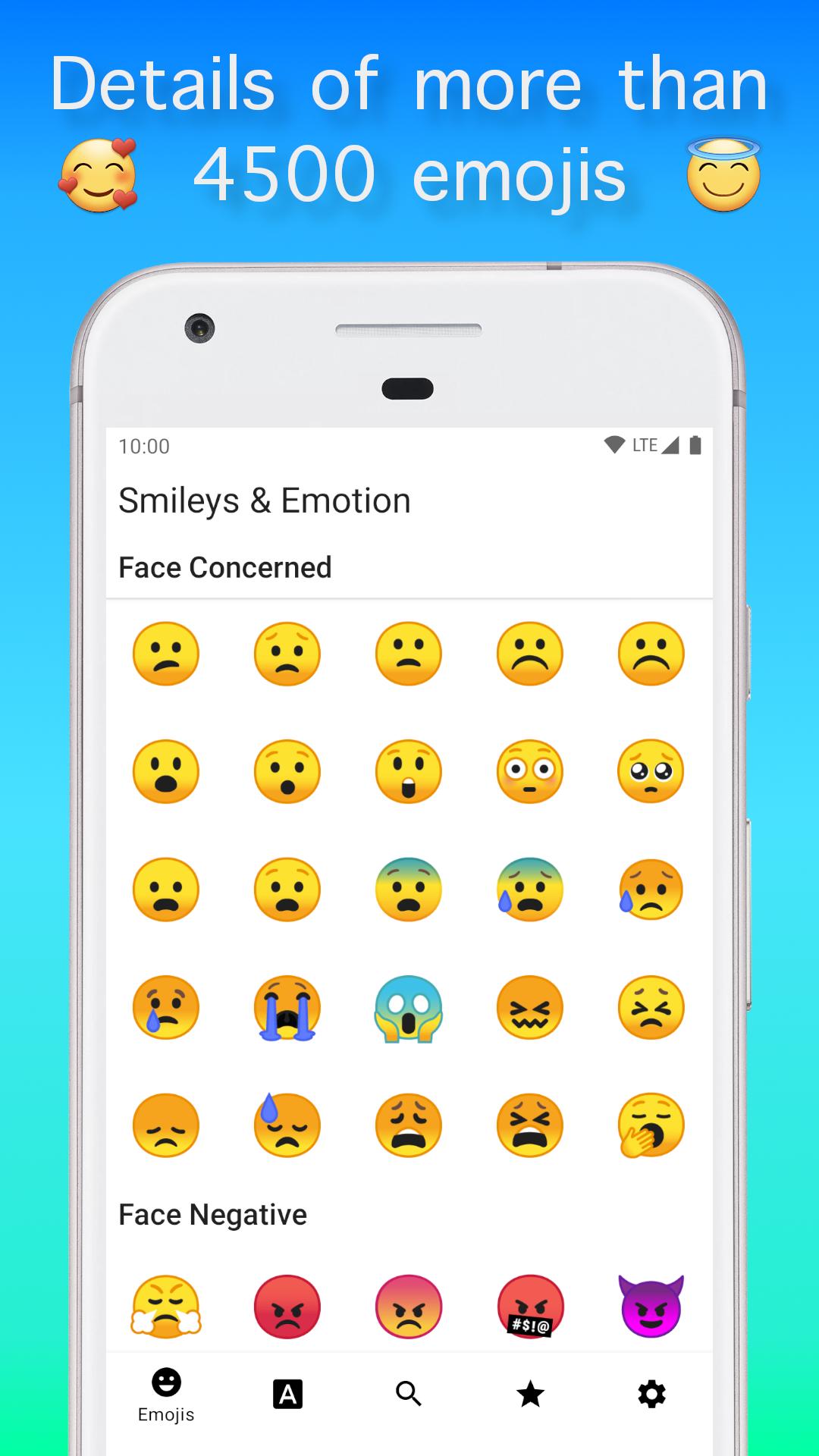
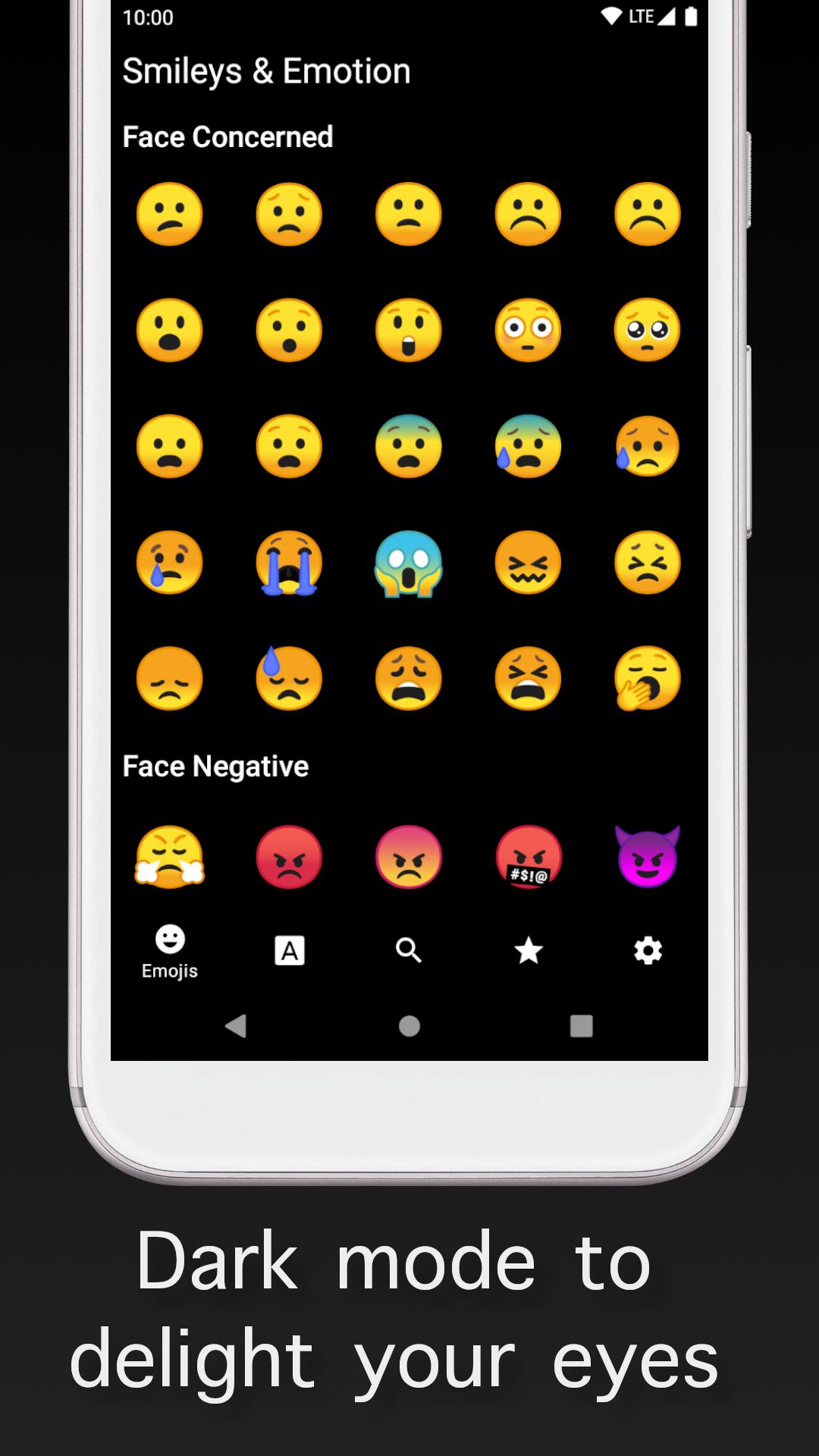
Details of more than 4500 emojis 🥰 and more than 280,000 Unicode characters, dark mode to delight your eyes 👀, rich set of features such as search copy favorite name character info Unicode and more all of it out of the box.
The main screen is divided into 5 sections, from left to right, the emoji section, the Unicode section, the search for emojis or Unicodes section, the favorite section, and finally the settings section.
The emoji section gives you access to more than 4500 emojis presented in a grid that exposes the most number of emojis thoroughly, grouped by categories and sub-categories, in this section you can long-press the emoji to copy it and make it available to use in other apps that support emojis, you can also touch the emoji to open the emoji detail screen.
Unicode section gives you access to more than 300 Unicode blocks, where each block contains several characters presented in a grid where you can long-press the Unicode character to copy it and make it available to use in other apps, you can also touch the Unicode character to open the Unicode character detail screen, on Unicode section screen you can also favorite a block section to easy access later.
Powered by a dynamic programming algorithm, the search section gives you an easy way to look for emojis, Unicodes characters, or Unicodes blocks, it also keeps the search history for fast access later and presents an easy way to favorite Unicode blocks or to copy emojis and Unicode characters, all searches are made and kept offline on your device.
The favorite section keeps your favorites emojis, Unicodes characters, and Unicode blocks to easy and fast access, there you can copy the characters or copy the emojis directly, all kept offline to your comfort.
The emoji detail screen and the Unicode character detail screen provides you a big version of the emoji or Unicode character so you can appreciate the details of the emoji and Unicode character, behind the character or the emoji you have a grid to better visualize the font details such as ascender line, baseline, descender line, etc…
On the emoji detail screen and the Unicode character detail screen you can also favorite the emoji or Unicode character, copy its name, or its Unicode number, or one of its name as well as copy the Unicode character or the emoji itself.
Last but not least, the settings section allows you to choose between the light and dark mode so you can read your Unicode character or your emojis more comfortably, this configuration, as well as your favorites, searches, and all database of emojis and Unicodes, are kept on your device so you can access all features offline.
Enjoy the Character Viewer app!
預覽
標籤
效率提升訊息
開發商
Ademar Oliveira
最新版本
1.2.3
更新時間
2024-07-25
類別
效率提升
同時可用
Google Play
更多
如何在電腦上用 GameLoop 玩 Character Viewer
1. 從官網下載GameLoop,然後運行exe文件安裝GameLoop
2. 打開GameLoop,搜索“Character Viewer”,在搜索結果中找到Character Viewer,點擊“安裝”
3. 享受在 GameLoop 上玩 Character Viewer 的樂趣
Minimum requirements
OS
Windows 8.1 64-bit or Windows 10 64-bit
GPU
GTX 1050
CPU
i3-8300
Memory
8GB RAM
Storage
1GB available space
Recommended requirements
OS
Windows 8.1 64-bit or Windows 10 64-bit
GPU
GTX 1050
CPU
i3-9320
Memory
16GB RAM
Storage
1GB available space