Bosch Leveling Remote 電腦版
Robert Bosch Power Tools GmbH
用GameLoop模拟器在電腦上玩Bosch Leveling Remote
Bosch Leveling Remote 電腦版
來自發行商 Robert Bosch Power Tools GmbH 的 Bosch Leveling Remote 能夠在安卓系統上運行。
現在,您可以在電腦上使用 GameLoop 模擬器流暢地玩 Bosch Leveling Remote。
在 GameLoop 遊戲庫或搜索結果中下載。 不需要再暢玩遊戲時盯著電池電量或被令人懊惱的來電打斷。
只需在電腦大屏幕上免費下載暢玩Bosch Leveling Remote 電腦版!
Bosch Leveling Remote 簡介
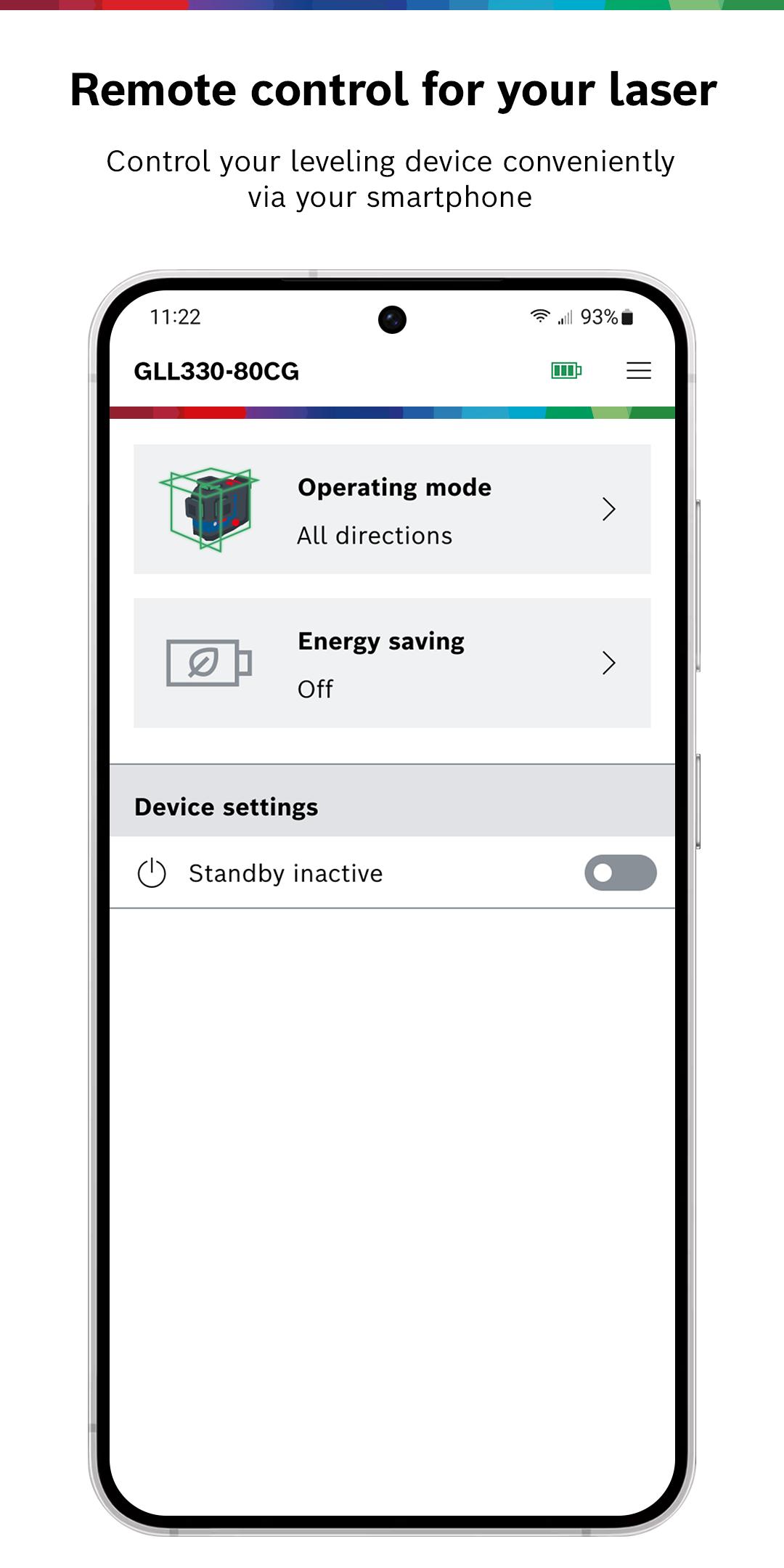
The Bosch Levelling Remote app enables you to conveniently control your Bosch Professional levelling tool via Bluetooth® from your smartphone. Using the app, you can control the laser remotely without having to even touch it, thereby increasing productivity and efficiency in your daily levelling tasks.
The app can be connected to all Bosch Professional levelling tools (line lasers, combi lasers and rotary lasers) which contain a "C" in the name, for example:
• GCL 2-50 C/CG Professional
• GCL100-80C/CG Professional
• GLL 3-80 C/CG Professional
• GLL3-330C/CG Professional
• GRL 600 CHV Professional
• GRL 650 CHVG Professional
• GRL4000-80CHV Professional
• GRL4000-80CH Professional
• GRL4000-90CHVG Professional
• GLL330-80CG Professional
• GLL 18V-120-33 CG Professional
Main functions when using a GCL or GLL device:
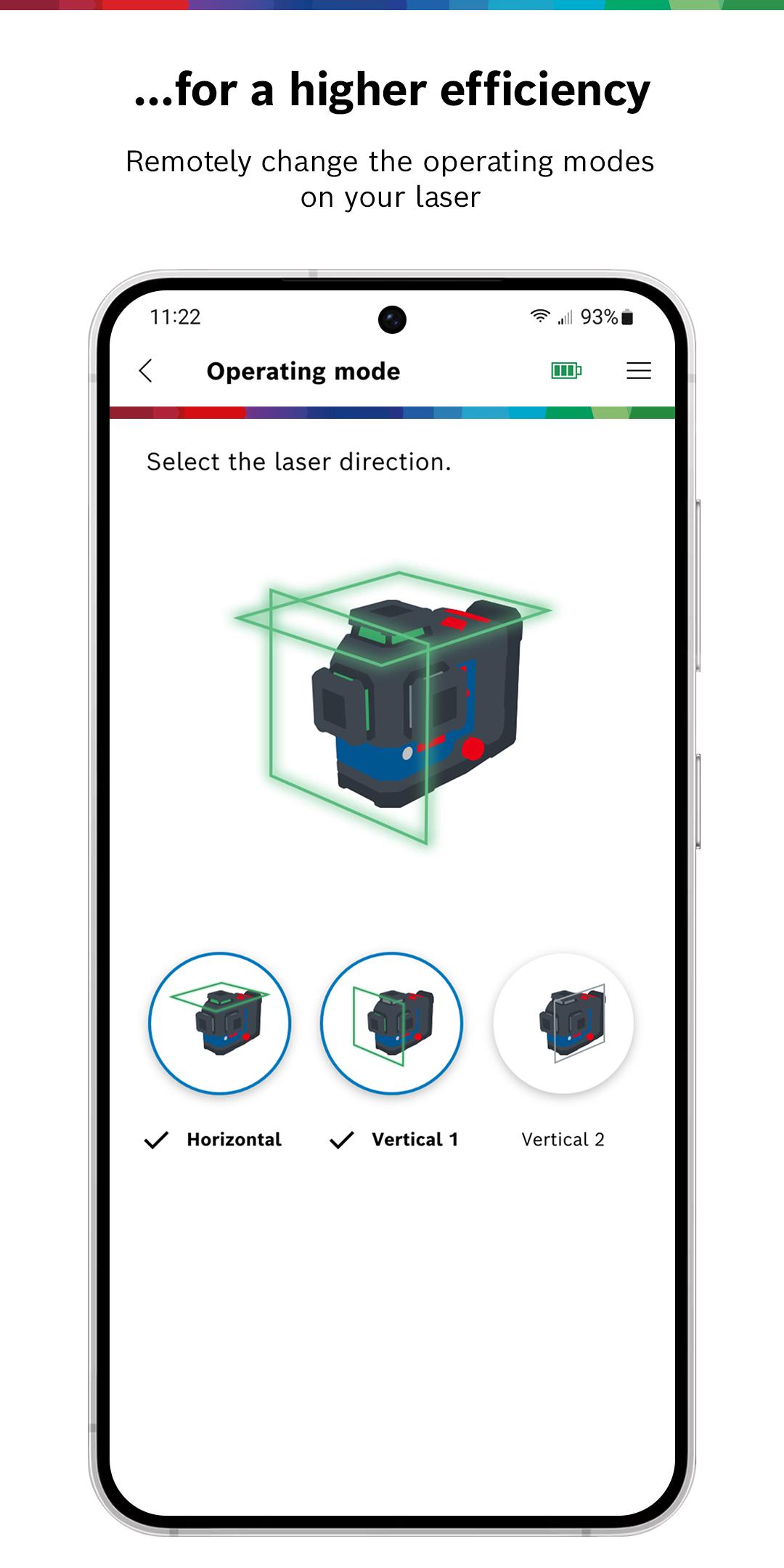
• Conveniently control your combi / line laser by setting the operating mode, turning your tool into standby or changing the laser intensity to optimize the laser visibility or battery runtime.
• Monitor your tool by checking the battery and device status via the app.
• Check for potential external influences and calibration intervals to ensure the accuracy of your line laser (available for selected tools)
Main functions when using a GRL device:
• Easily control all main functions of your rotary laser such as setting slope, modifying the rotation speed, or putting your device into standby mode
• Benefit from app-only features like setting up the partial projection (Mask Mode) or creation of Profiles to save and apply the setting you need
• Check the accuracy of your tool and have it corrected automatically
We are very pleased to receive your feedback and improvement suggestions for our application. Simply contact us via app.support@de.bosch.com and let us know if you have any wishes or problems – we are happy to help you!
預覽
標籤
效率提升訊息
開發商
Robert Bosch Power Tools GmbH
最新版本
2.4.0 (211) - 137952 F
更新時間
2025-09-12
類別
效率提升
同時可用
Google Play
更多
如何在電腦上用 GameLoop 玩 Bosch Leveling Remote
1. 從官網下載GameLoop,然後運行exe文件安裝GameLoop
2. 打開GameLoop,搜索“Bosch Leveling Remote”,在搜索結果中找到Bosch Leveling Remote,點擊“安裝”
3. 享受在 GameLoop 上玩 Bosch Leveling Remote 的樂趣
Minimum requirements
OS
Windows 8.1 64-bit or Windows 10 64-bit
GPU
GTX 1050
CPU
i3-8300
Memory
8GB RAM
Storage
1GB available space
Recommended requirements
OS
Windows 8.1 64-bit or Windows 10 64-bit
GPU
GTX 1050
CPU
i3-9320
Memory
16GB RAM
Storage
1GB available space