
BEEP - Expiration Tracker 電腦版
BGPworks
用GameLoop模拟器在電腦上玩BEEP - Expiration Tracker
BEEP - Expiration Tracker 電腦版
來自發行商 BGPworks 的 BEEP - Expiration Tracker 能夠在安卓系統上運行。
現在,您可以在電腦上使用 GameLoop 模擬器流暢地玩 BEEP - Expiration Tracker。
在 GameLoop 遊戲庫或搜索結果中下載。 不需要再暢玩遊戲時盯著電池電量或被令人懊惱的來電打斷。
只需在電腦大屏幕上免費下載暢玩BEEP - Expiration Tracker 電腦版!
BEEP - Expiration Tracker 簡介
Use BEEP in your store, pharmacy, or home—anywhere you have products with barcodes.
Tracking products on your shelves has never been easier!
BEEP saves you from repetitive work by bringing all your expiration dates together in one app.
Keep products in your store, fridge, and pantry fresh while reducing waste.
[APP FEATURES]
■ BEEP IS SIMPLE TO USE
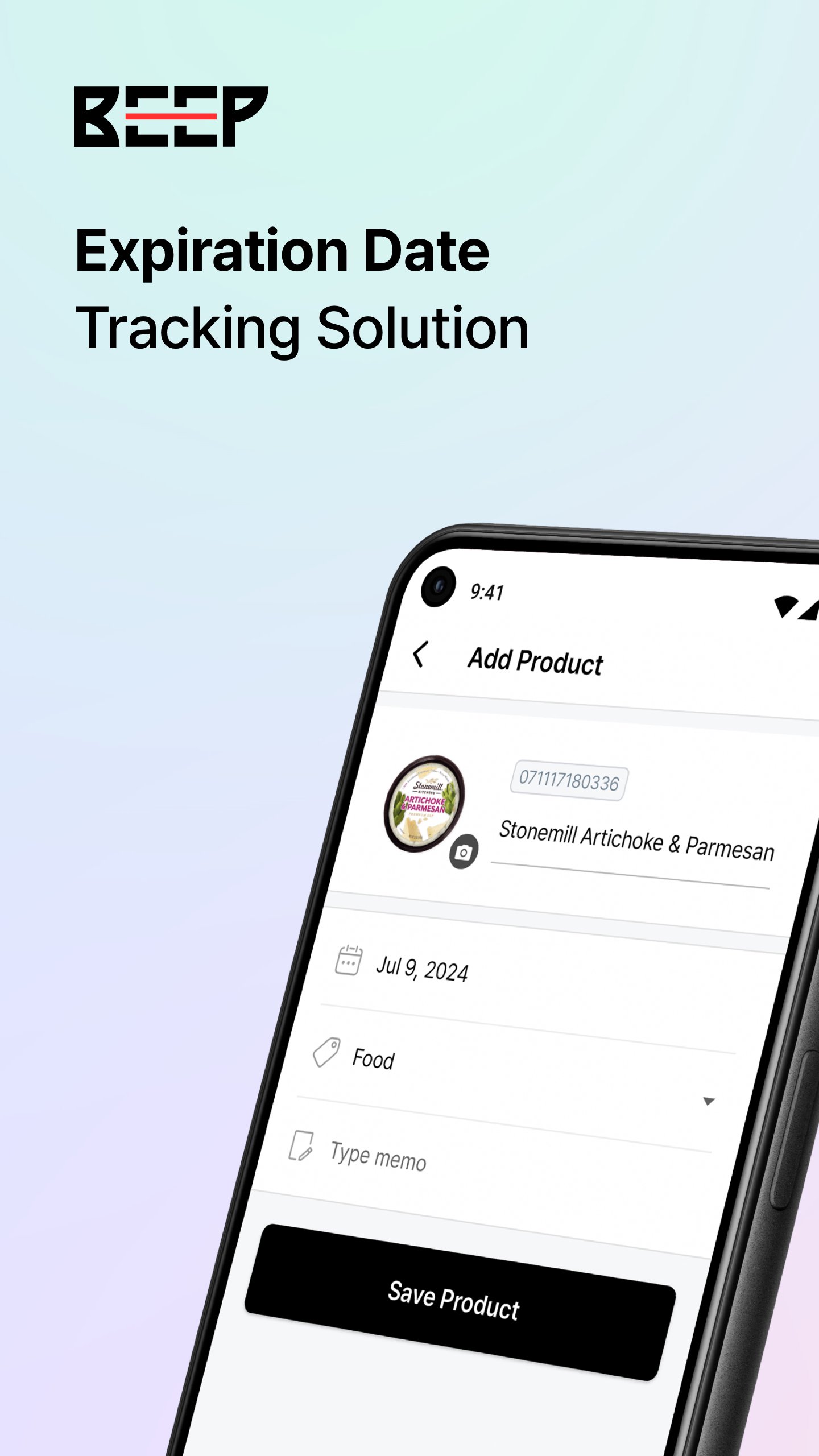
Scan the barcode, enter the expiration date, and listen for the BEEP—that's it! Managing expiration dates couldn't be simpler.
■ EXPIRATION DATE NOTIFICATIONS
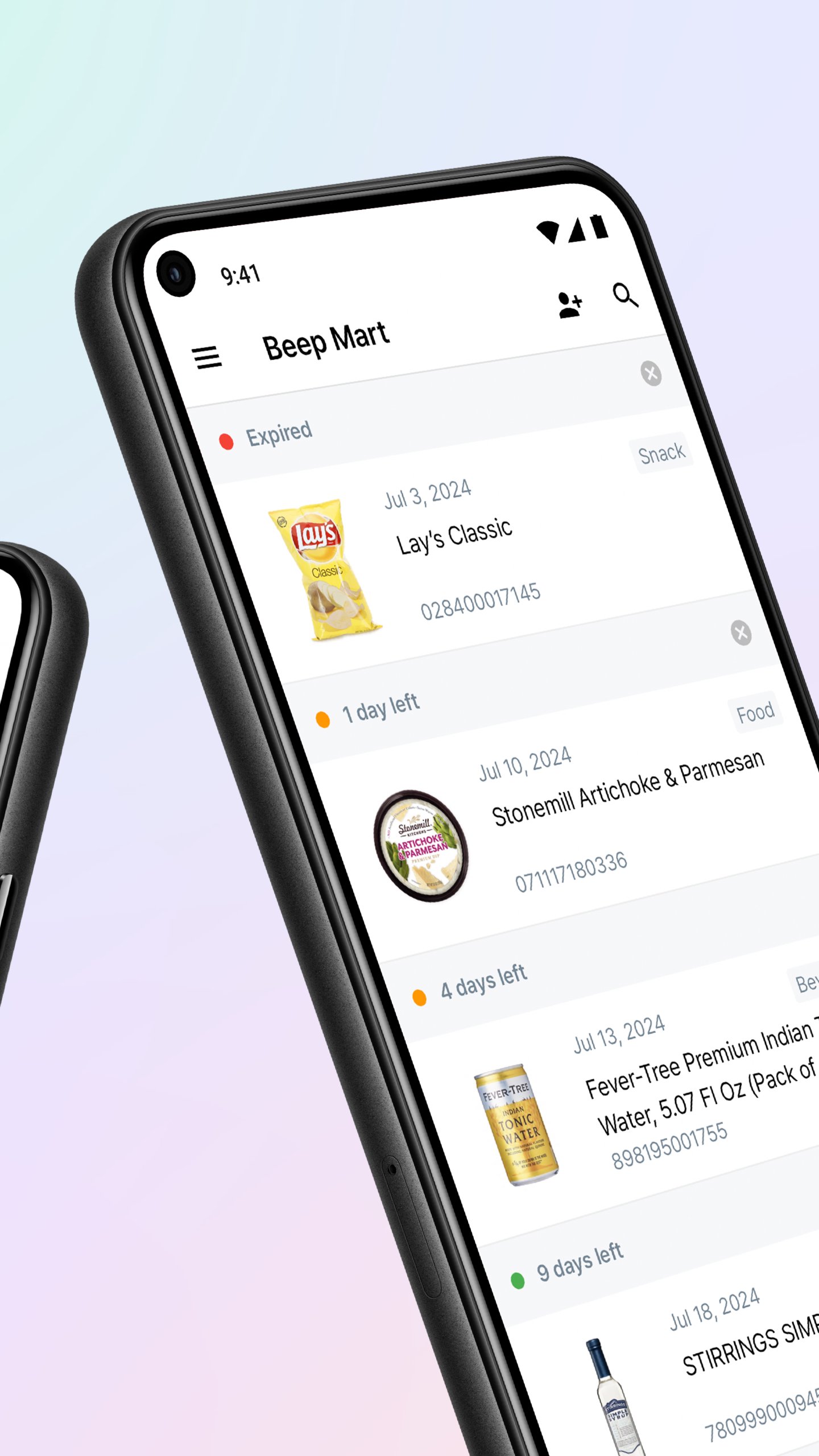
Get a reminder a day, a week, or a month before the expiration date so you can use products in time and reduce waste.
■ GROUP PRODUCTS INTO CATEGORIES
Group products by type, category, or location, and easily find what you need.
(e.g., beverages, snacks, and sauces)
■ SHARE WITH YOUR TEAM
Invite staff or colleagues to track products with you. Send an invitation with just an email address or phone number.
[BEEP Customer Service]
Questions or requests? Contact us anytime!
- Email: support@beepscan.com
https://www.beepscan.com
預覽
標籤
效率提升訊息
開發商
BGPworks
最新版本
2.14.18
更新時間
2026-10-06
類別
效率提升
同時可用
Google Play
更多
如何在電腦上用 GameLoop 玩 BEEP - Expiration Tracker
1. 從官網下載GameLoop,然後運行exe文件安裝GameLoop
2. 打開GameLoop,搜索“BEEP - Expiration Tracker”,在搜索結果中找到BEEP - Expiration Tracker,點擊“安裝”
3. 享受在 GameLoop 上玩 BEEP - Expiration Tracker 的樂趣
Minimum requirements
OS
Windows 8.1 64-bit or Windows 10 64-bit
GPU
GTX 1050
CPU
i3-8300
Memory
8GB RAM
Storage
1GB available space
Recommended requirements
OS
Windows 8.1 64-bit or Windows 10 64-bit
GPU
GTX 1050
CPU
i3-9320
Memory
16GB RAM
Storage
1GB available space