
Awesome Timesheet by Odoo 電腦版
Odoo S.A.
用GameLoop模拟器在電腦上玩Awesome Timesheet by Odoo
Awesome Timesheet by Odoo 電腦版
來自發行商 Odoo S.A. 的 Awesome Timesheet by Odoo 能夠在安卓系統上運行。
現在,您可以在電腦上使用 GameLoop 模擬器流暢地玩 Awesome Timesheet by Odoo。
在 GameLoop 遊戲庫或搜索結果中下載。 不需要再暢玩遊戲時盯著電池電量或被令人懊惱的來電打斷。
只需在電腦大屏幕上免費下載暢玩Awesome Timesheet by Odoo 電腦版!
Awesome Timesheet by Odoo 簡介
- Odoo Enterprise only -
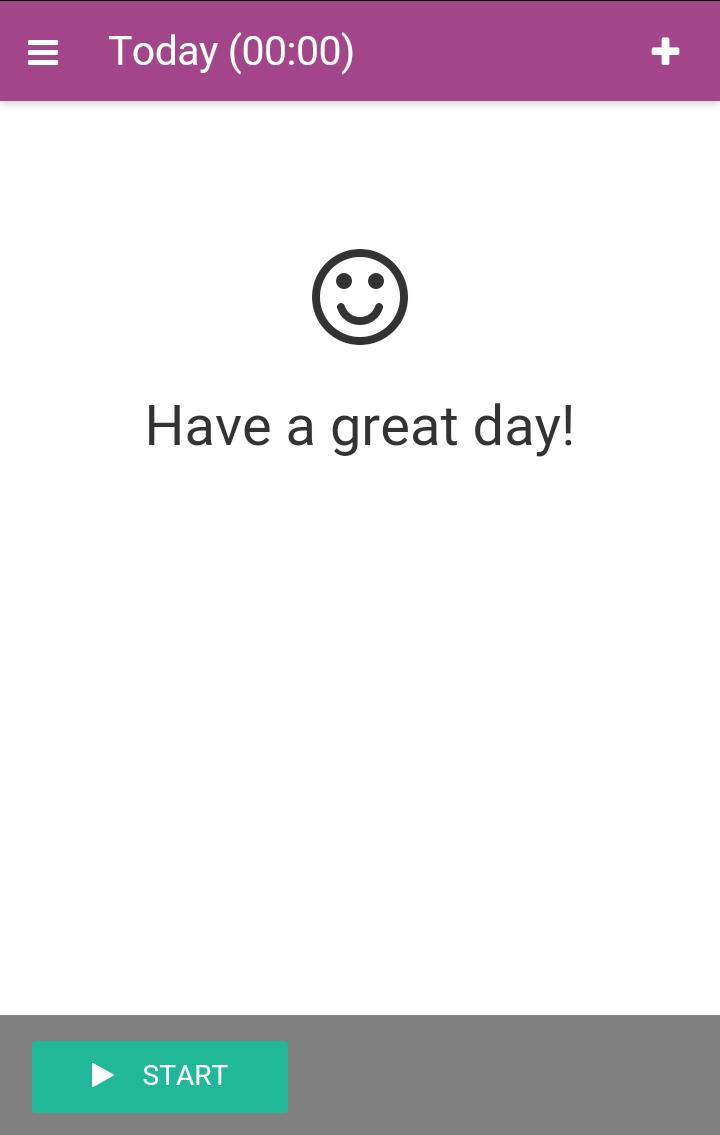
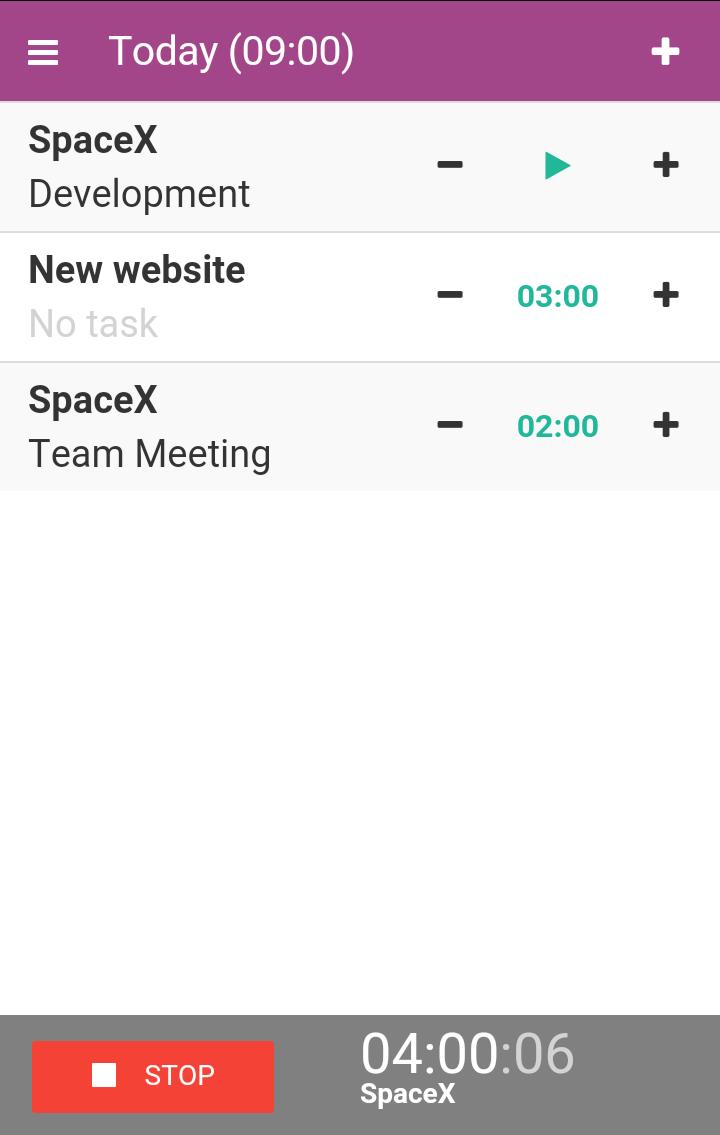
Awesome Timesheet is built for speed and ease of use. It is so simple that you’ll actually use it. Launch the timer in a single click, get statistics on the work done, synchronize across devices and invoice time spent on projects.
• The ultimate timer can be launched in just a click.
• Get Things Done by planning your activities in the morning.
• Track your time with clean statistics.
• Synchronize across all your devices: desktop, mobile app, chrome app, etc.
• Bill Time, track tasks and schedule projects with the Odoo integration.
Odoo integration
Odoo timesheet is fully integrated with other Odoo apps. All data can be sync with your Odoo account where you can create and manage projects, assign tasks to employees, set access and project rights, record and validate timesheets and attendances, etc.
Compatible with Odoo 9 and newer (Enterprise version only). It is not compatible with the community versions.
Features
• Fast and easy input : Choose to log your activities at the beginning of the day, on the fly or after your work is done.
• 1-click Time Tracking : Just click on “Start” to launch your tasks
• Easily manage your activities of the day: Select your recurring tasks in one click to prepare your day ahead.
• Work faster : set up a default project and minimal duration to get started instantly
Get great reporting
• Useful statistics : Quickly overview your time spent on tasks per day or per week
Work offline
• Offline tracking mode : Your tasks will keep running no matter where you are, even if internet connectivity is not available
• Synchronization : Hours tracked offline are synced to your Odoo account once you’re back online
Fully integrated with Odoo Enterprise
• Accounting
Connect timesheets with payroll for accurate and on time payments.
• Sales
Automate invoicing and billing based on timesheet inputs. Send recurring and professional-looking invoices to your customers.
• Human resources
Check and manage employees attendance and worked hours.
• Project
Keep track of the time spent by project, client or tasks.
預覽
標籤
效率提升訊息
開發商
Odoo S.A.
最新版本
0.0.20
更新時間
2018-03-06
類別
效率提升
同時可用
Google Play
更多
如何在電腦上用 GameLoop 玩 Awesome Timesheet by Odoo
1. 從官網下載GameLoop,然後運行exe文件安裝GameLoop
2. 打開GameLoop,搜索“Awesome Timesheet by Odoo”,在搜索結果中找到Awesome Timesheet by Odoo,點擊“安裝”
3. 享受在 GameLoop 上玩 Awesome Timesheet by Odoo 的樂趣
Minimum requirements
OS
Windows 8.1 64-bit or Windows 10 64-bit
GPU
GTX 1050
CPU
i3-8300
Memory
8GB RAM
Storage
1GB available space
Recommended requirements
OS
Windows 8.1 64-bit or Windows 10 64-bit
GPU
GTX 1050
CPU
i3-9320
Memory
16GB RAM
Storage
1GB available space