All Document Reader & Viewer 電腦版
EZTech Apps
用GameLoop模拟器在電腦上玩All Document Reader & Viewer
All Document Reader & Viewer 電腦版
來自發行商 EZTech Apps 的 All Document Reader & Viewer 能夠在安卓系統上運行。
現在,您可以在電腦上使用 GameLoop 模擬器流暢地玩 All Document Reader & Viewer。
在 GameLoop 遊戲庫或搜索結果中下載。 不需要再暢玩遊戲時盯著電池電量或被令人懊惱的來電打斷。
只需在電腦大屏幕上免費下載暢玩All Document Reader & Viewer 電腦版!
All Document Reader & Viewer 簡介
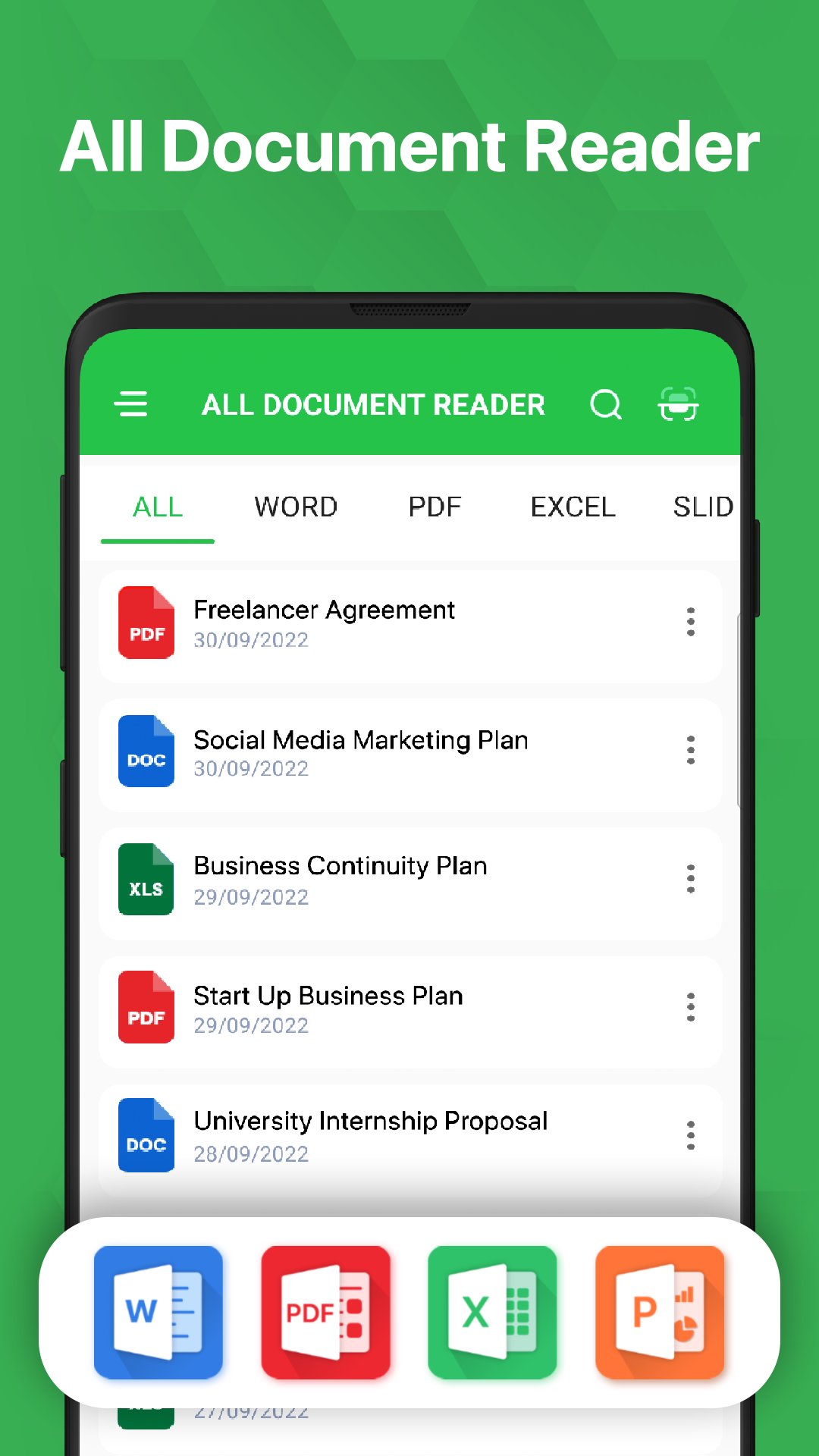
全文檔閱讀器和檢視器 - 一個強大的一體化辦公室應用,可在手機上閱讀和編輯各種格式的文件。
全文檔閱讀器將協助您管理和整理文件。
主要功能:
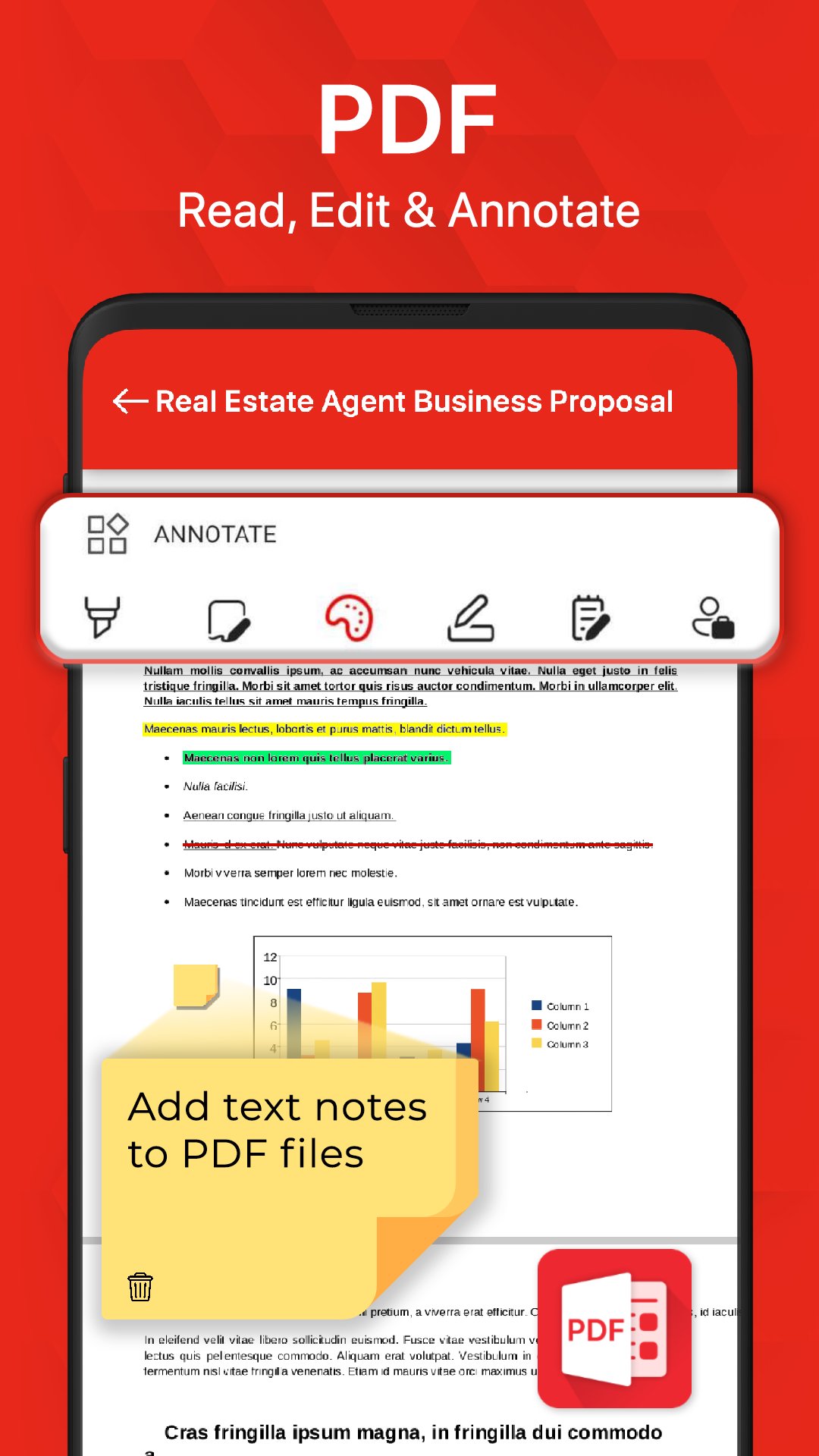
⭐️ PDF 閱讀器 - PDF 編輯器
✔ 為 PDF 新增文字和圖像
✔ 註解 PDF、高亮 PDF 並簽名
✔ 輕鬆快速地閱讀 PDF 檔案。
✔ 全螢幕 PDF 閱讀器模式
✔ PDF 檢視器,PDF 文件管理器
✔ 快速穩定的效能
✔ 搜尋、捲動和縮放 PDF 檔案。
✔ 輕鬆列印和分享 PDF 檔案。
✔ 像電子書閱讀器一樣閱讀 PDF 檔案。
✔ 夜間模式,保護您的眼睛
⭐️ Docx 閱讀器 - Docx 檢視器
✔ 快速閱讀並編輯您的 Docx 文件
✔ 搜尋、註解您的文檔
✔ Docx 閱讀器或 Docx 檢視器速度更快,滾動更流暢。
✔ 使用簡單的搜尋選項快速尋找任何所需的 Docx 檔案。
⭐️ Excel 閱讀器,xlsx 檢視器
✔ 智慧 Excel 工具
✔ xls 閱讀器,可檢視所有 Excel 檔案格式。
✔ 高品質檢視 xls、xlsx 和 txt 檔。
⭐️ PowerPoint 閱讀器
✔ 簡報 PowerPoint
✔ 支援 PPT 文件,pptx 閱讀器解析度高,效能快。
✔ 輕鬆搜尋和刪除文件檔案。
⭐️ 文件掃描儀
✔ 使用文件掃描儀,您可以隨時隨地掃描文件、收據、照片、報告和 PDF 文件。
✔ 從圖像中提取文本 OCR 功能可識別文件圖像中的文本,方便您儲存、編輯或共享
✔ 將文字 ORC 儲存為文檔
所有文件閱讀器和檢視器:支援所有格式
✔ Word Office 文件:DOC、DOCS、DOCX
✔ PDF 檔案:PDF 閱讀器和 PDF 檢視器
✔ Excel 文件:XLSX、XLS、CSV
✔ PowerPoint 投影片:PPT、PPTX、PPS、PPSX
所有文件閱讀器和檢視器:Files 閱讀器和 Office 檢視器,讓您在行動裝置上檢視和編輯所有文件檔案。
預覽
標籤
效率提升訊息
開發商
EZTech Apps
最新版本
1.6.6
更新時間
2026-01-29
類別
效率提升
同時可用
Google Play
更多
如何在電腦上用 GameLoop 玩 All Document Reader & Viewer
1. 從官網下載GameLoop,然後運行exe文件安裝GameLoop
2. 打開GameLoop,搜索“All Document Reader & Viewer”,在搜索結果中找到All Document Reader & Viewer,點擊“安裝”
3. 享受在 GameLoop 上玩 All Document Reader & Viewer 的樂趣
Minimum requirements
OS
Windows 8.1 64-bit or Windows 10 64-bit
GPU
GTX 1050
CPU
i3-8300
Memory
8GB RAM
Storage
1GB available space
Recommended requirements
OS
Windows 8.1 64-bit or Windows 10 64-bit
GPU
GTX 1050
CPU
i3-9320
Memory
16GB RAM
Storage
1GB available space