
Toonita - Cartoon Photo Editor 電腦版
Ignite.rs
用GameLoop模拟器在電腦上玩Toonita - Cartoon Photo Editor
Toonita - Cartoon Photo Editor 電腦版
來自發行商 Ignite.rs 的 Toonita - Cartoon Photo Editor 能夠在安卓系統上運行。
現在,您可以在電腦上使用 GameLoop 模擬器流暢地玩 Toonita - Cartoon Photo Editor。
在 GameLoop 遊戲庫或搜索結果中下載。 不需要再暢玩遊戲時盯著電池電量或被令人懊惱的來電打斷。
只需在電腦大屏幕上免費下載暢玩Toonita - Cartoon Photo Editor 電腦版!
Toonita - Cartoon Photo Editor 簡介
Are you bored of using the same old photos on your social media? Will you like to cartoon yourself and try different toon photo overlays to spice things up? If that is the case, Toonita caricature maker & comic maker art photo editor app is all you need to add some toon glam to your pics. From a collection of exciting photo retouch tools and an immersive meme creator app to offering new stickers for photos and a whole new collection of photo filters, this toonme cartoon maker app is an amazing tools to play with your pictures.
POSTER MAKER TO CARTOON YOURSELF
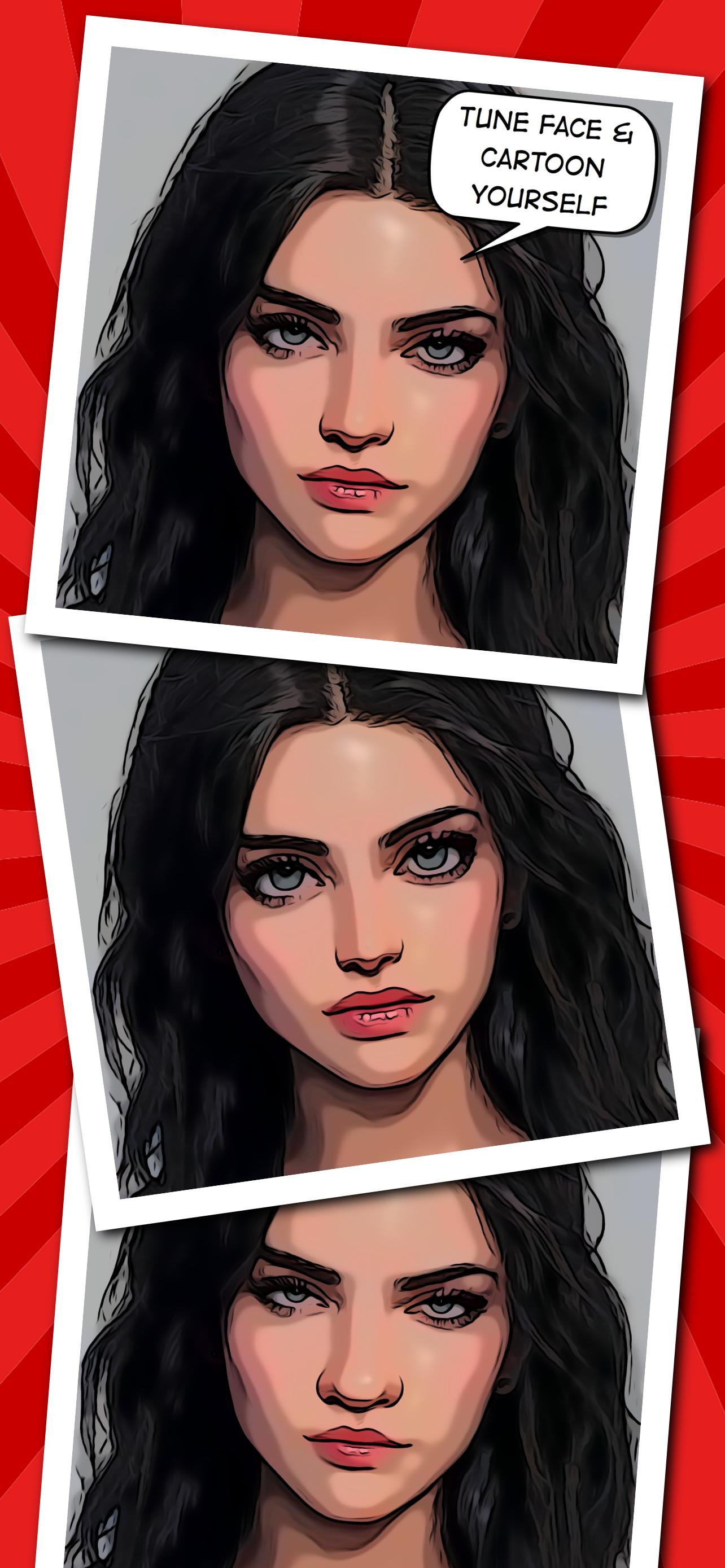
Toonita is the all-in-one free apps ultimate comic maker, cartoon maker and art photo editor featuring background change, face tuning, photo retouch, edit picture, stickers for photos, and speech bubble selections. Image processing is organized in five stages processing pipeline allowing you to adjust the outcome to perfection by going back and forth. The stages are:
(1) Prepare → (2) Stylize → (3) Adjust → (4) Stickers → (5) Filter
(1) PREPARE STAGE
The Prepare stage contains many basic and advanced art photo editor tools that enable you to edit picture and adjust input for the Stylize stage:
1) Correct - flip and rotate an image
2) Rotate - fine rotation
3) Crop - arbitrary and constrained crop
4) Foreground - edit automatically detected foreground
5) Background - automatically segment people and change background
6) Eyes Size - face tuning for frontal portraits
7) Nose Size - face tuning for frontal portraits
8) Mouth Size - face tuning for frontal portraits
9) Deform - liquify filters: push, bloat, shrink, twirl, restore
10) Vanish - fill-in an arbitrary area of the image by surrounding pixels
11) Clone - clone stamp tool (tap and hold to edit stamps)
12) Selection - an optional selection that is applied as a mask for the following tools
13) Adjust Brightness
14) Adjust Contrast
15) Sharpen - sharpen or Gaussian blur tool
16) Noise - add noise or median blur
17) Saturation
18) Hue
19) Vignette - adds a dark or light vignette
(2) STYLIZE STAGE
The Stylize stage contains 20+ custom cartoon filter and image overlays styles that enable you to cartoon yourself or colorize your image: Cartoon, Smooth, Details, Grayscale, Comic, Halftone, Money, Newspaper, Grunge, Matrix, Red, Green, Blue, Graphite, Sketch, Blueprint, Hot 1&2, Funky, Watercolor 1&2, Color Splash 1&2, Seaside, Pastel, and Valentine. Try different image filters and give a whole new look to your picture with this toonme cartoon filter app.
(3) ADJUST STAGE
The Adjust stage brings art editor tools used to fine-tune stylization results. The comic maker and cartoon maker app offers general image adjustments such as Lightness, Brightness, Contrast, Highlights, Shadows, and Saturation, so as the adjustments related to edge extraction: Outlines, Width, Smoothness, Details, and Blackness. Finally, the last two tools allow color adjustment in terms of the number of levels and their softness. Get the perfect cartoon filters and improve the look of your image!
(4) STICKERS
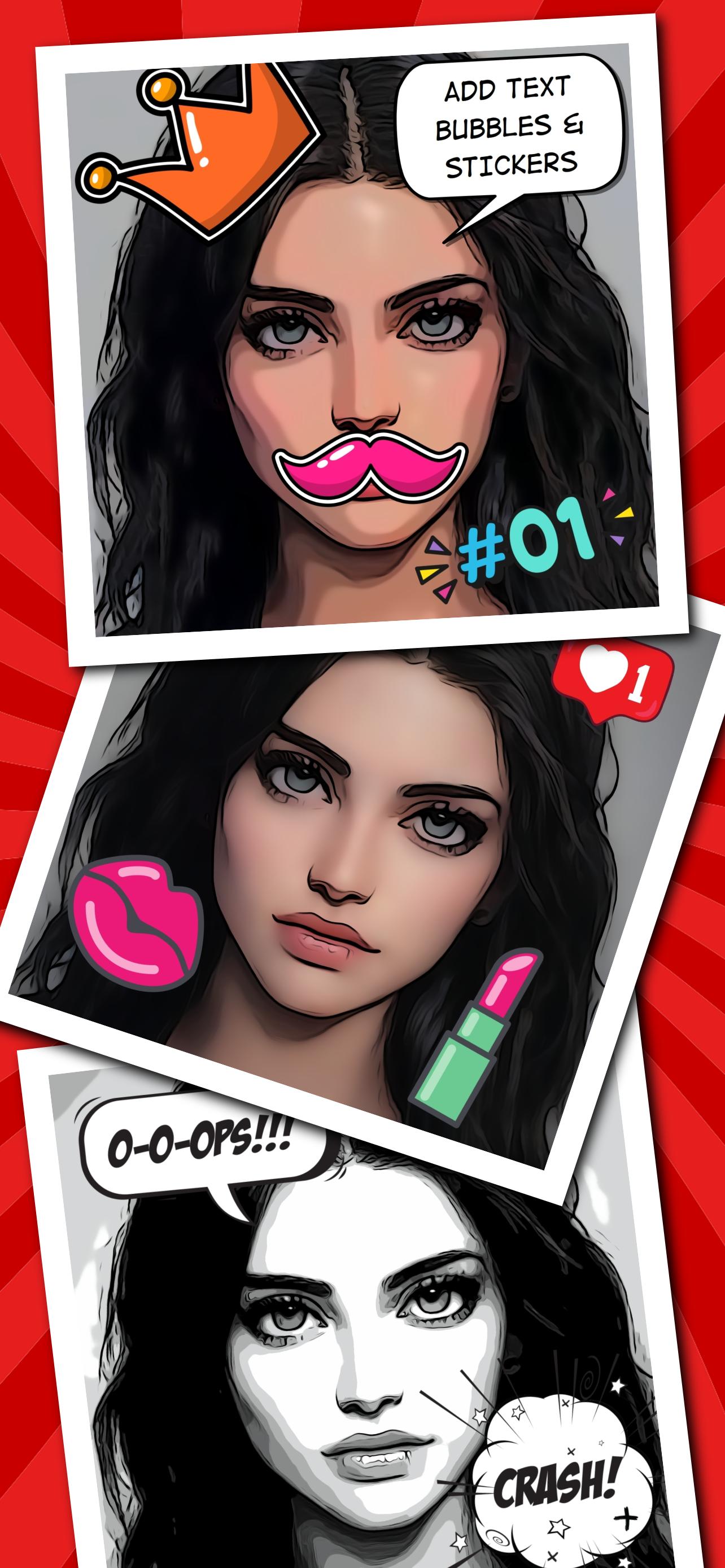
The Stickers stage allows you to add different speech bubbles with custom text and stickers for photos from several collections: Comic maker, Pop Art, Girl, Meme maker, Power, Kawaii, Poster maker, Animals, Motivation, Travel, Space, Christmas, and Halloween.
(5) FILTER STAGE
The Filter stage, as the name suggests, contains many photo filters, image overlays, cartoon filters and more that can further improve your result.
FEATURES OF TOONITA:
• Simple and easy to use cartoon filter app UI/UX
• Cartoon yourself with built-in comic maker and caricature maker tools
• Amazing collection of photo editor and picture retouch tools for you
• Erase background photo editor free apps
• Try poster maker different photo overlays, image filters and cartoon filter to cartoon yourself
• Add cool new stickers for photos like speech bubbles and expressions emojis
CREDITS are listed on http://toonita.app.
預覽
標籤
攝影訊息
開發商
Ignite.rs
最新版本
12.2
更新時間
2025-09-28
類別
攝影
同時可用
Google Play
更多
如何在電腦上用 GameLoop 玩 Toonita - Cartoon Photo Editor
1. 從官網下載GameLoop,然後運行exe文件安裝GameLoop
2. 打開GameLoop,搜索“Toonita - Cartoon Photo Editor”,在搜索結果中找到Toonita - Cartoon Photo Editor,點擊“安裝”
3. 享受在 GameLoop 上玩 Toonita - Cartoon Photo Editor 的樂趣
Minimum requirements
OS
Windows 8.1 64-bit or Windows 10 64-bit
GPU
GTX 1050
CPU
i3-8300
Memory
8GB RAM
Storage
1GB available space
Recommended requirements
OS
Windows 8.1 64-bit or Windows 10 64-bit
GPU
GTX 1050
CPU
i3-9320
Memory
16GB RAM
Storage
1GB available space