
TEKE 電腦版
Teke Tech Inc.
用GameLoop模拟器在電腦上玩TEKE
TEKE 電腦版
來自發行商 Teke Tech Inc. 的 TEKE 能夠在安卓系統上運行。
現在,您可以在電腦上使用 GameLoop 模擬器流暢地玩 TEKE。
在 GameLoop 遊戲庫或搜索結果中下載。 不需要再暢玩遊戲時盯著電池電量或被令人懊惱的來電打斷。
只需在電腦大屏幕上免費下載暢玩TEKE 電腦版!
TEKE 簡介
TEKE
Reactive wireless lighting for creators
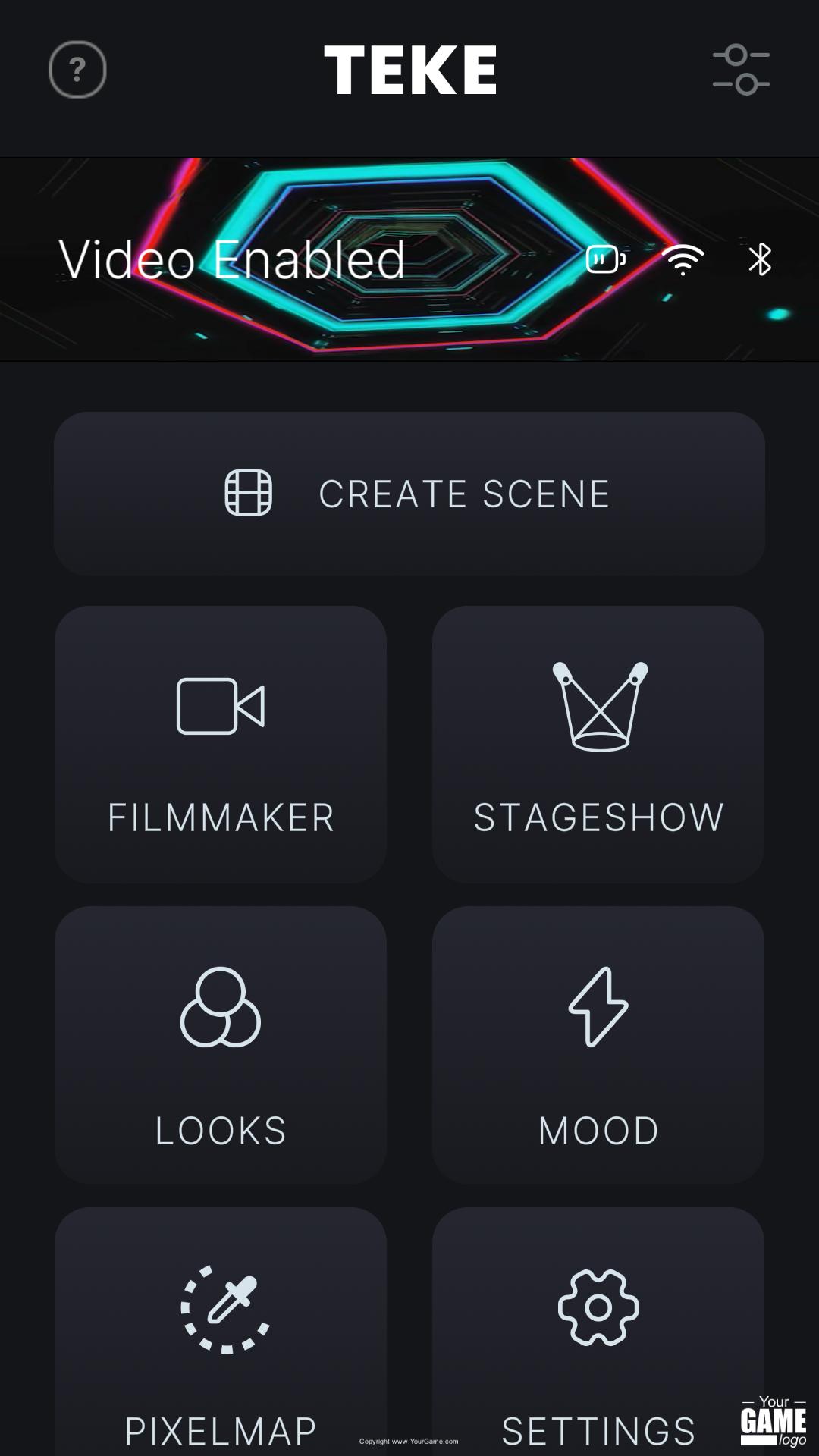
The TEKE™ wireless lighting system gives you instant dynamic lighting environments in the palm of your hand.
Get filmmaker effects, reactive stage-show visuals, colour palettes, animated gradients - all from your phone.
TEKE is also compatible with a variety of WIFI based DMX devices and softwares.
Our app is currently in Beta and supported for devices on iOS & Android.
Thank you for taking part!
Your testing and feedback will be crucial to creating the best possible system for controlling your TEKE lighting fixtures
Features:
- DMX-Based lighting control for TEKE Tech lighting fixtures
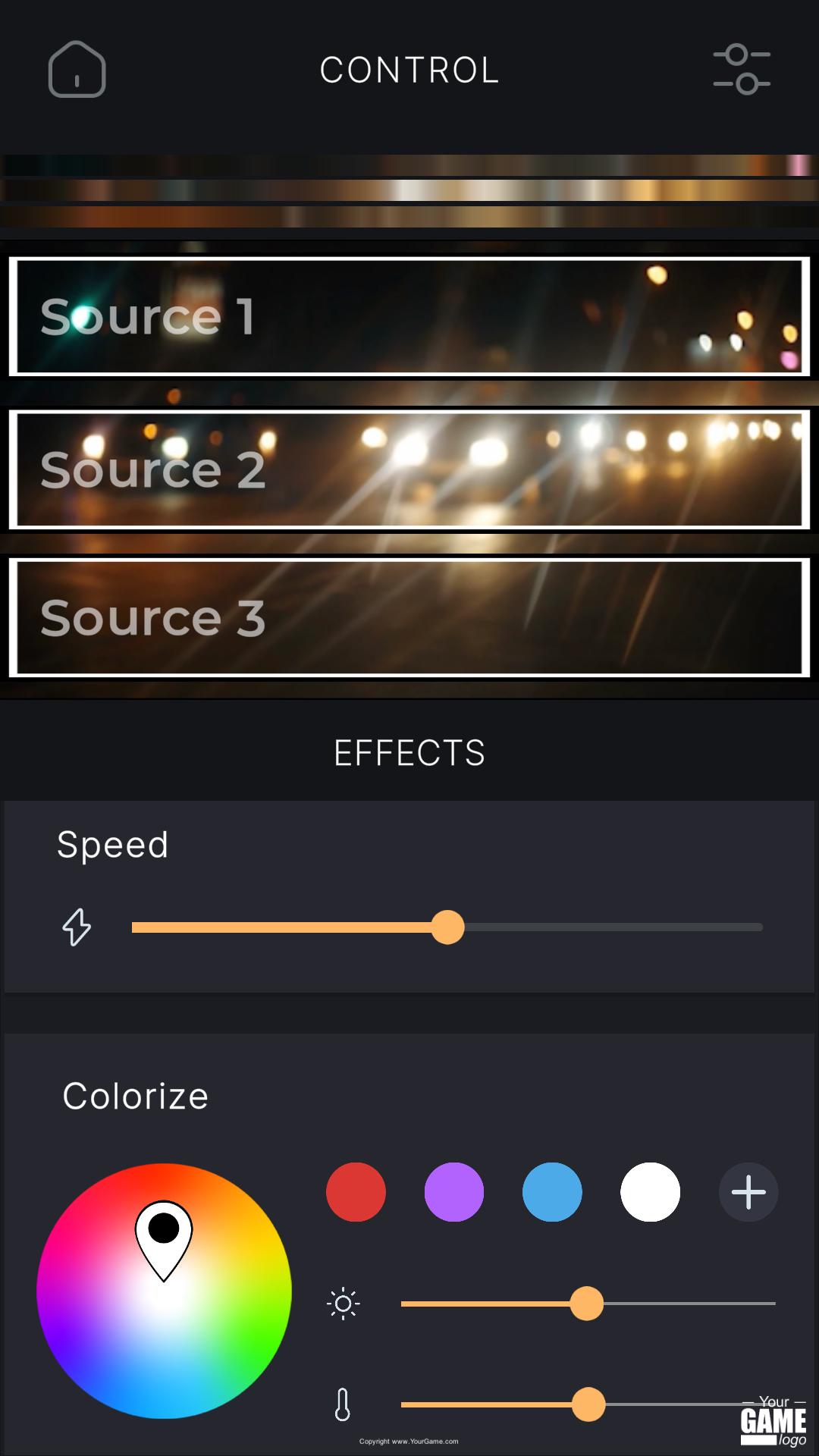
- Use video clips or custom color layouts to Illuminate your Subjects
- A curated library of clips to add motion and life to your scenes
- Create audio reactive looks and colorize clips with live effects
- Import your own images and videos to create looks
Permissions:
- Microphone Access: We use the microphone or audio input to process audio reactive effects
- Network Access: DMX output relies on a connection to a Local Area Network
- Bluetooth: Used to configure the settings of TEKE fixtures
- Media Access: Used to load images and videos from your camera roll for use in lighting looks
TEKE does not require access to your cellular network, we suggest turning this off in Settings>TEKEControl>Permissions, the permission is added automatically as a part of our network requirements
TIP: DMX lighting signals will be far smoother when not competing with other network signals, to avoid interruptions from notifications and other network traffic, we suggest using a dedicated wifi LAN(no connection to the internet is required)
TEKE does not require access to your cellular network, we suggest turning this off in Settings>Teke>Permissions, the permission is added as a part of our network requirement
預覽
標籤
攝影訊息
開發商
Teke Tech Inc.
最新版本
0.74
更新時間
2022-11-14
類別
攝影
同時可用
Google Play
更多
如何在電腦上用 GameLoop 玩 TEKE
1. 從官網下載GameLoop,然後運行exe文件安裝GameLoop
2. 打開GameLoop,搜索“TEKE”,在搜索結果中找到TEKE,點擊“安裝”
3. 享受在 GameLoop 上玩 TEKE 的樂趣
Minimum requirements
OS
Windows 8.1 64-bit or Windows 10 64-bit
GPU
GTX 1050
CPU
i3-8300
Memory
8GB RAM
Storage
1GB available space
Recommended requirements
OS
Windows 8.1 64-bit or Windows 10 64-bit
GPU
GTX 1050
CPU
i3-9320
Memory
16GB RAM
Storage
1GB available space