
Skylar PixLab - Photo Editor P 電腦版
Skylar Blue
用GameLoop模拟器在電腦上玩Skylar PixLab - Photo Editor P
Skylar PixLab - Photo Editor P 電腦版
來自發行商 Skylar Blue 的 Skylar PixLab - Photo Editor P 能夠在安卓系統上運行。
現在,您可以在電腦上使用 GameLoop 模擬器流暢地玩 Skylar PixLab - Photo Editor P。
在 GameLoop 遊戲庫或搜索結果中下載。 不需要再暢玩遊戲時盯著電池電量或被令人懊惱的來電打斷。
只需在電腦大屏幕上免費下載暢玩Skylar PixLab - Photo Editor P 電腦版!
Skylar PixLab - Photo Editor P 簡介
Skylar PixLab Photo has the following featured with special effects, stylized effects, camera effects, and also add some VFX effects on your photo.
1. Neon Photo effects: Add neon effects around photos. Different colors to
decorate photos with neon effects.
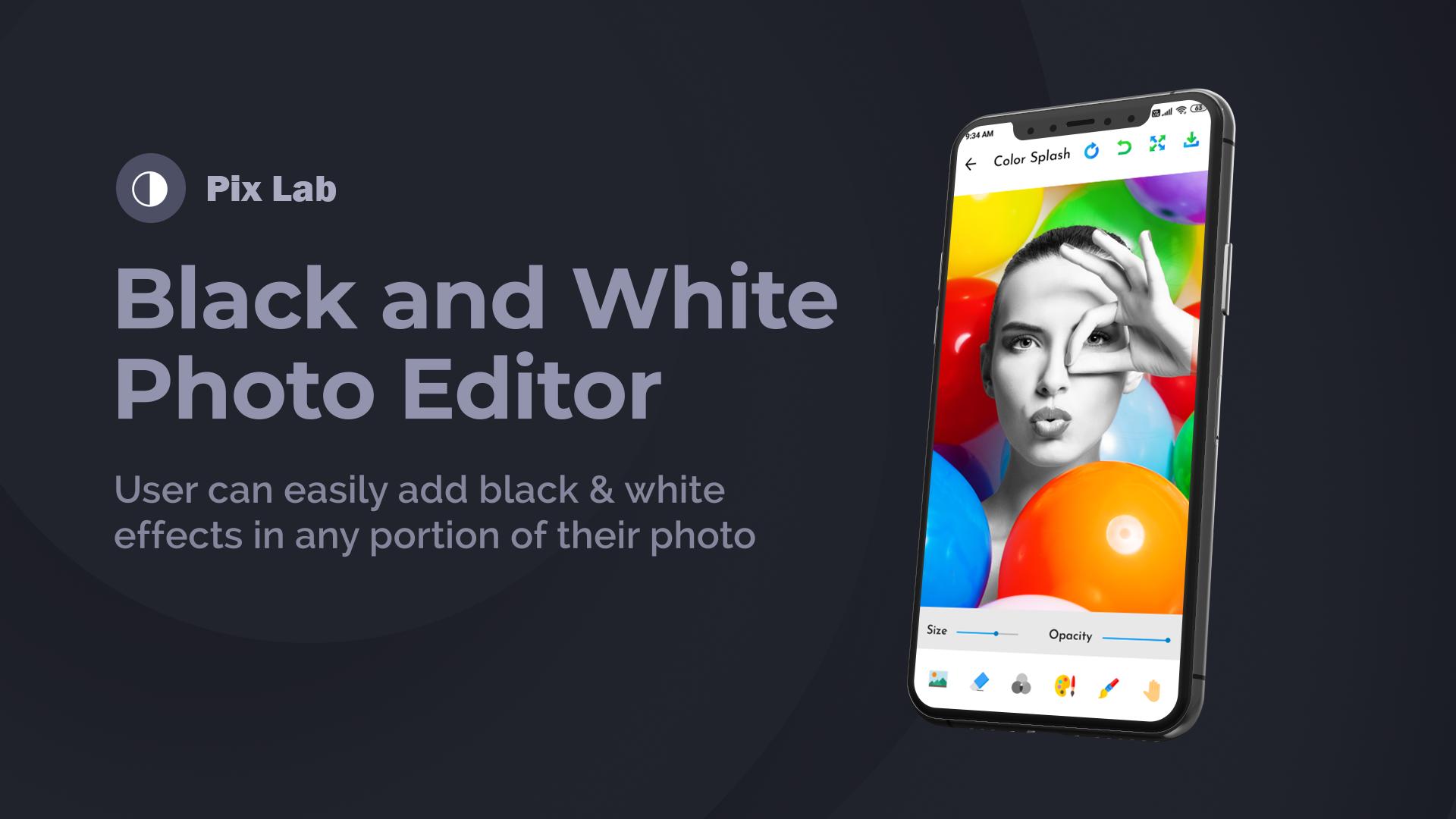
2. Black and White Photo Editor: Create black and white photos with
different filters.
3. Remove Backgrounds: Remove background with Remover Tool easily
4. Drip Photo Effects: We’ve added trending drip effects to photo edits.
Create amazing drip effects.
5. Unlimited Stickers: Sticker Packs with different categories and higher
resolution.
6. Blur Photo- DSLR Effect: Focus on the object and create blur effects on
the background.
7. Preset Photo Filters: Phot filter with different effects.
With This photo-editing tool, you can make photography like photoshop editing.
預覽

標籤
攝影訊息
開發商
Skylar Blue
最新版本
1.1
更新時間
2021-03-08
類別
攝影
同時可用
Google Play
更多
如何在電腦上用 GameLoop 玩 Skylar PixLab - Photo Editor P
1. 從官網下載GameLoop,然後運行exe文件安裝GameLoop
2. 打開GameLoop,搜索“Skylar PixLab - Photo Editor P”,在搜索結果中找到Skylar PixLab - Photo Editor P,點擊“安裝”
3. 享受在 GameLoop 上玩 Skylar PixLab - Photo Editor P 的樂趣
Minimum requirements
OS
Windows 8.1 64-bit or Windows 10 64-bit
GPU
GTX 1050
CPU
i3-8300
Memory
8GB RAM
Storage
1GB available space
Recommended requirements
OS
Windows 8.1 64-bit or Windows 10 64-bit
GPU
GTX 1050
CPU
i3-9320
Memory
16GB RAM
Storage
1GB available space