
Sketch Master - Photo Sketch M 電腦版
InMix.Studio
用GameLoop模拟器在電腦上玩Sketch Master - Photo Sketch M
Sketch Master - Photo Sketch M 電腦版
來自發行商 InMix.Studio 的 Sketch Master - Photo Sketch M 能夠在安卓系統上運行。
現在,您可以在電腦上使用 GameLoop 模擬器流暢地玩 Sketch Master - Photo Sketch M。
在 GameLoop 遊戲庫或搜索結果中下載。 不需要再暢玩遊戲時盯著電池電量或被令人懊惱的來電打斷。
只需在電腦大屏幕上免費下載暢玩Sketch Master - Photo Sketch M 電腦版!
Sketch Master - Photo Sketch M 簡介
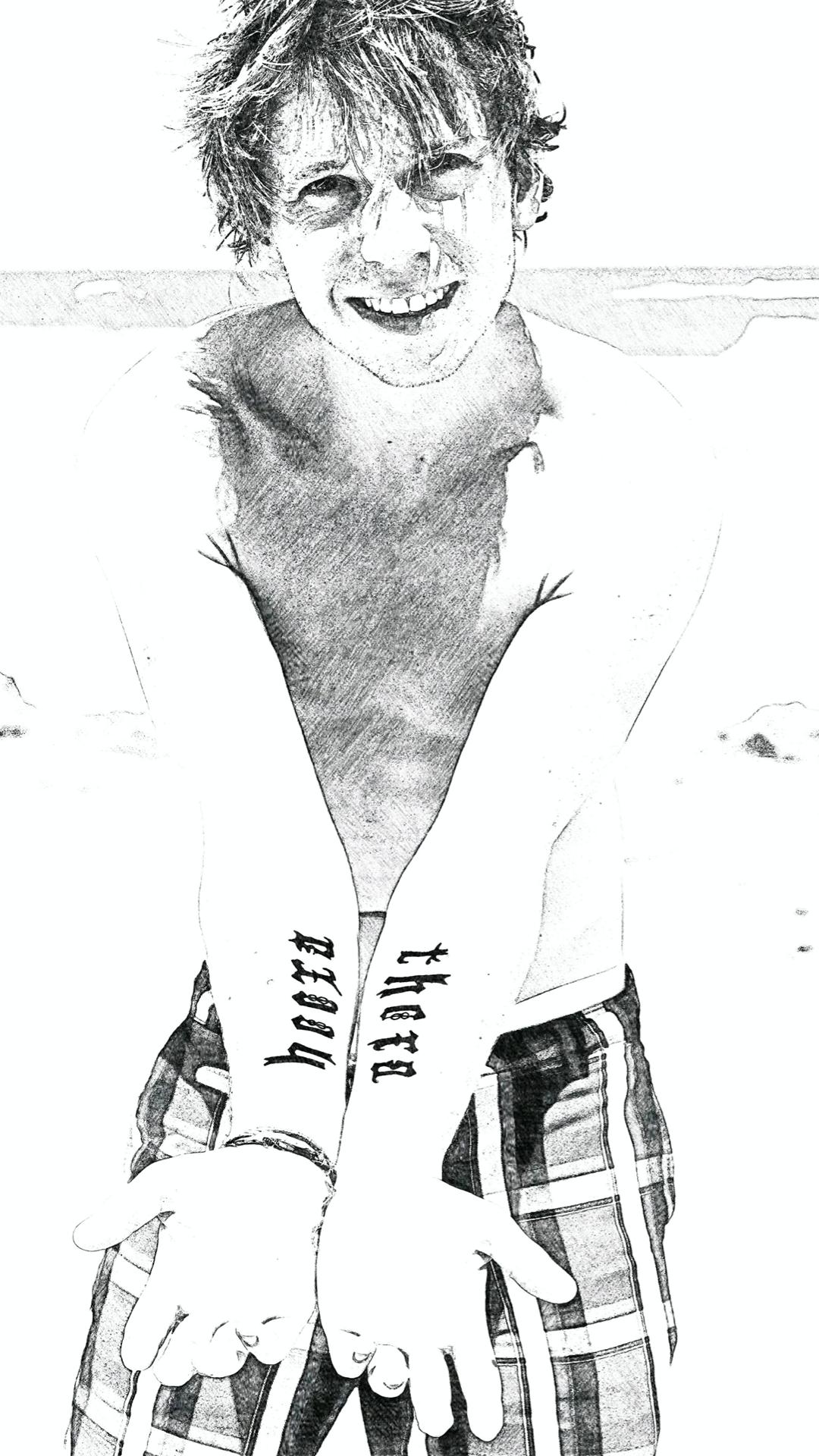
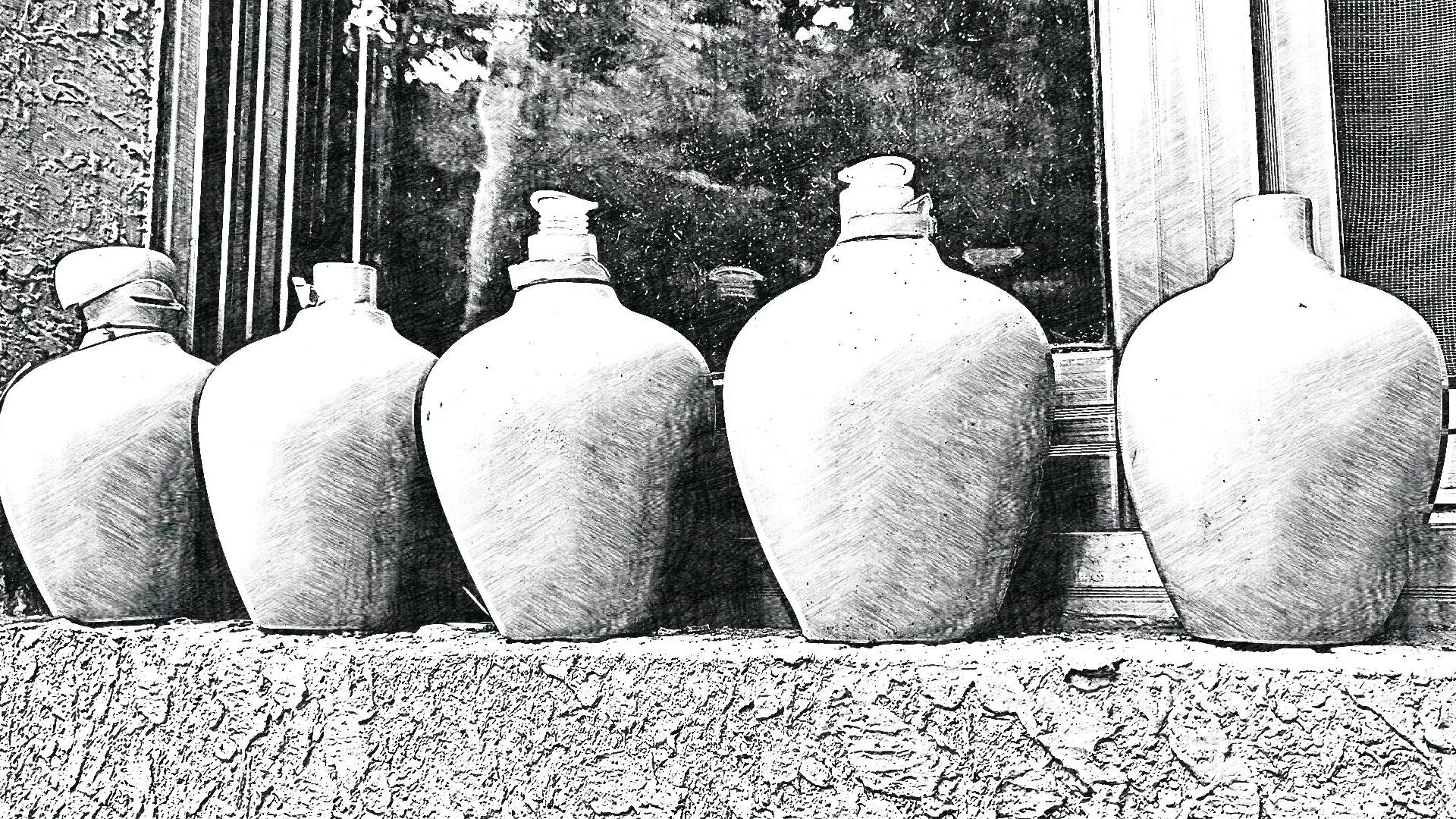
With hundreds of filter effects, Sketch Master can help you easily turn wonderful moments or any pictures into high-quality sketch art. A light and easy-to-use photo editor is also provided. You can easily share your works to social networks such as Instagram, Facebook, etc.
Usage guide:
1. Take a picture or pick a picture from your device;
2. Choose and apply a wonderful effect;
3. Save and share the sktech art to your friends;
About permissions:
• Read or Write External Storage - The app needs this permission to access the pictures on you device and save your sketch art to the SD Card;
• Access Camera - The permission is required and only used to take photos;
Privacy Policy:
Protecting your privacy is very important to us, and we do not collect any private information about you. More privacy policy details: https://inmixstudio.web.app/privacy.html
預覽
標籤
攝影訊息
開發商
InMix.Studio
最新版本
1.00.03
更新時間
2021-04-16
類別
攝影
同時可用
Google Play
更多
如何在電腦上用 GameLoop 玩 Sketch Master - Photo Sketch M
1. 從官網下載GameLoop,然後運行exe文件安裝GameLoop
2. 打開GameLoop,搜索“Sketch Master - Photo Sketch M”,在搜索結果中找到Sketch Master - Photo Sketch M,點擊“安裝”
3. 享受在 GameLoop 上玩 Sketch Master - Photo Sketch M 的樂趣
Minimum requirements
OS
Windows 8.1 64-bit or Windows 10 64-bit
GPU
GTX 1050
CPU
i3-8300
Memory
8GB RAM
Storage
1GB available space
Recommended requirements
OS
Windows 8.1 64-bit or Windows 10 64-bit
GPU
GTX 1050
CPU
i3-9320
Memory
16GB RAM
Storage
1GB available space