
Touch Eraser 電腦版
Roxanne Crete
用GameLoop模拟器在電腦上玩Touch Eraser
Touch Eraser 電腦版
來自發行商 Roxanne Crete 的 Touch Eraser 能夠在安卓系統上運行。
現在,您可以在電腦上使用 GameLoop 模擬器流暢地玩 Touch Eraser。
在 GameLoop 遊戲庫或搜索結果中下載。 不需要再暢玩遊戲時盯著電池電量或被令人懊惱的來電打斷。
只需在電腦大屏幕上免費下載暢玩Touch Eraser 電腦版!
Touch Eraser 簡介
Use Touch Eraser App to remove all unwanted items from photos. Start drawing over an objects, and it will be replace automatically with our auto content aware mechanism.
With Touch Eraser App you can:
- Remove telephone wires and posts, power lines
- Remove surface breaks and scratches—both straight and curved
- Remove photo bombers
- Remove pimples and skin blemishes
- Remove human-made objects like stop lights, street signs, trash cans
- Remove whatever you feel is spoiling your photos
Features:
=> Quick Repair - Remove just by marking
=> Removing Objects with Content-Aware Fill
=> Removing small objects quickly
=> Remove Useless Content for Touch and Retouch Photo Eraser
=> Easy erasing tool with Cursor Offset size and Erasing size adjusting tool
=> Easy and convenient to use
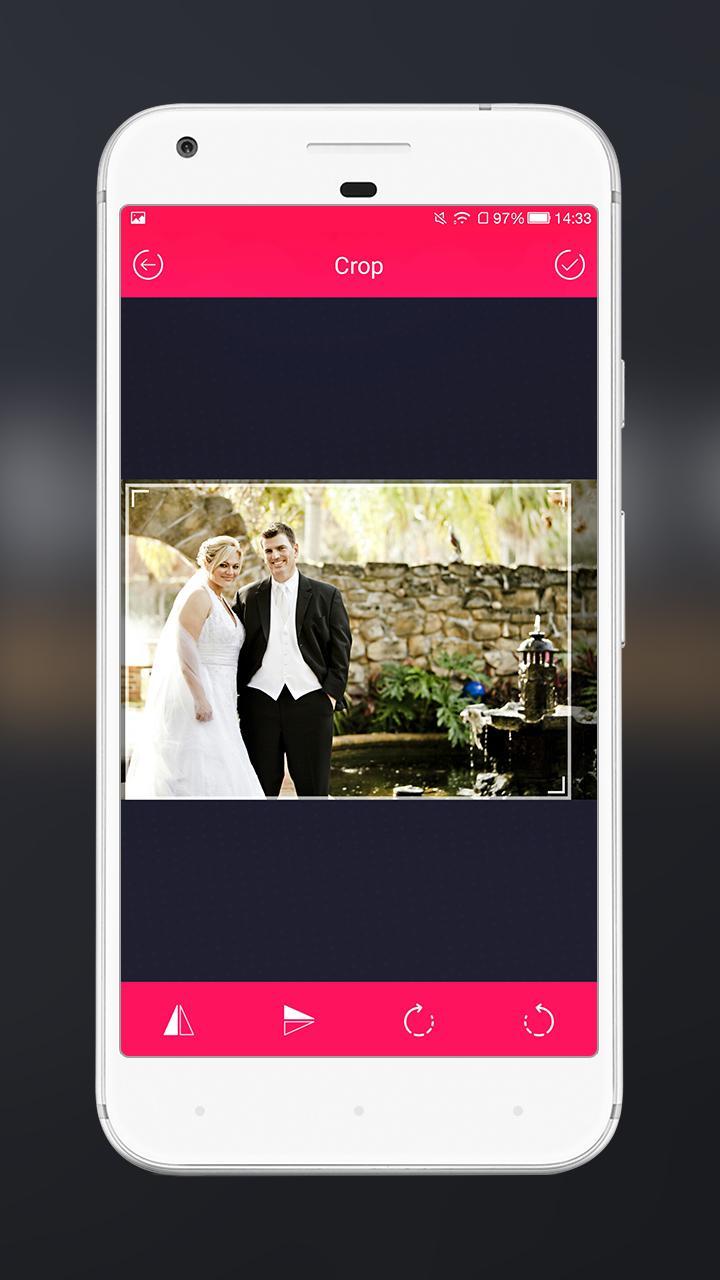
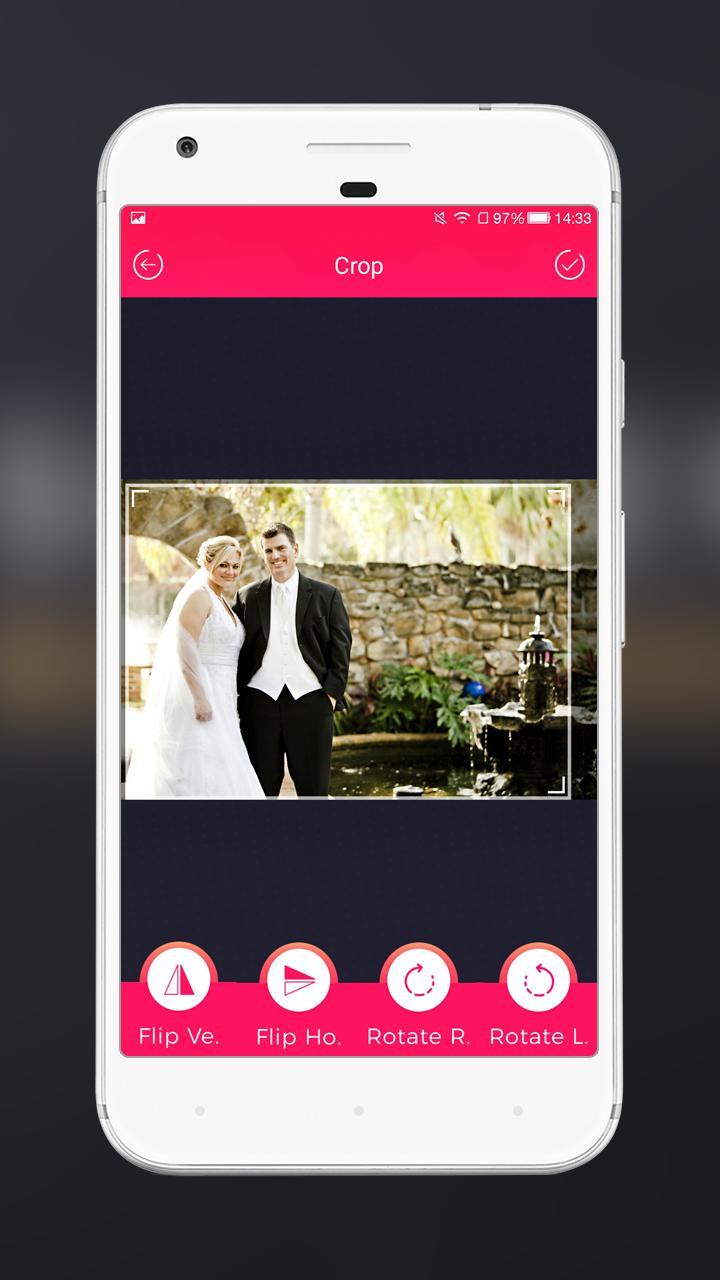
=> Cropping library gives you more accurate cutting
=> No need of internet connection and free to use for unlimited times
=> Use photos from your gallery or take a new one using your camera
=> Save your photos directly in gallery
=> Touch gestures to resize, rotate
=> One Tap to Share on Instagram, Facebook, Twitter and other social networks
預覽
標籤
攝影訊息
開發商
Roxanne Crete
最新版本
1.0
更新時間
2018-04-30
類別
攝影
同時可用
Google Play
更多
如何在電腦上用 GameLoop 玩 Touch Eraser
1. 從官網下載GameLoop,然後運行exe文件安裝GameLoop
2. 打開GameLoop,搜索“Touch Eraser”,在搜索結果中找到Touch Eraser,點擊“安裝”
3. 享受在 GameLoop 上玩 Touch Eraser 的樂趣
Minimum requirements
OS
Windows 8.1 64-bit or Windows 10 64-bit
GPU
GTX 1050
CPU
i3-8300
Memory
8GB RAM
Storage
1GB available space
Recommended requirements
OS
Windows 8.1 64-bit or Windows 10 64-bit
GPU
GTX 1050
CPU
i3-9320
Memory
16GB RAM
Storage
1GB available space