
Recolor - Photo Color Changer 電腦版
kalisohn
用GameLoop模拟器在電腦上玩Recolor - Photo Color Changer
Recolor - Photo Color Changer 電腦版
來自發行商 kalisohn 的 Recolor - Photo Color Changer 能夠在安卓系統上運行。
現在,您可以在電腦上使用 GameLoop 模擬器流暢地玩 Recolor - Photo Color Changer。
在 GameLoop 遊戲庫或搜索結果中下載。 不需要再暢玩遊戲時盯著電池電量或被令人懊惱的來電打斷。
只需在電腦大屏幕上免費下載暢玩Recolor - Photo Color Changer 電腦版!
Recolor - Photo Color Changer 簡介
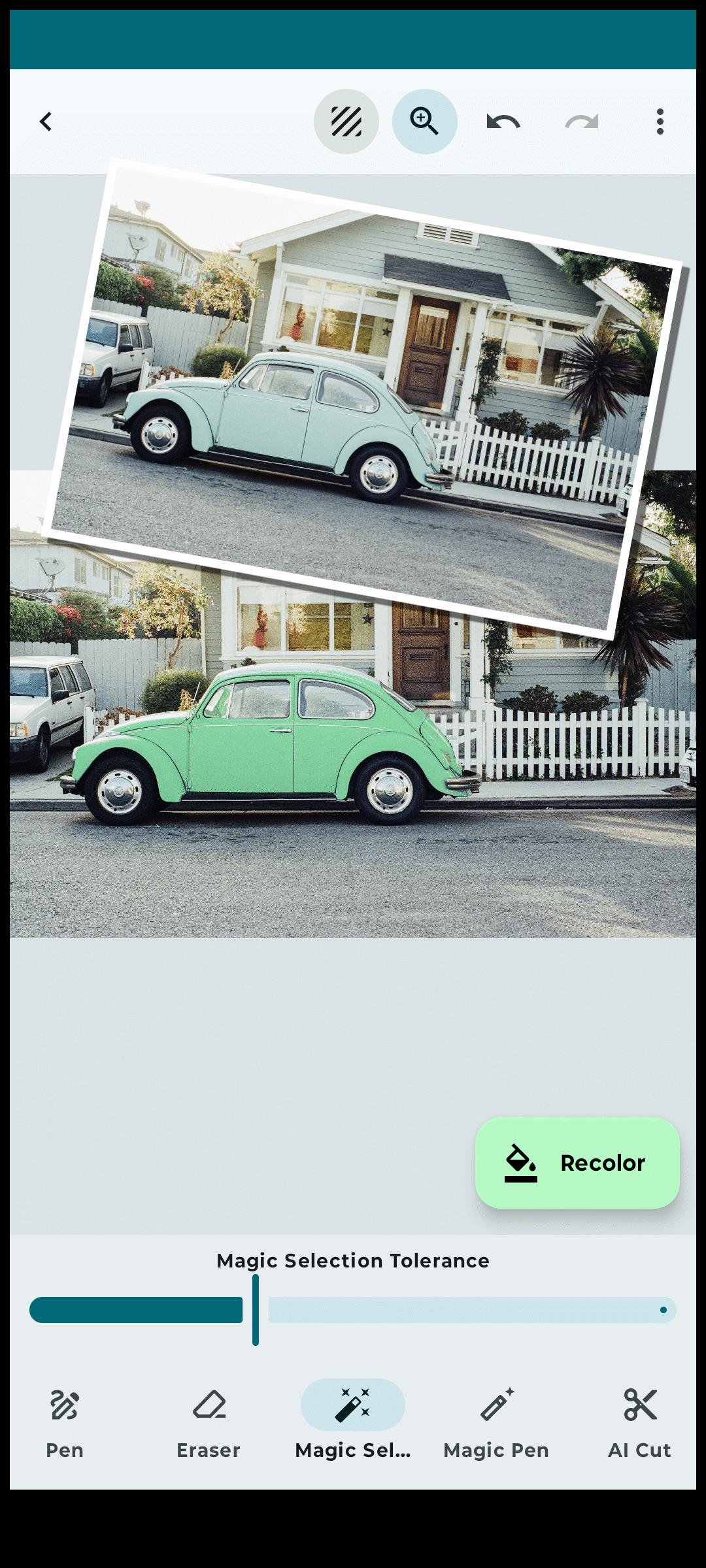
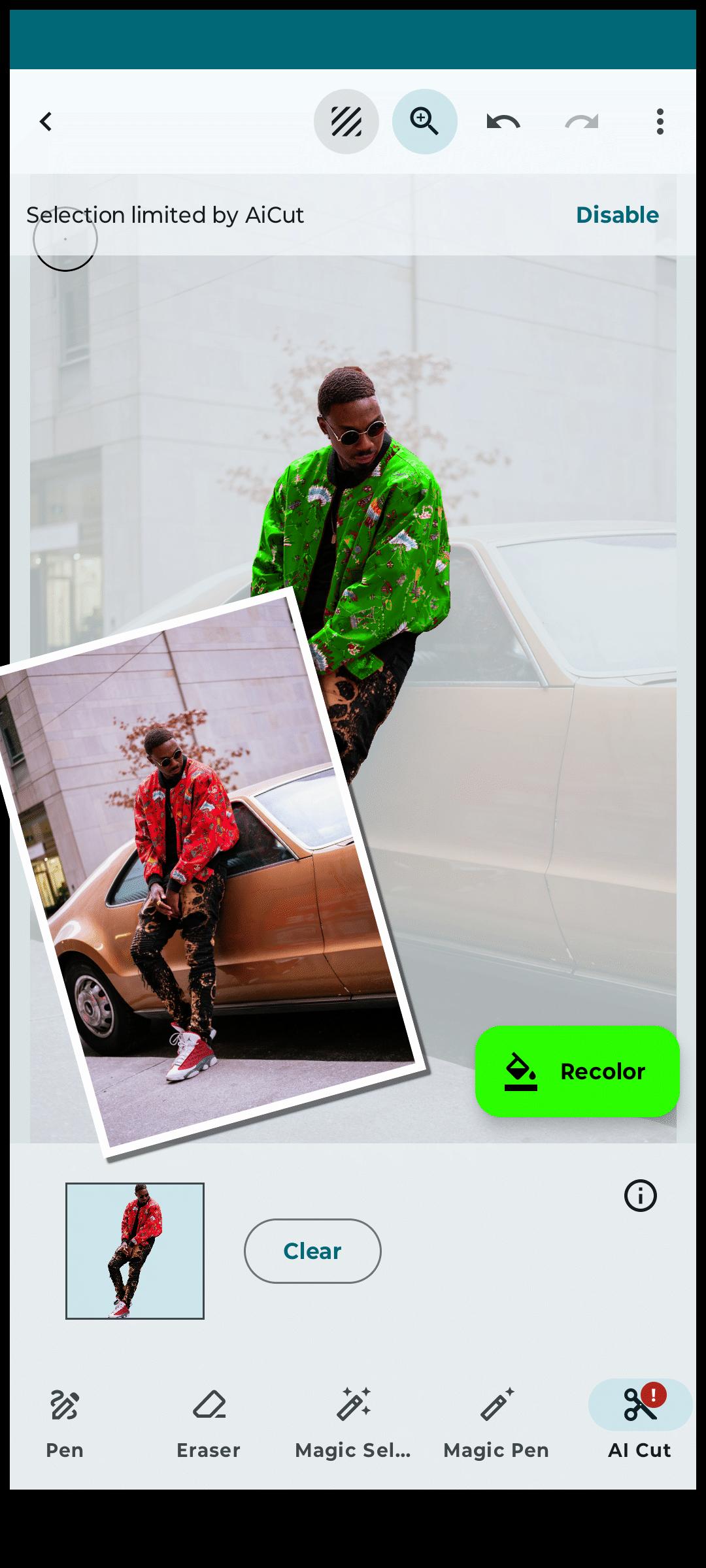
With Recolor, changing the colors of things and objects in your photos has never been easier. Select parts of your photos and recolor them with precision using a variety of advanced tools, including AI-powered selection, a magic wand, and a manual pen tool.
Fine-tune your new colors with brightness and hue sliders or select from a comprehensive color palette. The results are incredibly realistic, preserving shadows, highlights, and reflections for a natural look. For bright elements, use different blend modes to intensify colors while maintaining light integrity. Adjust tonal levels to perfect lighting and shading.
Key Features:
AI Object Preselection:
- Let AI automatically highlight prominent elements in your photo for quick edits.
Layer Editor:
- Work on multiple layers to recolor various parts of your image separately.
Selection Tools:
- Magic Wand: Quickly select areas with similar colors.
- Magic Pen: Similar to the magic wand but with manual control.
- Pen Tool: Manually define details for precise recoloring.
- Selection Magnifier: Zoom in for detailed selection adjustments in manual mode.
- Erasers: Use manual or magic erasers to refine your selection.
Recoloring Tools:
- Replace colors on any element with ease.
- Choose from the RAL color palette for accurate shades.
- Fine-tune colors with hue and brightness sliders.
- Adjust tones for realistic color changes.
- Use various blending modes like "Color," "Multiply," and "Burn" for nuanced transitions.
Project Management:
- Organize and access all your recolor projects easily in the Projects View.
Additional Features:
- Undo/Redo for all selection and color adjustments.
- Save and share your beautifully recolored photos.
Why Choose Recolor?
- Experiment with new paint colors before committing to real-life changes.
- Preview home or wall color changes.
- Modify clothing, hair, skin, eye color, or even the sky.
- Add creative color splash effects manually.
- Perfect for designers and creatives wanting to explore fresh ideas with color.
Download Now and Get Creative!
Upgrade to the Pro Version for an ad-free experience.
預覽
標籤
攝影訊息
開發商
kalisohn
最新版本
2.1.16
更新時間
2025-08-15
類別
攝影
同時可用
Google Play
更多
如何在電腦上用 GameLoop 玩 Recolor - Photo Color Changer
1. 從官網下載GameLoop,然後運行exe文件安裝GameLoop
2. 打開GameLoop,搜索“Recolor - Photo Color Changer”,在搜索結果中找到Recolor - Photo Color Changer,點擊“安裝”
3. 享受在 GameLoop 上玩 Recolor - Photo Color Changer 的樂趣
Minimum requirements
OS
Windows 8.1 64-bit or Windows 10 64-bit
GPU
GTX 1050
CPU
i3-8300
Memory
8GB RAM
Storage
1GB available space
Recommended requirements
OS
Windows 8.1 64-bit or Windows 10 64-bit
GPU
GTX 1050
CPU
i3-9320
Memory
16GB RAM
Storage
1GB available space