
Photo Editor&Filter: Photochic 電腦版
Sweet Snap Studio
用GameLoop模拟器在電腦上玩Photo Editor&Filter: Photochic
Photo Editor&Filter: Photochic 電腦版
來自發行商 Sweet Snap Studio 的 Photo Editor&Filter: Photochic 能夠在安卓系統上運行。
現在,您可以在電腦上使用 GameLoop 模擬器流暢地玩 Photo Editor&Filter: Photochic。
在 GameLoop 遊戲庫或搜索結果中下載。 不需要再暢玩遊戲時盯著電池電量或被令人懊惱的來電打斷。
只需在電腦大屏幕上免費下載暢玩Photo Editor&Filter: Photochic 電腦版!
Photo Editor&Filter: Photochic 簡介
Photochic is your ultimate AI-powered photo and video editor that transforms selfies, portraits, or group photos into eye-catching videos or collectible 3D Mini Figures. With stylish templates, creative effects, and smart AI tools like beauty enhancement, virtual makeup, and background swaps, you can create professional, share-worthy content in seconds. Share your latest edits on TikTok, Instagram Reels, YouTube Shorts, or any social platform to amplify your reach and turn everyday moments into viral-worthy highlights❗
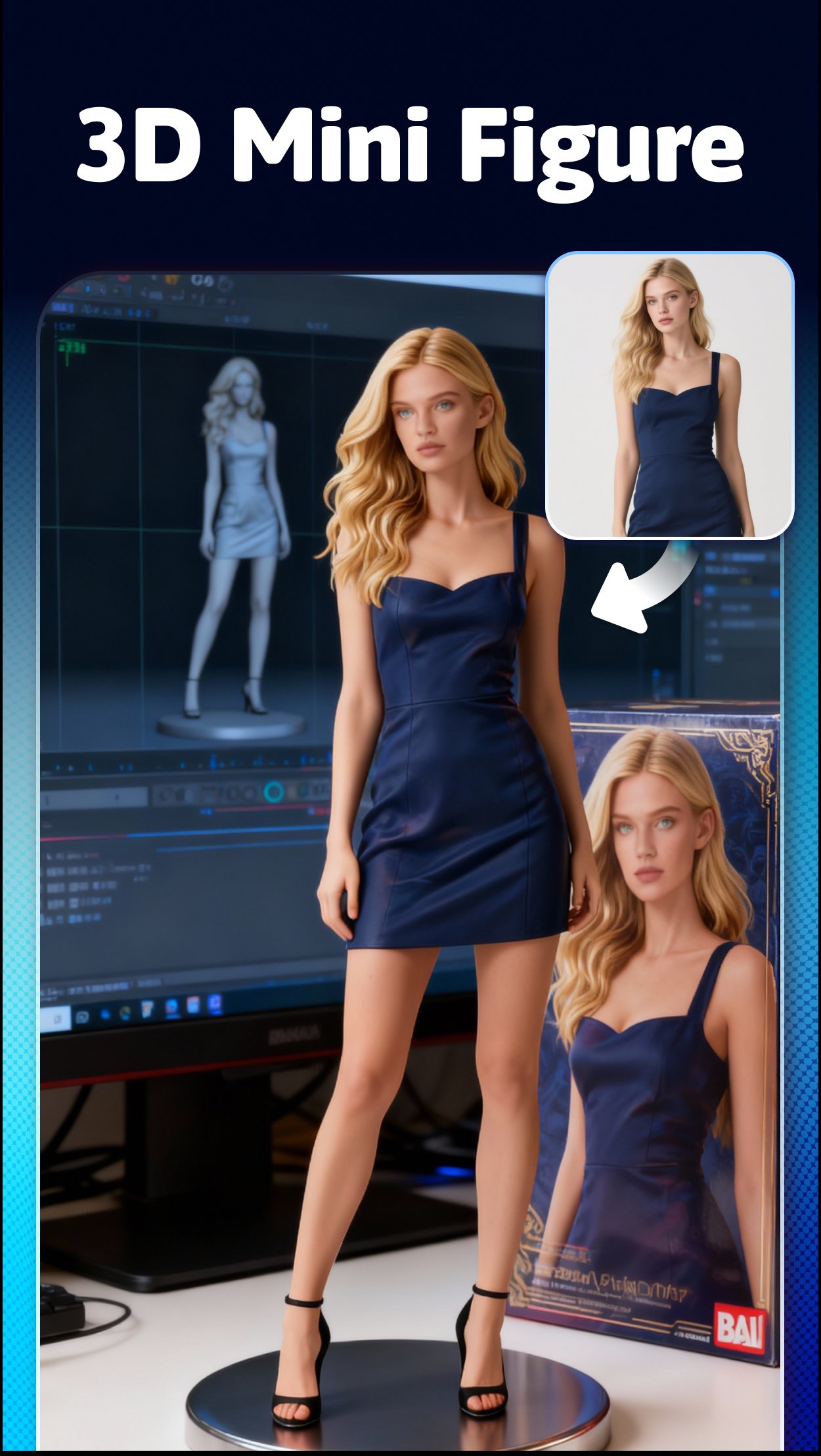
🧸 3D Mini Figure
Turn your selfies or group shots into cute and collectible 3D mini figures! Just upload your photo and let Photochic’s AI instantly craft a miniature version of you. Customize, share, or collect your figures—bringing your memories to life in a playful, creative way. To celebrate the season, we’ve also introduced our Christmas Crystal Ball, letting you place your 3D mini figure inside a festive snow globe for an extra magical holiday touch.
🎬 AI Video
• AI Photo-to-Video: Instantly turn photos into cinematic AI-powered videos.
• One-Tap Creation: No editing experience needed—upload and go!
• Trendy Templates: Explore modern, stylish, and viral video styles to match your personality.
💖 AI Beautify & Retouch
Flawless skin, bright eyes, and balanced features—Photochic’s AI does it all. Whether you prefer natural or glam, enjoy effortless retouching that enhances without overdoing it. Every selfie deserves to shine!
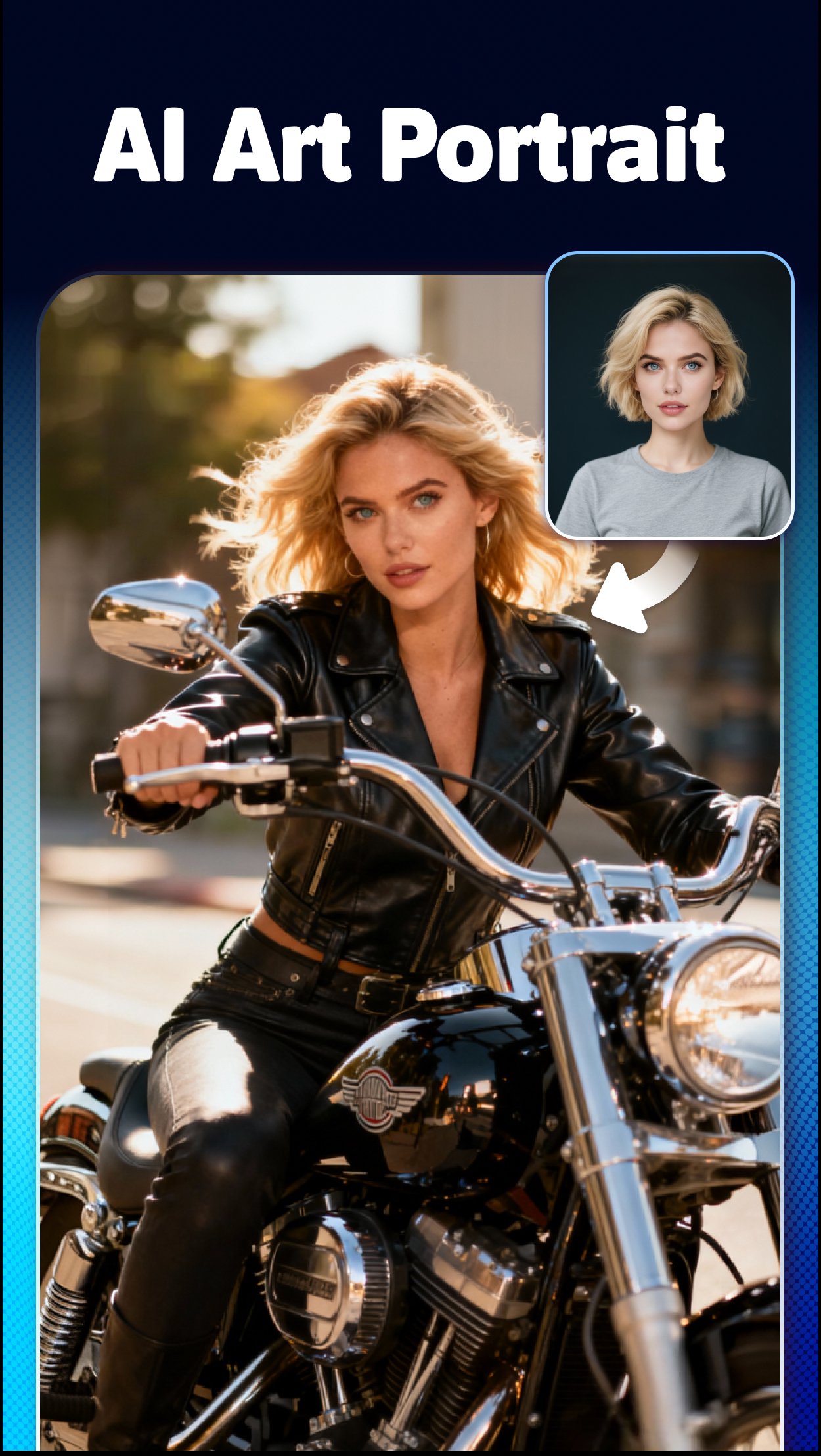
🎨 AI Art Portrait
Create cinematic portraits in any style you love—winter diaries, rainy-day mood shots, Christmas storytelling scenes, or even three-panel film-style layouts. With Photochic’s AI, your photos instantly transform into atmospheric, magazine-level visuals that feel immersive, expressive, and full of narrative charm.
🎨 Personalize Your Style
Bring your creative vision to life. Adjust tones, lighting, and color palettes to fit your mood—minimalist, bold, or artistic. Your style, your rules.
💋 AI Makeup Tools
Try new looks anytime—no brushes needed! Experiment with lipstick, eyeliner, blush, and foundation with Photochic’s AI makeup studio. Perfect for everyday glam or fantasy styles.
🌈 Filters & Effects
Transform your photos with stunning filters—from vintage film to dreamy tones. Every filter is crafted to make your images pop with personality and depth.
💪 Body & Muscle Editing
Sculpt your perfect look with subtle, realistic body shaping. Ideal for fitness photos or simply enhancing your confidence—AI ensures natural results, never overdone.
🌅 Background Swap & Editing
Escape the ordinary—replace your photo’s background with breathtaking scenery, modern interiors, or artistic designs. Create professional portraits or creative masterpieces effortlessly.
📌Simple & Smart Design
Photochic is made for everyone. Its intuitive interface lets you access powerful AI tools easily, making editing fast, fun, and frustration-free.
🌟 Why Choose Photochic?
• AI-Powered Precision: Automatic enhancements that make every shot stunning.
• Complete Toolset: From makeup and retouching to body shaping and backgrounds.
• High-End Filters: Bring cinematic depth and professional tone to your photos.
✨ Download Photochic: AI Photo Editor today—create, style, and share like a pro!
預覽
標籤
攝影訊息
開發商
Sweet Snap Studio
最新版本
2.5.86
更新時間
2026-09-10
類別
攝影
同時可用
Google Play
更多
如何在電腦上用 GameLoop 玩 Photo Editor&Filter: Photochic
1. 從官網下載GameLoop,然後運行exe文件安裝GameLoop
2. 打開GameLoop,搜索“Photo Editor&Filter: Photochic”,在搜索結果中找到Photo Editor&Filter: Photochic,點擊“安裝”
3. 享受在 GameLoop 上玩 Photo Editor&Filter: Photochic 的樂趣
Minimum requirements
OS
Windows 8.1 64-bit or Windows 10 64-bit
GPU
GTX 1050
CPU
i3-8300
Memory
8GB RAM
Storage
1GB available space
Recommended requirements
OS
Windows 8.1 64-bit or Windows 10 64-bit
GPU
GTX 1050
CPU
i3-9320
Memory
16GB RAM
Storage
1GB available space