Passport Photo ID Studio 電腦版
Handy Apps
用GameLoop模拟器在電腦上玩Passport Photo ID Studio
Passport Photo ID Studio 電腦版
來自發行商 Handy Apps 的 Passport Photo ID Studio 能夠在安卓系統上運行。
現在,您可以在電腦上使用 GameLoop 模擬器流暢地玩 Passport Photo ID Studio。
在 GameLoop 遊戲庫或搜索結果中下載。 不需要再暢玩遊戲時盯著電池電量或被令人懊惱的來電打斷。
只需在電腦大屏幕上免費下載暢玩Passport Photo ID Studio 電腦版!
Passport Photo ID Studio 簡介
Passport Photo ID Studio is a completely free ID photo maker app that enables you to create passport photos and any other ID photos in the comfort of your own home and without having to pay a single cent.
All you need is a white backdrop and ample lighting, and by simply following the in-app guidelines, you can begin making professional-looking passport photos and ID photos that will pass the standards set by government agencies worldwide.
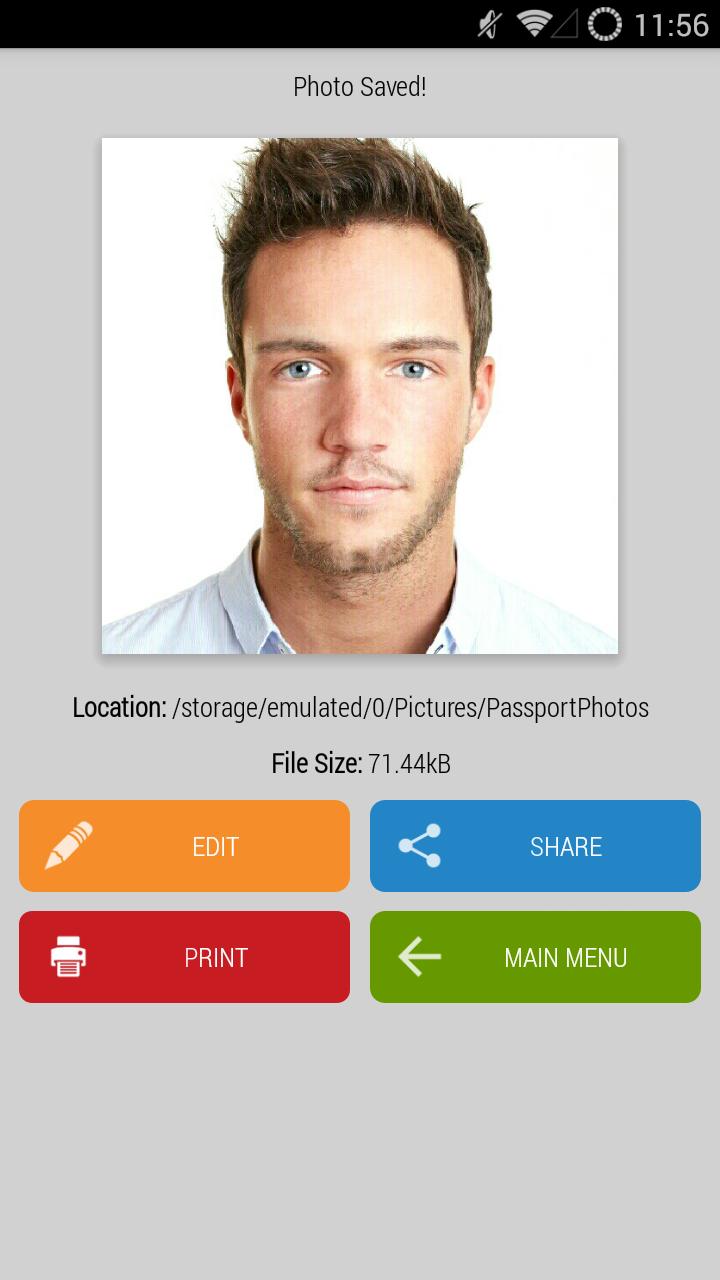
Passport Photo ID Studio also allows you to print out the ID/Passport photos you have made, should you require physical hardcopies.
Full list of features include:
1) Create Passport or ID photos using the front or back facing camera
2) Create Passport or ID photos using an existing photo you have already taken previously
3) Pre-set photo sizes for over 100 countries worldwide
4) Export digital copies of various dimensions and compression quality to satisfy the different image size requirements of government agencies worldwide
5) On the printing page, photo positions will automatically be adjusted based on pre-selected photo sizes
6) Print directly from your phone (provided you have Google Cloud Print pre-configured)
7) Completely free of charge!
Download Passport Photo ID Studio now!
Passport Photo ID Studio is brought to you by Handy Apps
Connect with us on Facebook at: https://www.facebook.com/HandyAppsInc
Tips for taking a good ID or passport photo:
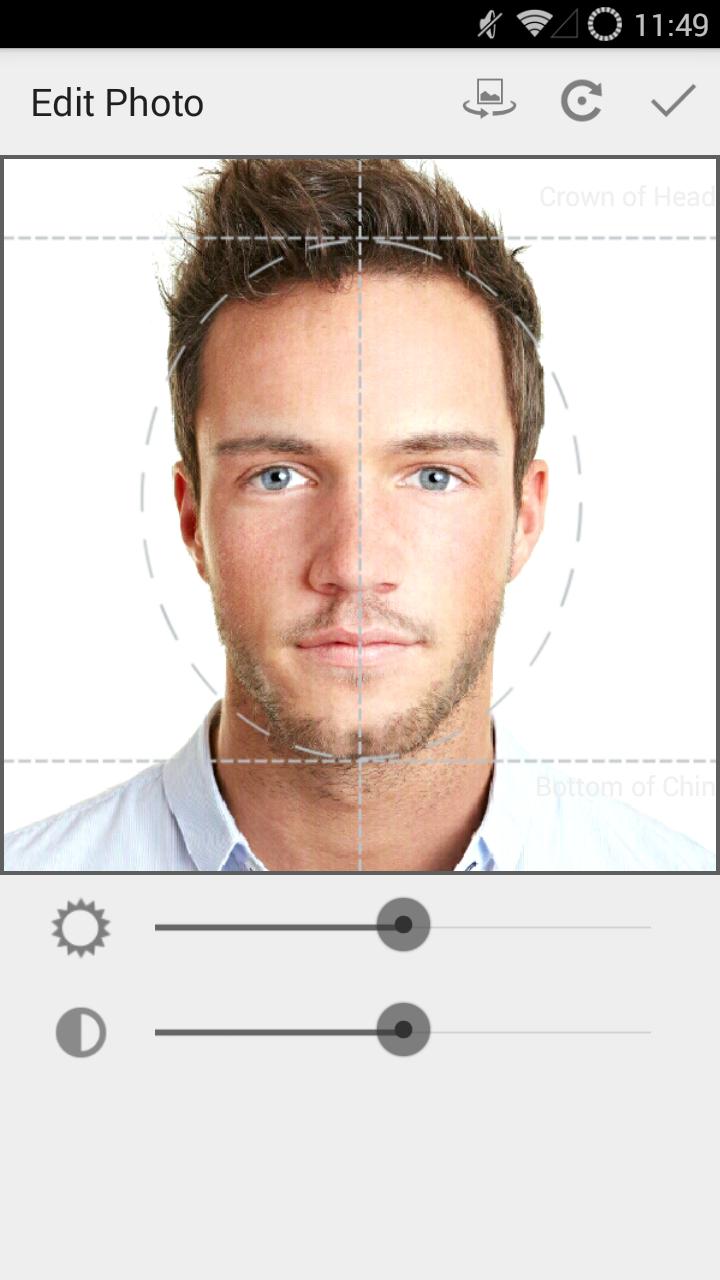
1) Look straight at the camera. Ensure that the width of head does not exceed half the width of the photo
2) Ensure that the background is plain, white and well lit
3) Try to eliminate shadows that are caused by overhead lighting
4) Minimize the distance between the person being photographed and the background to reduce shadows on the background
5) Include the person's upper body and have space above the head in the screen display of your camera
6) When using the front-facing camera, use both hands to hold your phone so that your shoulders will have equal distance from the camera
Full List of countries supported:
USA
Afghanistan
Albania
Algeria
Argentina
Australia
Austria
Azerbaijan
Bahamas
Bangladesh
Belarus
Belgium
Belize
Bolivia
Brazil
Bulgaria
Burundi
Cambodia
Cameroon
Canada
Chad
Chile
China
Colombia
Cuba
Czech Republic
Democratic Republic of the Congo
Denmark
Dominican Republic
Ecuador
Egypt
Ethiopia
Finland
France
Germany
Ghana
Greece
Guatemala
Haiti
Honduras
Hong Kong
Hungary
India
Indonesia
Iran
Iraq
Ireland
Israel
Italy
Ivory Coast
Jamaica
Japan
Kazakhstan
Kenya
Korea, Republic of
Lebanon
Madagascar
Malawi
Malaysia
Mali
Mexico
Morocco
Mozambique
Myanmar
Nepal
Netherlands
New Zealand
Niger
Nigeria
North Korea
Norway
Pakistan
Palestine
Peru
Philippines
Poland
Portugal
Republic of the Congo
Romania
Russia
Rwanda
Saudi Arabia
Senegal
Serbia
Singapore
Somalia
South Africa
Spain
Sri Lanka
Sudan
Sweden
Switzerland
Syria
Taiwan
Tanzania
Thailand
Tonga
Trinidad and Tobago
Turkey
Uganda
Ukraine
United Arab Emirates
United Kingdom
Uzbekistan
Venezuela
Vietnam
Zambia
Zimbabwe
預覽
標籤
攝影訊息
開發商
Handy Apps
最新版本
1.1
更新時間
2015-08-24
類別
攝影
同時可用
Google Play
更多
如何在電腦上用 GameLoop 玩 Passport Photo ID Studio
1. 從官網下載GameLoop,然後運行exe文件安裝GameLoop
2. 打開GameLoop,搜索“Passport Photo ID Studio”,在搜索結果中找到Passport Photo ID Studio,點擊“安裝”
3. 享受在 GameLoop 上玩 Passport Photo ID Studio 的樂趣
Minimum requirements
OS
Windows 8.1 64-bit or Windows 10 64-bit
GPU
GTX 1050
CPU
i3-8300
Memory
8GB RAM
Storage
1GB available space
Recommended requirements
OS
Windows 8.1 64-bit or Windows 10 64-bit
GPU
GTX 1050
CPU
i3-9320
Memory
16GB RAM
Storage
1GB available space