Panorama Maker : Photo Split 電腦版
Appwallet Technologies
用GameLoop模拟器在電腦上玩Panorama Maker : Photo Split
Panorama Maker : Photo Split 電腦版
來自發行商 Appwallet Technologies 的 Panorama Maker : Photo Split 能夠在安卓系統上運行。
現在,您可以在電腦上使用 GameLoop 模擬器流暢地玩 Panorama Maker : Photo Split。
在 GameLoop 遊戲庫或搜索結果中下載。 不需要再暢玩遊戲時盯著電池電量或被令人懊惱的來電打斷。
只需在電腦大屏幕上免費下載暢玩Panorama Maker : Photo Split 電腦版!
Panorama Maker : Photo Split 簡介
Panorama Photo Split app which allows you to crop, resize, zoom, and split a full size pic to create seamless, panorama for instagram in swipe post for Instagram's with multiple photo features. No more "no crop" or "full pic" needed!
Rediscover your panoramas with an insta swipe instagram panorama photo posts. Keep your Instagram’s feed alive with swipeable panoramas! PanoramaCrop for Instagram app which easily splits your wide photos so you can make the most out of the new Instagram’s multi photo posts. Show every detail and make panorama photo split for instagram with a swipe!
Ever wanted to display your gorgeous full size insta swipe instagram panorama photos on Instagram but had to sacrifice the resolution to fit the size restrictions? Tried cropping panoramic photos on your own but ended up with jagged, misaligned images? Panorama Swipe Instagram photo fit which solves the all those problems!
With panorama for instagram in swipe, you can make and now post panorama photo on Instagram without having to compromise the true beauty and resolution of your pictures.
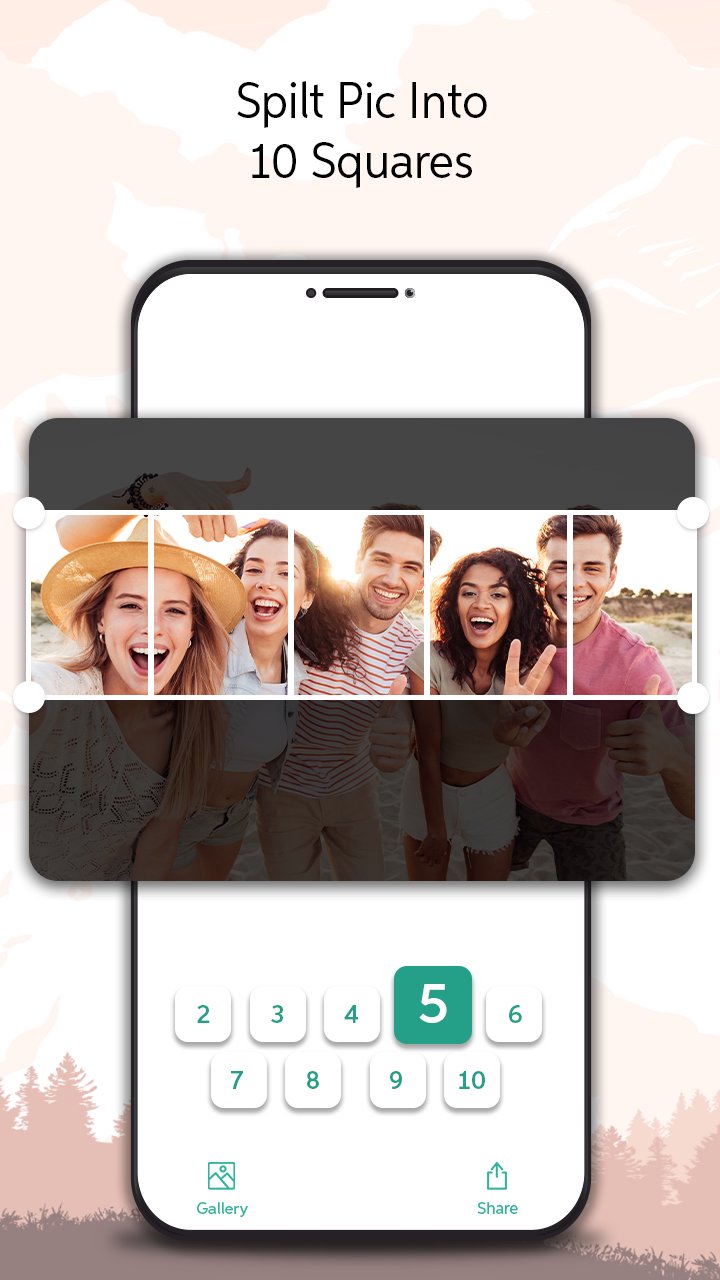
Create panorama from photos or allows you to crop and divide your photos into equal 1x1, 2x1, 3x1, 4x1, 5x1, 6x1, 7x1, 8x1, 9x1 or 10x1 panora split to create the beautiful insta swipe instagram panorama and seamless looking landscape oriented to edit photo panorama and post the instagram feeds. Inspire and gain Instagram followers by creating the immersive and interactive, swipeable and panorama split for instagram posts.
Perfect for any user looking to display the true beauty of their panorama swipe instagram, landscape oriented photos to swipeable posts for the instagram.
With PanoramaCrop for Instagram features you can do it all:
• Create Panorama from photos and spilt panorama up to 10 pictures with one touch.
• Crop, Resize,and Zoom in with one panorama split for instagram app.
• Edit the spilt panorama photo sizes as supported by the Instagram.
• Preserves photo quality to edit photo panorama swipeable post for instagram.
• High resolution image support for the instagram feed posts.
• Preview your photos and save them to the gallery.
No Crop & Square For Instagram:-
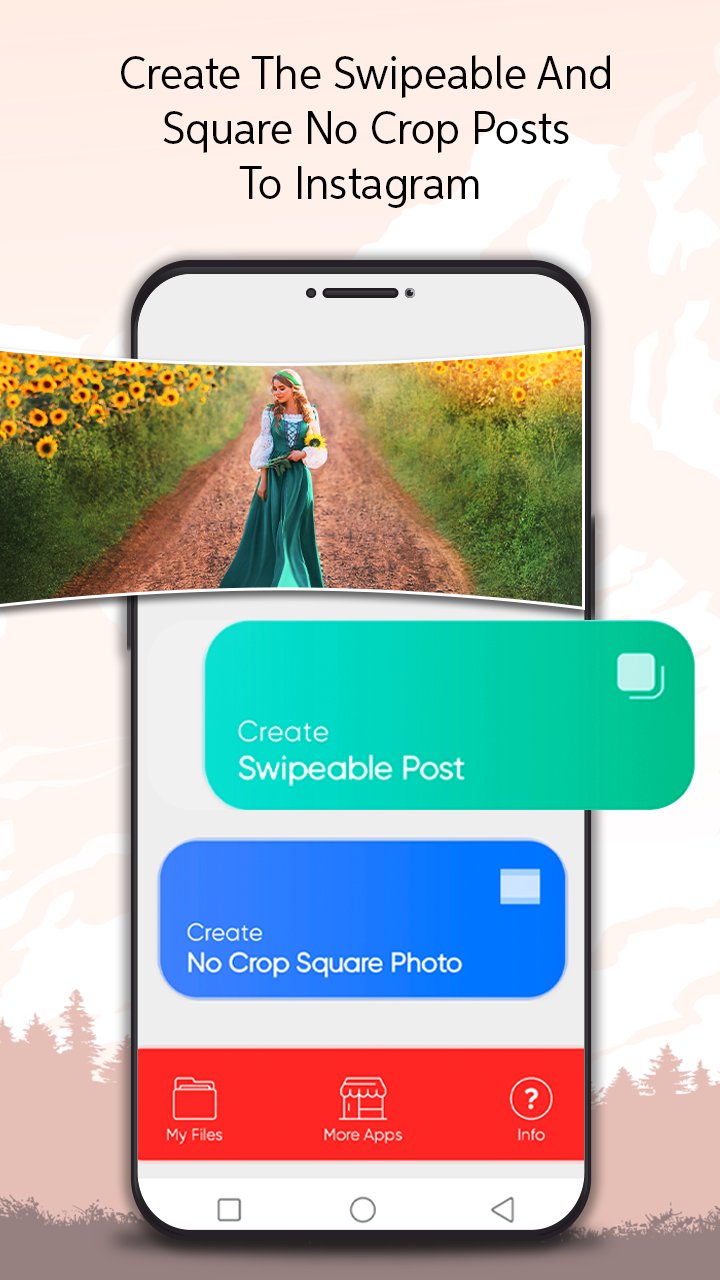
Square Photo Instagram is the simplest square pic - no crop photo editor for instagram to make post for the instagram feeds. You can even create the instagram no crop square pictures using built in no crop feature if you still prefer the old, but nice square photo instagram style. No more frustration when you have to crop your great full size photos before posting them on social networks.
You no longer need to crop your photo to a very small square (or) use square no crop photo editor and adjust the log square aspect ratios of the 5X4, 4x3, 7x5, 3x2, 5x3, 16x9 to make the square photo instagram. Use the direction option to make the resize for instagram photos of the no square crop instagram with landscape and portrait modes. Apply the different colors to the no crop instagram square photos.
Square Pic - No Crop Photo Editor for Instagram which enables you to post full sized pics on Instagram without cropping. Easily create the no crop square instagram photo in seconds! It gives you everything to edit the square pic - no crop photo editor for the instagram photo fit, it's easy to use professional tools and to edit fancy photos.
No Crop & Square For Instagram Features:-
*Allows to select the photos from mobile phone gallery.
*Adjust the log square aspect ratios of the 5x4, 4x3, 7x5, 3x2, 5x3, 16x9 to make the no crop instagram square photos.
*Use the direction option to make the resize for instagram photos of the no square crop instagram with landscape and portrait modes.
*Apply lot of the different colors to make the no crop instagram square photos.
.
*Directly post the square photos for instagram.
Download our panorama for instagram in swipe (or) the best square no crop photo editor app to make the post for the instagram feeds!!!
預覽
標籤
攝影訊息
開發商
Appwallet Technologies
最新版本
1.6
更新時間
2024-05-27
類別
攝影
同時可用
Google Play
更多
如何在電腦上用 GameLoop 玩 Panorama Maker : Photo Split
1. 從官網下載GameLoop,然後運行exe文件安裝GameLoop
2. 打開GameLoop,搜索“Panorama Maker : Photo Split”,在搜索結果中找到Panorama Maker : Photo Split,點擊“安裝”
3. 享受在 GameLoop 上玩 Panorama Maker : Photo Split 的樂趣
Minimum requirements
OS
Windows 8.1 64-bit or Windows 10 64-bit
GPU
GTX 1050
CPU
i3-8300
Memory
8GB RAM
Storage
1GB available space
Recommended requirements
OS
Windows 8.1 64-bit or Windows 10 64-bit
GPU
GTX 1050
CPU
i3-9320
Memory
16GB RAM
Storage
1GB available space