
GIF Maker 電腦版
G3 Studio
用GameLoop模拟器在電腦上玩GIF Maker
GIF Maker 電腦版
來自發行商 G3 Studio 的 GIF Maker 能夠在安卓系統上運行。
現在,您可以在電腦上使用 GameLoop 模擬器流暢地玩 GIF Maker。
在 GameLoop 遊戲庫或搜索結果中下載。 不需要再暢玩遊戲時盯著電池電量或被令人懊惱的來電打斷。
只需在電腦大屏幕上免費下載暢玩GIF Maker 電腦版!
GIF Maker 簡介
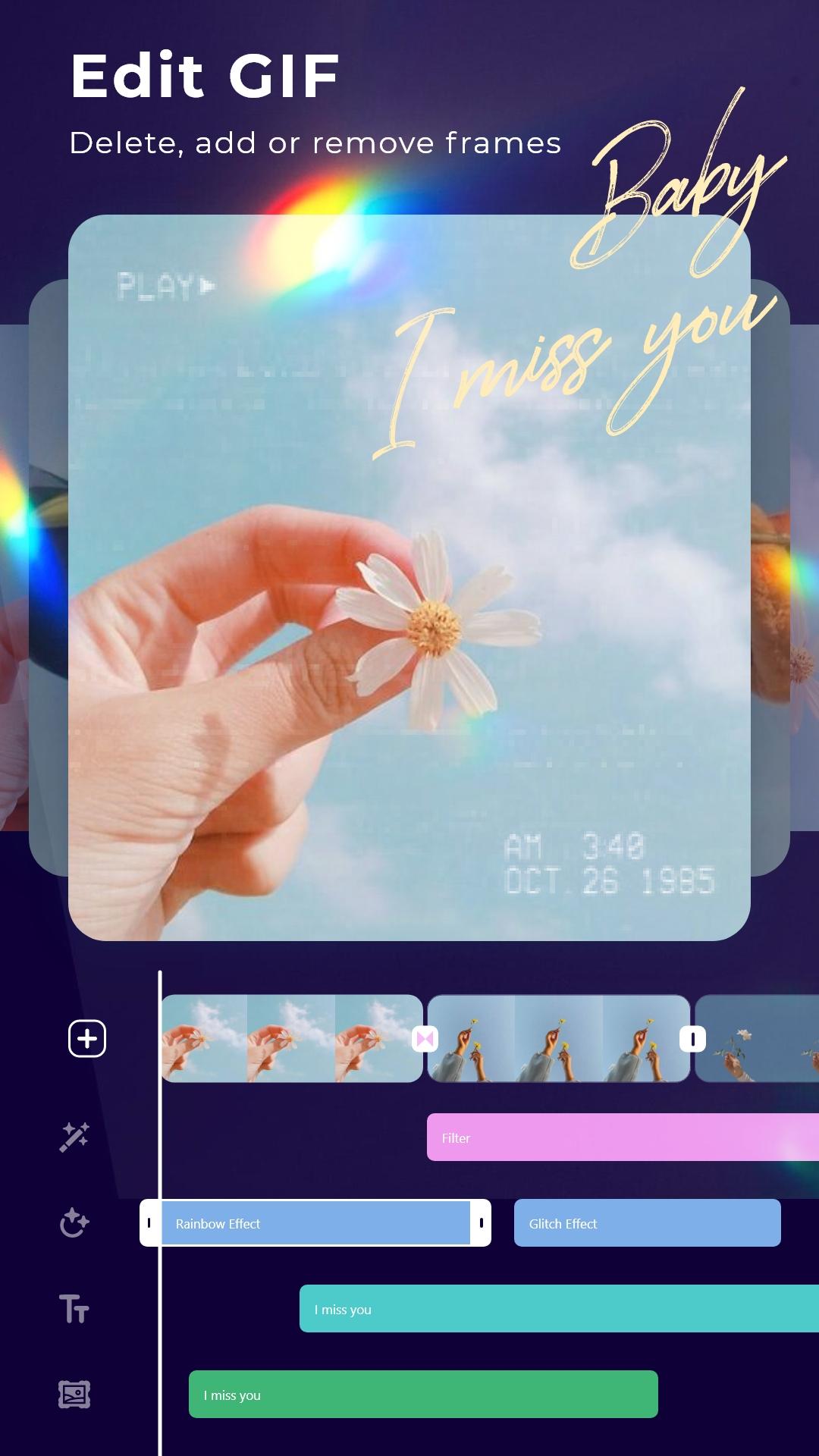
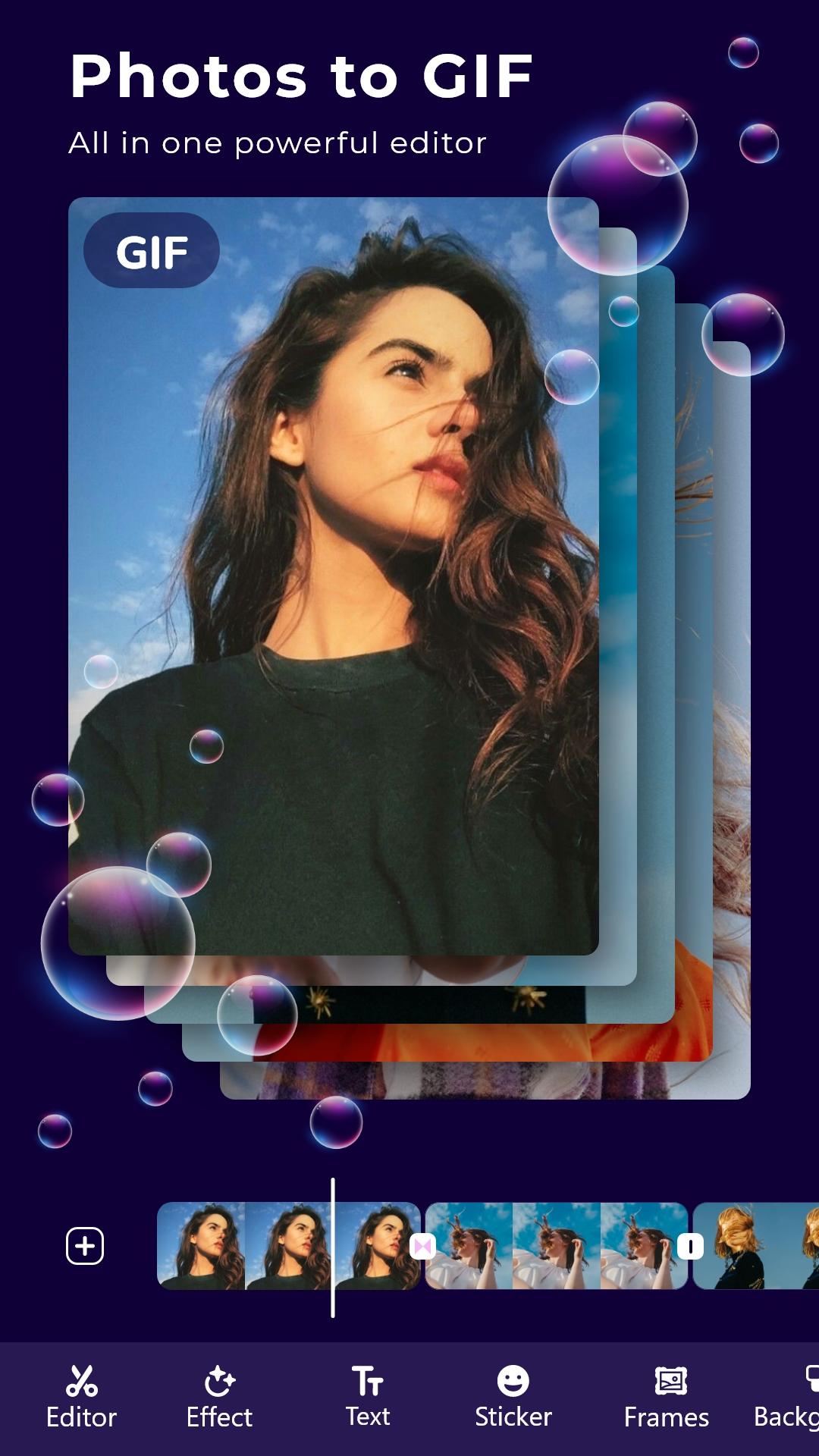
* Create GIF from your favorite photos, Videos.
* Store great moments with GIFs
Make GIF from multiple photos and Videos
* Add animated stickers, still images to Gif
* Add transition effects between frames
* Add motion effects of each photo
* Add good, quality sayings
* Add super beautiful, cute frames
* Add color change, shake, Glitch and 1000 other effects
* Adjust frame rate: Run fast and slow the way you want
* Photo filters, blend modes, crop, rotate, flip: All in GIF editor
* Save GIFs in 1080p, super sharp
More tools
* Convert GIF to Video
* Convert Video to GIF
* Edit any GIF image
* Record screen, record with camera and convert to GIF
* Crop image from GIF or Video
* Compress GIFs
* Cut off the excess part of the Video
* Extract Music from your Video
Gif maker: Edit, create professional GIF images
預覽
標籤
攝影訊息
開發商
G3 Studio
最新版本
12.0
更新時間
2025-08-15
類別
攝影
同時可用
Google Play
更多
如何在電腦上用 GameLoop 玩 GIF Maker
1. 從官網下載GameLoop,然後運行exe文件安裝GameLoop
2. 打開GameLoop,搜索“GIF Maker”,在搜索結果中找到GIF Maker,點擊“安裝”
3. 享受在 GameLoop 上玩 GIF Maker 的樂趣
Minimum requirements
OS
Windows 8.1 64-bit or Windows 10 64-bit
GPU
GTX 1050
CPU
i3-8300
Memory
8GB RAM
Storage
1GB available space
Recommended requirements
OS
Windows 8.1 64-bit or Windows 10 64-bit
GPU
GTX 1050
CPU
i3-9320
Memory
16GB RAM
Storage
1GB available space