GIF Maker & Editor 電腦版
Mega Apps Developers
用GameLoop模拟器在電腦上玩GIF Maker & Editor
GIF Maker & Editor 電腦版
來自發行商 Mega Apps Developers 的 GIF Maker & Editor 能夠在安卓系統上運行。
現在,您可以在電腦上使用 GameLoop 模擬器流暢地玩 GIF Maker & Editor。
在 GameLoop 遊戲庫或搜索結果中下載。 不需要再暢玩遊戲時盯著電池電量或被令人懊惱的來電打斷。
只需在電腦大屏幕上免費下載暢玩GIF Maker & Editor 電腦版!
GIF Maker & Editor 簡介
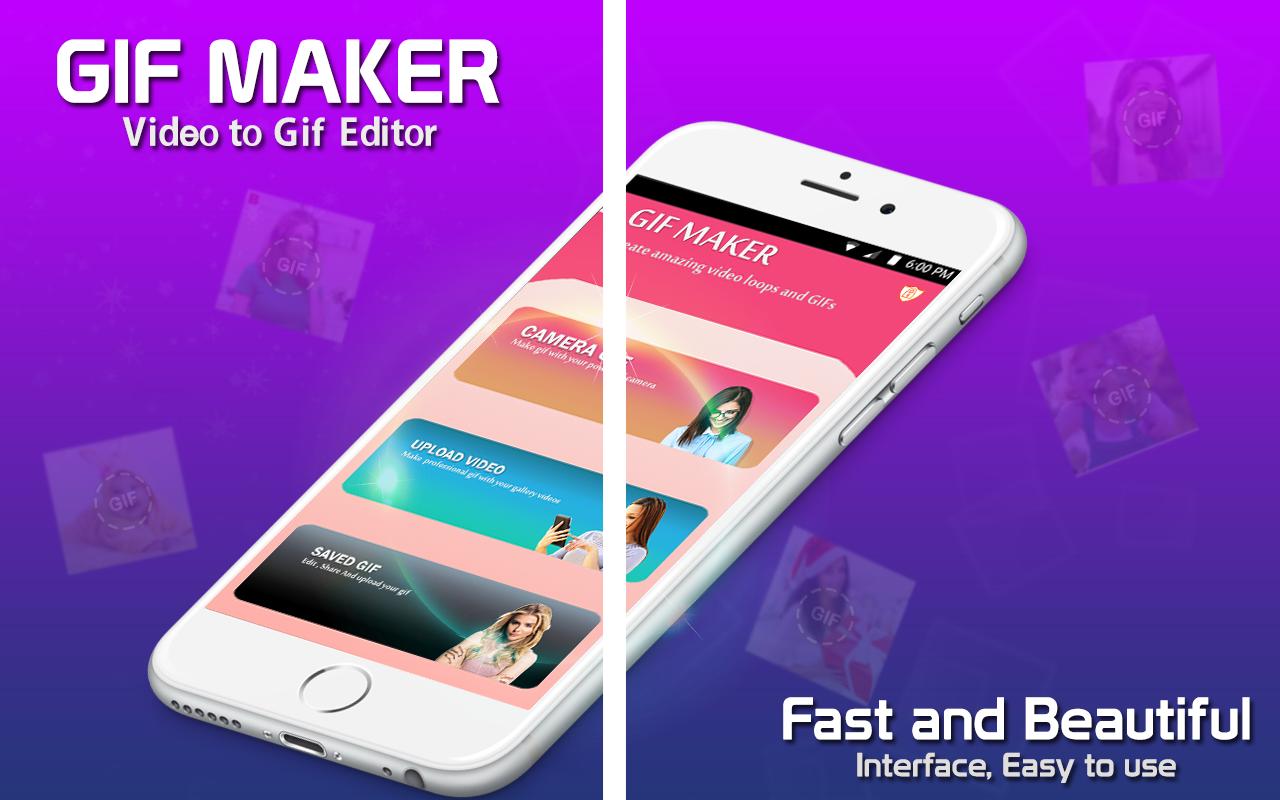
It's super easy gif maker: capture a small moment with your built in selfie camera or back camera, and share it with any one on social networks. GIF MAKER | GIF CREATOR | GIF EDITOR - VIDEO TO GIF | IMAGES TO GIF | PHOTO TO GIF | GIF CAMERA. All available in one free GIF app.
This Gif Maker app – Gif Camera app, Video Maker app, short video maker app, video to Gif maker, photo to Gif Maker and Gif Editor free app let you create gif easily and fast and share it in one tap with anyone.
How it works?
• Open the gif maker app and select from the options: Video to gif or images to gif editor
• If you select video to gif, then select whether you want to record the video to create the gif or you want any video from your gallery to make a gif file of it.
• Record the video or select the file, set the time of the video with equalizer and tap on Conver to GIF !!!
• Your gif file is created and is ready to share with anyone.
• If you selected images to gif then select the multiple images to create gif file.
• After selecting the images, set the time to play you image file after selected seconds.
• Once it is done, tap on convert to gif and your file is ready.
• Share it with anyone anywhere and enjoy!
Download GIF Maker - GIF Camera: Video to GIF Editor now to convert Video to Gif and your Pictures to Gif or your Images to Gif with ease and fast. Now make short videos with the short video maker app. You can make clear Animated GIFs in different ways by using Gif Maker – Gif Camera, Video Maker | Image to gif maker & Video to Gif app in most easiest way. Make animated GIF : create and capture the funny and memorable moments of your family, friends and pets by GIF Camera and save it to animated gifs without watermark. Funny GIF maker : GIF Camera video to gif editor is your daily source for funny gifs and funny animated pictures! A huge collection of the best new gifs!
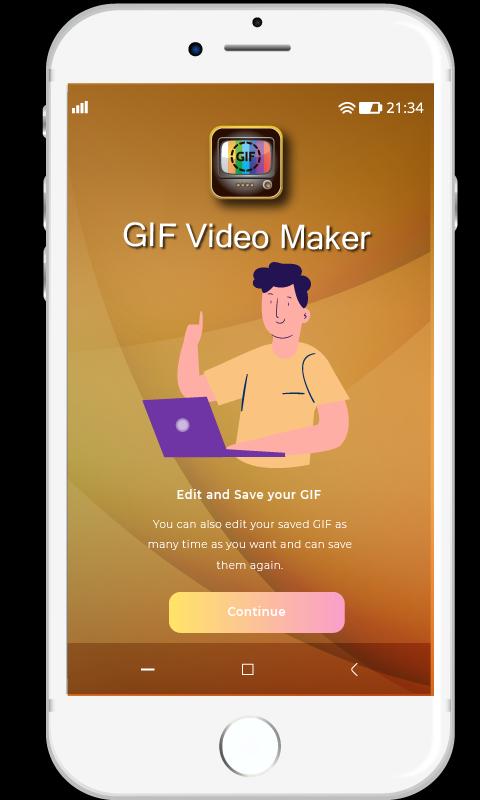
Photo To Gif: Create animated GIF without watermark with your local photos from gallery. You can control whatever speed you want to play your images as image to gif! Video to GIF is an easy and fast way for all the user to create and make it simple to share it with others. You will also be able to trim your video and convert only a segment of your video to an optimized small size gif perfectly.
GIF MAKER FEATURES:
- GIF Maker & GIF Editor.
- Simple, beautiful and easy to use UI.
- Easy, Fast and stable while creating GIF file.
- Combine multiple images and make one GIF file.
- Easy to edit and trim any GIF file.
- Easily control the speed of your desired GIF.
- Use video trimmer to trim the video.
- Modify GIF and adjust play speed quickly.
- A GIF preview before creating it.
- Share created HD gif file on social media apps.
- Totally Free to use!!
Using this Gif Maker - GIF Camera: video to gif editor, you can create Video to Gif, Images to Gif, Selfie camera to Gif, create Gifs free, Screen Recorder to Gif maker, Gif Images maker, Gif to Video editor, gif Animation Maker, Gif Creator free, Animated Images, Images to Gif editor, Animated Photos, add Gif Effects to your images using this Gif Maker, Gif Animator, Gif to Picture, Gif Animation Maker, Gif Images maker, Trim Video to Make Gif and many more features.
Download Best GIF Maker | GIF Creator app now and enjoy making short videos and animated gif of your own and enjoy.
預覽
標籤
攝影訊息
開發商
Mega Apps Developers
最新版本
2.0
更新時間
2020-05-04
類別
攝影
同時可用
Google Play
更多
如何在電腦上用 GameLoop 玩 GIF Maker & Editor
1. 從官網下載GameLoop,然後運行exe文件安裝GameLoop
2. 打開GameLoop,搜索“GIF Maker & Editor”,在搜索結果中找到GIF Maker & Editor,點擊“安裝”
3. 享受在 GameLoop 上玩 GIF Maker & Editor 的樂趣
Minimum requirements
OS
Windows 8.1 64-bit or Windows 10 64-bit
GPU
GTX 1050
CPU
i3-8300
Memory
8GB RAM
Storage
1GB available space
Recommended requirements
OS
Windows 8.1 64-bit or Windows 10 64-bit
GPU
GTX 1050
CPU
i3-9320
Memory
16GB RAM
Storage
1GB available space