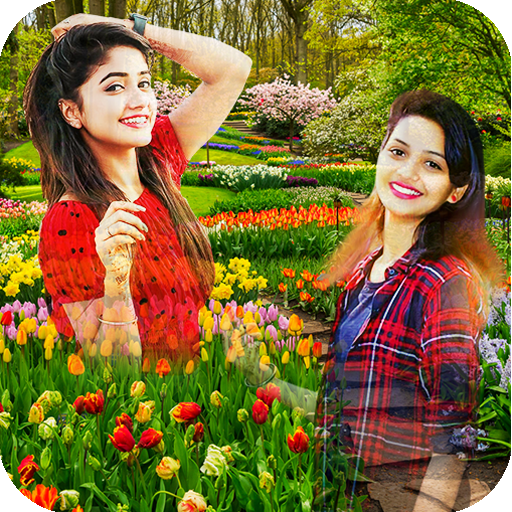
Garden Photo Blender & Editor 電腦版
MVLTR Apps
用GameLoop模拟器在電腦上玩Garden Photo Blender & Editor
Garden Photo Blender & Editor 電腦版
來自發行商 MVLTR Apps 的 Garden Photo Blender & Editor 能夠在安卓系統上運行。
現在,您可以在電腦上使用 GameLoop 模擬器流暢地玩 Garden Photo Blender & Editor。
在 GameLoop 遊戲庫或搜索結果中下載。 不需要再暢玩遊戲時盯著電池電量或被令人懊惱的來電打斷。
只需在電腦大屏幕上免費下載暢玩Garden Photo Blender & Editor 電腦版!
Garden Photo Blender & Editor 簡介
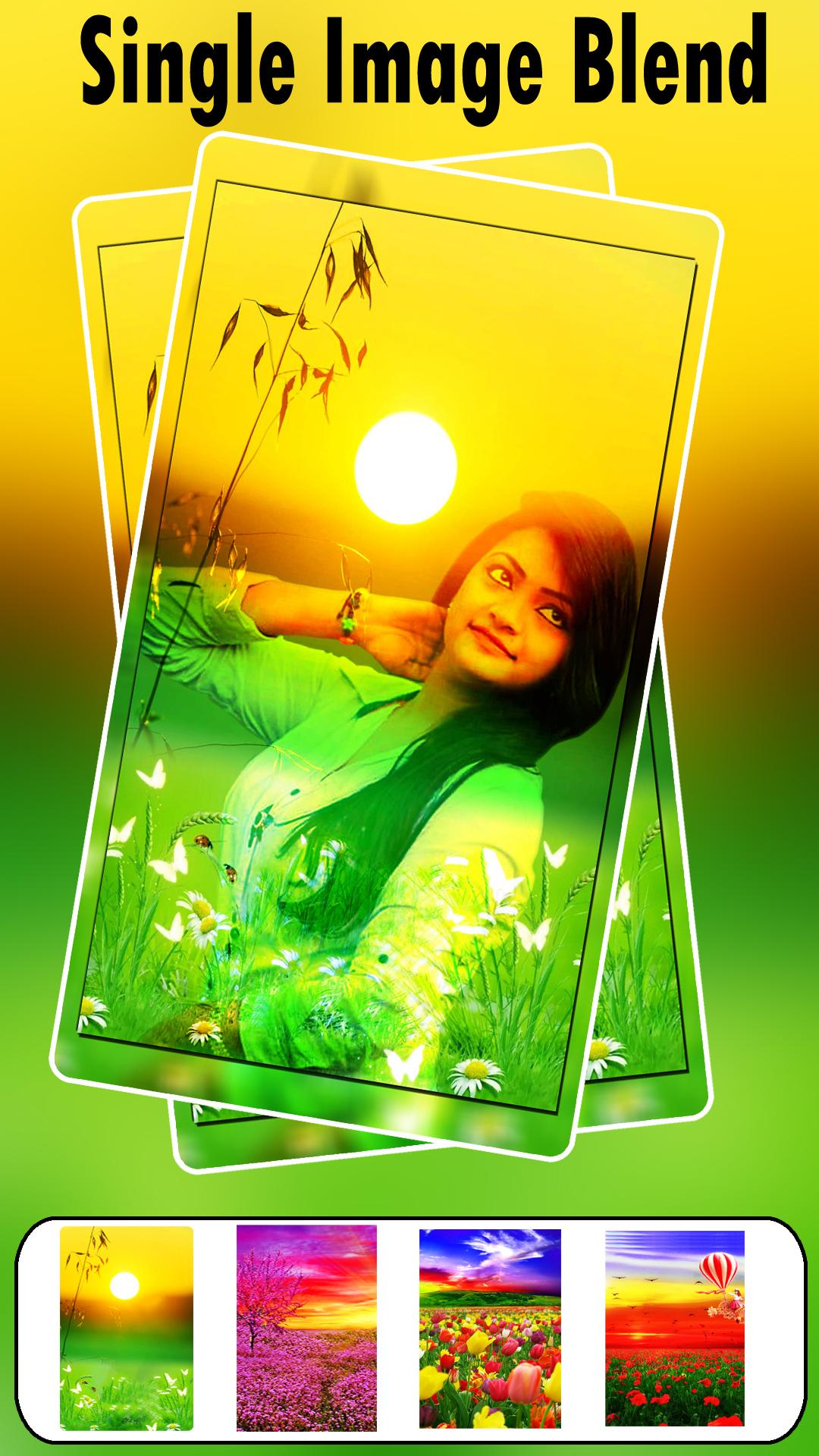
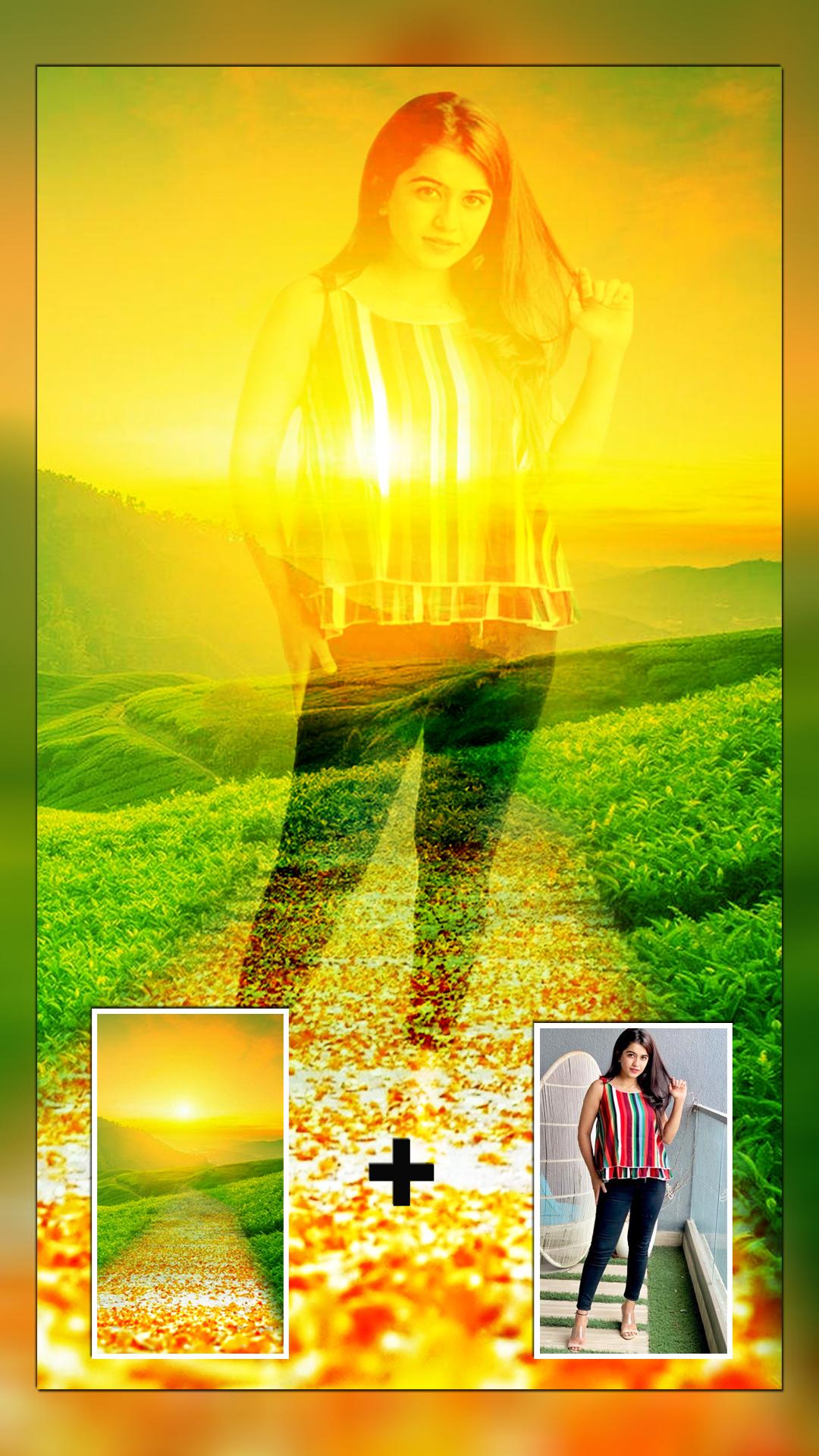
Create amazing photo blending effects with the Garden Photo Blender. This app lets you create a double exposure effect by overlaying your photos onto beautiful garden-themed HD backgrounds. Select a photo from your gallery or capture one with your camera. Choose a garden background and adjust the blend level for the perfect look. You can also add custom text and fun stickers to personalize your creation.
Transform your photos into beautiful works of art with Garden Photo Frames & Editor. Our app is the perfect tool for creating stunning, professional-looking photos with a touch of nature. Whether you're a seasoned photo editor or just starting, our intuitive and easy-to-use interface makes it simple to create beautiful images.
Key Features:
Garden-Themed Frames: Choose from a wide variety of beautiful and serene garden-themed photo frames. From lush green landscapes to vibrant flower gardens, we have a frame for every occasion.
Transparent Photo Frames: Our unique transparent frames allow you to blend your photos seamlessly with the garden backgrounds. This creates a stunning and realistic effect that will make your photos stand out.
Photo Blender: Mix and blend your photos with our beautiful garden backgrounds to create unique and captivating compositions.
Photo Editor: Our app comes with a powerful photo editor that allows you to enhance your photos with a variety of tools. You can crop, rotate, and adjust the brightness, contrast, and saturation of your photos.
Stickers and Text: Add a personal touch to your photos with our collection of fun and creative stickers. You can also add text to your photos to create personalized messages.
Easy to Use: Our app is designed to be easy to use, with a simple and intuitive interface. You don't need any prior experience with photo editing to create beautiful images with our app.
Share Your Creations: Once you've created your masterpiece, you can easily share it with your friends and family on social media.
🌱 Why MVLTR Apps?
We blend creativity with simplicity, giving users of all ages a chance to express themselves through nature-themed photo edits. Whether you're escaping the city in a photo or just adding a natural touch to your selfie, MVLTR Apps brings the garden to you.
預覽
標籤
攝影訊息
開發商
MVLTR Apps
最新版本
1.42
更新時間
2025-09-24
類別
攝影
同時可用
Google Play
更多
如何在電腦上用 GameLoop 玩 Garden Photo Blender & Editor
1. 從官網下載GameLoop,然後運行exe文件安裝GameLoop
2. 打開GameLoop,搜索“Garden Photo Blender & Editor”,在搜索結果中找到Garden Photo Blender & Editor,點擊“安裝”
3. 享受在 GameLoop 上玩 Garden Photo Blender & Editor 的樂趣
Minimum requirements
OS
Windows 8.1 64-bit or Windows 10 64-bit
GPU
GTX 1050
CPU
i3-8300
Memory
8GB RAM
Storage
1GB available space
Recommended requirements
OS
Windows 8.1 64-bit or Windows 10 64-bit
GPU
GTX 1050
CPU
i3-9320
Memory
16GB RAM
Storage
1GB available space