DSLR Camera Blur Effects 電腦版
Divine Apps Studio
用GameLoop模拟器在電腦上玩DSLR Camera Blur Effects
DSLR Camera Blur Effects 電腦版
來自發行商 Divine Apps Studio 的 DSLR Camera Blur Effects 能夠在安卓系統上運行。
現在,您可以在電腦上使用 GameLoop 模擬器流暢地玩 DSLR Camera Blur Effects。
在 GameLoop 遊戲庫或搜索結果中下載。 不需要再暢玩遊戲時盯著電池電量或被令人懊惱的來電打斷。
只需在電腦大屏幕上免費下載暢玩DSLR Camera Blur Effects 電腦版!
DSLR Camera Blur Effects 簡介
As it name says the DSLR Blur Camera APP provide
functionality like DSLR camera to blur the background
and focus on main object. Improvise your photos with
great features and DSLR blur effects. Make the best out of good
and let the creativity speak out your mind.
By using DSLR camera hd blur you can capture the best shot
and may apply best and unique blur filters.
DSLR Photo Blur Background app has lots of photo blurring effects and
blur editor tools to create blur image background.
DSLR pro camera has point blur filter effects and blur image dslr focus
effect options to create images like DSLR hd camera professional 4k.
Get cool filter camera and best bokeh effects, by using them you can
easily make your own DSLR camera hd blur offline.
Easyshare on every social network
features and functionality of DSLR camera :
- DSLR camera blur provide lots of blur effects
- simple yet effective user interface
- you can easily remove unwanted part by blurry effect
- customize blurry effect to make more effective pictures
- use multiple Blurry tool
- undo and redo options to not to stop you from doing mistakes
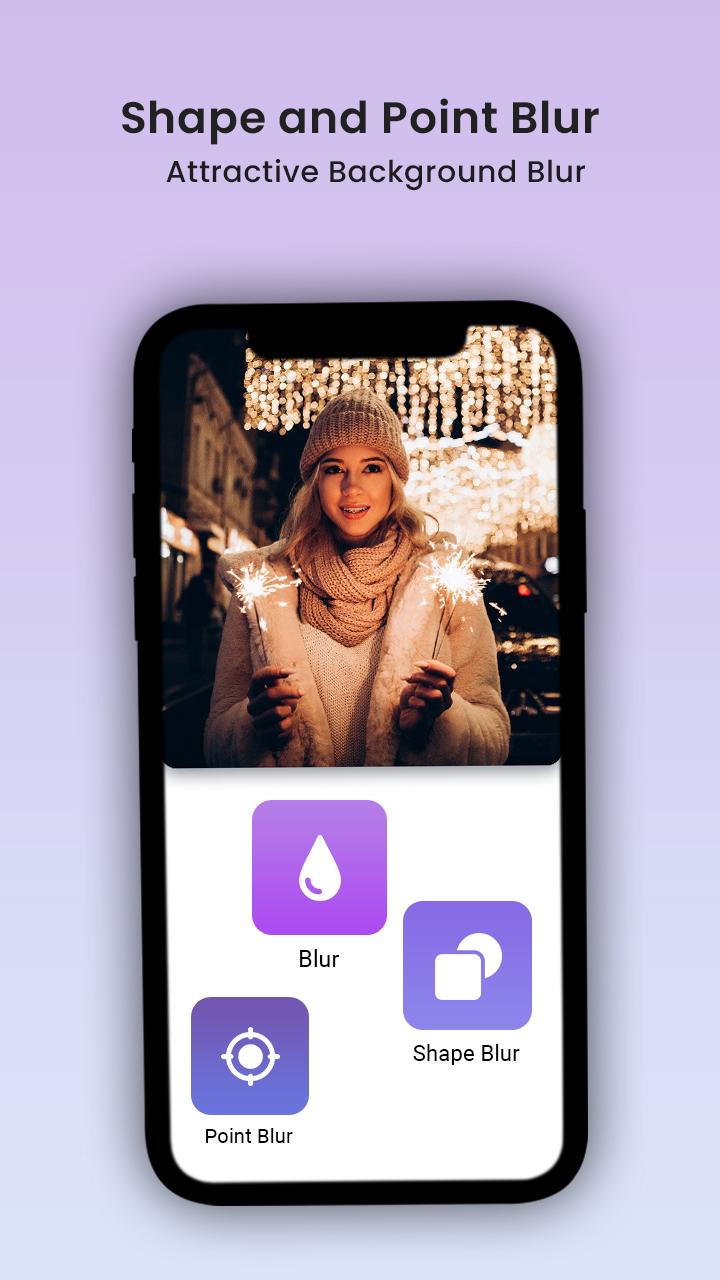
- dozens of shape blur effects to improve your portrait
- Blur effects with just one touch
- Point blur
- manual shape blur features
- control range, saturation and blur radius while taking your pic
- free style blur is also available
- Edit your selfie like pro
- save image with effective clarity
- even share with close friends on social networks
- no requirement of internet connection
Types of Blur :
Motion Blur:
Make an artistic image using motion blur. Use motion
blur to create moving background like human camera click.
Gaussian Blur :
Gaussian function widely used to reduce image
detail, and focus on main item photo
Line Blur :
Using line blur, turn your image into thousands of line
with soft accomplishment.
Box Blur :
This form of blur use two dimension rounded box to
make your image looks like a pro.
Pixel Blur :
Rectangle group of pixels using pixel blur, can use as
a privacy editor tool.
How to use DSLR camera :
- select image from camera or gallery as per your like
- crop your image without any limitations
- use editing tool for perfect and beautiful photo
- add your favorite blur effect on finger movement
- save lovely photo in your gallery
- and share it with fiends and family
Smooth effect of DSLR Camera app can surprise you and your loved ones too.
No need to hire a professional photo editor, be the master of creativity
by using fully functional DSLR camera app.
This blur background app is best app in all apps to create best dslr camera photo effect.
A background changer app is perfect mixture of exclusive blur
tools and well ordered components.
Use App for free now!!
預覽
標籤
攝影訊息
開發商
Divine Apps Studio
最新版本
1.17
更新時間
2023-01-06
類別
攝影
同時可用
Google Play
更多
如何在電腦上用 GameLoop 玩 DSLR Camera Blur Effects
1. 從官網下載GameLoop,然後運行exe文件安裝GameLoop
2. 打開GameLoop,搜索“DSLR Camera Blur Effects”,在搜索結果中找到DSLR Camera Blur Effects,點擊“安裝”
3. 享受在 GameLoop 上玩 DSLR Camera Blur Effects 的樂趣
Minimum requirements
OS
Windows 8.1 64-bit or Windows 10 64-bit
GPU
GTX 1050
CPU
i3-8300
Memory
8GB RAM
Storage
1GB available space
Recommended requirements
OS
Windows 8.1 64-bit or Windows 10 64-bit
GPU
GTX 1050
CPU
i3-9320
Memory
16GB RAM
Storage
1GB available space