DateCamera(Auto timestamp) 電腦版
Office110
用GameLoop模拟器在電腦上玩DateCamera(Auto timestamp)
DateCamera(Auto timestamp) 電腦版
來自發行商 Office110 的 DateCamera(Auto timestamp) 能夠在安卓系統上運行。
現在,您可以在電腦上使用 GameLoop 模擬器流暢地玩 DateCamera(Auto timestamp)。
在 GameLoop 遊戲庫或搜索結果中下載。 不需要再暢玩遊戲時盯著電池電量或被令人懊惱的來電打斷。
只需在電腦大屏幕上免費下載暢玩DateCamera(Auto timestamp) 電腦版!
DateCamera(Auto timestamp) 簡介
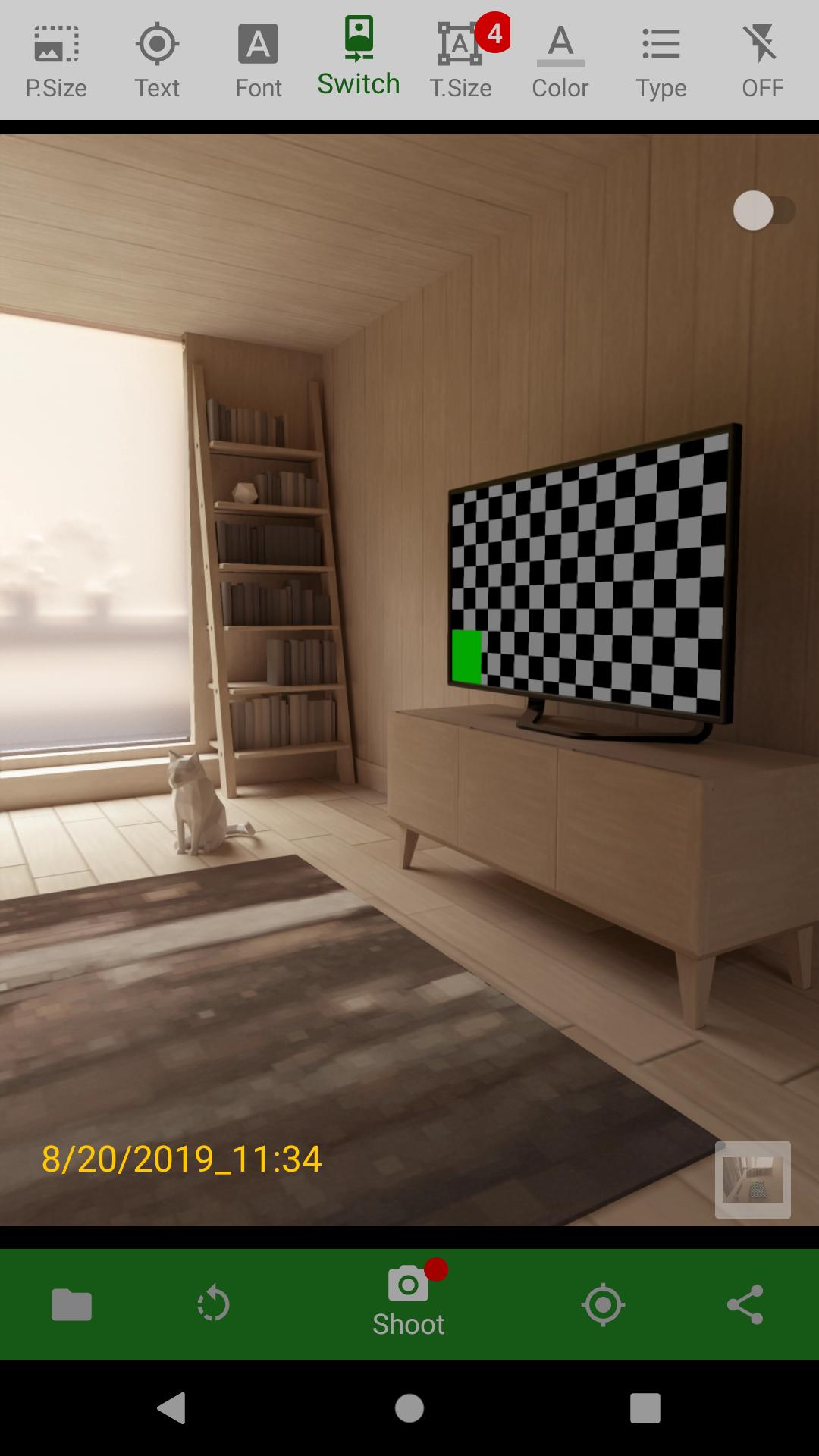
Never miss a moment with DateCamera (Auto Timestamp)! This essential camera app automatically adds a timestamp to your photos, perfect for documenting important events, business records, travel memories, or simply adding context to your everyday snapshots. Easily customize the date and time format, color, size, and orientation (horizontal or vertical) to match your preferences.
Searching for a "date camera"? Look no further! DateCamera offers precise and customizable date stamping, ensuring your photos are always accurately labeled. Capture memories with confidence, knowing the exact date and time are embedded directly onto the image.
Key Features:
* Automatic Date & Time Stamps: Effortlessly add timestamps to every photo. Choose from a variety of formats (YYYY/MM/DD, MM/DD/YYYY, custom, and more).
* Customizable Design: Personalize your timestamps with adjustable colors, sizes, and horizontal or vertical orientation.
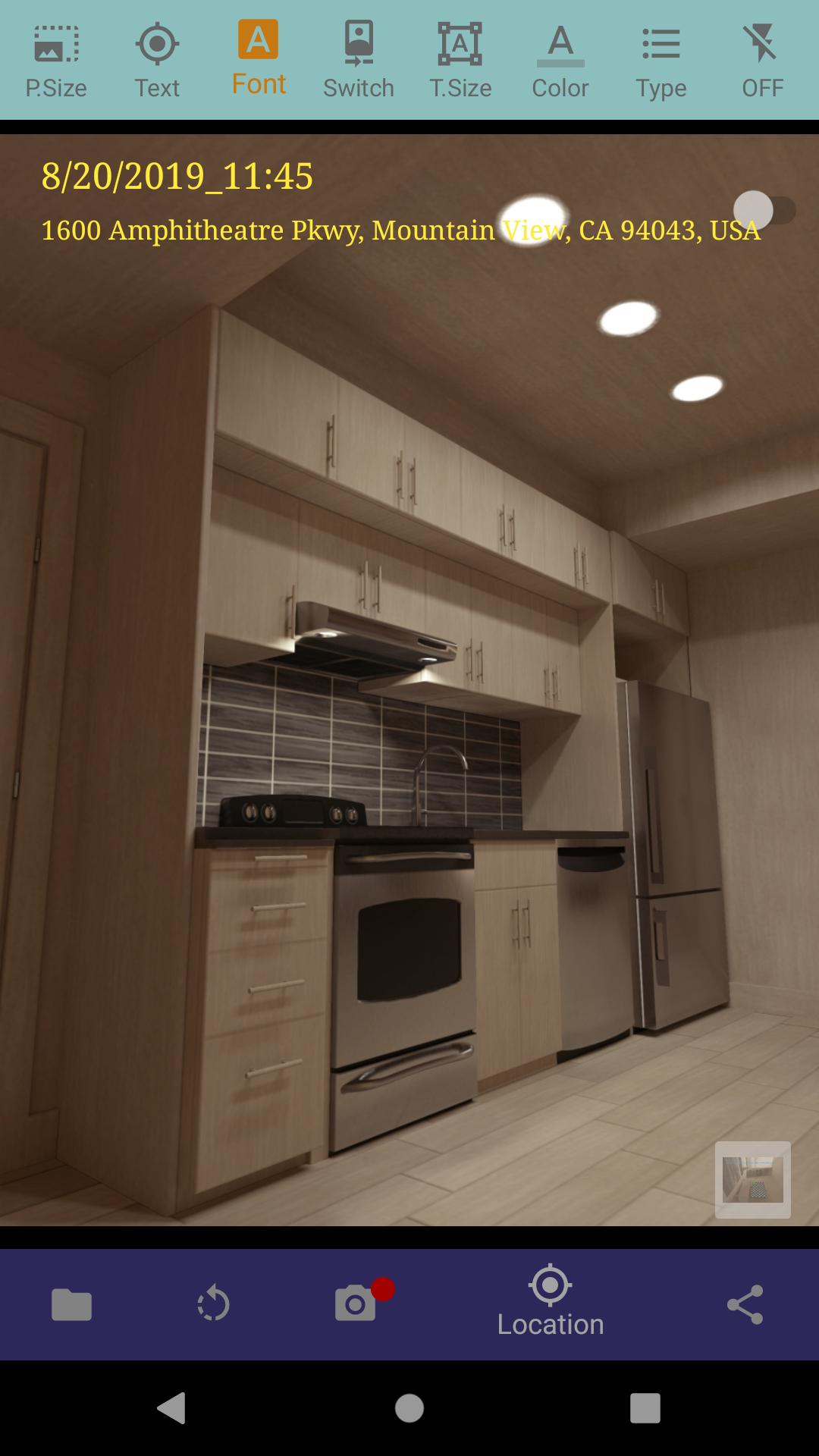
* Location Tagging (GPS): Automatically record the location where your photos were taken, ideal for travel and business use. Easily toggle location data on or off.
* Easy-to-Use Interface: Enjoy a simple and intuitive design for seamless photo capture and timestamp customization.
* Multiple Date/Time Formats: Select the format that best suits your needs, including 24-hour or 12-hour clock options.
* Various Photo Sizes: Optimize image size to manage storage space.
Ideal For:
* Business documentation and record keeping
* Legal and insurance purposes
* Travel photography and journaling
* Construction site progress tracking
* Real estate photography
* Everyday moments and memories
Important Notes:
* For Android 10 and above, photos are saved in /DCIM/DateCamera/.
* Requires camera and location permissions (optional).
* If you encounter issues, restarting your device may help.
Download DateCamera today and start adding valuable context to your photos! See our Privacy Policy for details on data usage: https://office110.info/policy_datecamera.html#policy_en
預覽
標籤
攝影訊息
開發商
Office110
最新版本
4.5.3
更新時間
2025-01-19
類別
攝影
同時可用
Google Play
更多
如何在電腦上用 GameLoop 玩 DateCamera(Auto timestamp)
1. 從官網下載GameLoop,然後運行exe文件安裝GameLoop
2. 打開GameLoop,搜索“DateCamera(Auto timestamp)”,在搜索結果中找到DateCamera(Auto timestamp),點擊“安裝”
3. 享受在 GameLoop 上玩 DateCamera(Auto timestamp) 的樂趣
Minimum requirements
OS
Windows 8.1 64-bit or Windows 10 64-bit
GPU
GTX 1050
CPU
i3-8300
Memory
8GB RAM
Storage
1GB available space
Recommended requirements
OS
Windows 8.1 64-bit or Windows 10 64-bit
GPU
GTX 1050
CPU
i3-9320
Memory
16GB RAM
Storage
1GB available space