Hd Camera Professional 電腦版
Samtex
用GameLoop模拟器在電腦上玩Hd Camera Professional
Hd Camera Professional 電腦版
來自發行商 Samtex 的 Hd Camera Professional 能夠在安卓系統上運行。
現在,您可以在電腦上使用 GameLoop 模擬器流暢地玩 Hd Camera Professional。
在 GameLoop 遊戲庫或搜索結果中下載。 不需要再暢玩遊戲時盯著電池電量或被令人懊惱的來電打斷。
只需在電腦大屏幕上免費下載暢玩Hd Camera Professional 電腦版!
Hd Camera Professional 簡介
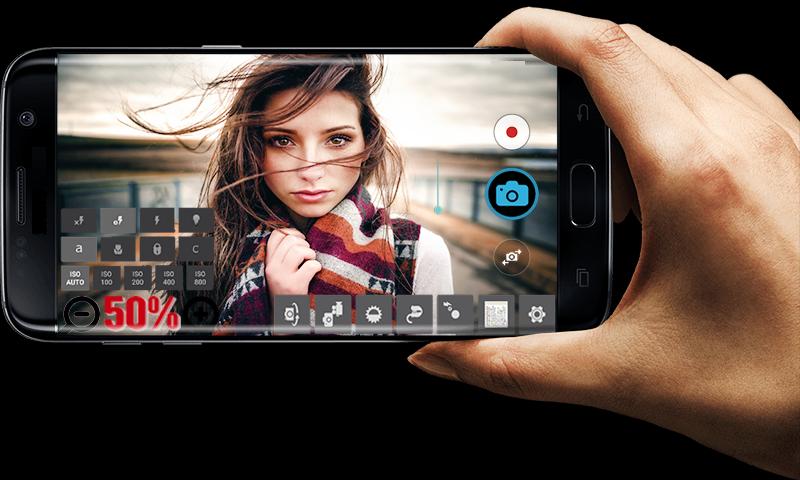
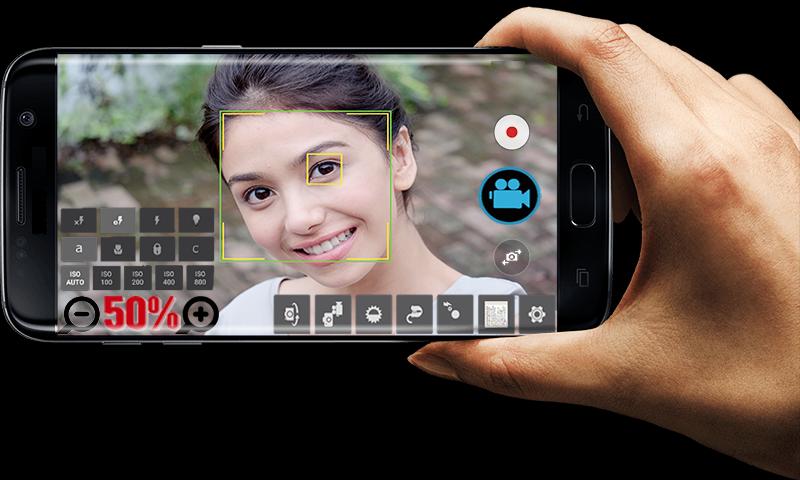
Take great pictures and videos with HD Camera Professional.
FEATURES:
* Video recording (supports all resolutions including HD).
* Convenient remote control: timer (optional audio countdown timer), automatic repeat mode (with configurable delay).
* Multi-touch gesture and one-touch remote control.
* To lock the portrait or landscape orientation for the desired photo or video.
* Disabilities shutter sound.
* Optional GPS location tagging (geotagging) photos and videos; For photos, this compass direction (GPSImgDirection, GPSImgDirectionRef) contains.
* Apply a date and time stamp, location coordinates, and custom text to photos.
* Also known as front camera (selfie shooting)
* (Some) external microphone support.
* Widget to take pictures automatically after the launch.
* Manual focusing distance; manual ISO; manual exposure time; RAW (DNG) files.
* Your comments will be answered as soon as possible. Please contact us for your satisfaction and your expectations.
*** You can reach us at samtex01app@gmail.com ***
預覽
訊息
開發商
Samtex
最新版本
17.4
更新時間
2020-03-05
類別
攝影
同時可用
Google Play
更多
如何在電腦上用 GameLoop 玩 Hd Camera Professional
1. 從官網下載GameLoop,然後運行exe文件安裝GameLoop
2. 打開GameLoop,搜索“Hd Camera Professional”,在搜索結果中找到Hd Camera Professional,點擊“安裝”
3. 享受在 GameLoop 上玩 Hd Camera Professional 的樂趣
Minimum requirements
OS
Windows 8.1 64-bit or Windows 10 64-bit
GPU
GTX 1050
CPU
i3-8300
Memory
8GB RAM
Storage
1GB available space
Recommended requirements
OS
Windows 8.1 64-bit or Windows 10 64-bit
GPU
GTX 1050
CPU
i3-9320
Memory
16GB RAM
Storage
1GB available space