AI Photo Editor & Enhancer 電腦版
Pic Frame Photo Collage Maker & Picture Editor
用GameLoop模拟器在電腦上玩AI Photo Editor & Enhancer
AI Photo Editor & Enhancer 電腦版
來自發行商 Pic Frame Photo Collage Maker & Picture Editor 的 AI Photo Editor & Enhancer 能夠在安卓系統上運行。
現在,您可以在電腦上使用 GameLoop 模擬器流暢地玩 AI Photo Editor & Enhancer。
在 GameLoop 遊戲庫或搜索結果中下載。 不需要再暢玩遊戲時盯著電池電量或被令人懊惱的來電打斷。
只需在電腦大屏幕上免費下載暢玩AI Photo Editor & Enhancer 電腦版!
AI Photo Editor & Enhancer 簡介
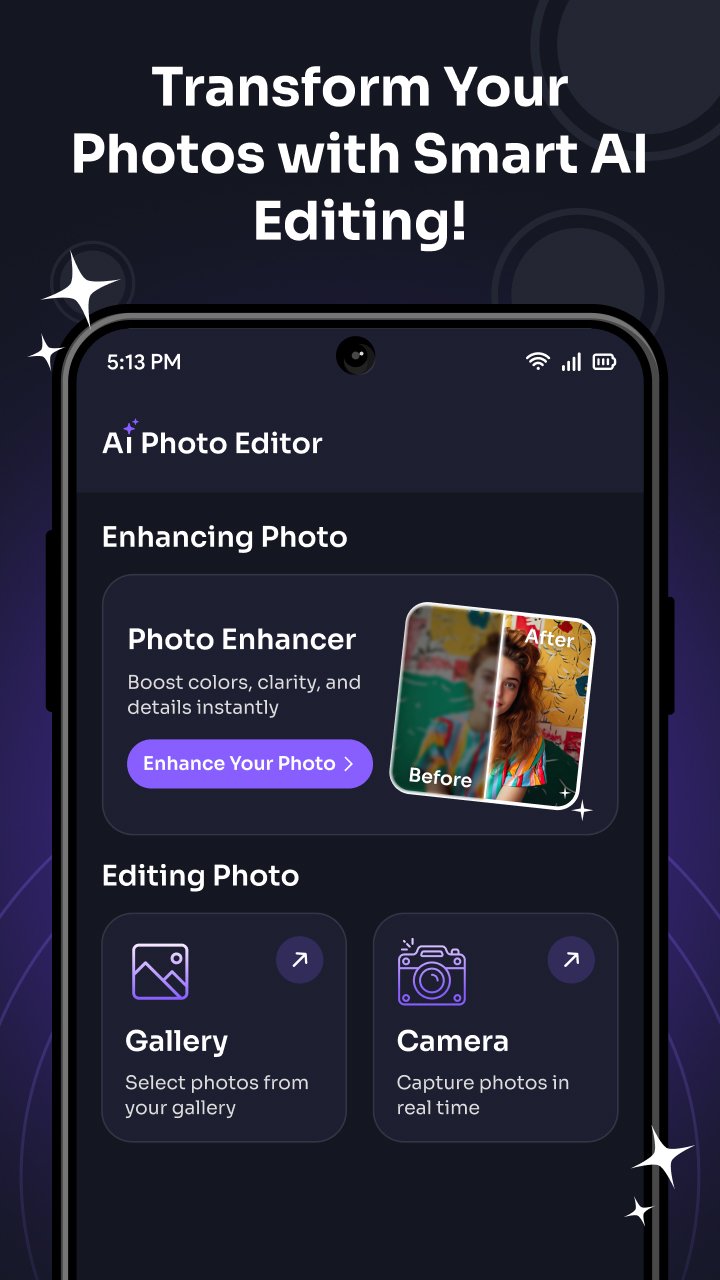
AI Photo Editor & Enhancer – Transform Your Photos with Smart AI Editing!
Looking for an easy way to improve your photos instantly? Want to make your pictures clearer, brighter, and more attractive in just a few taps? AI Photo Editor is the perfect app to edit, enhance, and customize your images with powerful yet simple tools. Whether it’s a selfie, portrait, or everyday photo, this ai photo app helps you create stunning results quickly and effortlessly.
Key Features of AI Photo Editor:
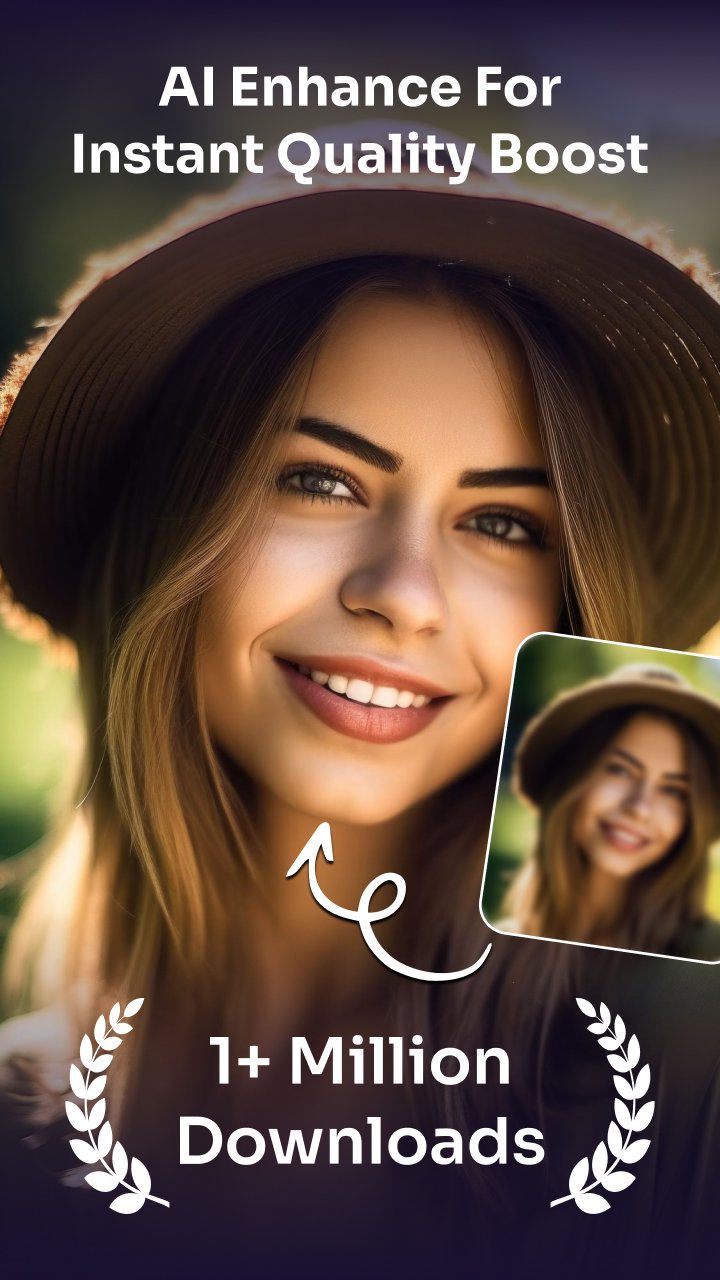
1. AI Enhance for Instant Quality Boost
Automatically improve photo clarity, sharpness, brightness, and details using smart AI technology. Make every photo look professional in seconds.
2. HD Download Support
Save your edited photos in high-definition quality and keep every detail sharp and clear for sharing or storage.
3. Easy Photo Import
Choose images directly from your gallery or capture a new photo using your phone camera and start editing instantly.
4. Multiple Image Size Options
Select image sizes like square, 3:4, 4:3, 9:16, 16:9, 7:5, circle, circle square, or free size to match your needs.
5. Smart Editing Tools
Resize, reposition, zoom in & out, and adjust photos easily with smooth and simple controls.
6. Add Text & Stickers
Personalize your photos with stylish text and fun stickers. Choose from multiple sticker categories to make your photos more creative and expressive.
7. Custom Color Effects
Apply different color styles and effects to enhance the look and mood of your images.
8. Painting Tools
Use brush, eraser, color picker, and reset tools to draw, highlight, and edit with precision. Adjust brush size and transparency easily.
9. Set as Wallpaper
Turn your edited images into beautiful wallpapers and apply them directly to your phone home screen.
10. Save & Share Instantly
Save your creations and share them quickly on social media platforms with friends and family.
Why Choose AI Picture Editor?
- Smart AI tools for quick and easy photo improvement
- User-friendly interface designed for everyone
- HD quality downloads for better results
- Creative editing options in one app
- Fast, simple, and smooth performance
Make your photos stand out with AI Photo Editor. From basic edits to advanced AI enhancements, everything you need is right at your fingertips.
Create beautiful memories, enhance your photos with AI, and share them with confidence. Download AI Photo Editor & Enhancer today and experience simple, smart, and powerful photo editing anytime.
預覽
標籤
攝影訊息
開發商
Pic Frame Photo Collage Maker & Picture Editor
最新版本
1.40
更新時間
2026-03-16
類別
攝影
同時可用
Google Play
更多
如何在電腦上用 GameLoop 玩 AI Photo Editor & Enhancer
1. 從官網下載GameLoop,然後運行exe文件安裝GameLoop
2. 打開GameLoop,搜索“AI Photo Editor & Enhancer”,在搜索結果中找到AI Photo Editor & Enhancer,點擊“安裝”
3. 享受在 GameLoop 上玩 AI Photo Editor & Enhancer 的樂趣
Minimum requirements
OS
Windows 8.1 64-bit or Windows 10 64-bit
GPU
GTX 1050
CPU
i3-8300
Memory
8GB RAM
Storage
1GB available space
Recommended requirements
OS
Windows 8.1 64-bit or Windows 10 64-bit
GPU
GTX 1050
CPU
i3-9320
Memory
16GB RAM
Storage
1GB available space