
Background Eraser & Remove BG 電腦版
Galaxy studio apps
用GameLoop模拟器在電腦上玩Background Eraser & Remove BG
Background Eraser & Remove BG 電腦版
來自發行商 Galaxy studio apps 的 Background Eraser & Remove BG 能夠在安卓系統上運行。
現在,您可以在電腦上使用 GameLoop 模擬器流暢地玩 Background Eraser & Remove BG。
在 GameLoop 遊戲庫或搜索結果中下載。 不需要再暢玩遊戲時盯著電池電量或被令人懊惱的來電打斷。
只需在電腦大屏幕上免費下載暢玩Background Eraser & Remove BG 電腦版!
Background Eraser & Remove BG 簡介
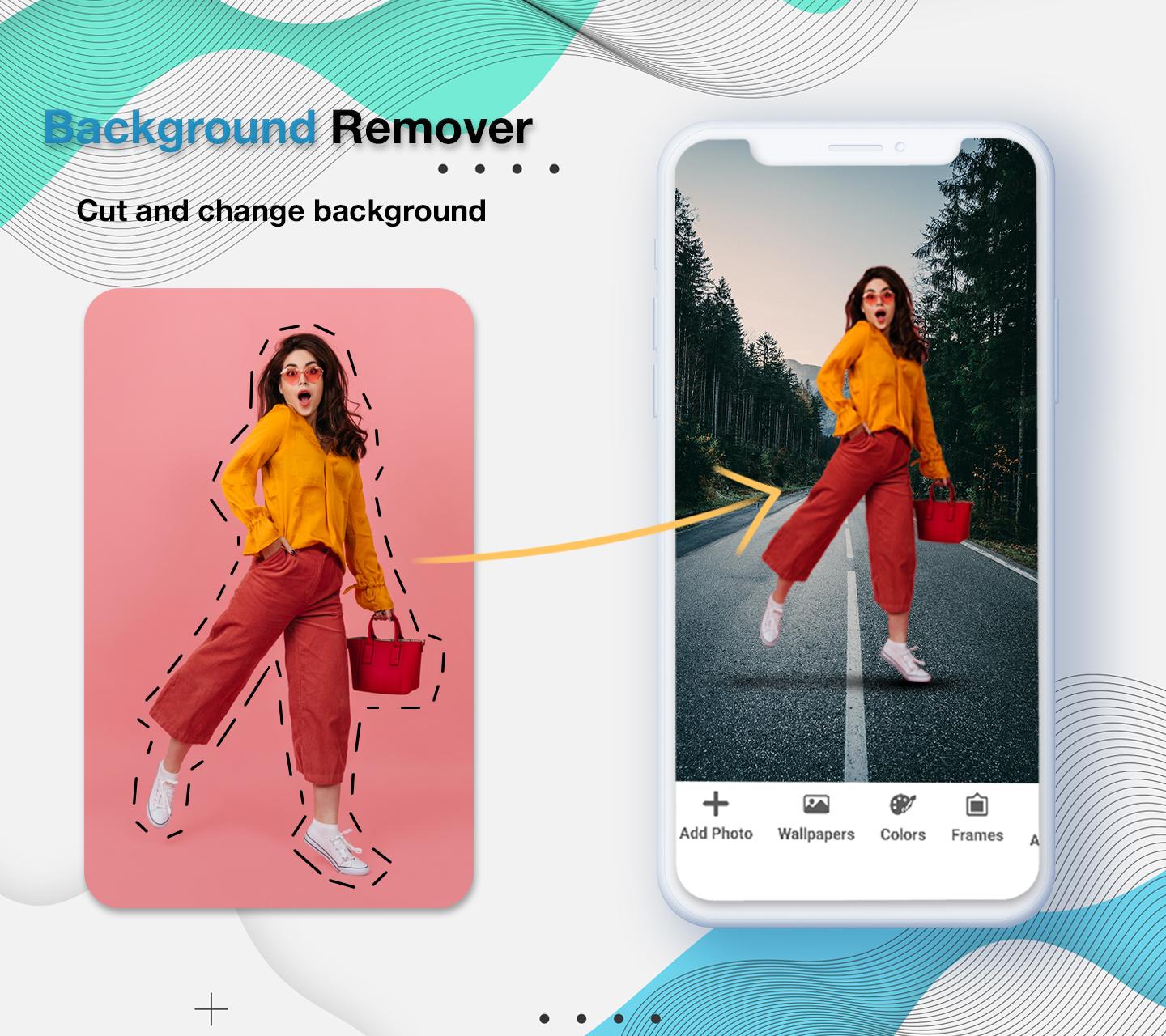
If you want to edit your pictures and remove the background of any picture, now you don’t need to get into many troubles or contact any designer to change the background of your picture because we bring this background eraser: background changer of photo automatically in just seconds. You can easily delete background in picture. You can cut any picture and make its background transparent via this background eraser photo eraser: remove bg app.
Why this Background changer of photo: Background eraser app?
The basic purpose to develop this Background changer of photo: Background eraser app is to remove backgrounds from any photo. Through this background editor: photo editor backround app, you can edit the images anytime and anywhere. Replace existing background and add new background using this transparent background: remove background app.
Salient features for Background changer of photo: Background eraser app
• You can immediately remove bg of any photo by this background changer of photo automatically
• Add text on any photo
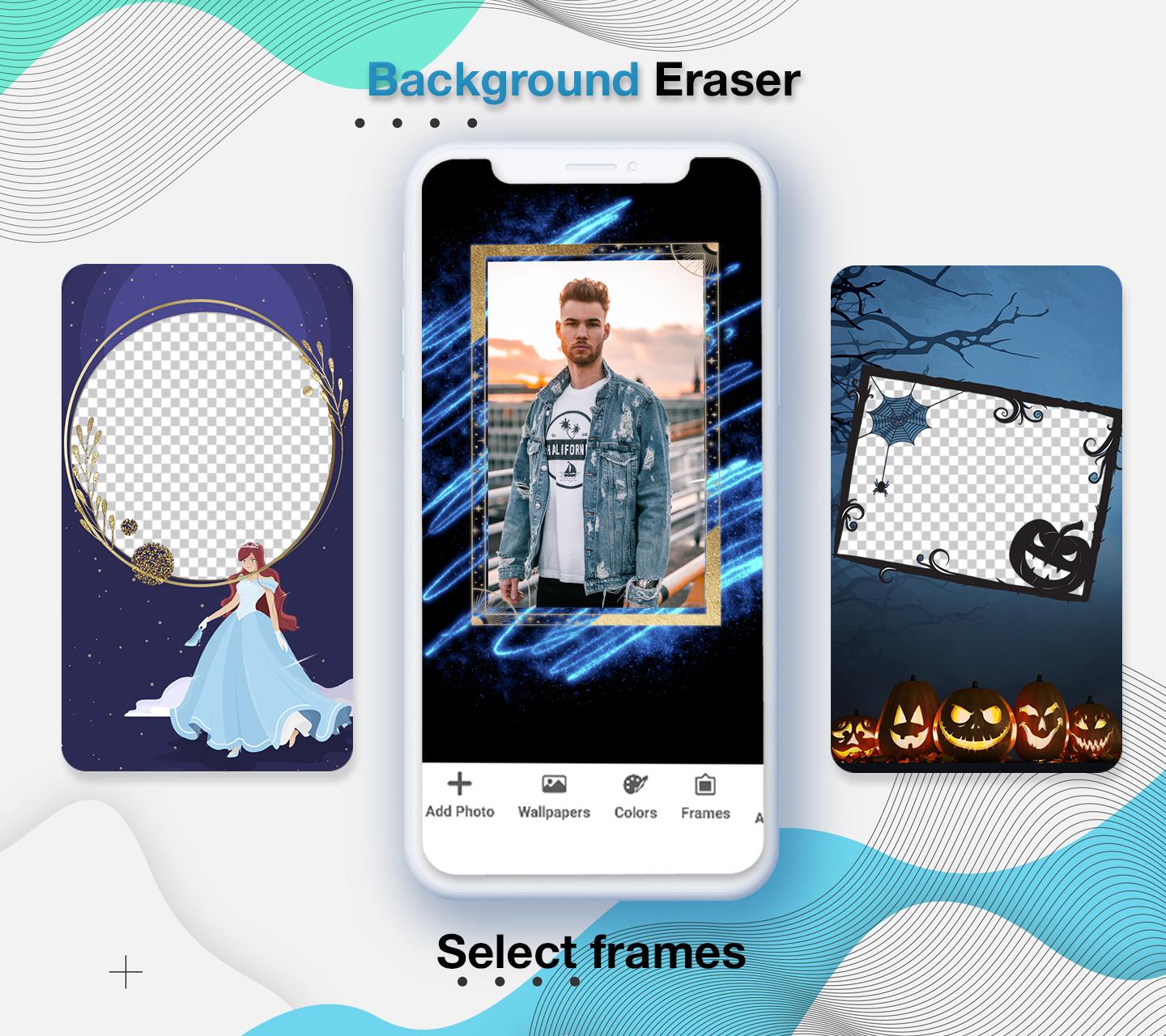
• You can easily add frames on photos
• Add colors on background
• Save pictures to share via social media
• View your all edited photos in the app.
delete background in picture: background changer
Using this remove background app, you can remove the background of your picture and make the background transparent. At the same time, you can choose any other photo of your choice or click an image from the camera and set it as your picture background. Make your pictures into PNG form using this background edit: background eraser photo. Just select a photo of your choice that you want to change the background, wait for a while and the background of your photo will be removed automatically within seconds and you can convert your image into PNG.
What’s amazing in this transparent background: photo background eraser app?
- Auto background remover
- Manually remove background
- Add frames
- Add text
- Crop photo
- Add wallpapers in picture background
Cutout image: magic eraser
You can cutout photos background very quickly and edit backgrounds to give stunning look to your photos. Its not only the background eraser app, you can also add text on photos, add backgrounds colors and crop photos. Use can use our photo background changer: eraser app as an photo editor because it allows you to edit any photo.
Auto eraser: photo editor backround
Remove bg from pictures become easier with this magic eraser: remove bg background app. On a single click auto eraser can remove all backgrounds from photo and convert it into PNG form. Png maker: background remover having a lot of HD colors to set it into as background colors. Background changer also allows you to undo and redo your actions. If you remove anything from photo by mistake, then you can also redo ad undo to get your picture back in real form. You can view your creations inside the app, when you edit any photo through our background remover and changer app, you don’t need to find your creations in the whole phone. Simply open the app and click on creations button to get your edited pictures.
Working for this Background changer of photo: Background eraser app
• Download and install this Background changer of photo BG.
• Open this Background changer of photo BG.
• Click on cut button to edit and remove background of picture.
• Press creations button to view edited photos.
Safe and Secure this Background changer of photo: Background eraser app
We are not collecting your any personal information from your mobile phone. This Background changer of photo: Background eraser app is safe and secure application because it will not take any data and not share any details to others.
預覽
標籤
攝影訊息
開發商
Galaxy studio apps
最新版本
1.4
更新時間
2022-07-14
類別
攝影
同時可用
Google Play
更多
如何在電腦上用 GameLoop 玩 Background Eraser & Remove BG
1. 從官網下載GameLoop,然後運行exe文件安裝GameLoop
2. 打開GameLoop,搜索“Background Eraser & Remove BG”,在搜索結果中找到Background Eraser & Remove BG,點擊“安裝”
3. 享受在 GameLoop 上玩 Background Eraser & Remove BG 的樂趣
Minimum requirements
OS
Windows 8.1 64-bit or Windows 10 64-bit
GPU
GTX 1050
CPU
i3-8300
Memory
8GB RAM
Storage
1GB available space
Recommended requirements
OS
Windows 8.1 64-bit or Windows 10 64-bit
GPU
GTX 1050
CPU
i3-9320
Memory
16GB RAM
Storage
1GB available space