
Auto Background Changer 電腦版
DuoApptech
用GameLoop模拟器在電腦上玩Auto Background Changer
Auto Background Changer 電腦版
來自發行商 DuoApptech 的 Auto Background Changer 能夠在安卓系統上運行。
現在,您可以在電腦上使用 GameLoop 模擬器流暢地玩 Auto Background Changer。
在 GameLoop 遊戲庫或搜索結果中下載。 不需要再暢玩遊戲時盯著電池電量或被令人懊惱的來電打斷。
只需在電腦大屏幕上免費下載暢玩Auto Background Changer 電腦版!
Auto Background Changer 簡介
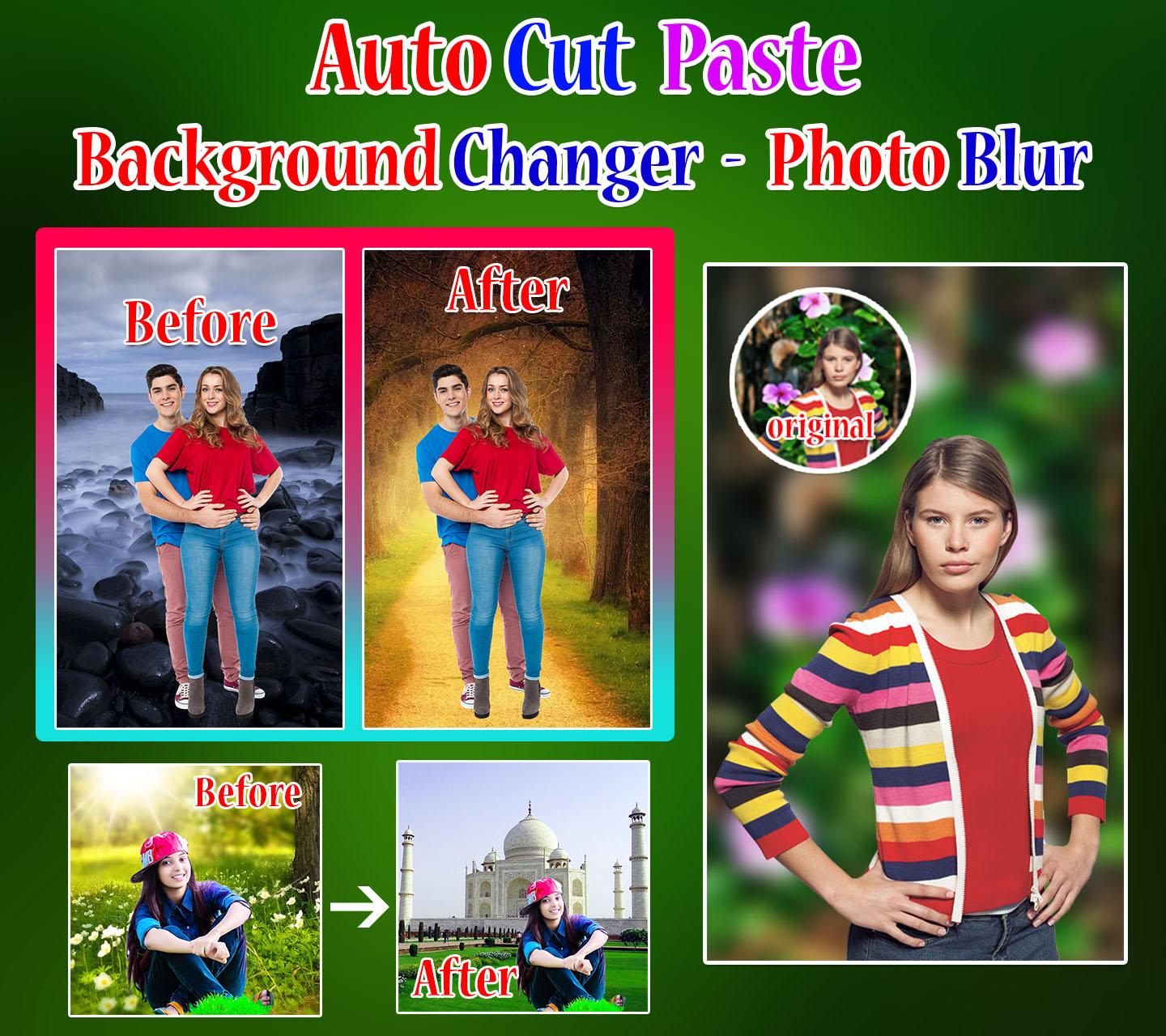
Auto cut paste photo editor – Background changer and photo blur application is use to create your photos into memorable moments.
How to change backgrounds and blur background of my image/photo? You will choose answer to these questions by “INSTALL” this amazing app.
Automatically cut out paste the picture through One-click to change the background easily. Auto Photo Cut Paste has a fast and easy way to create awesome pictures. Just tap on the Remove Bg button to erase photo background approximately. Then apply the default backgrounds, text with multiple fonts, stickers finally done you can save.
Features:
• Automatic background changer and photo blur app easily change background with your photos.
• Simply blur your photo background automatically easily pick your photo with one touch.
• Apply fonts and stickers easily on your photo.
• Save and share a photo with other or blur background.
How to use the app?
In this application mainly you have 3 buttons to create awesome pictures.
1. Start with Photo
2. Start with Background
3. Blur Photo
1. Start with Photo and 2. Start with Background
• Click on button start with photo and choose a photo from your mobile gallery
Or
• Click on button start with Background to choose background then select a photo from your mobile gallery.
• Simply click on remove Bg button.
• If your choosing image not cropped correctly then you tap on change photo button.
• Click on Next button.
• Apply text with multiple fonts, styles and color.
• Apply Stickers easily on your photo.
• Finally click on SAVE button to capture your amazing background changer picture.
3. Blur Photo
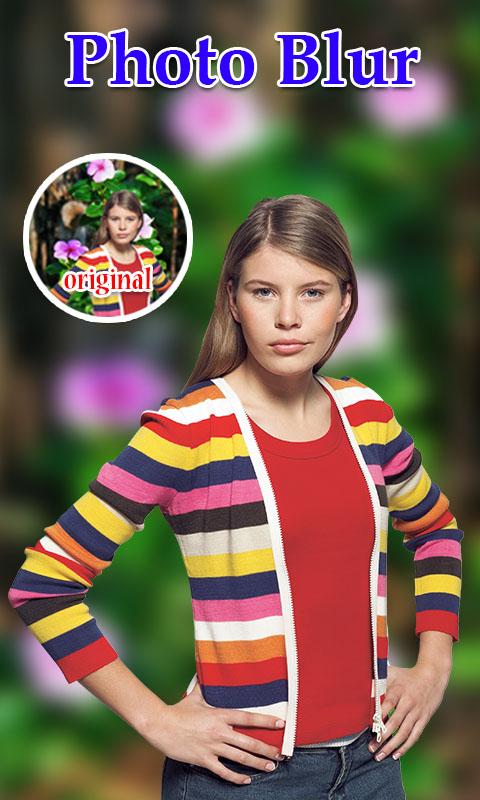
• Click on button Blur Photo and choose a photo from your mobile gallery.
• Automatically blur your background and you can see awesome creation.
• Apply text with multiple fonts, styles and color.
• Apply Stickers easily on your photo.
• Finally click on SAVE button to capture your amazing background changer picture.
Write us suggestions and rate this app to encourage us.
Thank You for using this application, leave us your feedback and we will consider them for future updates.
Thank you for installing and using this amazing application!
預覽
標籤
攝影訊息
開發商
DuoApptech
最新版本
7.0
更新時間
2023-10-17
類別
攝影
同時可用
Google Play
更多
如何在電腦上用 GameLoop 玩 Auto Background Changer
1. 從官網下載GameLoop,然後運行exe文件安裝GameLoop
2. 打開GameLoop,搜索“Auto Background Changer”,在搜索結果中找到Auto Background Changer,點擊“安裝”
3. 享受在 GameLoop 上玩 Auto Background Changer 的樂趣
Minimum requirements
OS
Windows 8.1 64-bit or Windows 10 64-bit
GPU
GTX 1050
CPU
i3-8300
Memory
8GB RAM
Storage
1GB available space
Recommended requirements
OS
Windows 8.1 64-bit or Windows 10 64-bit
GPU
GTX 1050
CPU
i3-9320
Memory
16GB RAM
Storage
1GB available space