
写真クラウド 電腦版
KDDI株式会社
用GameLoop模拟器在電腦上玩写真クラウド
写真クラウド 電腦版
來自發行商 KDDI株式会社 的 写真クラウド 能夠在安卓系統上運行。
現在,您可以在電腦上使用 GameLoop 模擬器流暢地玩 写真クラウド。
在 GameLoop 遊戲庫或搜索結果中下載。 不需要再暢玩遊戲時盯著電池電量或被令人懊惱的來電打斷。
只需在電腦大屏幕上免費下載暢玩写真クラウド 電腦版!
写真クラウド 簡介
■The Photo Cloud app is for customers who have subscribed to "Failure and Loss Support with Cloud" and "Failure and Loss Support Wide with Cloud" on au/UQ mobile smartphones and tablets (5G) released after May 17, 2022. It's a service.
*Not applicable if you join with a corporate contract after June 30, 2022.
Please see the URL below to check the release date.
URL: https://www.au.com/mobile/product/smartphone
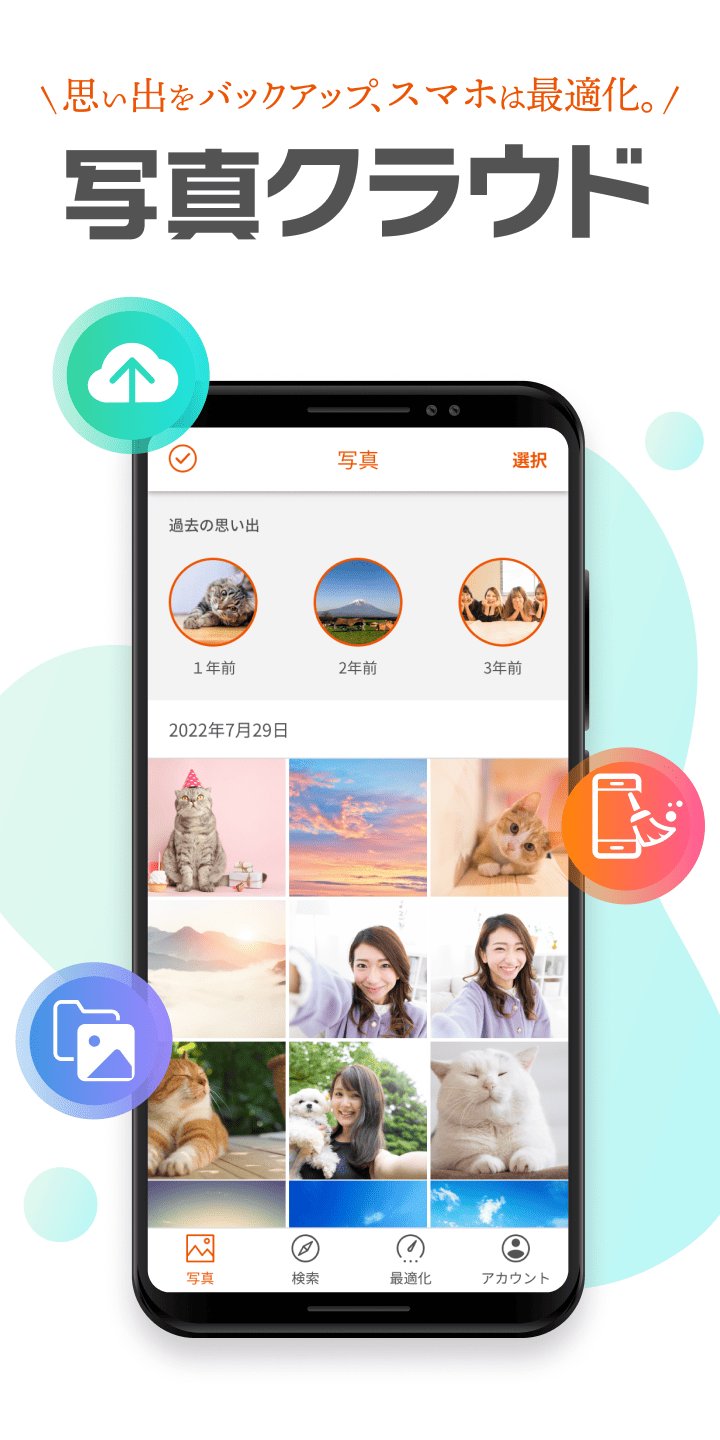
You can back up the photos and videos you have taken.
We also have a wide range of functions (large-capacity cloud/data organization functions) to solve the problem of device capacity constraints.
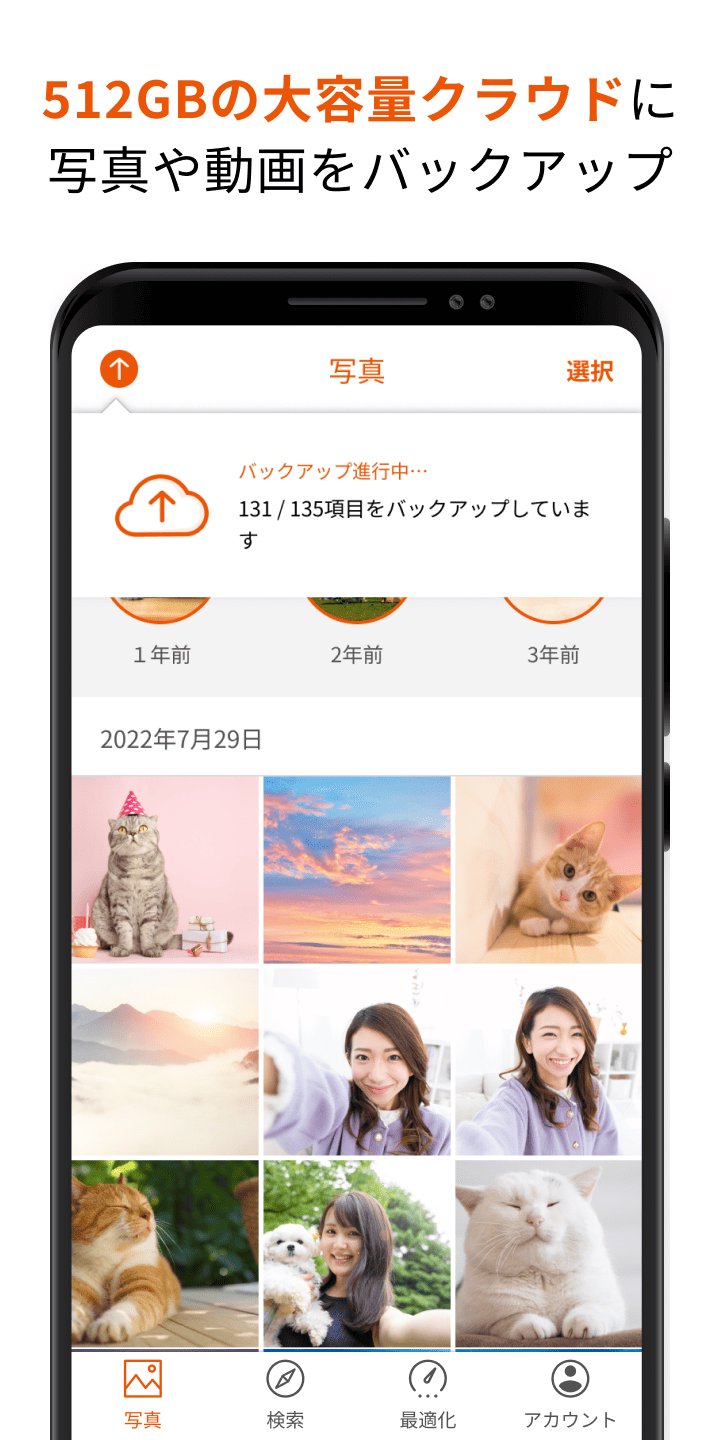
1. Back up photos and videos to a large capacity cloud of 512GB
・You can select the backup method to suit your style from automatic or manual selection.
- Improved backup function allows for smooth transfer of photos and videos (time required to complete backup of 5GB: approximately 10 minutes)
*Upload speed: Measured results when connected to Wi-Fi of approximately 200 Mbps, and may vary depending on the customer's usage environment and device used.
*Backup will be completed in the same amount of time even during background communication.
2. Optimize free space on your device
・Image authentication using AI selects blurry or similar photos, etc.
- Supports organizing free space on your device by suggesting deletion of selected photos
3. Easily edit backed up photos
・Photos saved in the cloud can be edited using various functions (cropping, filters, color correction, focus, frames, etc.)
4. Easily organize your backed up photos and videos
・Organize by location, selfie, or video, and AI automatically identifies the people in the photo to support organization.
5. Easily search backed up photos and videos
・Function to search for photos and videos by tag based on album name and location
■Android OS version recommended for use 11.0 or higher (installable 6.0 or higher)
*For devices equipped with the above installable OS, it may not work due to OS updates, special settings of the device, free space, communication status/speed, etc. Please note that we do not guarantee operation on all devices.
預覽
標籤
攝影訊息
開發商
KDDI株式会社
最新版本
3.5
更新時間
2026-08-31
類別
攝影
同時可用
Google Play
更多
如何在電腦上用 GameLoop 玩 写真クラウド
1. 從官網下載GameLoop,然後運行exe文件安裝GameLoop
2. 打開GameLoop,搜索“写真クラウド”,在搜索結果中找到写真クラウド,點擊“安裝”
3. 享受在 GameLoop 上玩 写真クラウド 的樂趣
Minimum requirements
OS
Windows 8.1 64-bit or Windows 10 64-bit
GPU
GTX 1050
CPU
i3-8300
Memory
8GB RAM
Storage
1GB available space
Recommended requirements
OS
Windows 8.1 64-bit or Windows 10 64-bit
GPU
GTX 1050
CPU
i3-9320
Memory
16GB RAM
Storage
1GB available space