Yellow Neon Keyboard 電腦版
C10 Studio
用GameLoop模拟器在電腦上玩Yellow Neon Keyboard
Yellow Neon Keyboard 電腦版
來自發行商 C10 Studio 的 Yellow Neon Keyboard 能夠在安卓系統上運行。
現在,您可以在電腦上使用 GameLoop 模擬器流暢地玩 Yellow Neon Keyboard。
在 GameLoop 遊戲庫或搜索結果中下載。 不需要再暢玩遊戲時盯著電池電量或被令人懊惱的來電打斷。
只需在電腦大屏幕上免費下載暢玩Yellow Neon Keyboard 電腦版!
Yellow Neon Keyboard 簡介
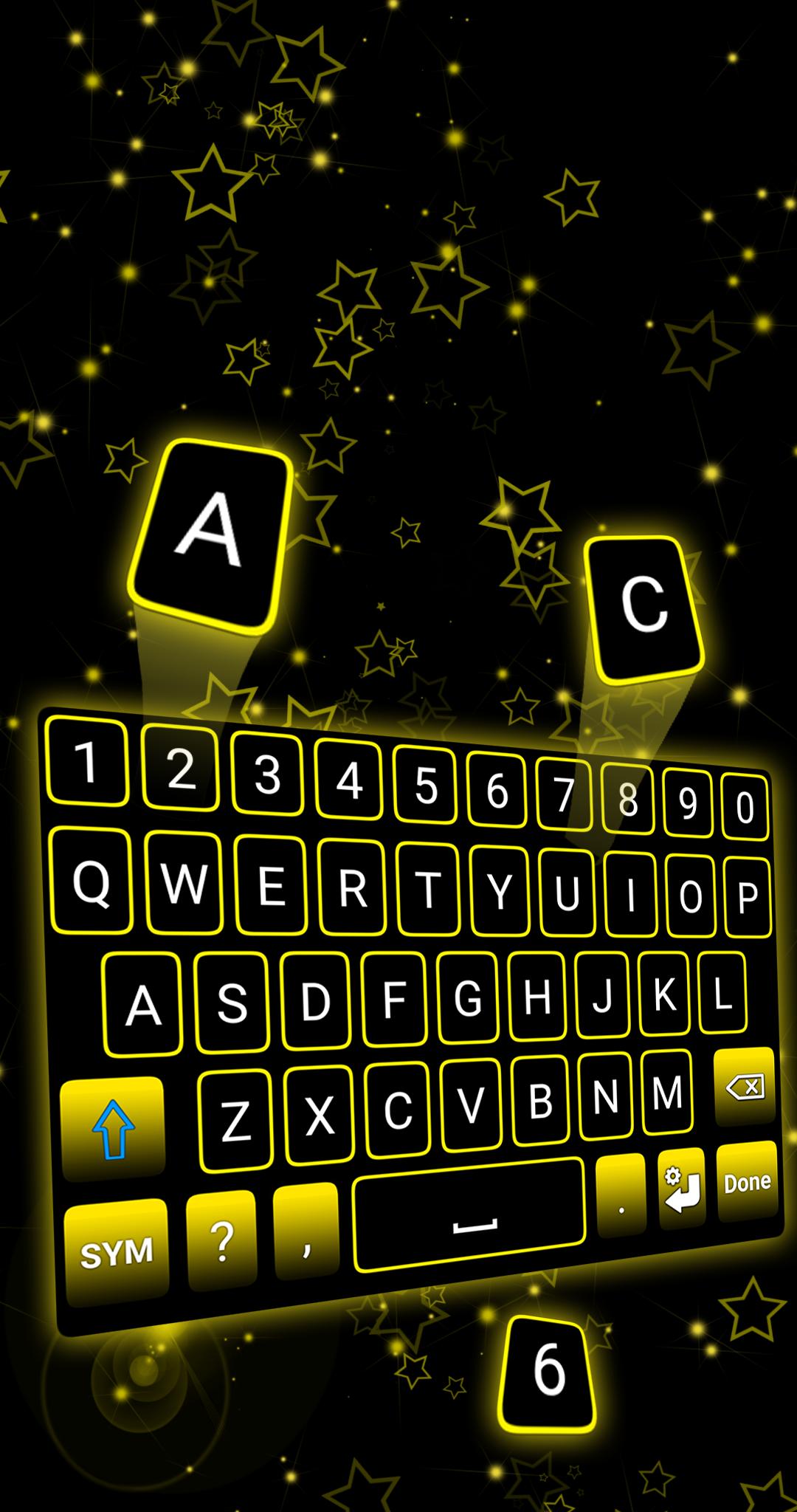
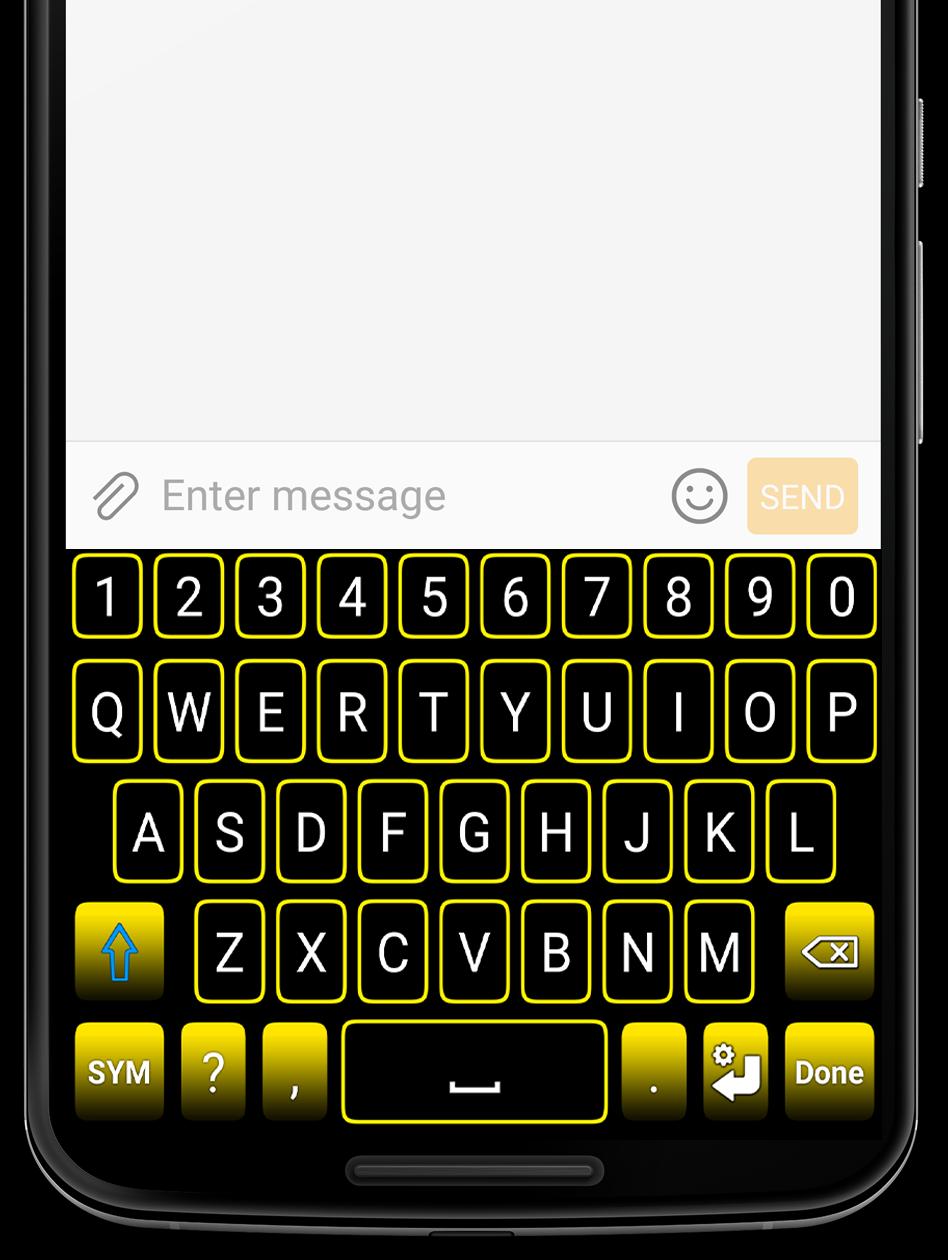
Yellow Neon Keyboard is the perfect keyboard app for anyone who values both style and simplicity. With its trendy design and extra symbols, this keyboard is sure to impress. Download and install Yellow Neon Keyboard for Android today and enjoy its amazing features for free!
One of the best features of Yellow Neon Keyboard is the ability to customize the keyboard's layout to your preference. You can choose the format of the keyboard when it's on landscape orientation, either to the normal keyboard or the two-hand keyboard format. Additionally, the background color of the keyboard can be easily changed from the settings, giving you the freedom to change your keyboard style any time you want.
In addition to the customization options, Yellow Neon Keyboard offers several practical features such as the ability to adjust the vibration intensity, and the swipe left function which deletes everything in one go. With just a swipe left, you can clear your screen and start fresh. To activate this function, simply check the "Swipe Left" box in the keyboard settings.
Please note that Yellow Neon Keyboard currently supports only Latin languages, including English, French, German, Portuguese, Spanish, and more.
Installing Yellow Neon Keyboard is easy. Just follow these steps: go to your phone's settings, tap on General Management, then Language and Input, and finally On-Screen Keyboard (or Virtual Keyboard). From there, go to Manage Keyboards, check the Yellow Neon Keyboard box, and set Yellow Neon Keyboard as your default keyboard in the "Default Keyboard" section. Please note that the steps may differ depending on your phone model and Android version.
We value your privacy and assure you that our keyboard does NOT store or collect any kind of information. However, if you have any suggestions or bug reports, feel free to send us an email at support@c10studio.com. We are always happy to hear from our users!
預覽
標籤
個人化訊息
開發商
C10 Studio
最新版本
1.5.3
更新時間
2022-12-20
類別
個人化
同時可用
Google Play
更多
如何在電腦上用 GameLoop 玩 Yellow Neon Keyboard
1. 從官網下載GameLoop,然後運行exe文件安裝GameLoop
2. 打開GameLoop,搜索“Yellow Neon Keyboard”,在搜索結果中找到Yellow Neon Keyboard,點擊“安裝”
3. 享受在 GameLoop 上玩 Yellow Neon Keyboard 的樂趣
Minimum requirements
OS
Windows 8.1 64-bit or Windows 10 64-bit
GPU
GTX 1050
CPU
i3-8300
Memory
8GB RAM
Storage
1GB available space
Recommended requirements
OS
Windows 8.1 64-bit or Windows 10 64-bit
GPU
GTX 1050
CPU
i3-9320
Memory
16GB RAM
Storage
1GB available space