
WeSmile Smileys (WASticker) 電腦版
SiA - Smileys, Stickers, animated GIF & Emoji apps
用GameLoop模拟器在電腦上玩WeSmile Smileys (WASticker)
WeSmile Smileys (WASticker) 電腦版
來自發行商 SiA - Smileys, Stickers, animated GIF & Emoji apps 的 WeSmile Smileys (WASticker) 能夠在安卓系統上運行。
現在,您可以在電腦上使用 GameLoop 模擬器流暢地玩 WeSmile Smileys (WASticker)。
在 GameLoop 遊戲庫或搜索結果中下載。 不需要再暢玩遊戲時盯著電池電量或被令人懊惱的來電打斷。
只需在電腦大屏幕上免費下載暢玩WeSmile Smileys (WASticker) 電腦版!
WeSmile Smileys (WASticker) 簡介
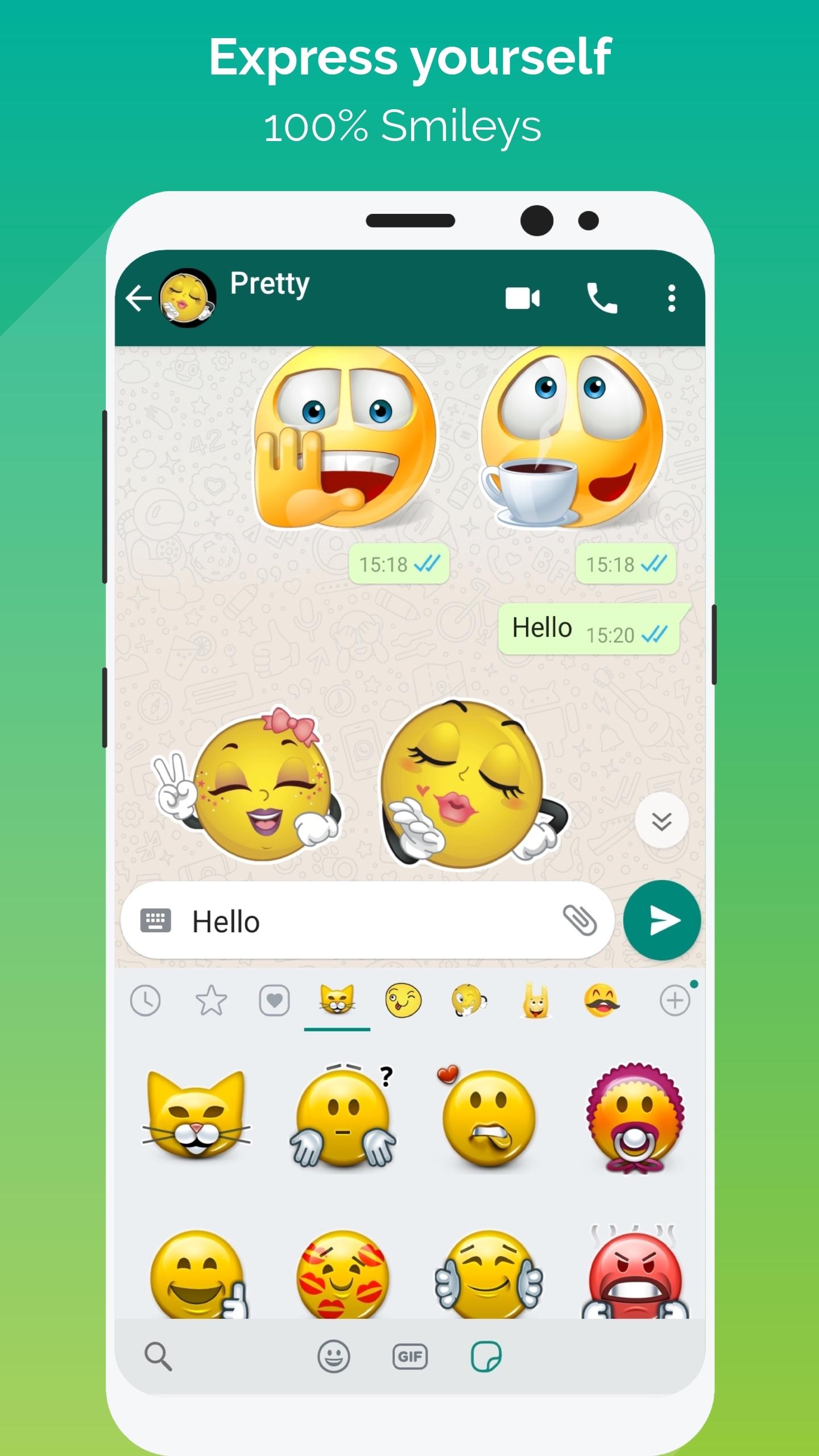
💚 WeSmile is a free application with a wide range of smileys covering all moods, to be shared via WhatsApp (WASticker)!
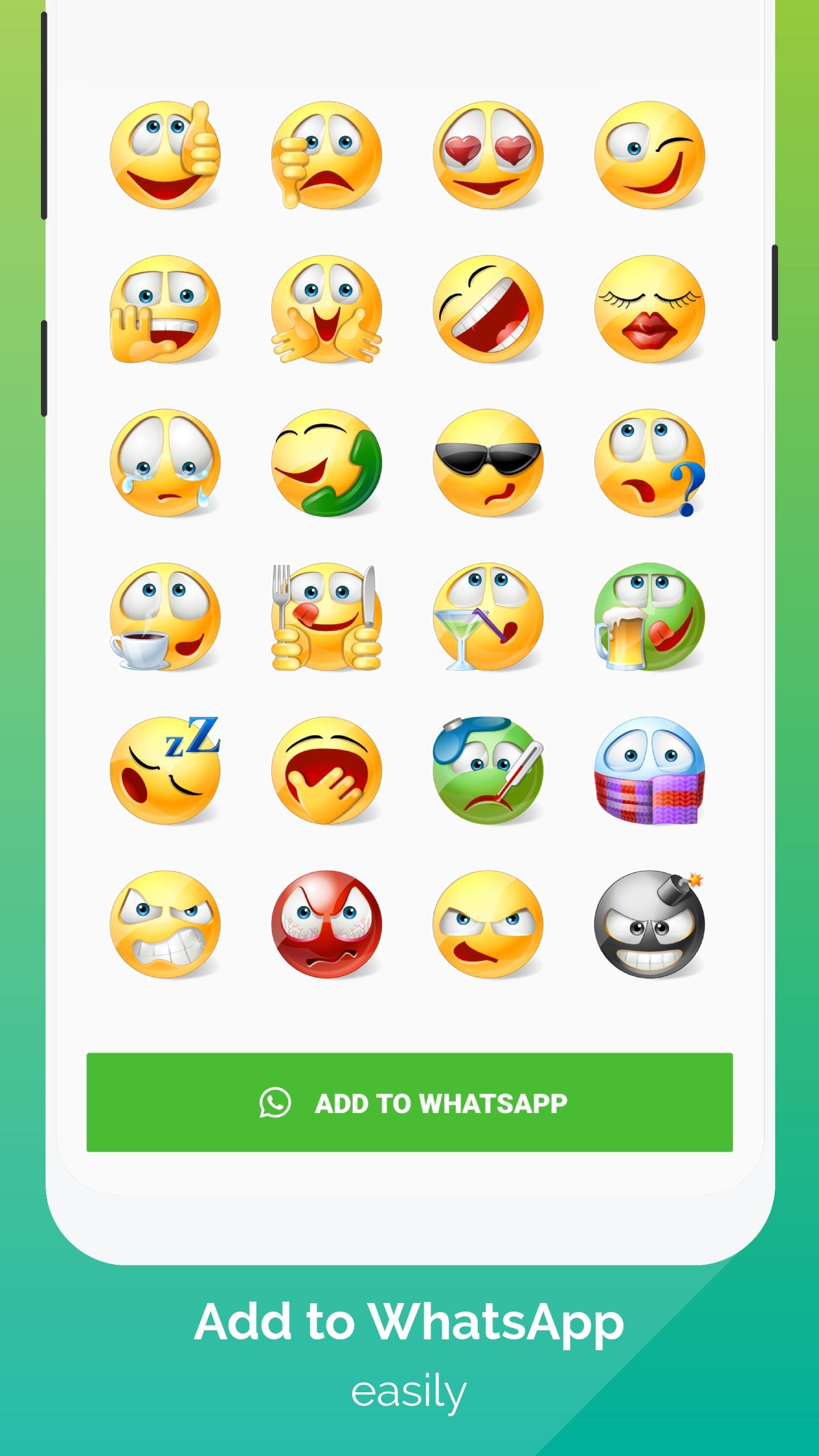
We've selected the best smileys. They're all free and in a high resolution (HD).
Enjoy this great WhatsApp sticker app right now - it's 100% smileys!
300 smileys, 10 families;
1- The entertainers
2 -The famous ones
3- The famous ones with text
4 - The tinies
5- The little yellows
6- The jokers
7- The shinies
8 - The mustaches
9- The drawings
10- The signs
How does it work?
Add stickers to WhatsApp (WASticker)
Open the category you want to add. Tap on “Add to WhatsApp”.
Open WhatsApp, tap the smiley icon “😀”
Tap the stickers icon 🗒 at the bottom.
Your new smiley category will appear in the list with a small green dot indicating that it is new. You can enjoy and send your new smileys to your WhatsApp friends 👏
Add to / Remove from favorites in WhatsApp (WASticker)
You can add a smiley to your favorites by long pressing on it.
You can remove a smiley from your favorites by opening the favorites category and long pressing on it.
Share stickers with your WhatsApp friends
Your friends do not need the app to see your stickers, but we will be happy if you share our app with our friends! 😉
Your friends can open the app by long pressing on a sticker on their WhatsApp
You can share the app link in the app via the “Share” menu
Share smileys with all your messaging applications
Each smiley can be shared with any of your favorite chat applications. Tap on a smiley and select the desired messenger application.
Remove stickers to WhatsApp (WASticker)
Open WhatsApp, tap the smiley 😀icon close to the keyboard, then tap the ✚ icon at the end of the sticker categories tab.
Tap “My Stickers” tab and remove categories you don’t want anymore. Don’t worry you can add it again later.
My stickers disappeared from WhatsApp (WASticker)?
It can be caused by your phone manufacturer that tries to optimize your battery.
To avoid that you can try this solution, go in your device Settings / Battery / WhatsLov Stickers and select "Don't optimise" (or equivalent as it depends on the device/manufacturer)
Rate us 5 stars ⭐⭐⭐⭐⭐ if you are happy with the app.
🏃 Follow us 🏃
● Facebook: @EmojiShareItAgain or Whatsmiley
● Instagram: whatsmiley
● Google Play developer page: Share It Again - Smileys & Emoji Apps. Discover here all our free emoji apps.
💌 Contact us 💌
● contact@shareitagain.co
● Feel free to ask for a new smiley or feature.
Thank you!
Share It Again company
We make apps for love & fun
預覽
標籤
個人化訊息
開發商
SiA - Smileys, Stickers, animated GIF & Emoji apps
最新版本
5.0.3
更新時間
2023-12-27
類別
個人化
同時可用
Google Play
更多
如何在電腦上用 GameLoop 玩 WeSmile Smileys (WASticker)
1. 從官網下載GameLoop,然後運行exe文件安裝GameLoop
2. 打開GameLoop,搜索“WeSmile Smileys (WASticker)”,在搜索結果中找到WeSmile Smileys (WASticker),點擊“安裝”
3. 享受在 GameLoop 上玩 WeSmile Smileys (WASticker) 的樂趣
Minimum requirements
OS
Windows 8.1 64-bit or Windows 10 64-bit
GPU
GTX 1050
CPU
i3-8300
Memory
8GB RAM
Storage
1GB available space
Recommended requirements
OS
Windows 8.1 64-bit or Windows 10 64-bit
GPU
GTX 1050
CPU
i3-9320
Memory
16GB RAM
Storage
1GB available space