Voice Keyboard 電腦版
Digital Awesome Themes
用GameLoop模拟器在電腦上玩Voice Keyboard
Voice Keyboard 電腦版
來自發行商 Digital Awesome Themes 的 Voice Keyboard 能夠在安卓系統上運行。
現在,您可以在電腦上使用 GameLoop 模擬器流暢地玩 Voice Keyboard。
在 GameLoop 遊戲庫或搜索結果中下載。 不需要再暢玩遊戲時盯著電池電量或被令人懊惱的來電打斷。
只需在電腦大屏幕上免費下載暢玩Voice Keyboard 電腦版!
Voice Keyboard 簡介
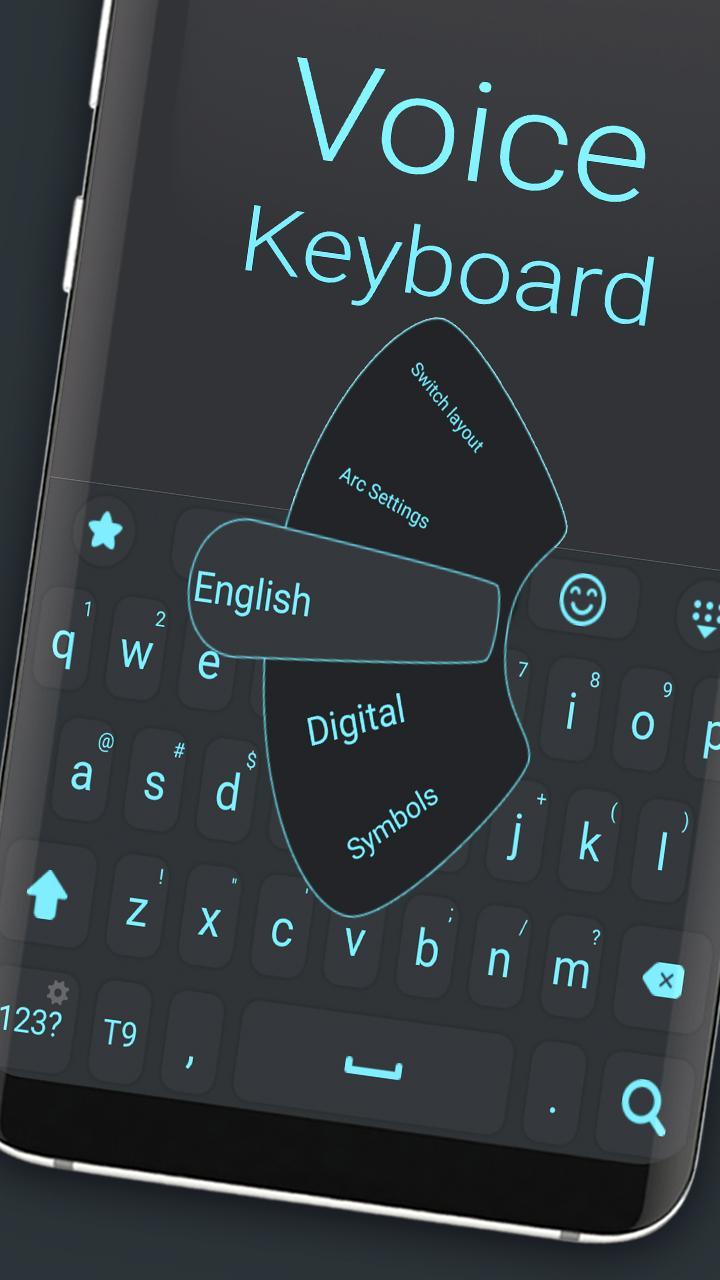
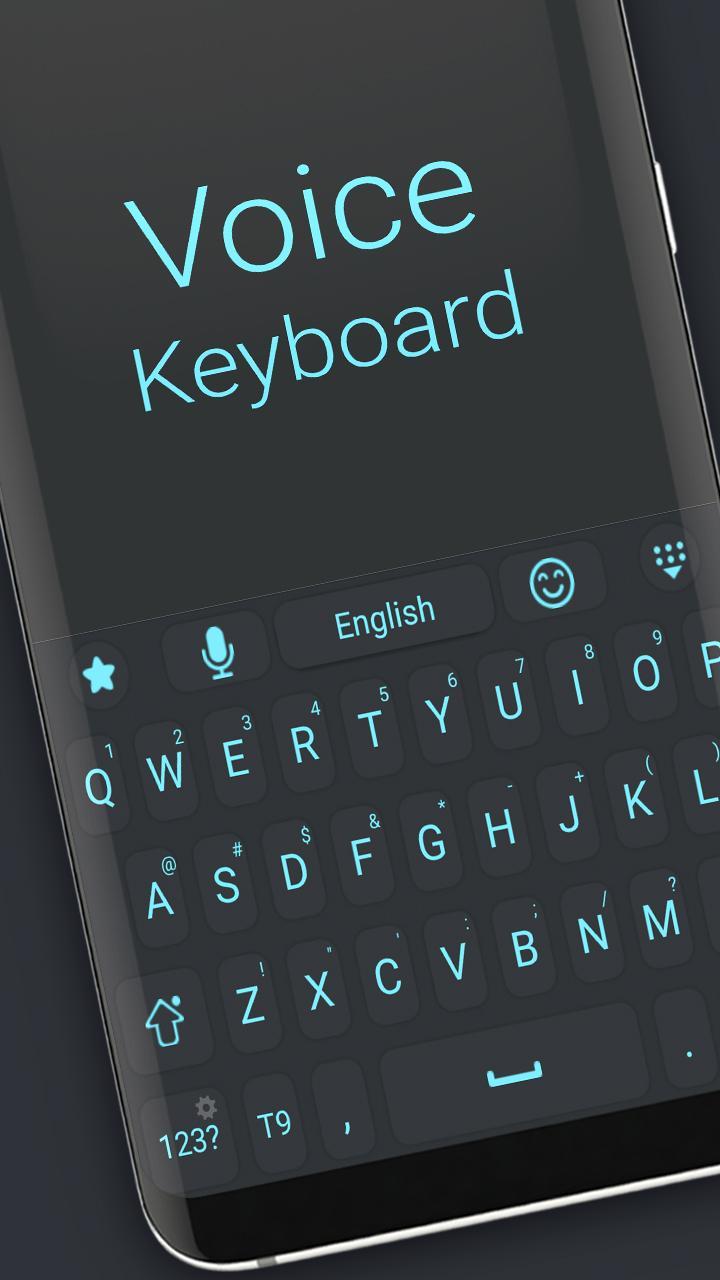
Voice Keyboard – Speak Naturally, Type Effortlessly
Say goodbye to typing struggles and hello to seamless communication with Voice Keyboard! This innovative keyboard lets you convert your voice into text instantly, making messaging, emailing, and note-taking faster and easier than ever before.
Whether you’re on the go, multitasking, or just want to type hands-free, Voice Keyboard delivers highly accurate voice recognition powered by advanced speech-to-text technology. Enjoy clear and natural dictation with punctuation and formatting support.
Why choose Voice Keyboard?
🎤 Fast, accurate voice-to-text conversion with minimal errors
🌐 Supports multiple languages and accents for global users
📝 Edit, delete, or manually type within the same keyboard
🔊 Voice commands for punctuation and formatting
🔒 Privacy-focused design ensures your data stays secure
🌟 Lightweight and easy to use with a sleek, user-friendly interface
Boost your productivity and communicate faster than ever. Try Voice Keyboard today and experience the future of typing!
預覽
標籤
個人化訊息
開發商
Digital Awesome Themes
最新版本
3.0.1
更新時間
2025-06-11
類別
個人化
同時可用
Google Play
更多
如何在電腦上用 GameLoop 玩 Voice Keyboard
1. 從官網下載GameLoop,然後運行exe文件安裝GameLoop
2. 打開GameLoop,搜索“Voice Keyboard”,在搜索結果中找到Voice Keyboard,點擊“安裝”
3. 享受在 GameLoop 上玩 Voice Keyboard 的樂趣
Minimum requirements
OS
Windows 8.1 64-bit or Windows 10 64-bit
GPU
GTX 1050
CPU
i3-8300
Memory
8GB RAM
Storage
1GB available space
Recommended requirements
OS
Windows 8.1 64-bit or Windows 10 64-bit
GPU
GTX 1050
CPU
i3-9320
Memory
16GB RAM
Storage
1GB available space