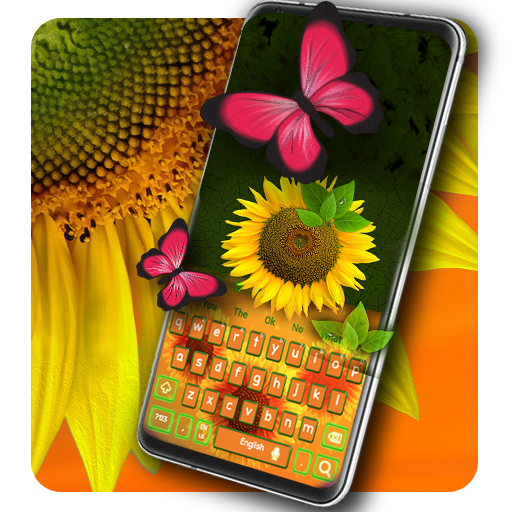
Sunflower Keyboard 電腦版
Luna Themes
用GameLoop模拟器在電腦上玩Sunflower Keyboard
Sunflower Keyboard 電腦版
來自發行商 Luna Themes 的 Sunflower Keyboard 能夠在安卓系統上運行。
現在,您可以在電腦上使用 GameLoop 模擬器流暢地玩 Sunflower Keyboard。
在 GameLoop 遊戲庫或搜索結果中下載。 不需要再暢玩遊戲時盯著電池電量或被令人懊惱的來電打斷。
只需在電腦大屏幕上免費下載暢玩Sunflower Keyboard 電腦版!
Sunflower Keyboard 簡介
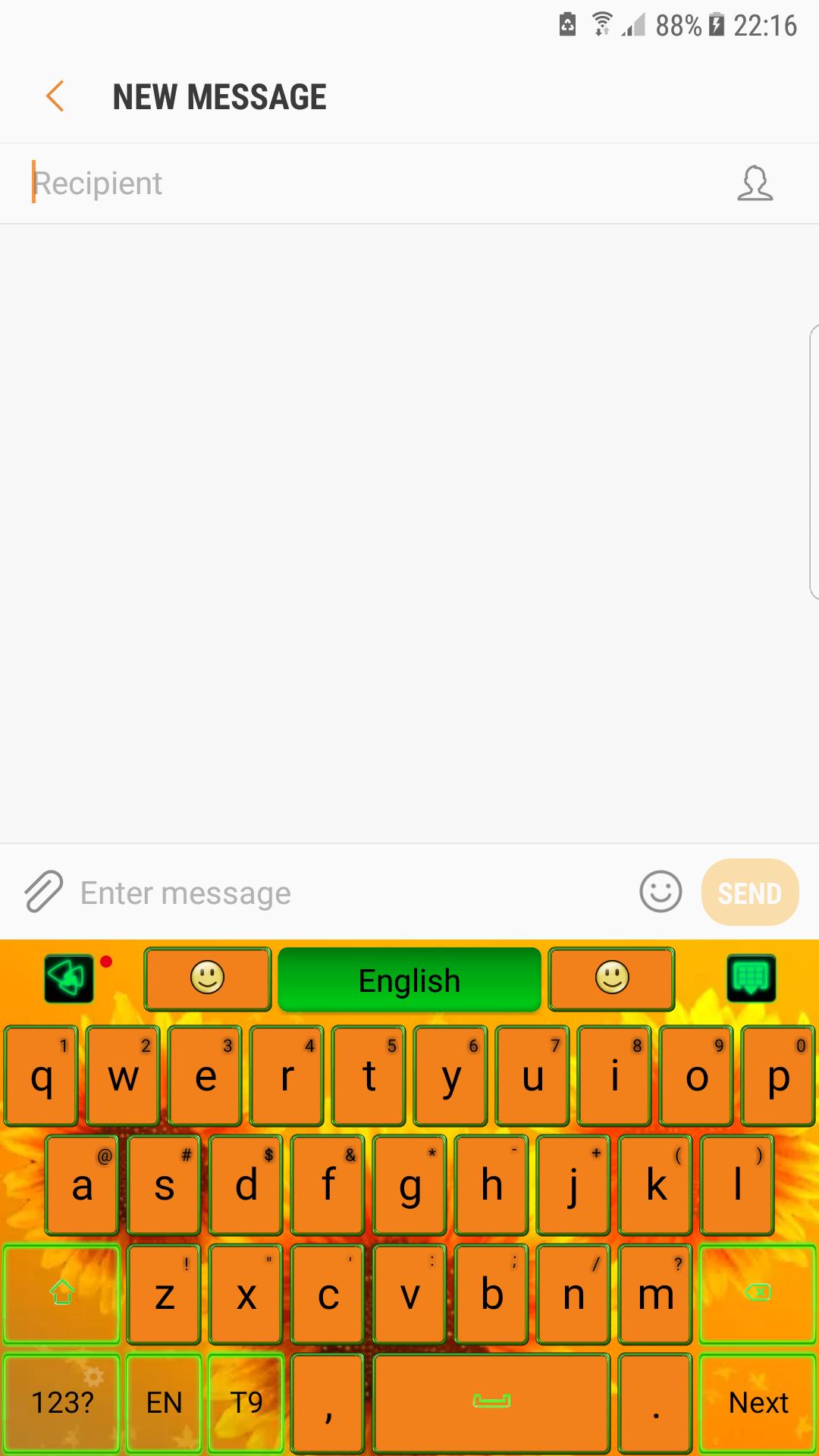
The essence of good taste and a colorful design bathed in glow sun rays, will transform your screen in irresistible gadget. 🌻
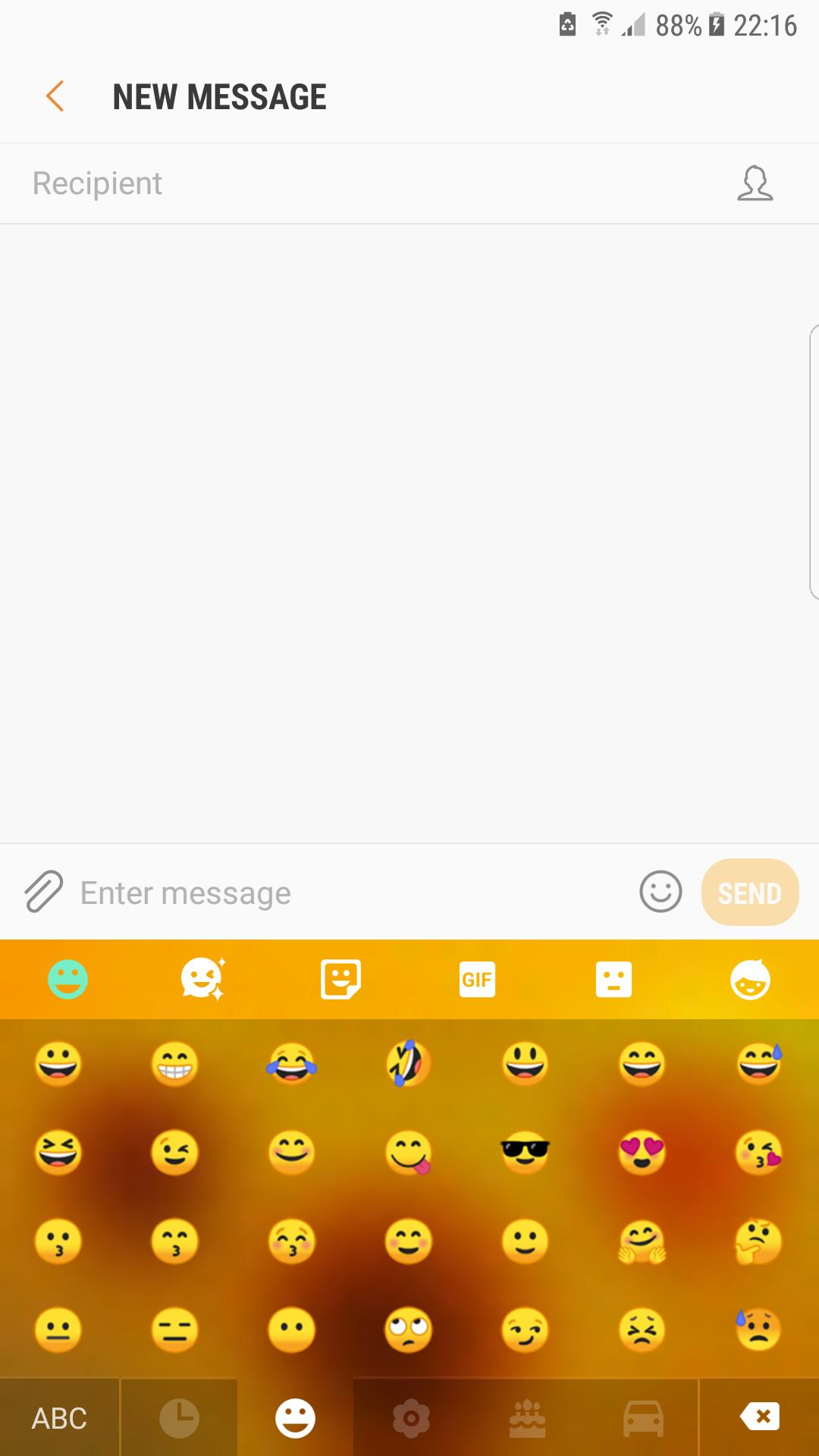
🌻 No chat without emoji😊! So expressive little smiley that helps you to tell more instantly are now on your keypad in a various forms and chic styles, ready to make the conversation more interactive.
🌻 Also gesture input has a beautiful graphic effect and helps a lot to write better and faster, just swiping on the keyboard's surface.
Features:
★Voice Input
★Popular GIFs and Memes
★Customized Fonts
★Auto-correction
★Dynamic Typing Effect
🌻 In golden rays of the sun, this flower symbolize the infinite summer and the joy. Warm shades from colors of nature, orange and green, celebrate the glow of the summer.
🌻 Inspired by the rural side and the famous paintings and artworks, the theme is dedicated to those that want a background with happiness and warmth.
🌻 Download now the sunflower keyboard and wear the beauty of the summer. Nothing compares with the mother nature and its beautiful flowers.
預覽
訊息
開發商
Luna Themes
最新版本
1.0
更新時間
2019-09-18
類別
個人化
同時可用
Google Play
更多
如何在電腦上用 GameLoop 玩 Sunflower Keyboard
1. 從官網下載GameLoop,然後運行exe文件安裝GameLoop
2. 打開GameLoop,搜索“Sunflower Keyboard”,在搜索結果中找到Sunflower Keyboard,點擊“安裝”
3. 享受在 GameLoop 上玩 Sunflower Keyboard 的樂趣
Minimum requirements
OS
Windows 8.1 64-bit or Windows 10 64-bit
GPU
GTX 1050
CPU
i3-8300
Memory
8GB RAM
Storage
1GB available space
Recommended requirements
OS
Windows 8.1 64-bit or Windows 10 64-bit
GPU
GTX 1050
CPU
i3-9320
Memory
16GB RAM
Storage
1GB available space