Photo Widget: Screen Gallery 電腦版
MS International
用GameLoop模拟器在電腦上玩Photo Widget: Screen Gallery
Photo Widget: Screen Gallery 電腦版
來自發行商 MS International 的 Photo Widget: Screen Gallery 能夠在安卓系統上運行。
現在,您可以在電腦上使用 GameLoop 模擬器流暢地玩 Photo Widget: Screen Gallery。
在 GameLoop 遊戲庫或搜索結果中下載。 不需要再暢玩遊戲時盯著電池電量或被令人懊惱的來電打斷。
只需在電腦大屏幕上免費下載暢玩Photo Widget: Screen Gallery 電腦版!
Photo Widget: Screen Gallery 簡介
Photo Widget: Screen Gallery – Aesthetic Home Screen Widgets
Create a personalized and aesthetic home screen with Photo Widget: Screen Gallery, the ultimate photo widget app for Android. Easily add your favorite photos to your home screen and turn it into a live gallery of memories, inspiration, or your daily vision board.
✨ Whether you want to display family memories, travel photos, motivational quotes, or your dream goals — this app helps you create a beautiful and functional photo widget that updates automatically.
🎨 Top Features:
⭐ Add multiple photos to one widget
Display one or more images in a single widget. Rotate or auto-change images at custom intervals.
⭐ Multiple photo display styles
Choose from:
Single view – highlight one image
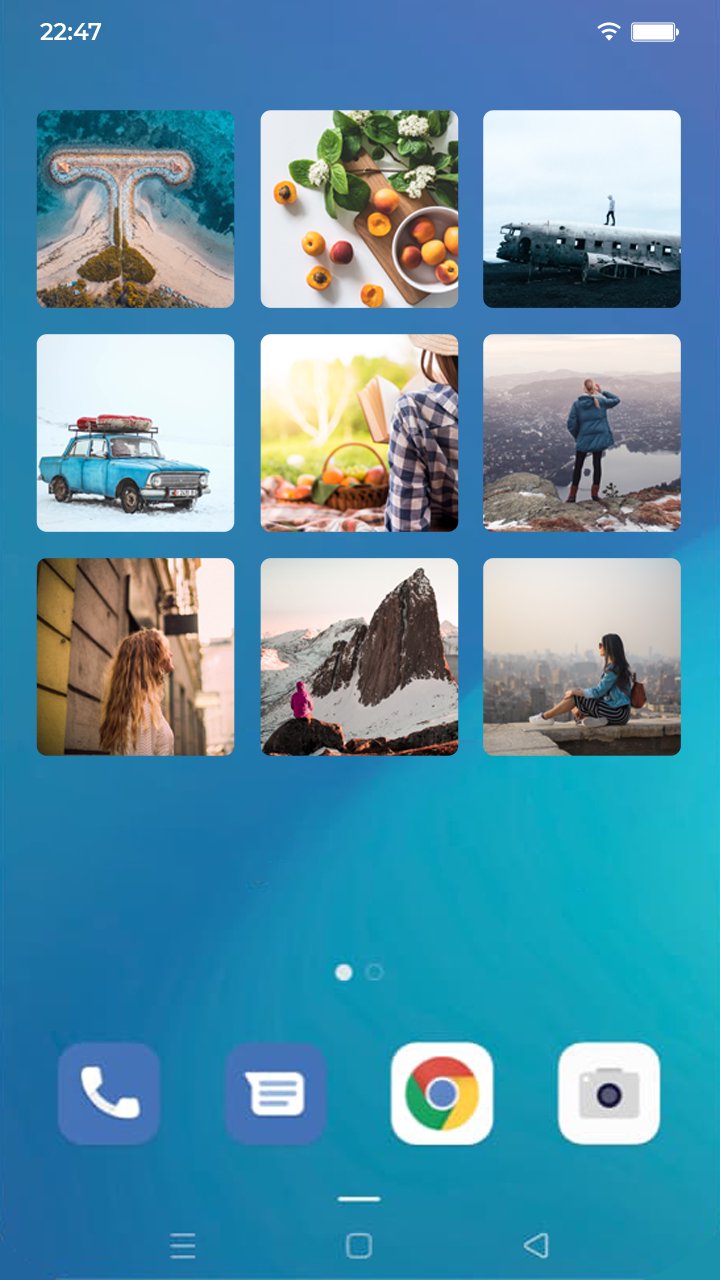
Grid view – arrange photos in rows and columns
Stack view – scroll or auto-flip through your gallery
⭐ Custom widget shapes & crop styles
Show photos in rectangle, circle, or hexagon shapes. Use center crop or fit to screen to adjust how images appear.
⭐ Vision board widget support
Perfect for displaying your goals or inspirations on your home screen using the grid layout and custom photo arrangements.
⭐ Widget customization options
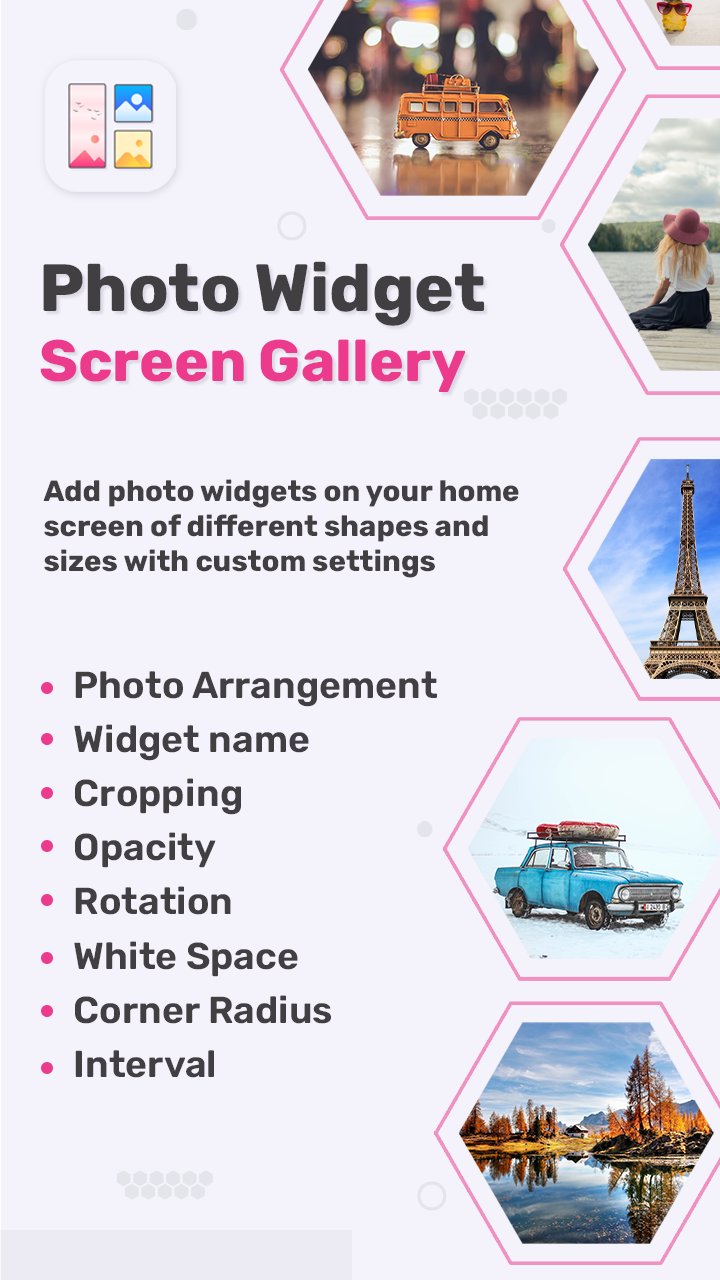
Set widget name/title
Control image rotation & cropping
Adjust opacity, rounded corners, and photo spacing
Set manual or automatic photo paging
Choose update interval time
📷 Why Choose Photo Widget: Screen Gallery?
✔️ Lightweight & easy-to-use UI
✔️ Minimal battery & memory usage
✔️ Stylish design with full customization
✔️ Works great for aesthetic home screen setups, family photo widgets, and daily inspiration boards
✔️ Frequently updated with new features & improvements
📌 Popular Use Cases:
Daily photo memory widget
Aesthetic vision board widget
Inspirational quote slideshow
Display favorite moments with pets, family, or travel
Create custom themed widgets for holidays or seasons
💡 Personalize your Android home screen today with Photo Widget: Screen Gallery – the easiest way to keep your memories, dreams, and style in front of you every day!
🔽 Download now and make your home screen more YOU!
預覽
標籤
個人化訊息
開發商
MS International
最新版本
1.9
更新時間
2025-12-08
類別
個人化
同時可用
Google Play
更多
如何在電腦上用 GameLoop 玩 Photo Widget: Screen Gallery
1. 從官網下載GameLoop,然後運行exe文件安裝GameLoop
2. 打開GameLoop,搜索“Photo Widget: Screen Gallery”,在搜索結果中找到Photo Widget: Screen Gallery,點擊“安裝”
3. 享受在 GameLoop 上玩 Photo Widget: Screen Gallery 的樂趣
Minimum requirements
OS
Windows 8.1 64-bit or Windows 10 64-bit
GPU
GTX 1050
CPU
i3-8300
Memory
8GB RAM
Storage
1GB available space
Recommended requirements
OS
Windows 8.1 64-bit or Windows 10 64-bit
GPU
GTX 1050
CPU
i3-9320
Memory
16GB RAM
Storage
1GB available space