
Order List 電腦版
Zircon Infotech
用GameLoop模拟器在電腦上玩Order List
Order List 電腦版
來自發行商 Zircon Infotech 的 Order List 能夠在安卓系統上運行。
現在,您可以在電腦上使用 GameLoop 模擬器流暢地玩 Order List。
在 GameLoop 遊戲庫或搜索結果中下載。 不需要再暢玩遊戲時盯著電池電量或被令人懊惱的來電打斷。
只需在電腦大屏幕上免費下載暢玩Order List 電腦版!
Order List 簡介
The app is very useful to prepare list, call or send quotation and give orders to various parties.
How it is Useful:
This application is useful to prepare the Price list and send it to customers via various digital sharing options.
Users can call or send the quotation from/to other parties anytime, anywhere on urgent basis.
This app is also useful to give an authentic order for procuring material with the help of various digital sharing options.
It provides flexibility to send the list of items to supplier, executives, friends, etc.
How it Works:
This app gives a facility to add new items, categorize the items in different groups as well as changes the item’s description.
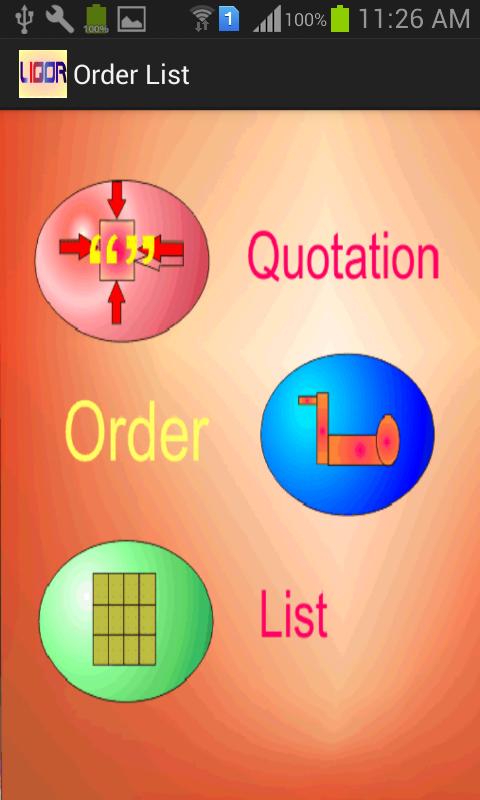
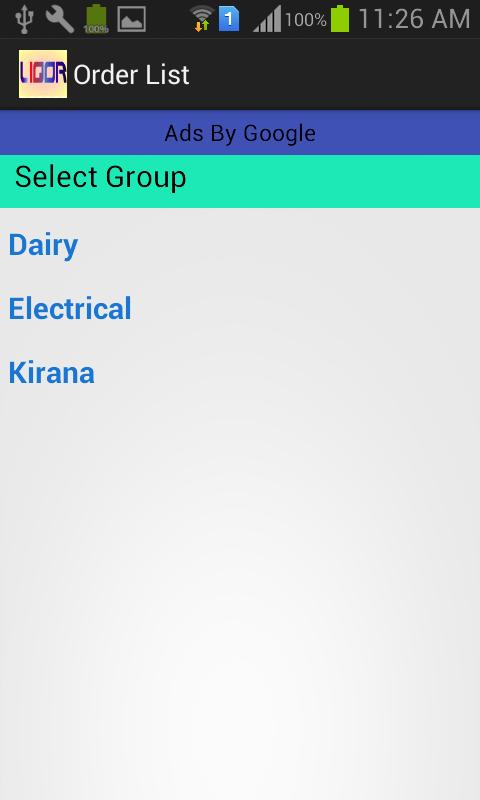
Main Screen of Application shows the various groups of items (whatever you insert). ‘Add new Items’ by using Main Menu or ‘Show and Send List’ which are already selected by you.
When you ‘Show and Send List’, app displays the entire selected item and give a choice to send this information to receiver through various sharing option. You may send these items as a ‘List’, ‘Quotation’ or as an ‘Order’ also at the time of sending of items you can add the description for the same.
After sending this list you can ‘Refresh List’, to nullify all the selected Quantity, Rate and Amount and to make another list.
How to Prepare List:
From the Main Screen, you may select the Group and get the list of items of the selected group. Now you can select an Item and enter the Quantity, Rate to get the amount. If you want to Edit the details of Items or change the Group then Select Edit button and change the Name and Group of the selected item.
After saving the details, it will show you the previous list and you may select new items or or go back further to select the new group.
After completion of list you can once again send the information in the form of ‘List’, ‘Quotation’ or ‘Order’ and save the time and enjoy the life.
預覽
標籤
個人化訊息
開發商
Zircon Infotech
最新版本
1.1
更新時間
2018-05-24
類別
個人化
同時可用
Google Play
更多
如何在電腦上用 GameLoop 玩 Order List
1. 從官網下載GameLoop,然後運行exe文件安裝GameLoop
2. 打開GameLoop,搜索“Order List”,在搜索結果中找到Order List,點擊“安裝”
3. 享受在 GameLoop 上玩 Order List 的樂趣
Minimum requirements
OS
Windows 8.1 64-bit or Windows 10 64-bit
GPU
GTX 1050
CPU
i3-8300
Memory
8GB RAM
Storage
1GB available space
Recommended requirements
OS
Windows 8.1 64-bit or Windows 10 64-bit
GPU
GTX 1050
CPU
i3-9320
Memory
16GB RAM
Storage
1GB available space