OnTime Clock Live Wallpaper 電腦版
ARTware+Software
用GameLoop模拟器在電腦上玩OnTime Clock Live Wallpaper
OnTime Clock Live Wallpaper 電腦版
來自發行商 ARTware+Software 的 OnTime Clock Live Wallpaper 能夠在安卓系統上運行。
現在,您可以在電腦上使用 GameLoop 模擬器流暢地玩 OnTime Clock Live Wallpaper。
在 GameLoop 遊戲庫或搜索結果中下載。 不需要再暢玩遊戲時盯著電池電量或被令人懊惱的來電打斷。
只需在電腦大屏幕上免費下載暢玩OnTime Clock Live Wallpaper 電腦版!
OnTime Clock Live Wallpaper 簡介
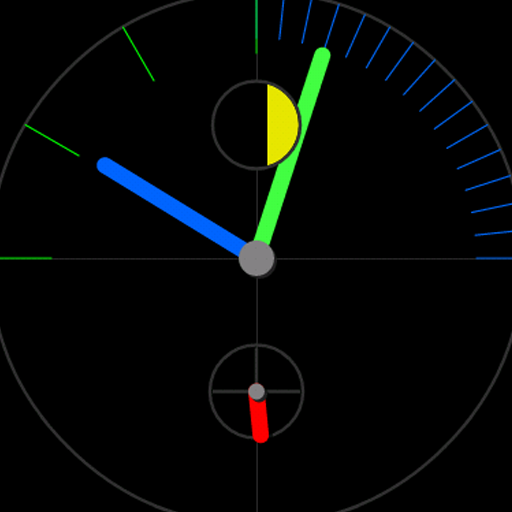
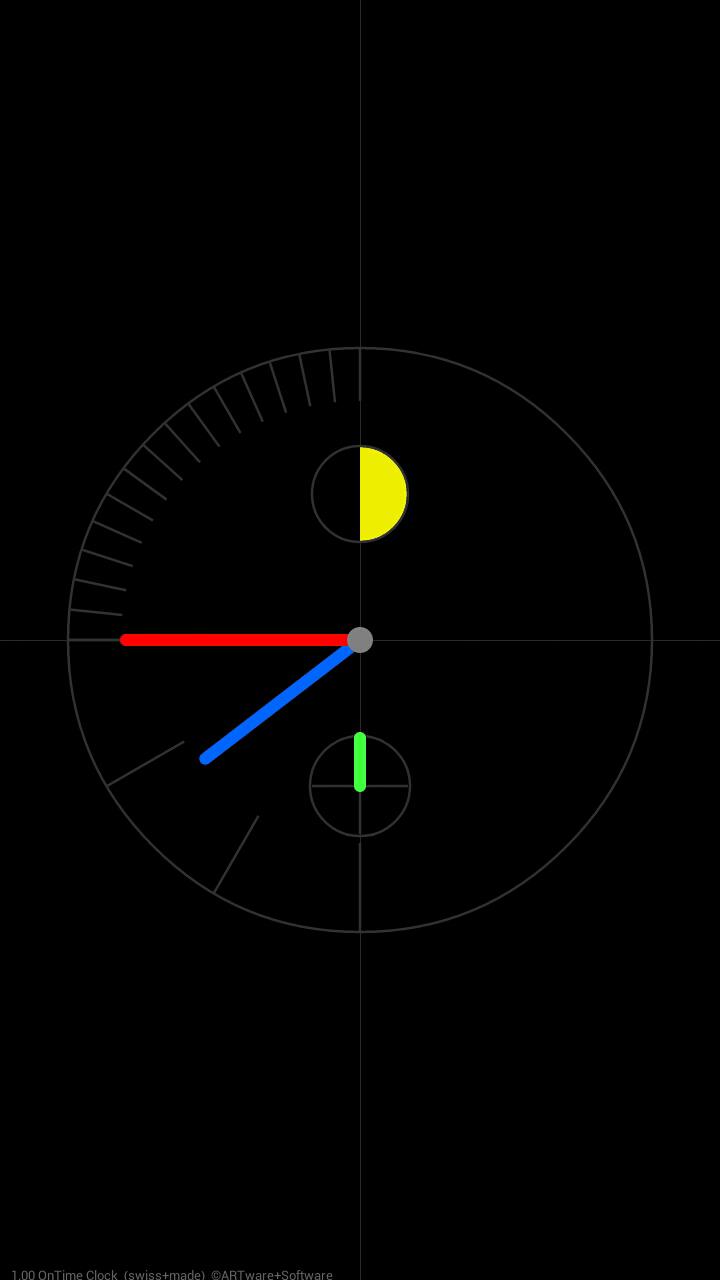
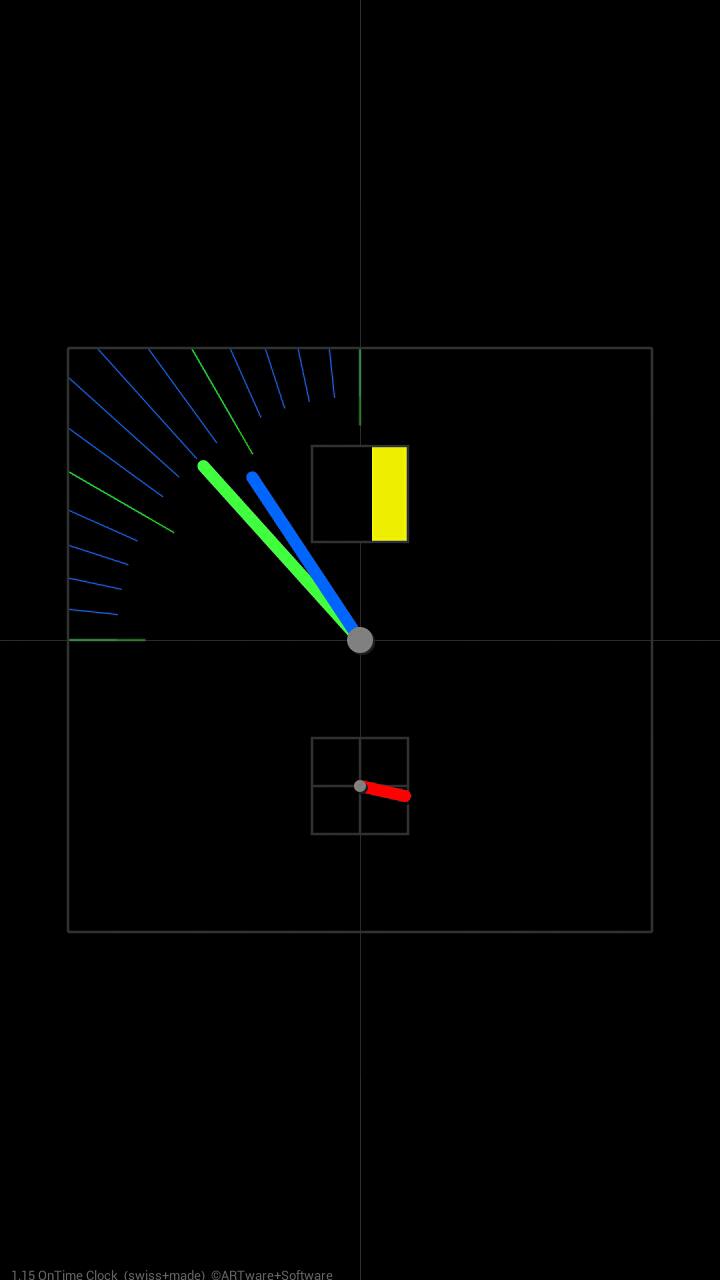
The ARTware OnTime Clock is a Live WallPaper (lwp) clock with a very simple but stylish look. OnTime displays the hours, minutes and seconds and shows the current moon phase. The minute and hour indicators move with the time. The latest version allows for choice of an alternative square face and selection of multicolor or monochrome clocks. See the hands pass below some of the screen elements which would be impossible in a mechanical watch. For more settings like, date display, alternating between square/round face automatically, selection of many color clocks and more options you can upgrade to the PRO OnTime Clock.
The Free OnTime Clock Live Wallpaper (LWP) is a very small program that runs well on Android 2.1+ devices with Live Wallpaper. This and all other ARTware apps run well on Google's Nexus tablets and the Nexus 4 and Nexus phones.
For "first time" Live Wallpaper Users (after download):
Please go to Wallpapers -> Live Wallpaper -> ARTware OnTime Clock
Please email us for any problems, questions or suggestions before putting a comment into the ratings section which we cannot respond to.
ARTware+Software
(Swiss+made modern minimal analog/digital apps without advertising)
預覽
標籤
個人化訊息
開發商
ARTware+Software
最新版本
1.80
更新時間
2020-12-25
類別
個人化
同時可用
Google Play
更多
如何在電腦上用 GameLoop 玩 OnTime Clock Live Wallpaper
1. 從官網下載GameLoop,然後運行exe文件安裝GameLoop
2. 打開GameLoop,搜索“OnTime Clock Live Wallpaper”,在搜索結果中找到OnTime Clock Live Wallpaper,點擊“安裝”
3. 享受在 GameLoop 上玩 OnTime Clock Live Wallpaper 的樂趣
Minimum requirements
OS
Windows 8.1 64-bit or Windows 10 64-bit
GPU
GTX 1050
CPU
i3-8300
Memory
8GB RAM
Storage
1GB available space
Recommended requirements
OS
Windows 8.1 64-bit or Windows 10 64-bit
GPU
GTX 1050
CPU
i3-9320
Memory
16GB RAM
Storage
1GB available space