
OHome - Minimalist Launcher 電腦版
kolacbb
用GameLoop模拟器在電腦上玩OHome - Minimalist Launcher
OHome - Minimalist Launcher 電腦版
來自發行商 kolacbb 的 OHome - Minimalist Launcher 能夠在安卓系統上運行。
現在,您可以在電腦上使用 GameLoop 模擬器流暢地玩 OHome - Minimalist Launcher。
在 GameLoop 遊戲庫或搜索結果中下載。 不需要再暢玩遊戲時盯著電池電量或被令人懊惱的來電打斷。
只需在電腦大屏幕上免費下載暢玩OHome - Minimalist Launcher 電腦版!
OHome - Minimalist Launcher 簡介
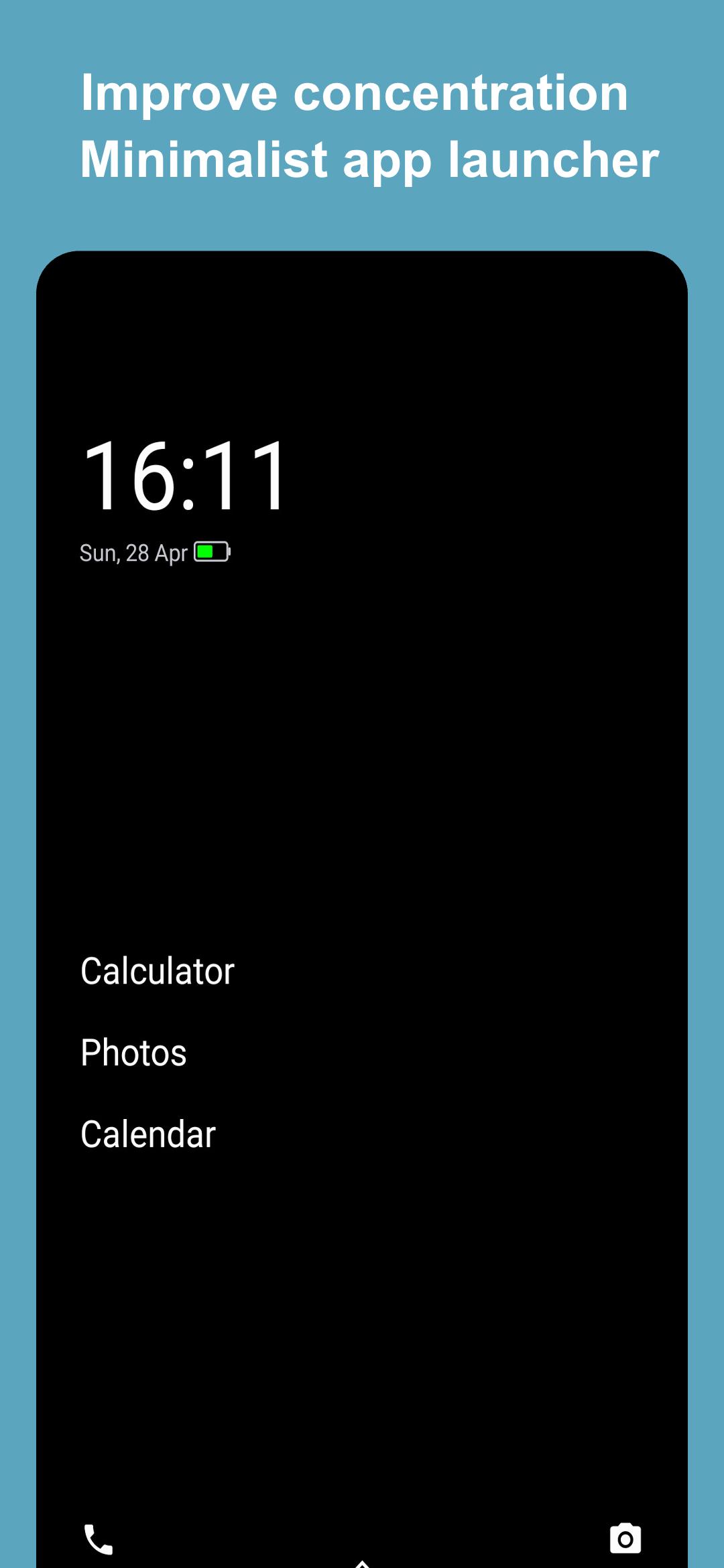
OHome Minimalist Launcher is a powerful minimalist desktop launcher that helps you reduce screen time, improve productivity, and focus on the beauty of life. With its minimalist design and intuitive interface, OHome makes it easy to stay focused on the task at hand.
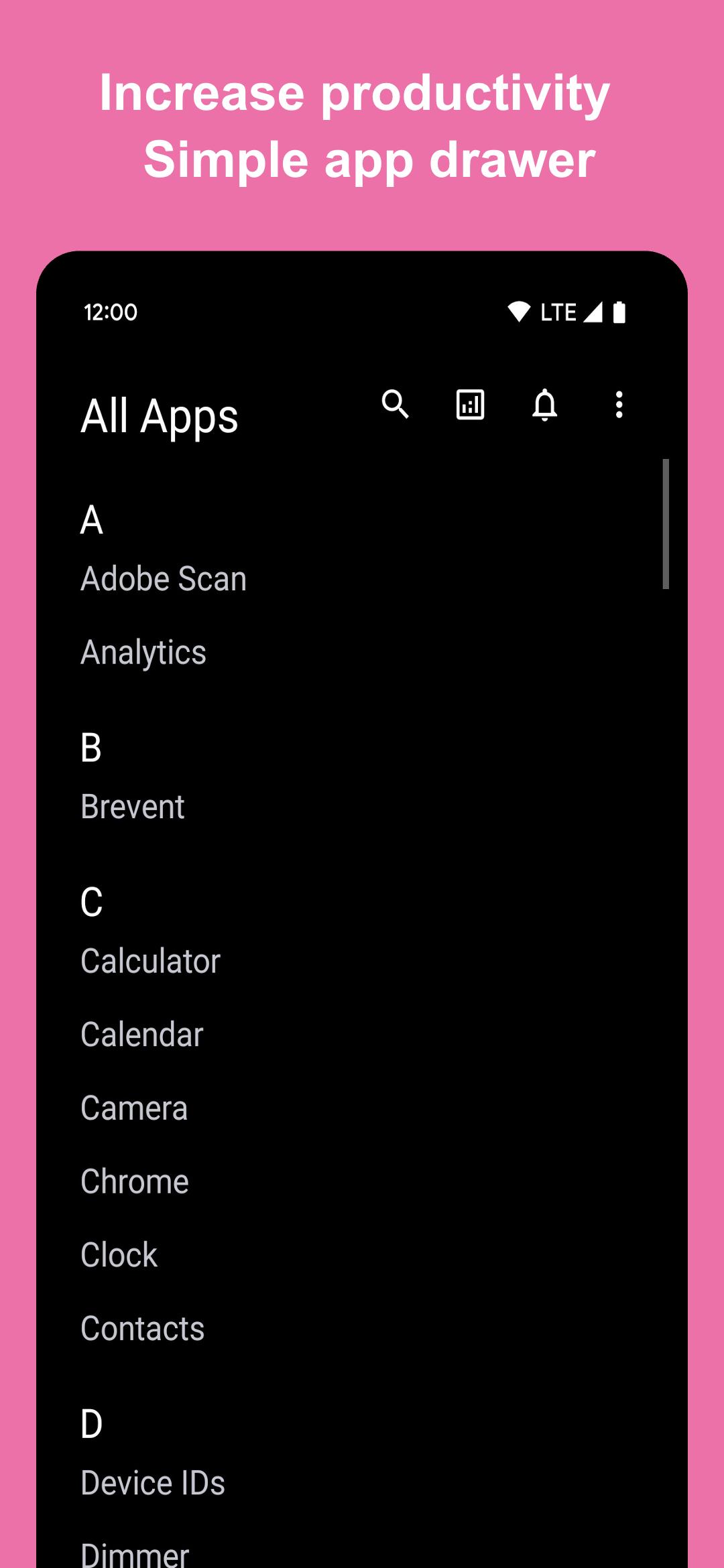
Install the OHome minimal launcher, and your phone will instantly turn into a minimalist phone. Various well-designed functions can help you reduce the screen time of your phone and tablet, improve work efficiency and focus, and focus on the beauty of life.
Opening OHome android launcher for the first time will pop up the application settings page. It is recommended to enable all the functions in the settings to enable the complete experience of OHome. OHome android launcher has a notification blocking function, it can help you control screen usage time and phone usage, no longer receive invalid information interference when you focus on life and work, but don't worry OHome launcher will block notifications Stored locally on your phone, you will never miss a notification. Simple and effective way to increase your productivity and focus. Another effective function of OHome desktop launcher is application time statistics, find out the culprit of time consumption, and uninstall it easily in OHome. it's a less is more app and a minimalist phone free to use. simplistic android launcher app. Get
minimalist pro break phone addiction makes you more productivity and have
blank spaces app. Use less phone and get no phone life.
When using OHome Launcher for the first time, you may feel a little inconvenient and have the urge to give up. But please rest assured that every interaction detail is the optimal solution after a long period of polishing and design by our professional team, and a large number of user experiences. As long as you insist on using it for more than three days, you will experience the reduction of time away from the mobile phone screen. Come for joy, focus and peace of mind. OHome is a professional tool to help you stay away from mobile phones, but it also requires you to make the right choice. It will be easy to use OHome to provide work efficiency and focus on the happiness in life. Fight phone addiction and get rid of mobile phone addiction, and no longer be a vassal of mobile phones from now on. drop phone at real life.
🎁 Here are some of the features of OHome Minimalist Launcher:
⭐️ Extremely simple color desktop, beautiful UI and interactive experience full of details
⭐️ Powerful and efficient notification filter function, filter storage notifications
⭐️ Application screen time statistics, application anti-addiction
⭐️ Double-click on the homepage to lock the desktop, efficient and simple
⭐️ Customizable home screen motivational words to motivate yourself to achieve your goals in life and work
⭐️ Status bar, desktop wallpaper follow the theme and other uncluttered UI customization configuration
⭐️ Less is more, The core functionality is completely free!
If you're looking for a way to reduce screen time, improve productivity, and focus on the beauty of life, then OHome Minimalist Launcher is the perfect tool for you. Download OHome today and start enjoying the benefits of a more minimalist lifestyle.
🎁 Accessibility Service
Our Accessibility Service is used exclusively to let you turn off your phone's screen with a double-tap gesture. It is optional, disabled by default and doesn't collect or share any data.
🎁 More information
In case of doubt, please send your question to kolacbb@gmail.com, our service team will get back to you as soon as possible. Thanks!
預覽
標籤
個人化訊息
開發商
kolacbb
最新版本
1.5.2
更新時間
2025-01-22
類別
個人化
同時可用
Google Play
更多
如何在電腦上用 GameLoop 玩 OHome - Minimalist Launcher
1. 從官網下載GameLoop,然後運行exe文件安裝GameLoop
2. 打開GameLoop,搜索“OHome - Minimalist Launcher”,在搜索結果中找到OHome - Minimalist Launcher,點擊“安裝”
3. 享受在 GameLoop 上玩 OHome - Minimalist Launcher 的樂趣
Minimum requirements
OS
Windows 8.1 64-bit or Windows 10 64-bit
GPU
GTX 1050
CPU
i3-8300
Memory
8GB RAM
Storage
1GB available space
Recommended requirements
OS
Windows 8.1 64-bit or Windows 10 64-bit
GPU
GTX 1050
CPU
i3-9320
Memory
16GB RAM
Storage
1GB available space