Me Clock widget 2 - Analog & D 電腦版
Android_media
用GameLoop模拟器在電腦上玩Me Clock widget 2 - Analog & D
Me Clock widget 2 - Analog & D 電腦版
來自發行商 Android_media 的 Me Clock widget 2 - Analog & D 能夠在安卓系統上運行。
現在,您可以在電腦上使用 GameLoop 模擬器流暢地玩 Me Clock widget 2 - Analog & D。
在 GameLoop 遊戲庫或搜索結果中下載。 不需要再暢玩遊戲時盯著電池電量或被令人懊惱的來電打斷。
只需在電腦大屏幕上免費下載暢玩Me Clock widget 2 - Analog & D 電腦版!
Me Clock widget 2 - Analog & D 簡介
How to use:
1. Download "Me Clock" .
2. Long press on an empty region of your home screen.
3. Add "Me Clock Widget" from your widget list.
4. Select clock skin from the list.
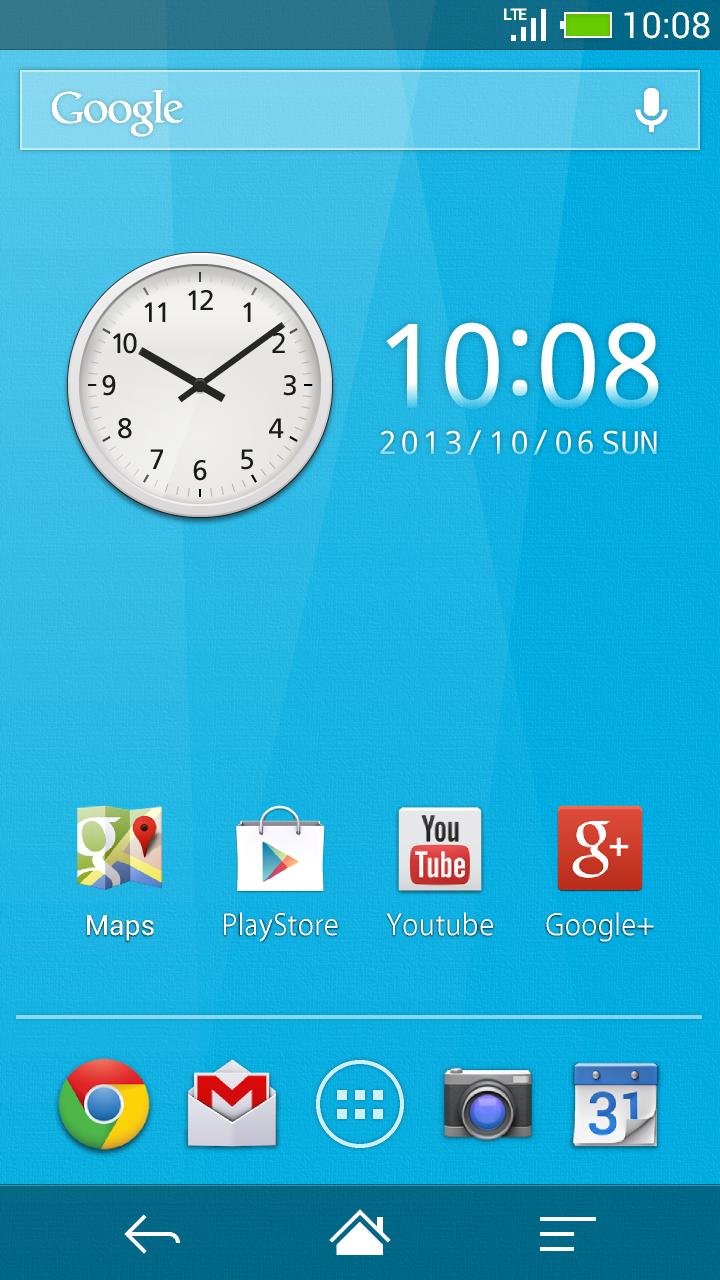
5. The widget will appear in your home screen.
< Remove the widget from the home >
1. Long press the widget.
2. The widget drag and drop to the trash on the home.
< Re-sizing the widget (Android3.1+ and Go Launcher) >
1. Long press the widget.
2. You will see four dots popup and a line bordering the widget’s area.
3. Drag the dots to their desired position for what size you would like then release.
4. Press the back key.
< Launch application >
1. Tap the widget and open "Me Clock Widget" setting menu.
2. Select " Tap to open application "
3. Choose application from the list.
4. Press the back key and menu closed.
5. Launch application when tap the widget on next time.
< Change displayed 12h/24h >
1. Tap the widget and open "Me Clock Widget" setting menu.
2. Check the " 24h "
3. Press the back key and menu closed.
< Change displayed date format >
1. Tap the widget and open "Me Clock Widget" setting menu.
2. Tap the " Date Format "
3. Select format on the list.
4. Press the back key and menu closed.
FAQ :
Q : Clock disappeared after the update
A : There is a possibility that clock widget that is disposed is transparent. After you throw away and hold to the trash to the location to which you put the clock widget, please place again.
Q : Don't work tap the application shortcut from the home.
A : Please to use from the widget list. And no problem remove the shortcut from the home.
Q : I want to change setting after launch application setting.
A : Once remove the widget and put on widget again.
Q : Does it communicate frequently?
A : Only when you view the watch list, it is communicating to update the clock skins list.
If there are no updates to the list, because it uses the cache, traffic is small.
It does not do the communication in the background otherwise.
Q : Use meny process? Use meny battery power?
A : This widget have no ads. The battery use and process use a minimum.
Features:
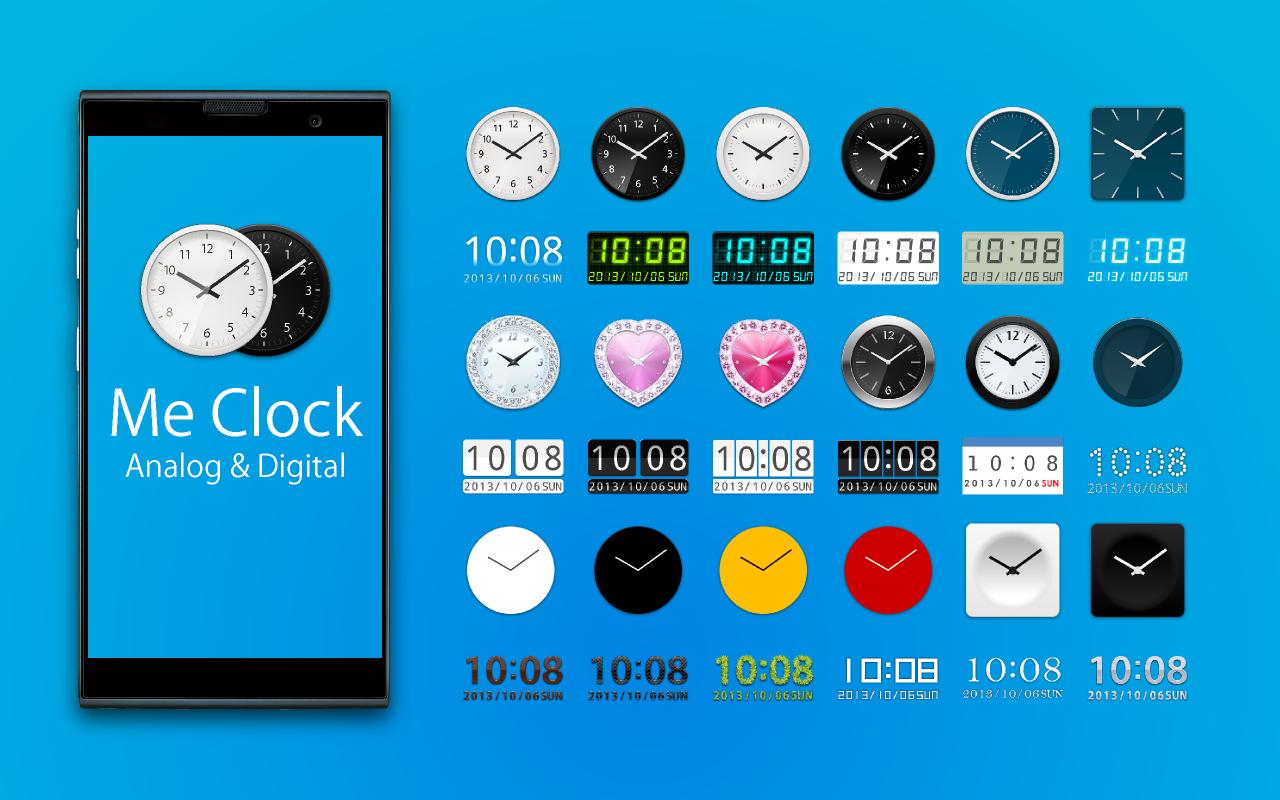
- Design skins many themes.(Analog clock, Digital clock, Simple, Cool, and Elegant)
- Support scaling adjustment of the widget size. (Android3.1+)
- Launch Application by tapping the clock widget.
- 24-hour format supported.(AM/PM)
- Date format supported.
- Lock screen widget.(Android4.2+)
- No ads.
From the team:
Thank you for using, Please rate it , and send me feedback.
Thank you.
預覽
標籤
個人化訊息
開發商
Android_media
最新版本
4.0
更新時間
2017-03-13
類別
個人化
同時可用
Google Play
更多
如何在電腦上用 GameLoop 玩 Me Clock widget 2 - Analog & D
1. 從官網下載GameLoop,然後運行exe文件安裝GameLoop
2. 打開GameLoop,搜索“Me Clock widget 2 - Analog & D”,在搜索結果中找到Me Clock widget 2 - Analog & D,點擊“安裝”
3. 享受在 GameLoop 上玩 Me Clock widget 2 - Analog & D 的樂趣
Minimum requirements
OS
Windows 8.1 64-bit or Windows 10 64-bit
GPU
GTX 1050
CPU
i3-8300
Memory
8GB RAM
Storage
1GB available space
Recommended requirements
OS
Windows 8.1 64-bit or Windows 10 64-bit
GPU
GTX 1050
CPU
i3-9320
Memory
16GB RAM
Storage
1GB available space