
KawaiiWidget『Happy Sweets』 電腦版
SAICRAFT,Inc.
用GameLoop模拟器在電腦上玩KawaiiWidget『Happy Sweets』
KawaiiWidget『Happy Sweets』 電腦版
來自發行商 SAICRAFT,Inc. 的 KawaiiWidget『Happy Sweets』 能夠在安卓系統上運行。
現在,您可以在電腦上使用 GameLoop 模擬器流暢地玩 KawaiiWidget『Happy Sweets』。
在 GameLoop 遊戲庫或搜索結果中下載。 不需要再暢玩遊戲時盯著電池電量或被令人懊惱的來電打斷。
只需在電腦大屏幕上免費下載暢玩KawaiiWidget『Happy Sweets』 電腦版!
KawaiiWidget『Happy Sweets』 簡介
Free application.
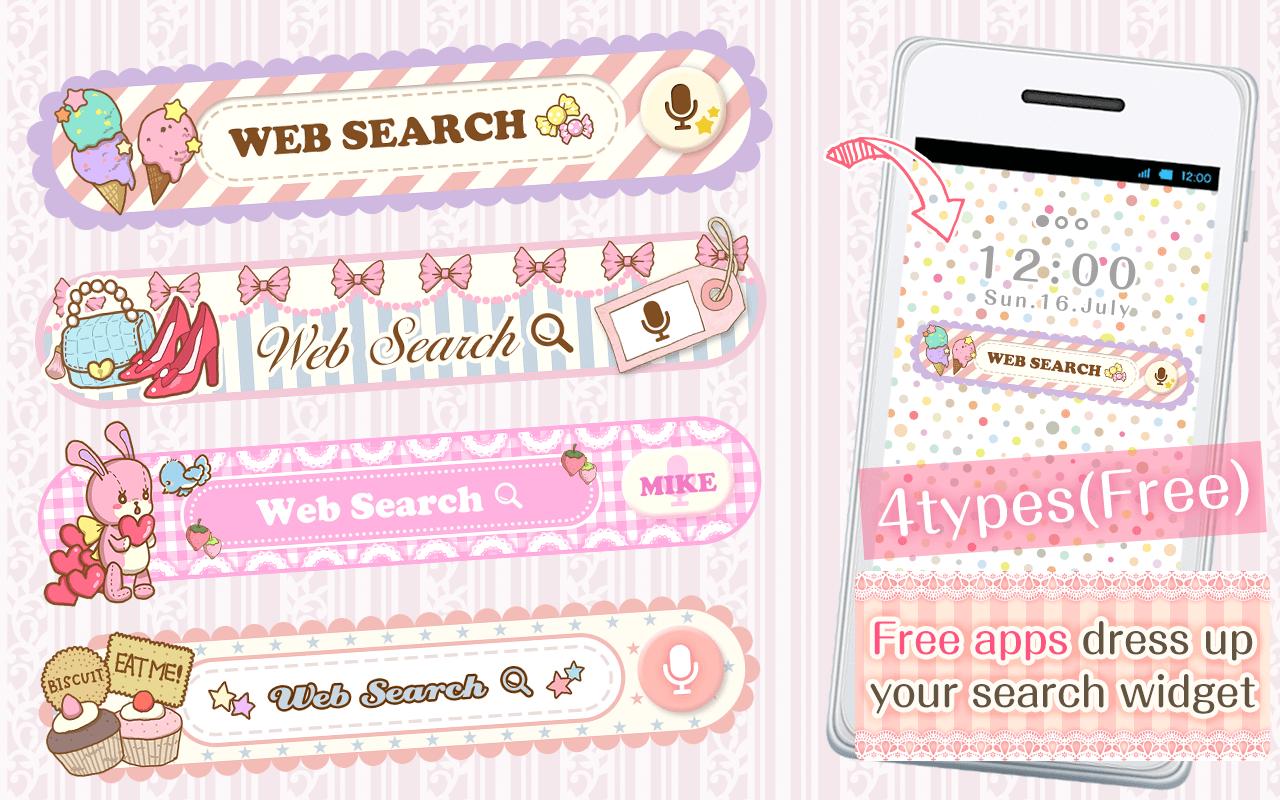
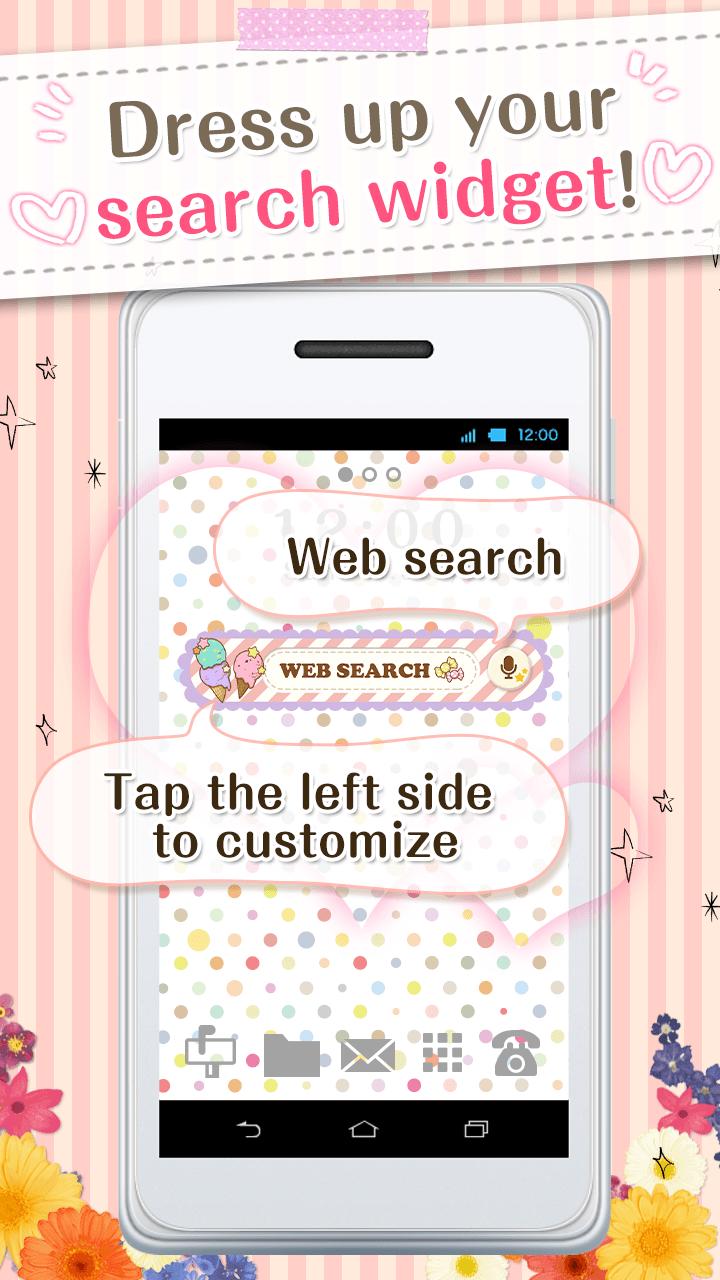
You can custumize your home screen with the cute Search Widget
Once downloaded onto your home screen,
this search widget allows you to access the internet easily.
You can enjoy many thpes of design,when you download the theme apps.
■For inquiries
info@aswidget.com
■Reasons to download
Easy to search once downloaded onto your home screen
Easy to delete and organize history
Supports voice input
■How to use
This application is used through downloading the search widget onto the home screen.
To use this application, please download the ""DRESSAPPS""application.
https://play.google.com/store/apps/details?id=com.aswidget.android.themewidget
■Set up method for search widget
Set up method is differs depending on the smart phone's brand.
Please check here
https://dressapps.jp/web/widget_setting
・Basic method1
1. Press down on an open space on your home screen.
2. Select "widget" once the menu is shown.
3. Select the widget of your choice. (for the old version: click on icon )
4. Clicking on the left area of the widget lets you change designs!
・Basic method2
1. Open your home screen and click on your application icon.
Although depending on device, the application button is formed of many ■ and ●
2. Tap on the widget button on the upper side of the screen and select the downloaded widget.
3. When the home screen pops up, drag the widget to the place of your choice.
4. Clicking on the left area of the widget lets you change designs!
■How to customize
(This search widget can be customized to your preference)
1. Click on the character on the left side of the search widget. The setup screen will pop up.
2. Choose a design of your choice from the ""more dressup""
■Comptible model
Android OS 2.3.3and later
■For inquiries
info@aswidget.com
預覽
訊息
開發商
SAICRAFT,Inc.
最新版本
1.0.0
更新時間
2015-03-17
類別
個人化
同時可用
Google Play
更多
如何在電腦上用 GameLoop 玩 KawaiiWidget『Happy Sweets』
1. 從官網下載GameLoop,然後運行exe文件安裝GameLoop
2. 打開GameLoop,搜索“KawaiiWidget『Happy Sweets』”,在搜索結果中找到KawaiiWidget『Happy Sweets』,點擊“安裝”
3. 享受在 GameLoop 上玩 KawaiiWidget『Happy Sweets』 的樂趣
Minimum requirements
OS
Windows 8.1 64-bit or Windows 10 64-bit
GPU
GTX 1050
CPU
i3-8300
Memory
8GB RAM
Storage
1GB available space
Recommended requirements
OS
Windows 8.1 64-bit or Windows 10 64-bit
GPU
GTX 1050
CPU
i3-9320
Memory
16GB RAM
Storage
1GB available space