Indonesian Keyboard: Indonesian Language Typing 電腦版
Multi Themes Keyboard & Emoji Keyboard
用GameLoop模拟器在電腦上玩Indonesian Keyboard: Indonesian Language Typing
Indonesian Keyboard: Indonesian Language Typing 電腦版
來自發行商 Multi Themes Keyboard & Emoji Keyboard 的 Indonesian Keyboard: Indonesian Language Typing 能夠在安卓系統上運行。
現在,您可以在電腦上使用 GameLoop 模擬器流暢地玩 Indonesian Keyboard: Indonesian Language Typing。
在 GameLoop 遊戲庫或搜索結果中下載。 不需要再暢玩遊戲時盯著電池電量或被令人懊惱的來電打斷。
只需在電腦大屏幕上免費下載暢玩Indonesian Keyboard: Indonesian Language Typing 電腦版!
Indonesian Keyboard: Indonesian Language Typing 簡介
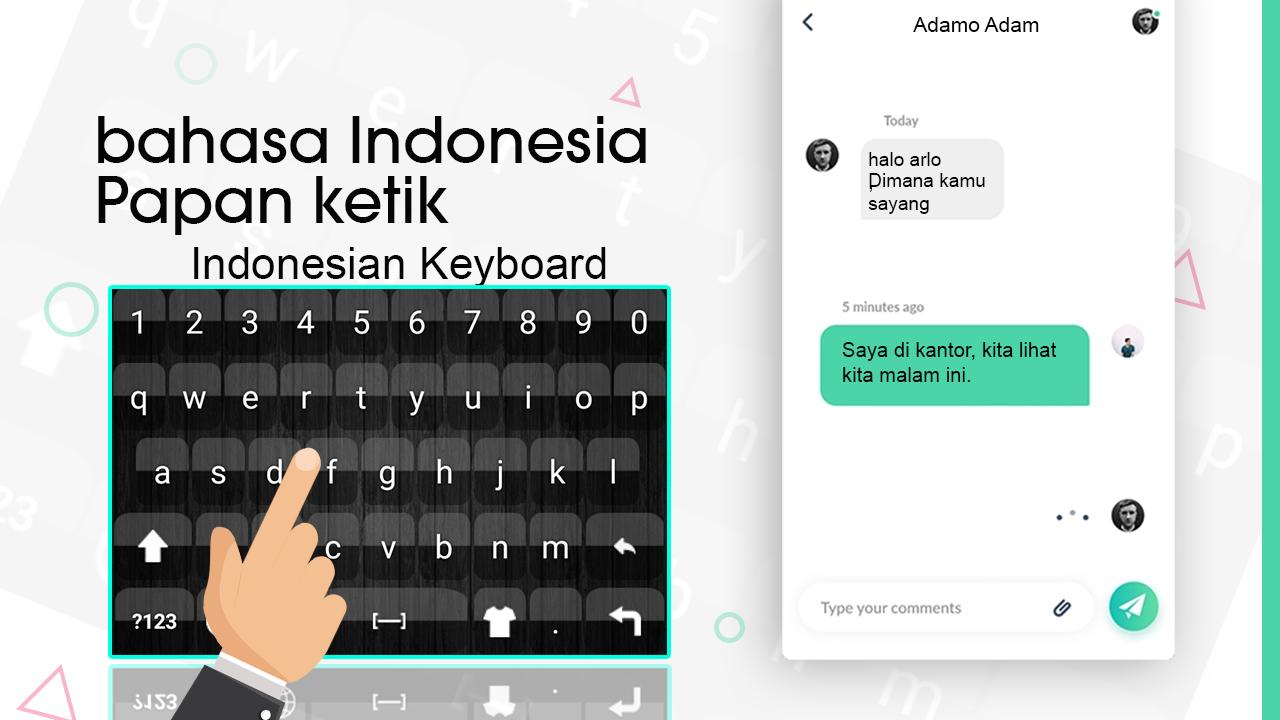
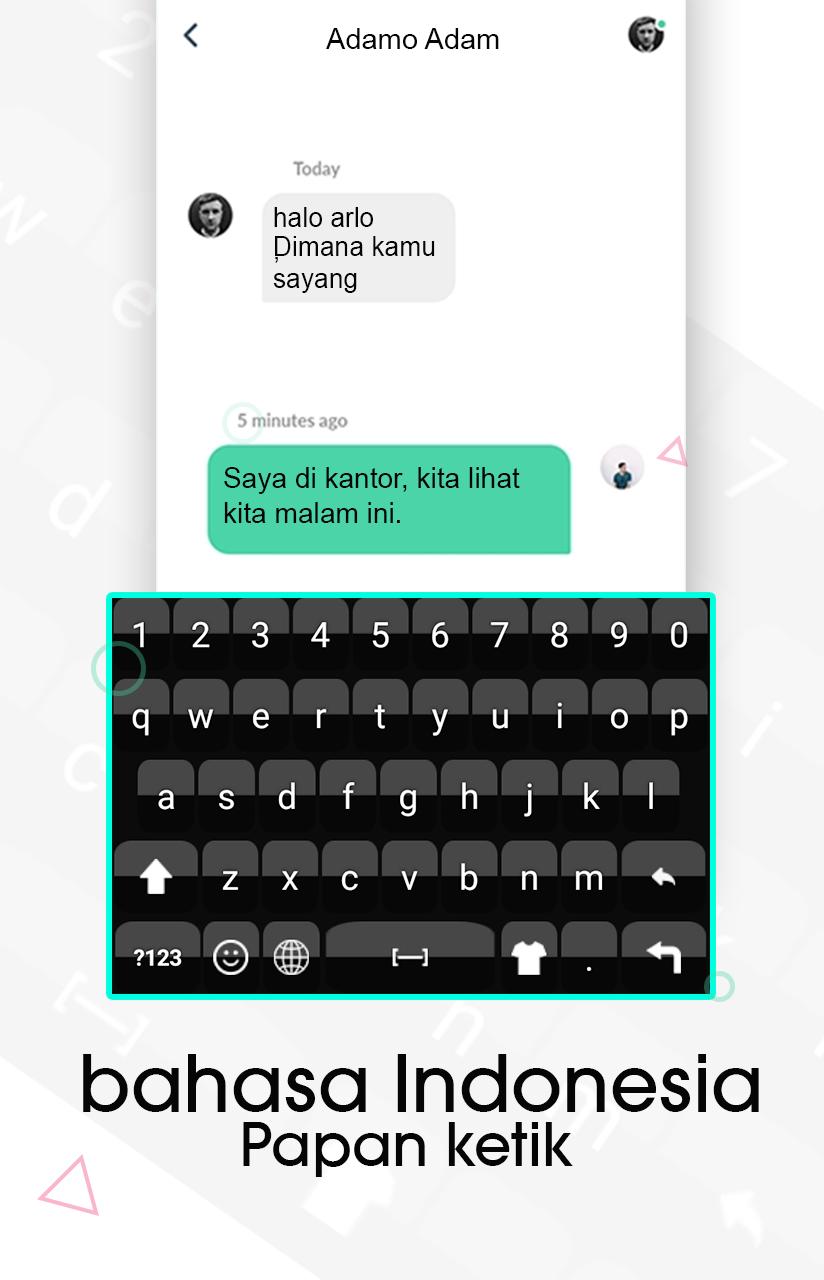
Indonesian Keyboard: Indonesian Language Typing Keyboard is used to write Indonesian language characters quickly and easily. Beautiful and multiple background themes are also included that will decorate your keyboard. Cute emoji and smiley are included that will make your message more clear and joyful. Word suggestions will also appear while typing, this feature is used to write more characters in less time. Indonesian Typing & themes is used to write message, email, post, blog and you can easily and quickly chat with your family and friends in Indonesian language. Indonesian Keyboard - Indonesian Typing & themes app is useful if you are from Indonesia and your native language is Indonesian or not. You can write Indonesian text easily and quickly without any delay by fast input feature. Indonesian Keyboard: Language Keyboard is used to write Indonesian word and sentences easily.
Indonesian Typing Language is fully customization which means you can easily change keyboard’s background. You can select your favorite background from multiple. Unique background are included with attractive color scheme by which you can give style to your Indonesian keyboard by these background themes. You can try this Indonesian Keyboard for new looks. You can choose different emoji with different styles and you can choose emoji according to your mode. keyboards qwerty allows you to write all Indonesian characters and words. keyboards Indonesia and English Typing has different multiple themes help you write yours messages more effective and looks good in Indonesian words or any social media app. This keyboards emoji is specially designed for numeric fields. Indonesian has also contained numeric, which will automatically open when cursor is found in these specific fields.
You can insert happy emoji in beautiful pictures for keyboard background and different sound. Indonesian Keyboard app helps you to input Indonesian characters with word suggest support that will give you suggested words. Indonesian Keyboard is an android app and you need android device to use this app. Indonesian language keyboard app has user-friendly interface. Indonesian Keyboard - Indonesian Typing & themes app is an easy Indonesian app will appear instead of your default after you set this as default keyboard.
KEYBOARD TYPING WITH USEFUL FEATURES:
1. Write Indonesian language characters or alphabets
2. Multiple background
3. Emoji and smiley, Word suggestions
4. Easy Indonesian keyboard
5. Indonesian language
6. User friendly and very easy to use and soft to use with
multiple themes and emoji
7. Very reliable for users and unable and disable Indonesian
and English language for keyboard
8. Indonesian alphabets and English alphabets are auto
adjusting on keyboards
9. Number’s available both inside alphabet keyboards and
traditional way by tapping number button on Indonesian
keypad
How to Use Indonesian Typing & themes app:
1. Install Indonesian Keyboard - Indonesian Typing & themes
an app
2. Enable Indonesian to start using it and enable the
Indonesian or English keyboard from language and input
menu of android setting or from inside the app
3. Turn on suggestions from settings.
4. Allow permissions and accept policies before using this
app.
5. Fully customize your keyboard style as you like.
6. Turn intelligent auto text capitalization on
預覽
訊息
開發商
Multi Themes Keyboard & Emoji Keyboard
最新版本
1.0.3
更新時間
2021-07-29
類別
個人化
同時可用
Google Play
更多
如何在電腦上用 GameLoop 玩 Indonesian Keyboard: Indonesian Language Typing
1. 從官網下載GameLoop,然後運行exe文件安裝GameLoop
2. 打開GameLoop,搜索“Indonesian Keyboard: Indonesian Language Typing”,在搜索結果中找到Indonesian Keyboard: Indonesian Language Typing,點擊“安裝”
3. 享受在 GameLoop 上玩 Indonesian Keyboard: Indonesian Language Typing 的樂趣
Minimum requirements
OS
Windows 8.1 64-bit or Windows 10 64-bit
GPU
GTX 1050
CPU
i3-8300
Memory
8GB RAM
Storage
1GB available space
Recommended requirements
OS
Windows 8.1 64-bit or Windows 10 64-bit
GPU
GTX 1050
CPU
i3-9320
Memory
16GB RAM
Storage
1GB available space