
Gaming Console Launcher 電腦版
Paragon Studio
用GameLoop模拟器在電腦上玩Gaming Console Launcher
Gaming Console Launcher 電腦版
來自發行商 Paragon Studio 的 Gaming Console Launcher 能夠在安卓系統上運行。
現在,您可以在電腦上使用 GameLoop 模擬器流暢地玩 Gaming Console Launcher。
在 GameLoop 遊戲庫或搜索結果中下載。 不需要再暢玩遊戲時盯著電池電量或被令人懊惱的來電打斷。
只需在電腦大屏幕上免費下載暢玩Gaming Console Launcher 電腦版!
Gaming Console Launcher 簡介
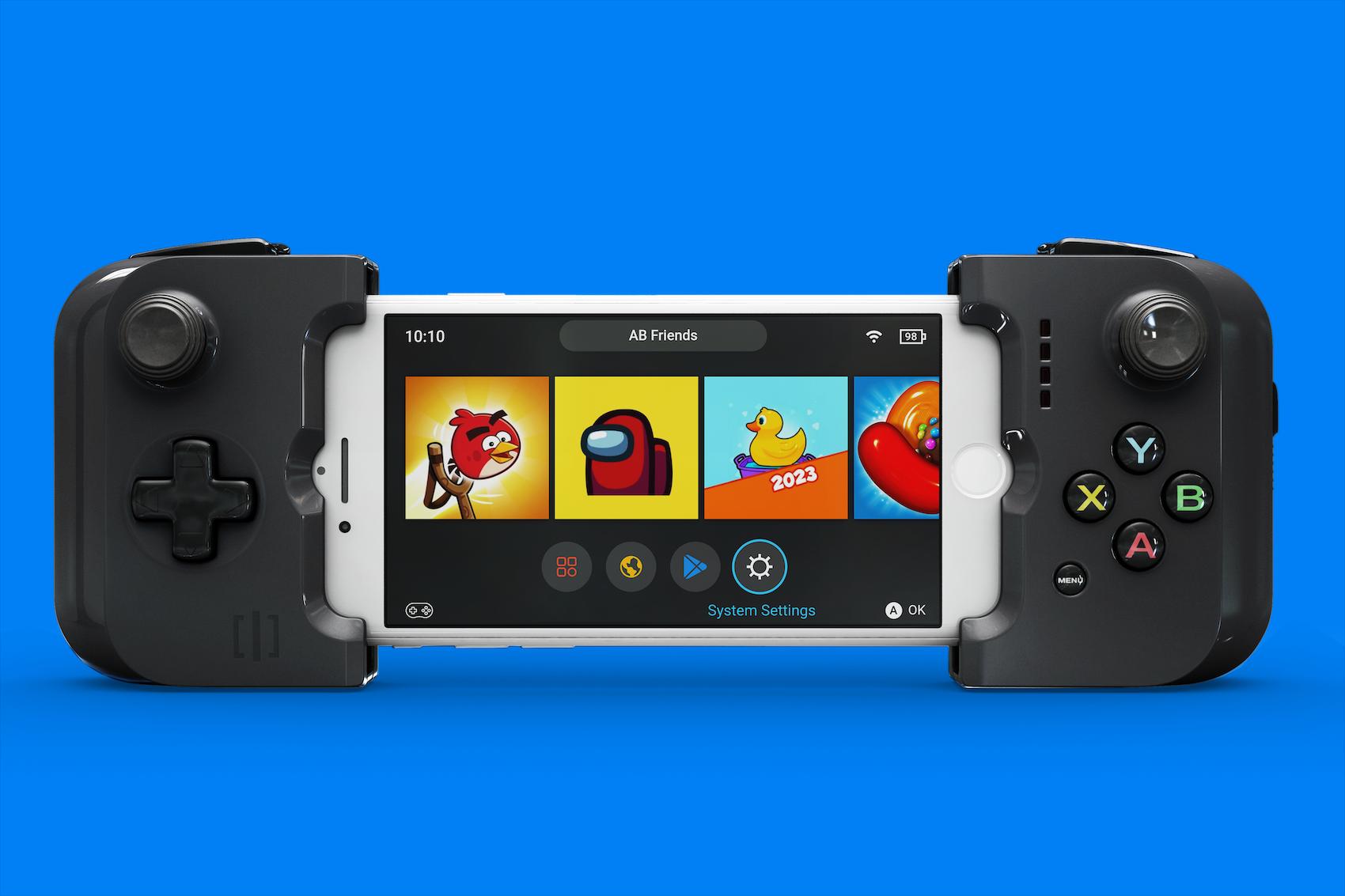
Gaming Launcher - Console Launcher does not include any games! It only makes your phone look like a video game console.
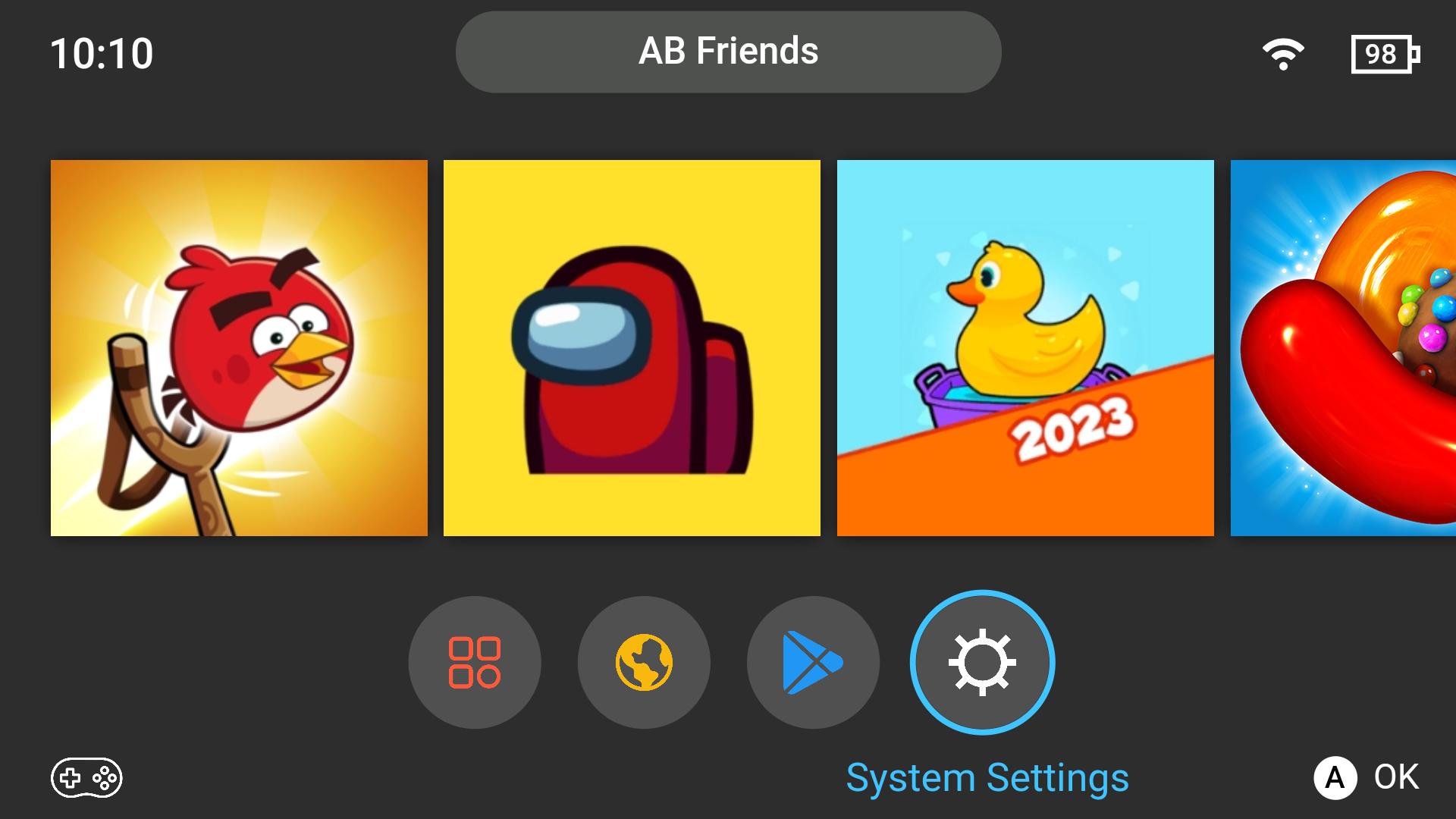
Gaming Launcher - Console Launcher is designed for gamers to create a mobile console-like experience. Android launchers are clunky to use for gaming because of a lack of controller support, tiny icons, and no landscape mode.
Features
- Landscape Mode - Enabled out of the box.
- Controller Support - Launch, browse, and uninstall apps using only a controller. No touchscreen required!
- Your home screen is filled with games out-of-the-box. No messing around to set up your phone.
- Large App Icons - Squinting to see your apps? Not anymore. Sit as far away as your controller allows with large app icons.
Pair Gaming Launcher - Console Launcher with controllers like the Gamesir X2 and Razer Kishi, Playstation to create a truly console-like experience.
預覽
標籤
個人化訊息
開發商
Paragon Studio
最新版本
1.2
更新時間
2023-08-29
類別
個人化
同時可用
Google Play
更多
如何在電腦上用 GameLoop 玩 Gaming Console Launcher
1. 從官網下載GameLoop,然後運行exe文件安裝GameLoop
2. 打開GameLoop,搜索“Gaming Console Launcher”,在搜索結果中找到Gaming Console Launcher,點擊“安裝”
3. 享受在 GameLoop 上玩 Gaming Console Launcher 的樂趣
Minimum requirements
OS
Windows 8.1 64-bit or Windows 10 64-bit
GPU
GTX 1050
CPU
i3-8300
Memory
8GB RAM
Storage
1GB available space
Recommended requirements
OS
Windows 8.1 64-bit or Windows 10 64-bit
GPU
GTX 1050
CPU
i3-9320
Memory
16GB RAM
Storage
1GB available space