Complications Suite 電腦版
amoledwatchfaces™
用GameLoop模拟器在電腦上玩Complications Suite
Complications Suite 電腦版
來自發行商 amoledwatchfaces™ 的 Complications Suite 能夠在安卓系統上運行。
現在,您可以在電腦上使用 GameLoop 模擬器流暢地玩 Complications Suite。
在 GameLoop 遊戲庫或搜索結果中下載。 不需要再暢玩遊戲時盯著電池電量或被令人懊惱的來電打斷。
只需在電腦大屏幕上免費下載暢玩Complications Suite 電腦版!
Complications Suite 簡介
Only for Wear OS API 27+ devices
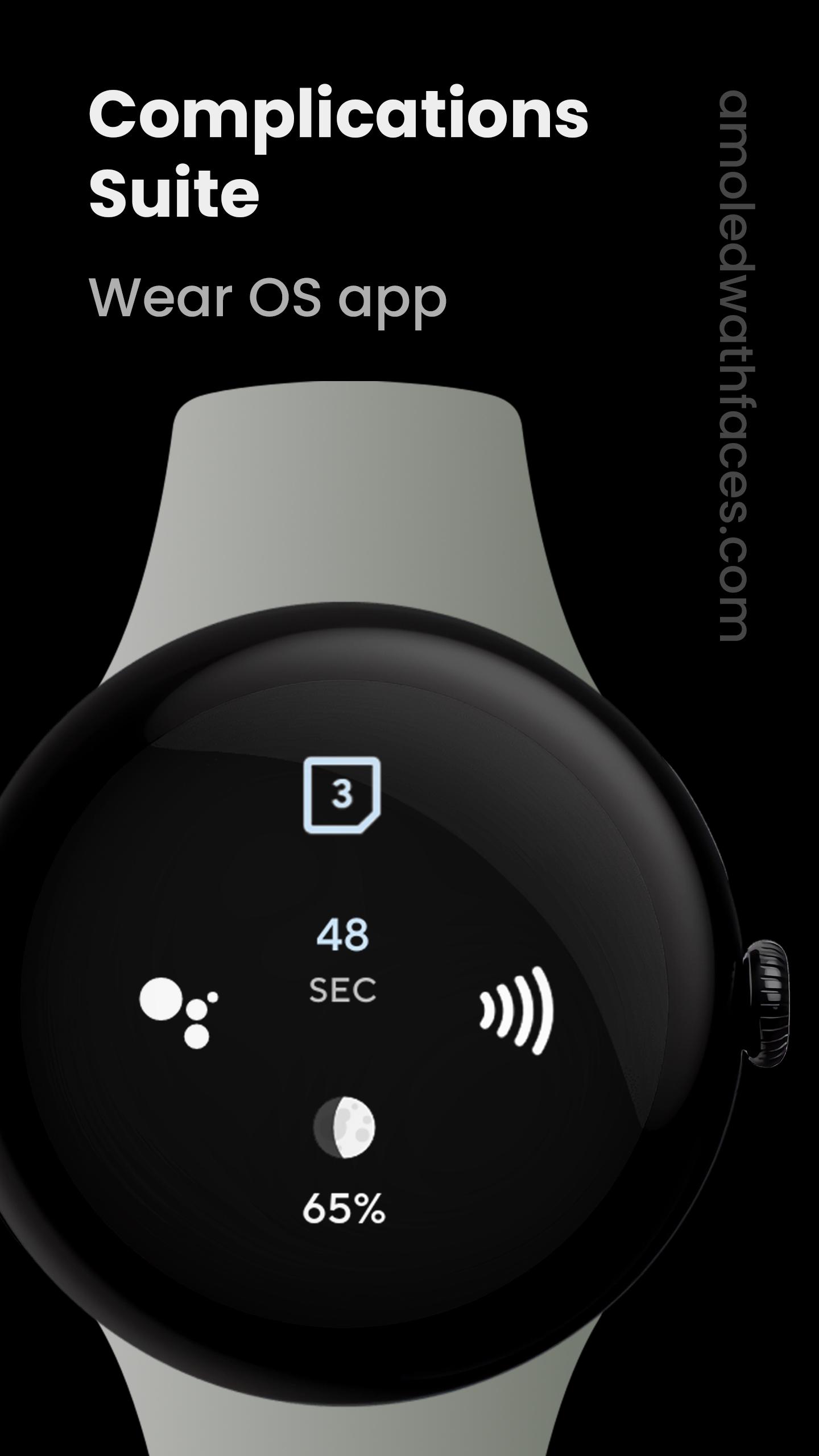
Designed to complement Wear OS, this app adds custom complications that aren’t included by default or provides enhanced versions of existing ones. Full list below.
CONTRIBUTE
https://github.com/amoledwatchfaces/Complications-Suite-Wear-OS
HOW TO SET UP COMPLICATION
1. long press watch face center
2. tap customize button
3. add custom complication - scroll down - choose one of the available complications
SUPPORTED CUSTOM COMPLICATIONS & TYPES
• Activity launcher - ICON
• Alarm - ICON, SMALL_IMAGE
• Amoled Logo - ICON, SMALL_IMAGE
• Assistant (Monochrome) - ICON, SMALL_IMAGE
• Barometer - SHORT_TEXT
• Battery Saver settings - ICON
• BTC (Bitcoin) price - SHORT_TEXT, LONG_TEXT, RANGED_VALUE
• Bluetooth settings - ICON
• Custom text - SHORT_TEXT, LONG_TEXT
• Date - SHORT_TEXT, LONG_TEXT
• Countdown to date - SHORT_TEXT, LONG_TEXT, RANGED_VALUE
• Day and Week - SHORT_TEXT, LONG_TEXT
• Day of Year - SHORT_TEXT, LONG_TEXT, RANGED_VALUE
• Developer Options - ICON, SMALL_IMAGE
• Dice - ICON, SMALL_IMAGE
• Display settings - ICON
• Dynamic calendar icon - ICON, SMALL_IMAGE
• ETH (Ethereum) price - SHORT_TEXT, LONG_TEXT, RANGED_VALUE
• Flashlight - ICON, SMALL_IMAGE
• Custom goal - SHORT_TEXT, LONG_TEXT, RANGED_VALUE
• Date Hijri - SHORT_TEXT, LONG_TEXT
• Date Jalali - SHORT_TEXT, LONG_TEXT
• Wear OS logo - ICON, SMALL_IMAGE
• Moon Phase - SHORT_TEXT, LONG_TEXT, RANGED_VALUE, ICON, SMALL_IMAGE
• Moonrise & Moonset - SHORT_TEXT, LONG_TEXT, RANGED_VALUE
• NFC settings - ICON
• Pay - ICON, SMALL_IMAGE
• Seconds - SHORT_TEXT, LONG_TEXT, RANGED_VALUE
• Settings - ICON
• Sunrise & Sunset - SHORT_TEXT, LONG_TEXT
• Sunrise & Sunset countdown - SHORT_TEXT, LONG_TEXT, RANGED_VALUE
• Time - SHORT_TEXT, LONG_TEXT, RANGED_VALUE
• Timer - SHORT_TEXT, RANGED_VALUE
• Time zone - SHORT_TEXT, LONG_TEXT
• Volume control - ICON, SMALL_IMAGE
• Water intake - SHORT_TEXT, LONG_TEXT, RANGED_VALUE, ICON, SMALL_IMAGE
• Week of Year - SHORT_TEXT, LONG_TEXT, RANGED_VALUE, ICON, SMALL_IMAGE
• Wi-Fi settings - ICON
• World Clock 1 - SHORT_TEXT, LONG_TEXT
• World Clock 2 - SHORT_TEXT, LONG_TEXT
Some complications have additional in-app settings. Note that the complication type used is decided by your watch face.
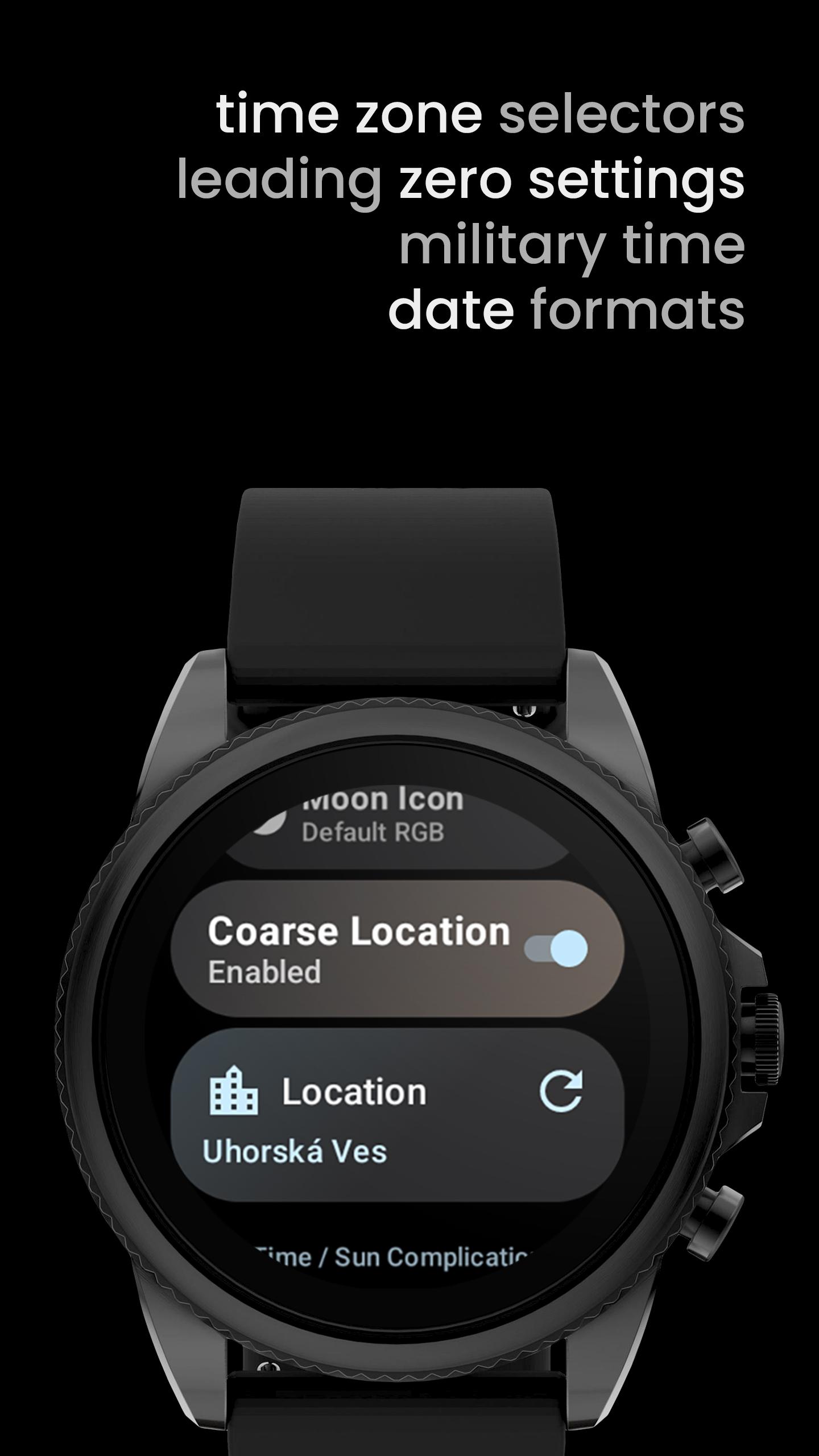
Sunrise & Sunset complication needs coarse location - this can be set up in the app. Complications Suite will not collect your location in background.
Additionally, when the location is set, moon phase complication will adjust moon icon angle to give real visual from observers position (detailed icon)
OUR WATCH FACE PORTFOLIO
play.google.com/store/apps/dev?id=5591589606735981545
ALL CUSTOM COMPLICATION APPS
Please send any issues reports or help requests to our support address
Join our Telegram group for live support and discussion
Newsletter
amoledwatchfaces.com/contact#newsletter
amoledwatchfaces™ - Awf
預覽
標籤
工具訊息
開發商
amoledwatchfaces™
最新版本
3.3.5
更新時間
2025-02-03
類別
個人化
同時可用
Google Play
更多
如何在電腦上用 GameLoop 玩 Complications Suite
1. 從官網下載GameLoop,然後運行exe文件安裝GameLoop
2. 打開GameLoop,搜索“Complications Suite”,在搜索結果中找到Complications Suite,點擊“安裝”
3. 享受在 GameLoop 上玩 Complications Suite 的樂趣
Minimum requirements
OS
Windows 8.1 64-bit or Windows 10 64-bit
GPU
GTX 1050
CPU
i3-8300
Memory
8GB RAM
Storage
1GB available space
Recommended requirements
OS
Windows 8.1 64-bit or Windows 10 64-bit
GPU
GTX 1050
CPU
i3-9320
Memory
16GB RAM
Storage
1GB available space