Qwerty Keyboard 電腦版
Digital Awesome Themes
用GameLoop模拟器在電腦上玩Qwerty Keyboard
Qwerty Keyboard 電腦版
來自發行商 Digital Awesome Themes 的 Qwerty Keyboard 能夠在安卓系統上運行。
現在,您可以在電腦上使用 GameLoop 模擬器流暢地玩 Qwerty Keyboard。
在 GameLoop 遊戲庫或搜索結果中下載。 不需要再暢玩遊戲時盯著電池電量或被令人懊惱的來電打斷。
只需在電腦大屏幕上免費下載暢玩Qwerty Keyboard 電腦版!
Qwerty Keyboard 簡介
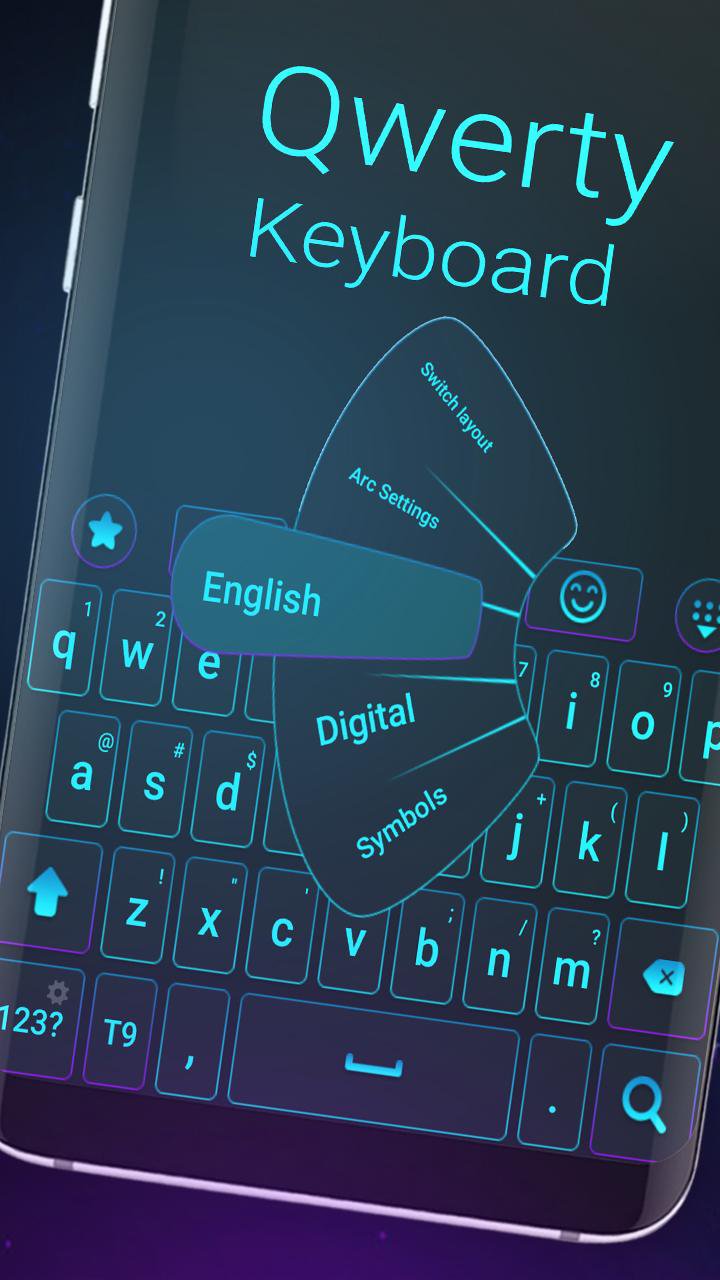
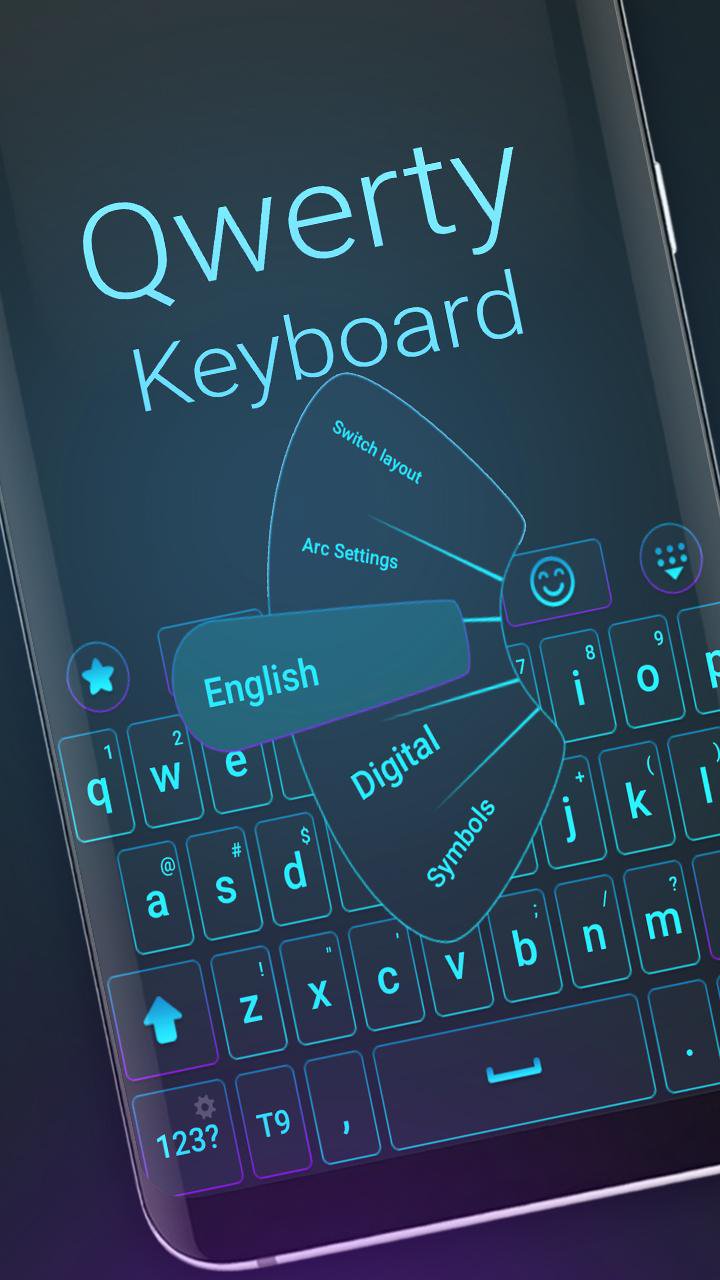
🌟 Transform your Android keyboard with a stylish QWERTY theme!
Tired of your boring default keyboard? Give your phone a fresh new look with our smart, clean, and colorful QWERTY Keyboard Theme. Enjoy a smooth, modern typing experience in seconds!
🔵💜 Blue, purple, clean, fresh — pick your favorite style!
🎨 Key Features:
✅ Sleek and modern QWERTY layout
✅ Vibrant color themes: blue, purple, and more
✅ Fast typing with auto-correction & word suggestion
✅ Cute emojis, symbols, and stylish fonts
✅ Supports 150+ languages
✅ Lightweight, fast, and easy to use
🌍 Multilingual Support:
Type in your own language or switch between many!
Supports: English, Spanish, French, German, Russian, Arabic, Turkish, Portuguese, and many more.
📱 Works on Most Android Phones:
Compatible with popular devices like Samsung Galaxy S, Note, J series, Huawei, Xiaomi, Sony Xperia, HTC, and more.
🔥 Explore More Themes:
Tap "More Themes" in the app for fresh designs weekly!
⭐ Love it? Rate it!
Enjoy your new keyboard? Leave us a ★★★★★ rating and share with friends!
⬇️ Download QWERTY Keyboard Theme – Free!
Get the smart, clean, and colorful QWERTY keyboard and upgrade your typing today.
預覽
標籤
個人化訊息
開發商
Digital Awesome Themes
最新版本
3.0.7
更新時間
2026-04-30
類別
個人化
同時可用
Google Play
更多
如何在電腦上用 GameLoop 玩 Qwerty Keyboard
1. 從官網下載GameLoop,然後運行exe文件安裝GameLoop
2. 打開GameLoop,搜索“Qwerty Keyboard”,在搜索結果中找到Qwerty Keyboard,點擊“安裝”
3. 享受在 GameLoop 上玩 Qwerty Keyboard 的樂趣
Minimum requirements
OS
Windows 8.1 64-bit or Windows 10 64-bit
GPU
GTX 1050
CPU
i3-8300
Memory
8GB RAM
Storage
1GB available space
Recommended requirements
OS
Windows 8.1 64-bit or Windows 10 64-bit
GPU
GTX 1050
CPU
i3-9320
Memory
16GB RAM
Storage
1GB available space