Android 12 Analog Clock Widget 電腦版
LCT developers
用GameLoop模拟器在電腦上玩Android 12 Analog Clock Widget
Android 12 Analog Clock Widget 電腦版
來自發行商 LCT developers 的 Android 12 Analog Clock Widget 能夠在安卓系統上運行。
現在,您可以在電腦上使用 GameLoop 模擬器流暢地玩 Android 12 Analog Clock Widget。
在 GameLoop 遊戲庫或搜索結果中下載。 不需要再暢玩遊戲時盯著電池電量或被令人懊惱的來電打斷。
只需在電腦大屏幕上免費下載暢玩Android 12 Analog Clock Widget 電腦版!
Android 12 Analog Clock Widget 簡介
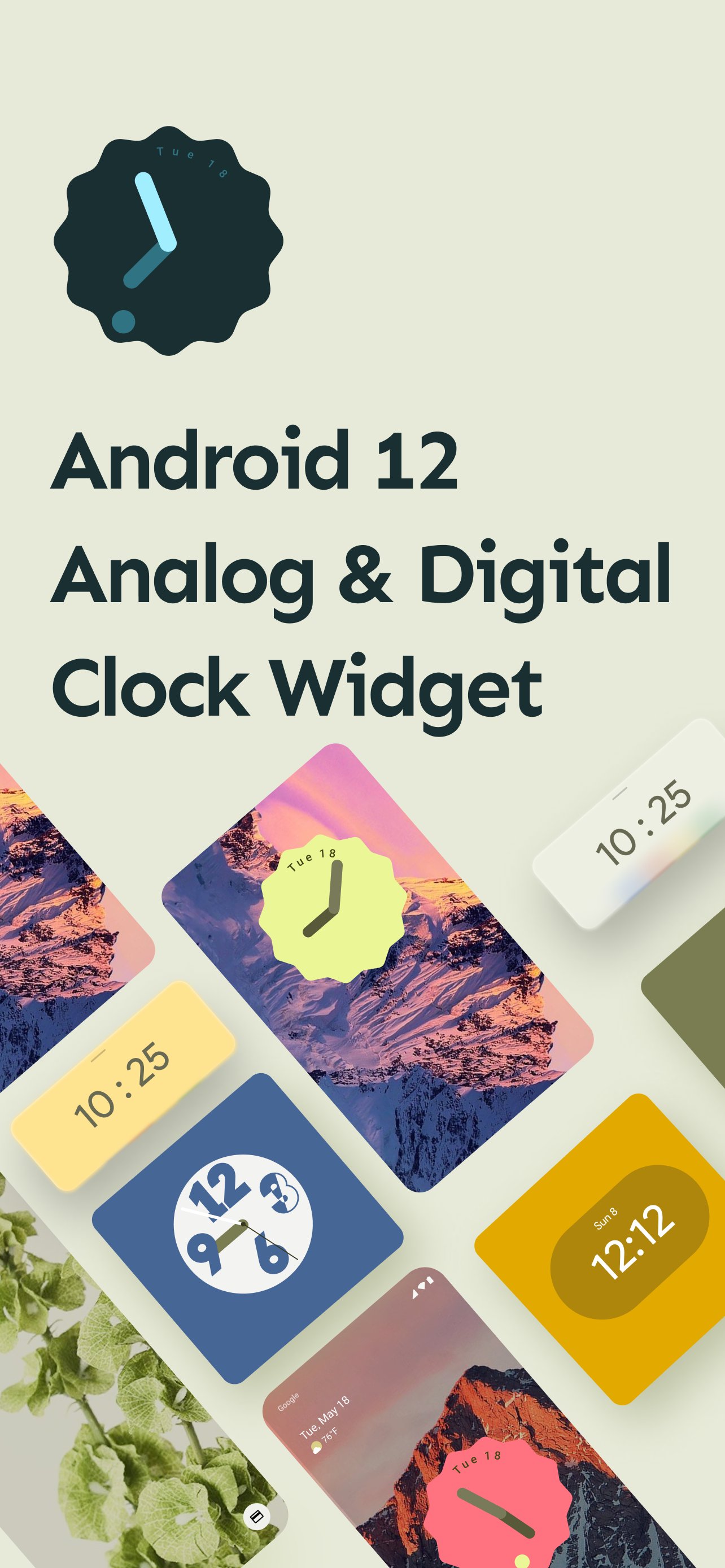
Android 12 Analog & Digital Clock Widget application give you support of android 12 based new material design look cool and latest widget clock on you mobile device without android 12 update needed.
Android 12 Analog & Digital Clock Widget application in very easy to use.
Android 12 Analog & Digital Clock Widget application give you bulk of clock widget in two form.
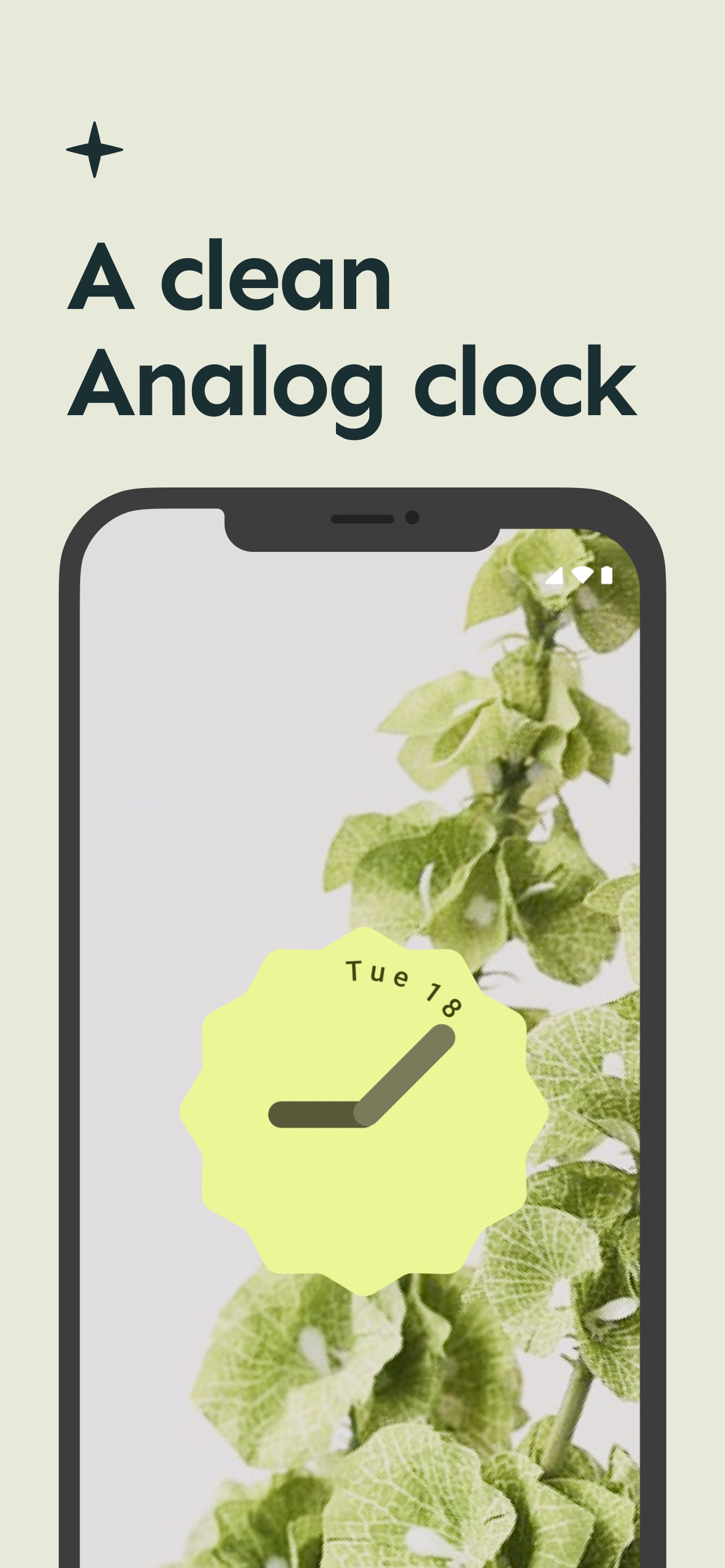
1 . Analog Clock Widget
2. Digital Clock Widget
Here is some details about the android 12 clock widget update.
Google Clock gets new Material You widget and five clock styles in the latest update
Google officially dropped the stable Android 12 update last week. While the official Android 12 software won’t roll out to Pixel devices for the next few weeks, Google continues to update its first-party apps with Material You design guidelines. The Google Clock app received a significant redesign with Material You colors alongside the Android 12 Beta 5. The update also included some new widgets that Google originally showed off at Google I/O. But it seems Google has been cooking even more delicious widgets, which it’s now starting to roll out to users, just in time for the launch of the Google Pixel 6.
The Google Clock app version 7.1 is rolling out on the Google Play Store and includes a total of five clock styles and a fresh widget
You can check out the new Material You widget and clock styles in the images and GIFs attached above. As you can see, all widgets have rounded corners and take on the dominant color from the current wallpaper. Meanwhile, “Digital Stacked” and “World” have a new “Transparent” style. You can also edit the clock style by long-pressing on a widget that reveals a pencil icon.
After years of neglect, Android widgets finally received much-needed attention in Android 12. Google showed off the redesigned widgets coming to Android 12 at Google I/O 2021. However, it wasn’t until the release of few Android 12 betas that Google began rolling out them.
The new Clock widget and clock styles are rolling out with version 7.1 of the Google Clock app.
預覽
標籤
個人化訊息
開發商
LCT developers
最新版本
10.0
更新時間
2025-11-16
類別
個人化
同時可用
Google Play
更多
如何在電腦上用 GameLoop 玩 Android 12 Analog Clock Widget
1. 從官網下載GameLoop,然後運行exe文件安裝GameLoop
2. 打開GameLoop,搜索“Android 12 Analog Clock Widget”,在搜索結果中找到Android 12 Analog Clock Widget,點擊“安裝”
3. 享受在 GameLoop 上玩 Android 12 Analog Clock Widget 的樂趣
Minimum requirements
OS
Windows 8.1 64-bit or Windows 10 64-bit
GPU
GTX 1050
CPU
i3-8300
Memory
8GB RAM
Storage
1GB available space
Recommended requirements
OS
Windows 8.1 64-bit or Windows 10 64-bit
GPU
GTX 1050
CPU
i3-9320
Memory
16GB RAM
Storage
1GB available space