Music battle FNF Obunga 電腦版
T.Game Studio
用GameLoop模拟器在電腦上玩Music battle FNF Obunga
Music battle FNF Obunga 電腦版
來自發行商 T.Game Studio 的 Music battle FNF Obunga 能夠在安卓系統上運行。
現在,您可以在電腦上使用 GameLoop 模擬器流暢地玩 Music battle FNF Obunga。
在 GameLoop 遊戲庫或搜索結果中下載。 不需要再暢玩遊戲時盯著電池電量或被令人懊惱的來電打斷。
只需在電腦大屏幕上免費下載暢玩Music battle FNF Obunga 電腦版!
Music battle FNF Obunga 簡介
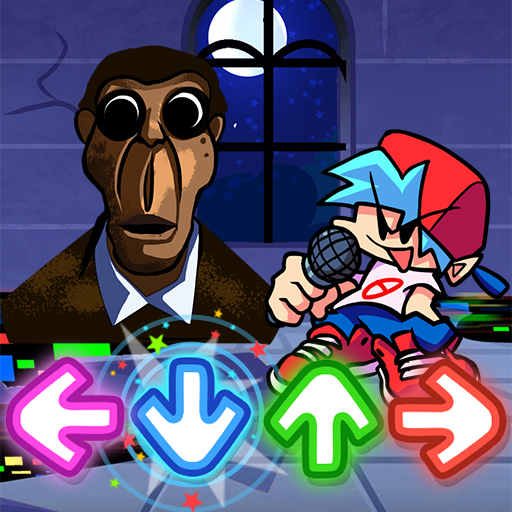
As a music arrow game as well as a music battle game, to win all the battles of music on Friday night pumpkin,
you should press the Arrow in time with the beat and the music so that you can achieve a higher score than your
opponents.
🎶 GAMEPLAY FEATURE 🎶
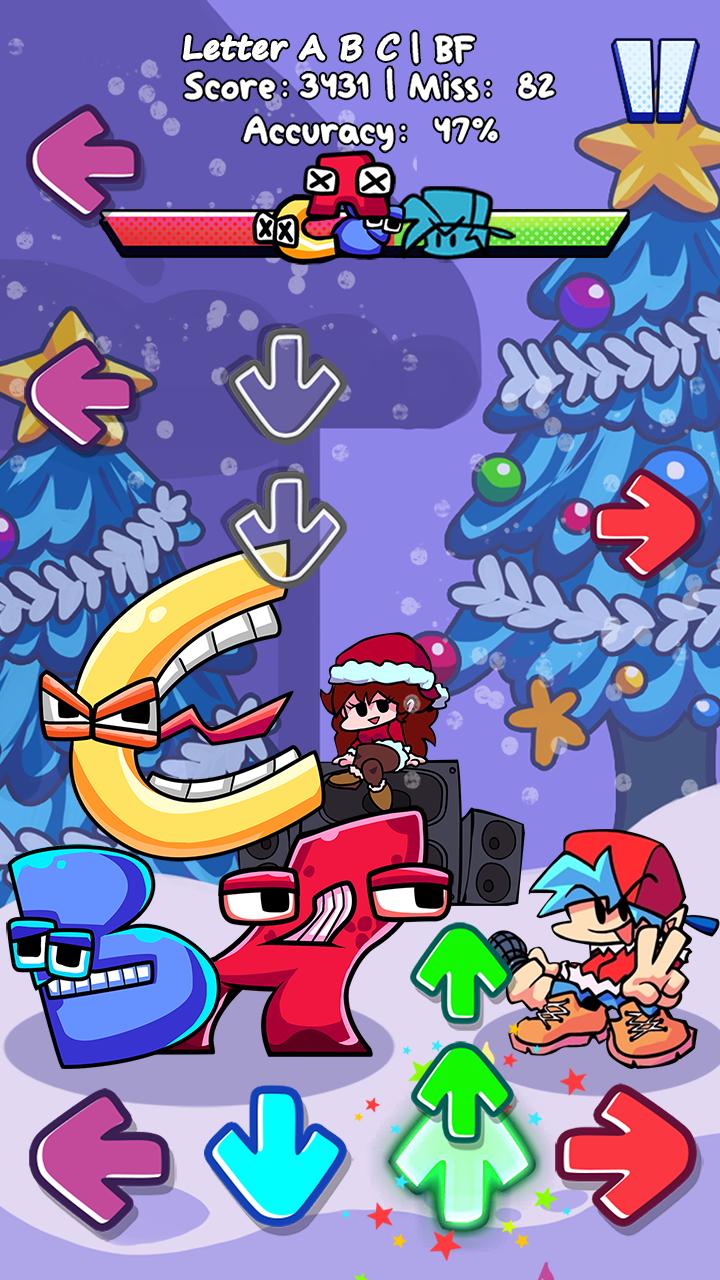
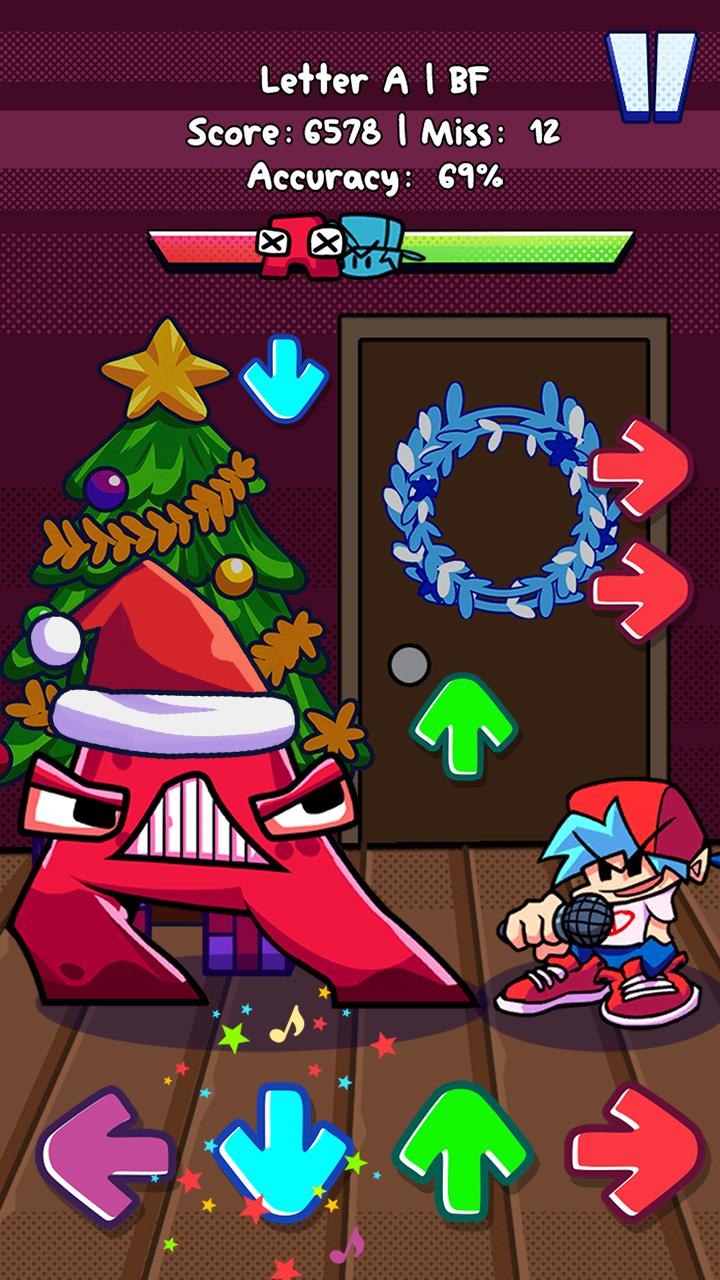
- Colorful magic tiles in tune with rhythm.
- Huge music background library with fetching notes.
- Stunning 2D graphics.
- A whole exciting story of Boyfriend and Girlfriend, especially Obunga!!!!
🎤 HOW TO PLAY🎤
- Precisely use your finger to hit the magic arrows.
- Keep in mind to tap the music arrows right on the beat️
🎶 Tips to rock the beat world ️🎶
️- Shoot the note arrows right on time.
️- Feel the rhythm of funkin music and enjoy the music battle.
Get ready to break the stage and fire up all the songs with us. Join now in Music battle FNF Obunga!!!!
預覽
標籤
音樂訊息
開發商
T.Game Studio
最新版本
1.0
更新時間
2022-12-22
類別
音樂
同時可用
Google Play
更多
如何在電腦上用 GameLoop 玩 Music battle FNF Obunga
1. 從官網下載GameLoop,然後運行exe文件安裝GameLoop
2. 打開GameLoop,搜索“Music battle FNF Obunga”,在搜索結果中找到Music battle FNF Obunga,點擊“安裝”
3. 享受在 GameLoop 上玩 Music battle FNF Obunga 的樂趣
Minimum requirements
OS
Windows 8.1 64-bit or Windows 10 64-bit
GPU
GTX 1050
CPU
i3-8300
Memory
8GB RAM
Storage
1GB available space
Recommended requirements
OS
Windows 8.1 64-bit or Windows 10 64-bit
GPU
GTX 1050
CPU
i3-9320
Memory
16GB RAM
Storage
1GB available space