
Volume Booster Max Sound 電腦版
AcmeSoft
用GameLoop模拟器在電腦上玩Volume Booster Max Sound
Volume Booster Max Sound 電腦版
來自發行商 AcmeSoft 的 Volume Booster Max Sound 能夠在安卓系統上運行。
現在,您可以在電腦上使用 GameLoop 模擬器流暢地玩 Volume Booster Max Sound。
在 GameLoop 遊戲庫或搜索結果中下載。 不需要再暢玩遊戲時盯著電池電量或被令人懊惱的來電打斷。
只需在電腦大屏幕上免費下載暢玩Volume Booster Max Sound 電腦版!
Volume Booster Max Sound 簡介
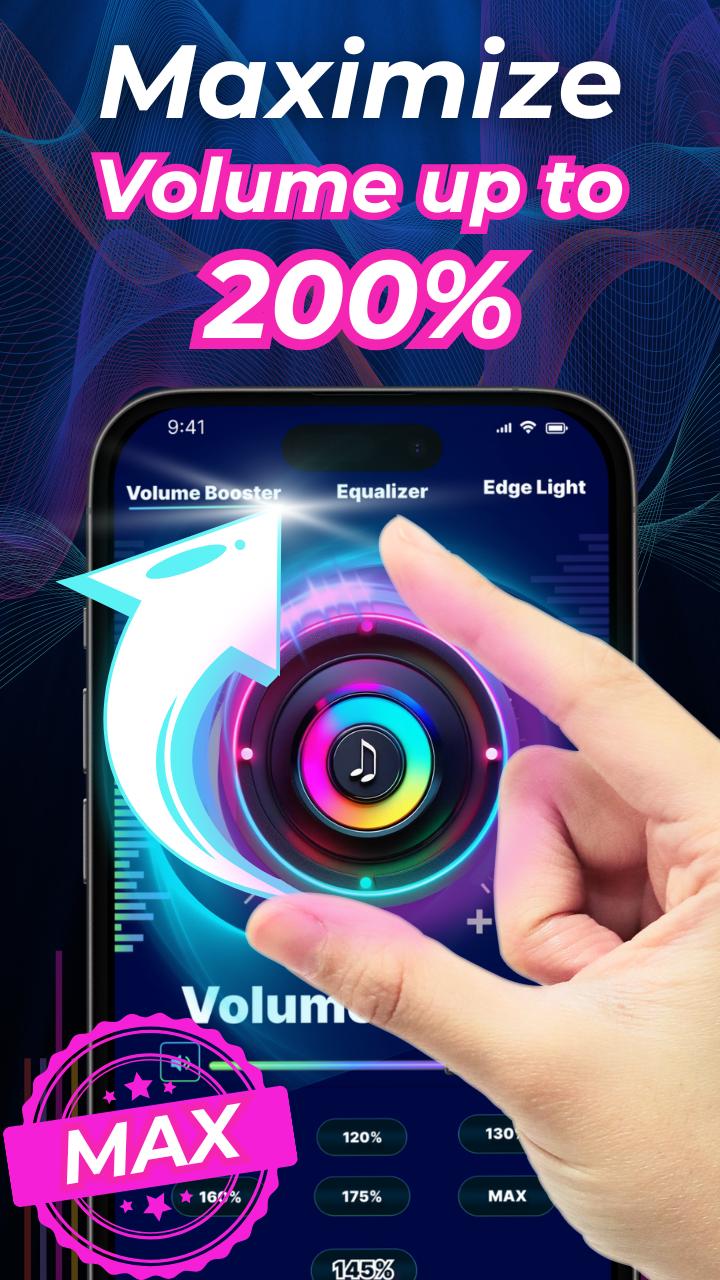
Volume Booster Max Sound is a powerful and easy-to-use sound booster app designed to enhance the audio experience on any Android device. Whether you are listening to music, watching videos, playing games, or making calls, this volume amplifier increases sound volume beyond the default system limit while maintaining high sound quality.
With a built-in bass booster, 10-band equalizer, 3D virtualizer, and advanced volume control features, this app transforms your phone into a portable audio powerhouse. It is compatible with headphones, Bluetooth speakers, and built-in phone speakers, giving you full control over media and system volume.
Key Features of Volume Booster Max Sound:
• Increase the volume of music, videos, audiobooks, games, and more
• Amplify system sounds including notifications, alarms, and ringtones
• High-quality bass booster and 3D surround sound virtualizer
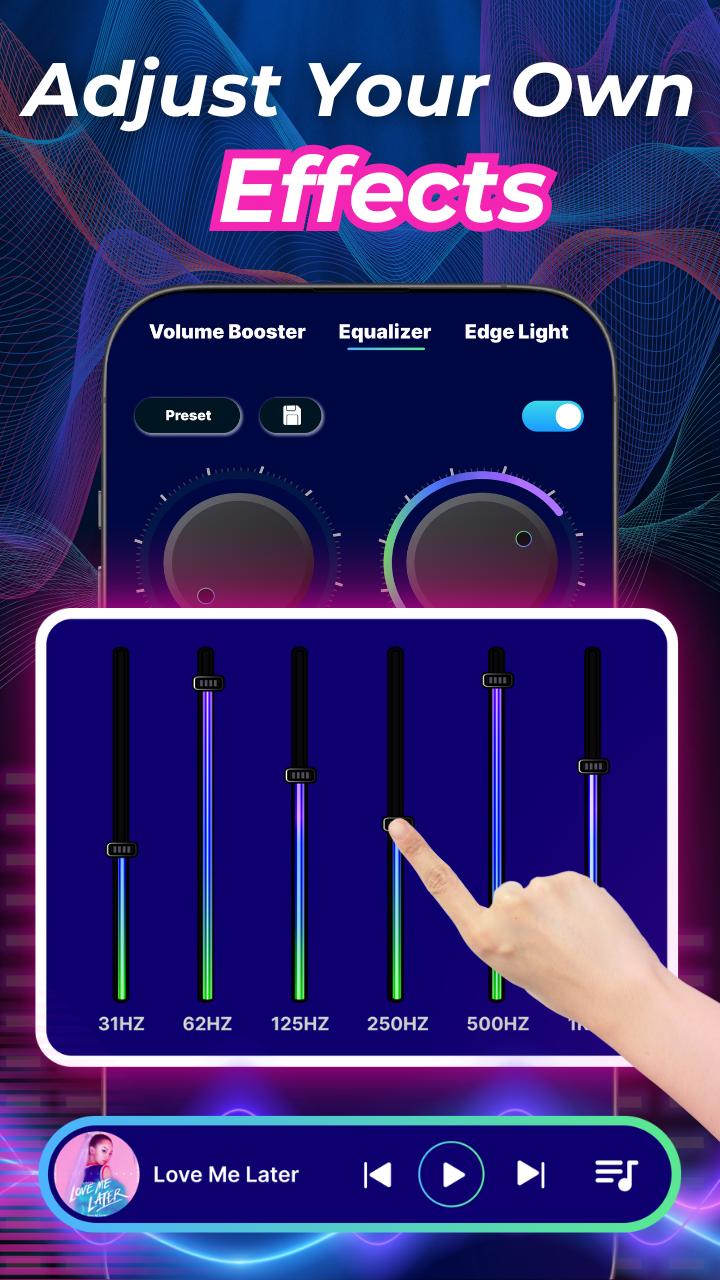
• 10-band equalizer with more than 20 professionally designed sound presets
• Visual sound spectrum and customizable edge lighting that responds to your music
• Built-in music player controls with cover art, song title, and playback options
• One-tap sound boost modes for quick volume enhancement
• Stylish and intuitive user interface designed for all users
• Works in the background and on the lock screen
• Supports all major audio outputs: headphones, Bluetooth, and speakers
• No root access required for full functionality
• Multiple preset skins in different visual styles including minimal and modern
Boost Media and System Volume
Volume Booster Max Sound allows you to raise the volume of your device far beyond its default maximum. Use it to clearly hear music, podcasts, videos, and alerts even in noisy environments or on low-volume devices.
Immersive Audio Control with Equalizer
Customize your listening experience with the built-in 10-band equalizer. Choose from preset sound profiles or create your own to match your music, headphones, or environment. The bass booster and 3D sound virtualizer add depth and clarity to any audio content.
Convenient Audio Management
Use the volume booster from your home screen or notification bar. One-tap controls let you adjust volume levels, apply presets, and turn the booster on or off without navigating away from your current activity. The background support ensures your audio settings remain active even when the screen is off.
Designed for All Devices
Volume Booster Max Sound works smoothly across all Android devices and audio outputs. Whether you're using headphones, Bluetooth devices, or built-in phone speakers, you’ll get louder, clearer, and richer sound every time.
Important Note:
Prolonged listening at high volumes may affect hearing. Please increase volume gradually and use the booster responsibly. By using this app, you agree that any risks are taken at your own discretion.
預覽
標籤
Music-&訊息
開發商
AcmeSoft
最新版本
29.0
更新時間
2025-06-17
類別
Music-audio
同時可用
Google Play
更多
如何在電腦上用 GameLoop 玩 Volume Booster Max Sound
1. 從官網下載GameLoop,然後運行exe文件安裝GameLoop
2. 打開GameLoop,搜索“Volume Booster Max Sound”,在搜索結果中找到Volume Booster Max Sound,點擊“安裝”
3. 享受在 GameLoop 上玩 Volume Booster Max Sound 的樂趣
Minimum requirements
OS
Windows 8.1 64-bit or Windows 10 64-bit
GPU
GTX 1050
CPU
i3-8300
Memory
8GB RAM
Storage
1GB available space
Recommended requirements
OS
Windows 8.1 64-bit or Windows 10 64-bit
GPU
GTX 1050
CPU
i3-9320
Memory
16GB RAM
Storage
1GB available space