
Video, MP3 to Vocal & Karaoke 電腦版
happytime inc
用GameLoop模拟器在電腦上玩Video, MP3 to Vocal & Karaoke
Video, MP3 to Vocal & Karaoke 電腦版
來自發行商 happytime inc 的 Video, MP3 to Vocal & Karaoke 能夠在安卓系統上運行。
現在,您可以在電腦上使用 GameLoop 模擬器流暢地玩 Video, MP3 to Vocal & Karaoke。
在 GameLoop 遊戲庫或搜索結果中下載。 不需要再暢玩遊戲時盯著電池電量或被令人懊惱的來電打斷。
只需在電腦大屏幕上免費下載暢玩Video, MP3 to Vocal & Karaoke 電腦版!
Video, MP3 to Vocal & Karaoke 簡介
Want to eliminate vocals from video and audio for an instrumental remix?
Now, You can easily separate instrumental from video and songs for karaoke by using this Video, MP3 to Vocal & Karaoke app. This is really an amazing app for singers who want to practice singing and can practice from a smartphone.
Separate songs and remove vocals, extract instrumental, Drums, and Bass using AI from the video and audio songs. You get the separate files of vocals, all instruments together, and also separate instruments like bass drum piano, etc. Save the separated vocal and instrumental results easily on your mobile device and can share them with your friends and family.
This Instant Karaoke Making app will allow transform songs and videos from your phone to karaoke easily and for free. In a few seconds, you can eliminate vocals from songs and videos, bass, drums, piano, and other musical instruments.
How to remove a voice from mp3 tracks for karaoke?
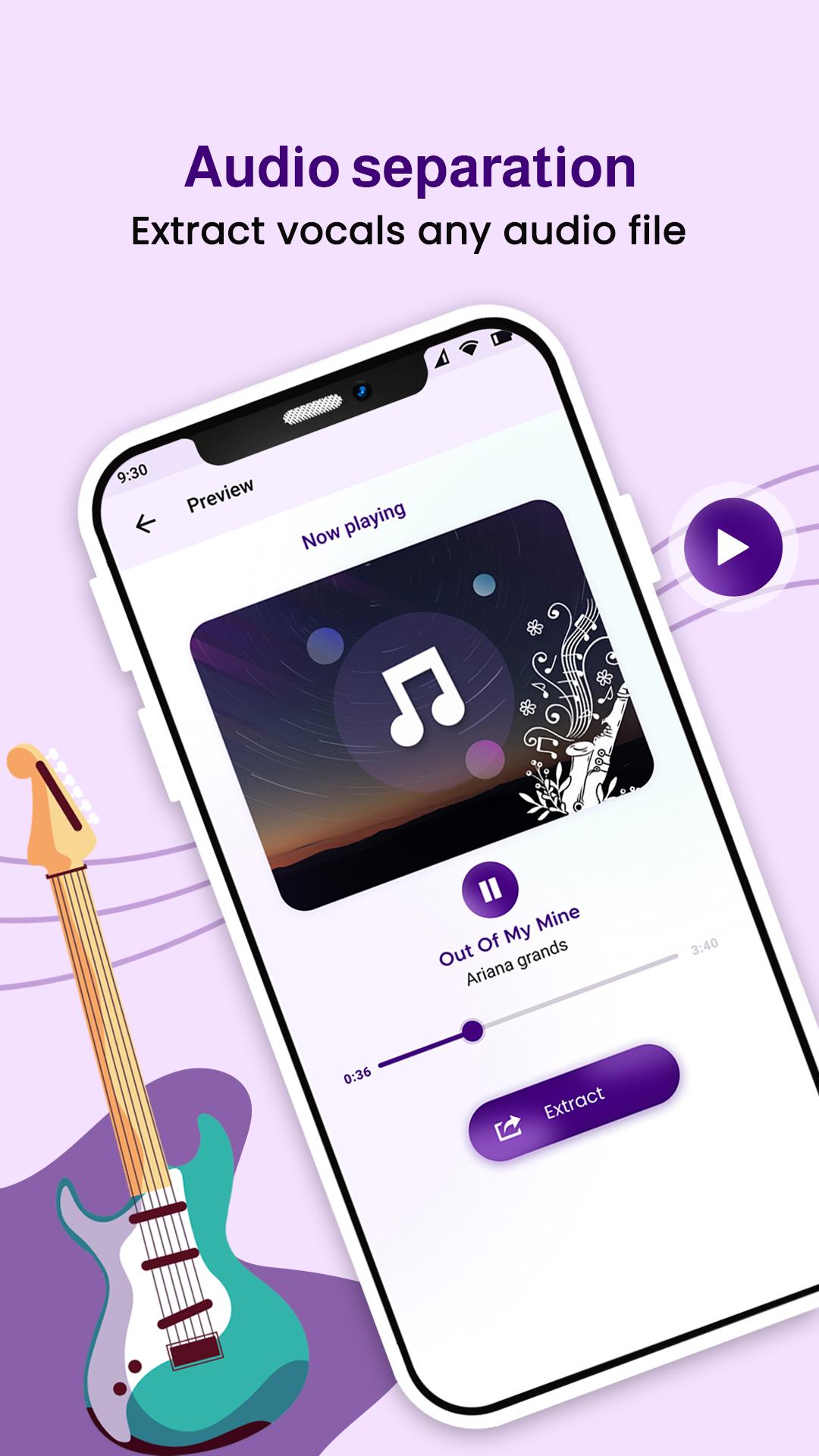
1. Choose the audio files from the device for separating vocals and instrumentals.
2. Click on extract and get options such as instrumental & vocal, and vocal, drum, bass, piano & others for karaoke.
3. After separating it, you can listen separately to the vocal and instrumental audio.
4. Easily share the vocal, instrumental, and respective separate instruments audio files with friends and family.
How to remove vocal & instrumental from video files for karaoke?
1. Pick the video file from the device to eliminate vocals and instrumentals.
2. Click on extract and get options such as instrumental & vocal, and vocal, drum, bass, piano & others for karaoke.
3. After eliminating the video file, you can listen separately to the vocal and instrumental audio.
4. Easily share the vocal, instrumental, and respective separate instruments audio files with friends and family.
Features of Vocal Remover from MP3 songs and Video:
- Simple and easy to use Video, MP3 to Vocal & Karaoke maker app.
- All audio and video format support.
- You can separate vocal and instrumental from video files.
- Separate vocals using AI (Artificial Intelligence) from audio songs and video.
- You can get separate files of vocal, instrumental, bass, drums, piano, and more.
- Get the vocal, and instrumental karaoke files output directly saved in your device.
- Share your instrumental and vocal files, with friends and family.
Video, MP3 to Vocal & Karaoke app is a very useful app for musicians, DJs, cover makers, and others. This is the best app for karaoke, as it gets original tracks from audio sounds and video with high output.
預覽
標籤
Music-&訊息
開發商
happytime inc
最新版本
11.0
更新時間
2024-11-27
類別
Music-audio
同時可用
Google Play
更多
如何在電腦上用 GameLoop 玩 Video, MP3 to Vocal & Karaoke
1. 從官網下載GameLoop,然後運行exe文件安裝GameLoop
2. 打開GameLoop,搜索“Video, MP3 to Vocal & Karaoke”,在搜索結果中找到Video, MP3 to Vocal & Karaoke,點擊“安裝”
3. 享受在 GameLoop 上玩 Video, MP3 to Vocal & Karaoke 的樂趣
Minimum requirements
OS
Windows 8.1 64-bit or Windows 10 64-bit
GPU
GTX 1050
CPU
i3-8300
Memory
8GB RAM
Storage
1GB available space
Recommended requirements
OS
Windows 8.1 64-bit or Windows 10 64-bit
GPU
GTX 1050
CPU
i3-9320
Memory
16GB RAM
Storage
1GB available space